

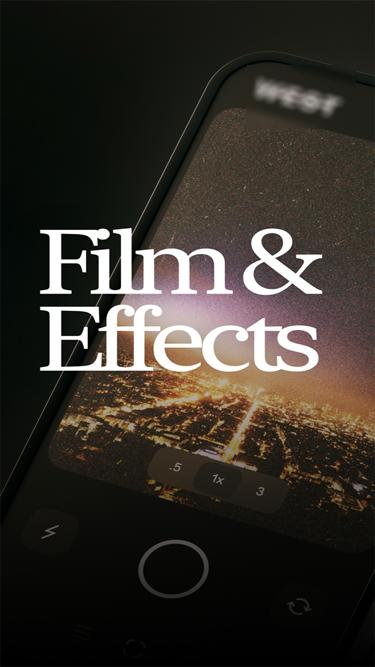
WEST: film & effects suits users who want a film look for photos without complex editing. You can capture photos and apply handcrafted presets that emulate real film. Editing stays simple, so you focus on color, grain, and mood. For manual setup, the WEST: film & effects APK can be installed on Android devices. Grain and texture are applied automatically to emulate film, which helps keep results consistent. Effects are available to make each shot feel distinctive.
Color Film Presets
WEST: film & effects includes West 1000, 2000, 3000, and B&W presets for quick color choices. Apply a preset to set the overall tone before moving on.
Film Grain and Texture
Grain and texture are applied to emulate real film. This treatment adds character to colors and shadows. It complements the preset you choose.
Creative Effects
Apply light leaks, bloom, glitches, threshold, and more to shape the final image. Each effect adjusts how light and color read in the photo. Use them after choosing a preset for a cohesive look.
West Pro Upgrade
Upgrade to West Pro for advanced features and the ability to change the color preset, grain amount, and to apply effects. This gives more editing control when you need specific adjustments.
WEST: film & effects focuses on film-style looks using presets, grain, and creative effects. Choose a preset to set color, let grain and texture emulate film, then add effects if needed. For reliable performance, install the WEST: film & effects latest version.
Latest Version
1.0Uploaded by
Ko Ko Ko Min
Requires Android
Android 4.4+
Category
Free Photography AppContent Rating
Everyone
Report
Flag as inappropriateLast updated on Sep 12, 2022
Minor bug fixes and improvements. Install or update to the newest version to check it out!



APKPure - A multi-platform app store primarily focused on Android, providing extensive app-related content. Discover the app you want easier, faster, and safer, with quick and efficient downloads and installations.