Our website uses necessary cookies to enable basic functions and optional cookies to help us to enhance your user experience. Learn more about our cookie policy by clicking "Learn More".
Accept All Only Necessary Cookies
Web Video Cast | Browser to TV icon

Web Video Cast | Browser to TV


InstantBits Inc
5.12.12
  • 9.4
    87 Reviews
  • Apr 16, 2026
    Update date
  • 0/58
    Security
  • Everyone
  • Android 5.0+
    Android OS

About Web Video Cast | Browser to TV

Bernadine Wisoky avatar
Reviewed byBernadine WisokyContent Editor

Web Video Cast | Browser to TV is a video casting app that streams web and local media to your TV.

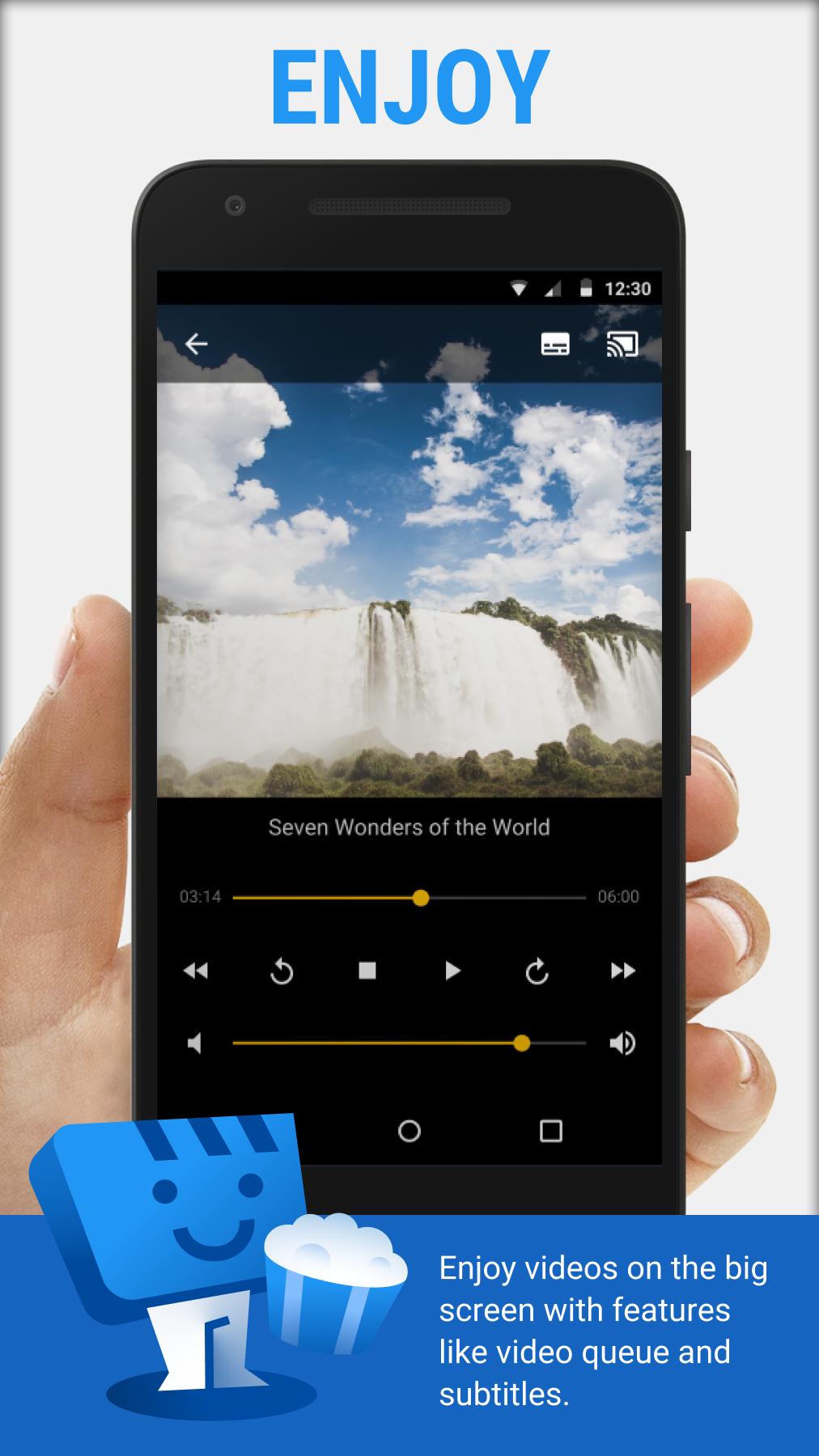
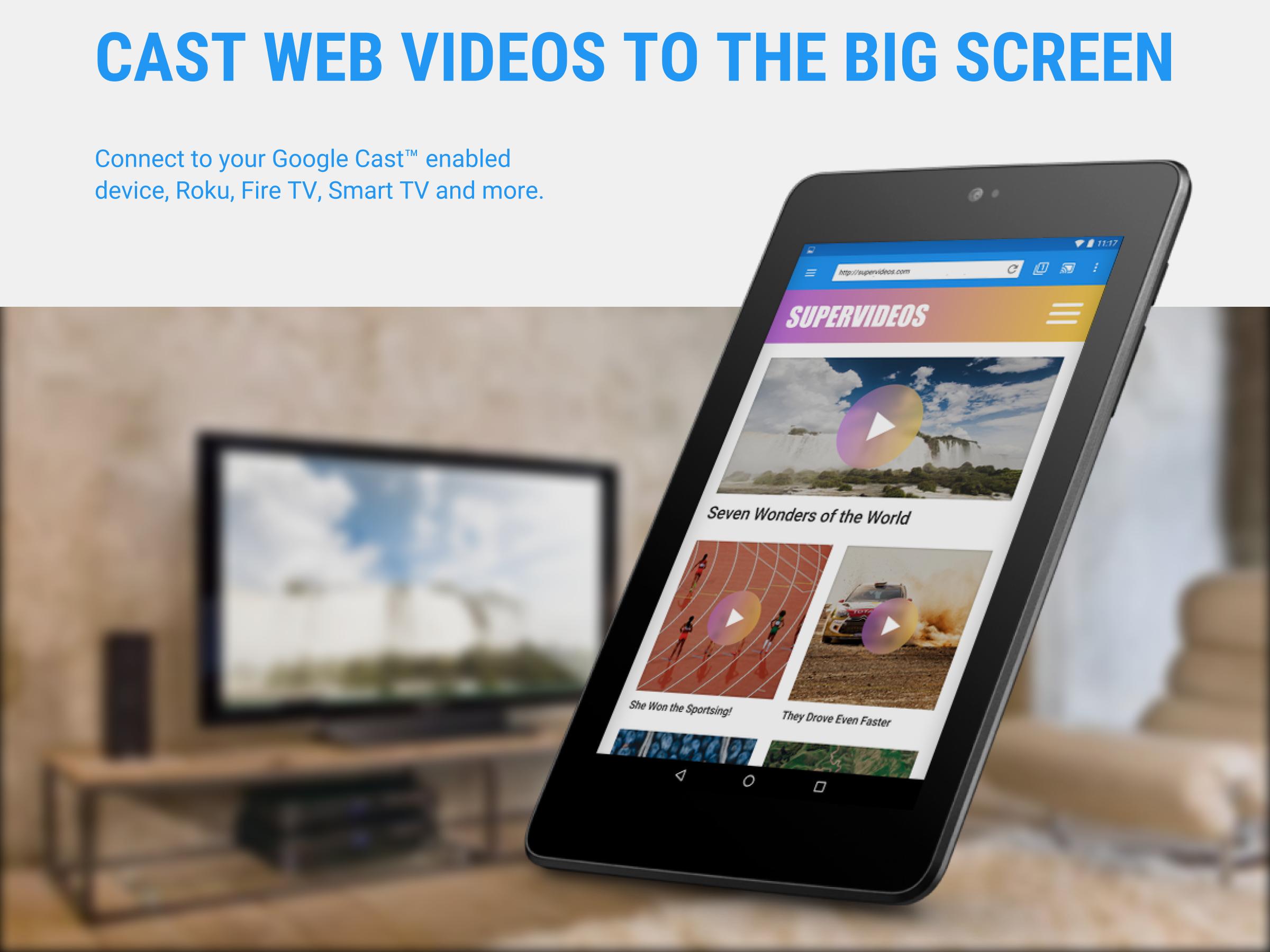
Web Video Cast | Browser to TV helps when you find a video online and want to watch it on a bigger screen. It opens websites inside the app browser and sends the actual media file to your TV or streaming device, so your phone stays free for other tasks. You can also choose videos, photos, or music stored on your device. Additionally, subtitle options are available when supported by the site or your files. To try it quickly, download Web Video Cast | Browser to TV and follow the on-screen steps.


Web Video Cast | Browser to TV Features

Broad device compatibility

Web Video Cast | Browser to TV works with Chromecast, Roku, DLNA receivers, Amazon Fire TV and Fire TV Stick. It also supports many Smart TVs from brands such as LG, Samsung, and Sony. PlayStation 4 can be used through its web browser. Many other TVs and browsers are supported through a companion web page.

Supported media types

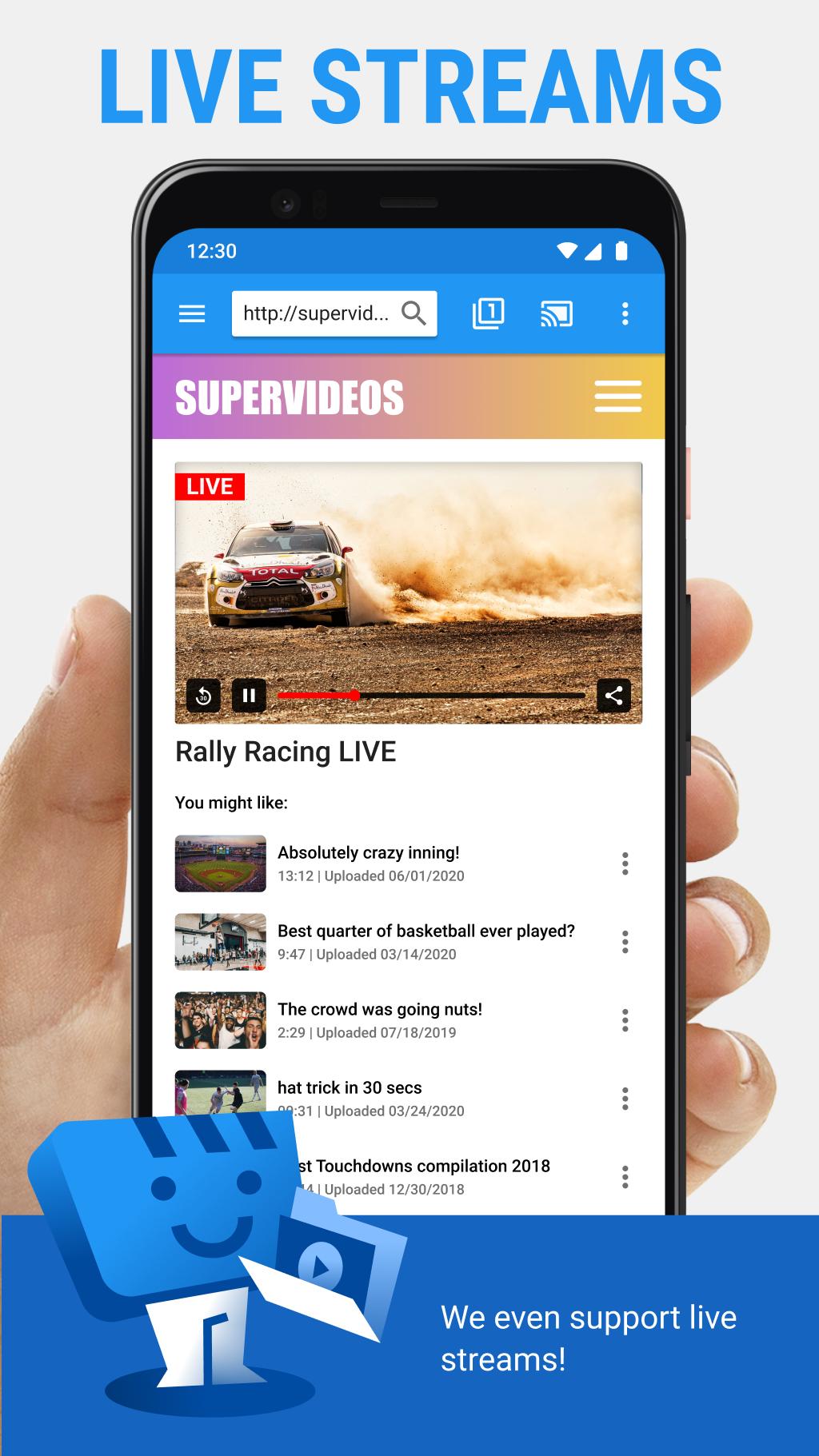
  • HLS live streams in M3U8 format when your device supports it.
  • Movies and TV shows in common formats such as MP4.
  • HTML5 videos on websites, when compatible.
  • Photos and audio files from your phone.

Subtitle options

You can use subtitles detected on the web page or load your own files. There is also an integrated search through OpenSubtitles to help you find matching subtitles for many videos. This gives you more control over how text appears on screen.

Simple start to cast

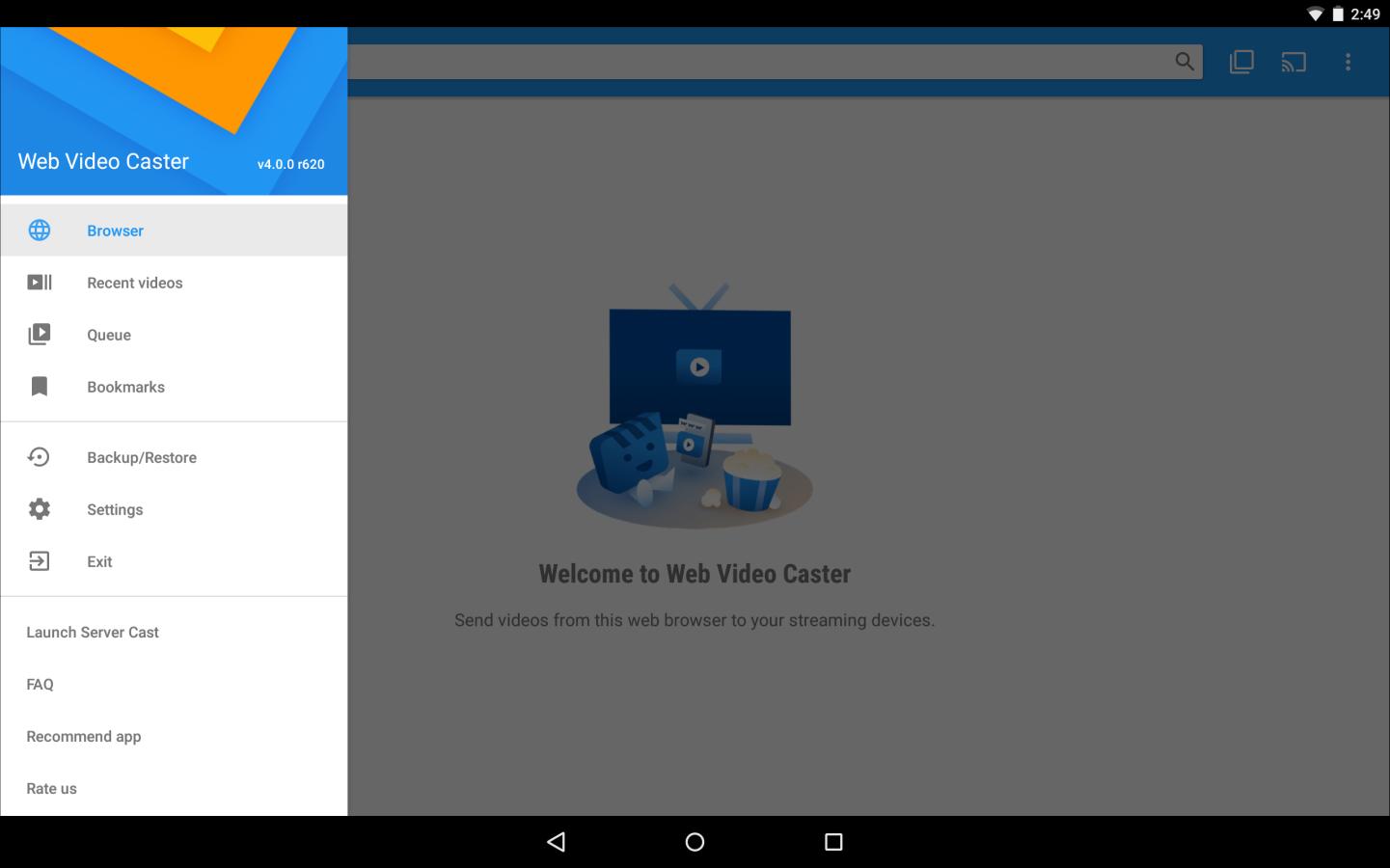
  • Browse a website or your phone to find a video, song, or photo.
  • Play it in the page, or long press a photo to send it.
  • Connect to your TV or streaming device and start casting.


Get started with casting on TV

This app sends the media file to your device instead of mirroring tabs. For best results, ensure your TV or receiver supports the video or audio format, since the app does not transcode. Install the Web Video Cast | Browser to TV APK to begin.

Show More

Additional APP Information

Latest Version

5.12.12

Uploaded by

พ.พี เด็กบ้านเหนือ

Requires Android

Android 5.0+

Available on

Content Rating

Everyone

Security Report

What's New in the Latest Version 5.12.12

Last updated on Apr 16, 2026

Bug fixes.

Show More
0/58
Scan Result: Secure
No security vendors flagged this file as malicious
No Virus
No Spyware
No Malware
No Virus
No Spyware
No Malware
Scan Date:Apr 16, 2026
Package Name:com.instantbits.cast.webvideo
SHA-256:f6e803420094dd45de44ae0128d5fd5fe61fc6a20ecd76bb583536bec708cce4
SHA-1:88164aeb267ea8b09419fa19ec08d1547900cbfc
Show More
View Security Report

Web Video Cast | Browser to TV Screenshots

Web Video Cast | Browser to TV posterWeb Video Cast | Browser to TV screenshot 1Web Video Cast | Browser to TV screenshot 2Web Video Cast | Browser to TV screenshot 3Web Video Cast | Browser to TV screenshot 4Web Video Cast | Browser to TV screenshot 5Web Video Cast | Browser to TV screenshot 6Web Video Cast | Browser to TV screenshot 7

Also available for other platforms

Web Video Cast | Browser to TV Articles

Subscribe to APKPure
Be the first to get access to the early release, news, and guides of the best Android games and apps.
No thanks
Sign Up
Subscribed Successfully!
You're now subscribed to APKPure.