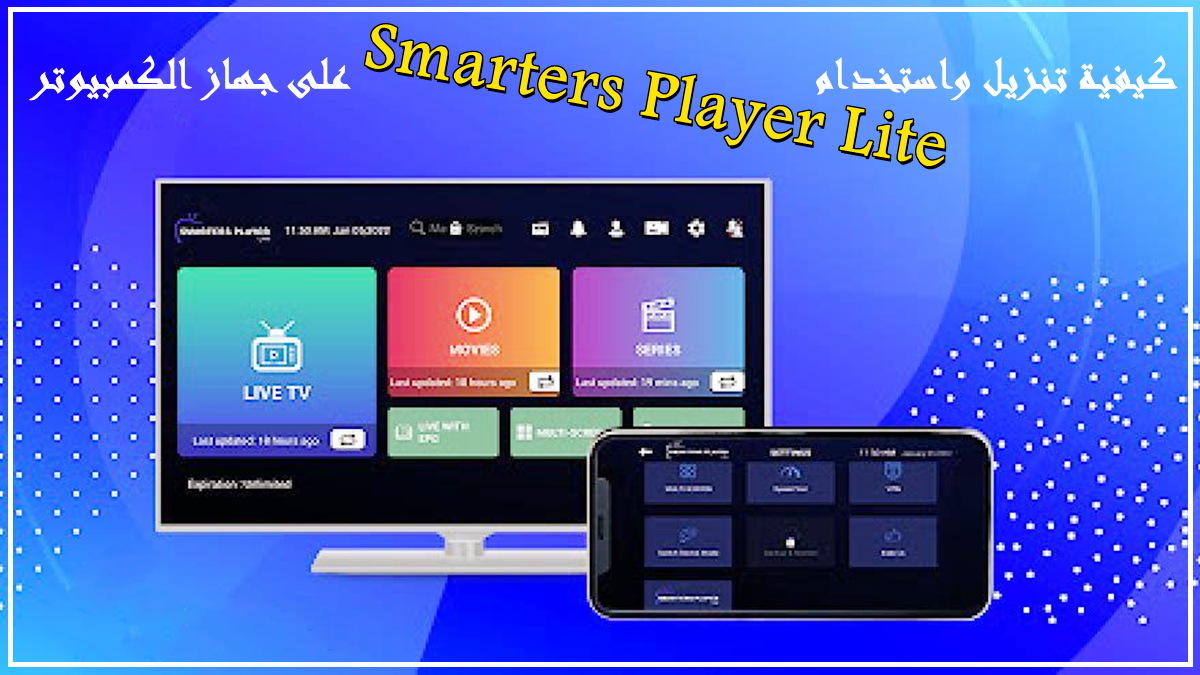

Smarters Player Lite helps you watch your own streams across phones, tablets, TVs, and desktop platforms with a simple interface. It reads multiple playlist formats and login types so you can connect the app to your provider with ease. The focus is on straightforward playback and clear navigation for Live TV, on-demand libraries, and radio. And it works with local audio and video files as well. Users should note that this app does not include channels or playlists. To use Smarters Player Lite on Android, you must add your own M3U or Xtream Codes API details from a provider first.
Play your own content
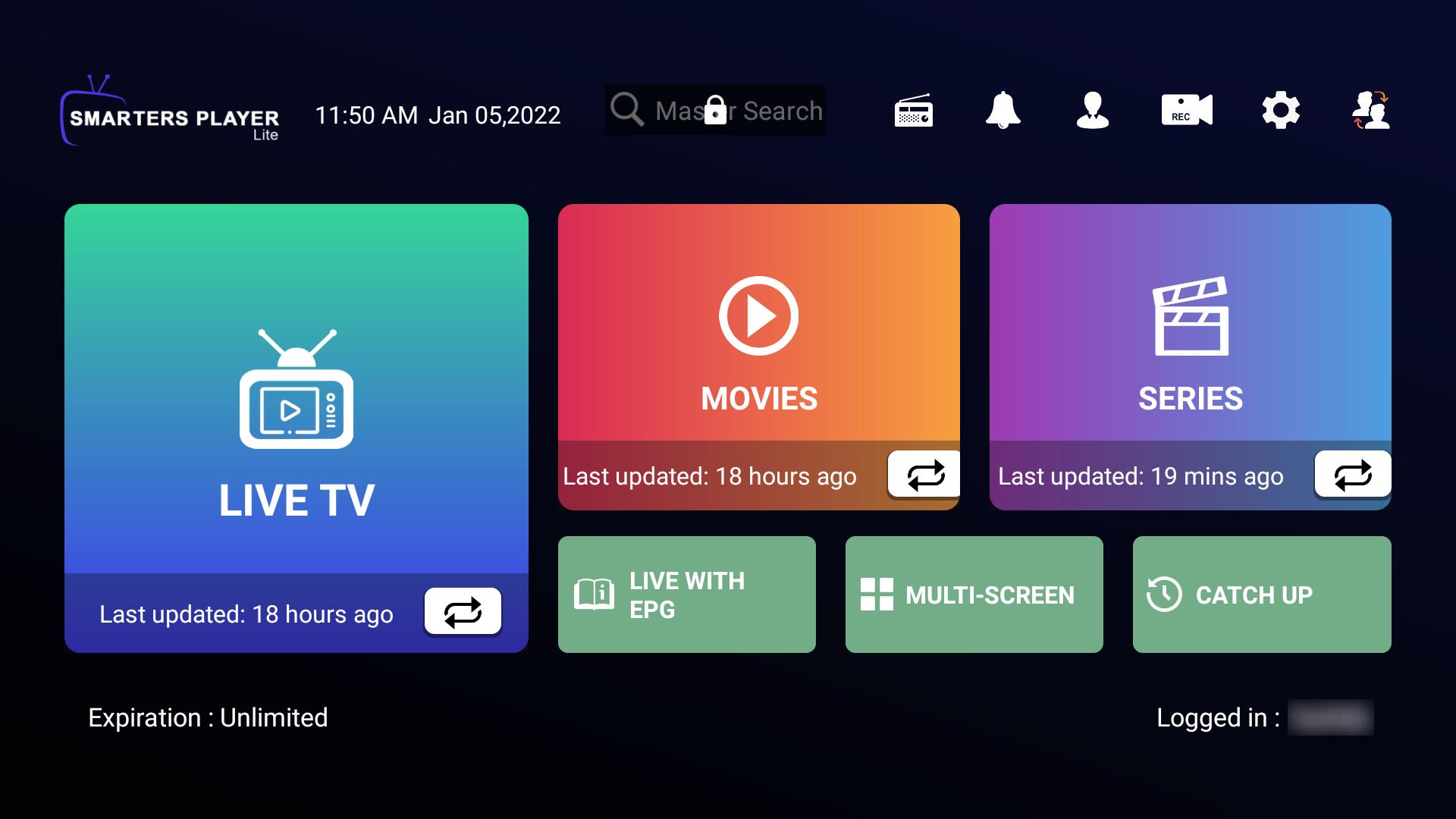
Smarters Player Lite lets you stream Live TV, Movies, Series, and Radio from your own provider. You can also open local audio and video files stored on your device. Therefore, you can keep all the viewing in one place.
Flexible login and playlists
Smarters Player Lite supports Xtream Codes API, M3U and M3U8 links, single stream URLs, and local playlist files. You can also choose external players when needed. This flexibility makes setup quick with most providers.
TV guide and catch-up
Smarters Player Lite reads an electronic program guide and also supports external EPG sources. You can enable TV Catch Up where your provider offers it. As a result, you can browse schedules and replay eligible programs.
Better watching flow
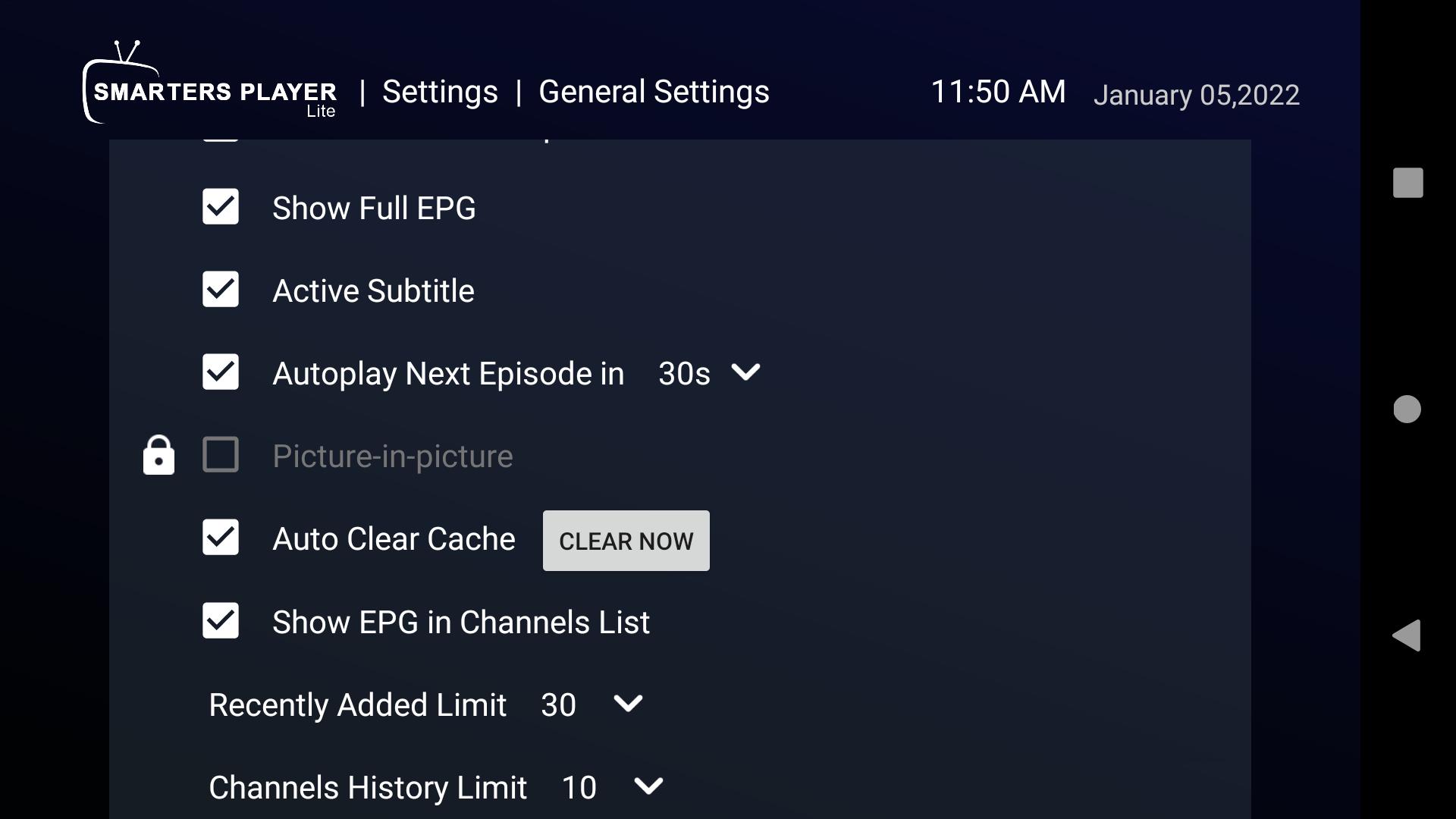
Smarters Player Lite keeps your place with Continue Watching and an episode resume bar. It can auto next to the following episode in a series. In addition, you can adjust the buffer and choose the built-in player or an external player.
Profiles and parental controls
You can create multiple user profiles for households and guests. Smarters Player Lite includes parental controls to restrict content by category or profile. This helps you manage what younger viewers can access.
Ready for many devices
Smarters Player Lite works on Android phones and TVs, Firestick, and Google TV through Downloader, and other popular platforms. The app also includes a speed test, optional VPN integration, and dynamic language switching. Therefore, it is practical in different network and language environments.
Smarters Player Lite does not provide any channels or media. You must bring your own playlist or Xtream API credentials from an IPTV provider. Moreover, the app only acts as a player and organizer for your streams. For best results, use reputable providers and add their EPG link when available. A VPN can be used as a general privacy practice, although it is optional and depends on your region and provider.
You can use Smarters Player Lite on Firestick or Google TV by installing it with the Downloader app. After installation, you sign in with your provider details in the same way as on mobile. This approach helps users who want a living room setup with a remote-friendly interface.
Use this quick guide to add your provider and start watching. The process is similar across phones, tablets, and TV devices.
Download Smarters Player Lite latest version APK on APKPure, install it on your device, and open the app.
Choose a login type. Add Xtream Codes API credentials or paste an M3U or M3U8 URL from your provider. You can also import a local playlist file.
After the app loads your catalog, browse Live TV, Movies, Series, or Radio. Use search and categories to locate channels and titles.
Then add your EPG link if your provider supplies one, and enable TV Catch Up in settings when supported.
So adjust player options such as buffer size, select the built-in or an external player, and set up profiles and parental controls if needed.
Smarters Player Lite offers a straightforward way to play Live TV, VOD, series, radio, and local files using your own playlists. Download the Smarters Player Lite latest version on APKPure to install quickly and start watching with your provider.
Is Smarters Player Lite free?
Yes, Smarters Player Lite is free to download, and you can install the Smarters Player Lite APK from APKPure. However, the app does not include channels, and your IPTV provider may charge for access to their playlists or Xtream API.
What is the difference between IPTV Smarters Pro and Lite?
IPTV Smarters Pro targets advanced users with more tools, while Smarters Player Lite focuses on essential playback and a simpler layout. If you want a lighter setup with fewer steps, Smarters Player Lite is usually the better fit.
Latest Version
5.1Uploaded by
Ricardo Silva
Requires Android
Android 4.2+
Category
Free Video Players & Editors AppContent Rating
Everyone
Report
Flag as inappropriateLast updated on May 2, 2022
Minor Changes.



APKPure - A multi-platform app store primarily focused on Android, providing extensive app-related content. Discover the app you want easier, faster, and safer, with quick and efficient downloads and installations.