
You can use the browser's "shared" to translate any mobile pages.
Features:
✔ Support a variety of browser translations - through the Google translation engine, will be able to translate the entire page into any language.
✔ Translate multiple languages.
✔ Simple Application.
✔ Should be lightweight.
How do I use web page translations?
Step 1. Open the browser.
Step 2. Select the page you want to translate.
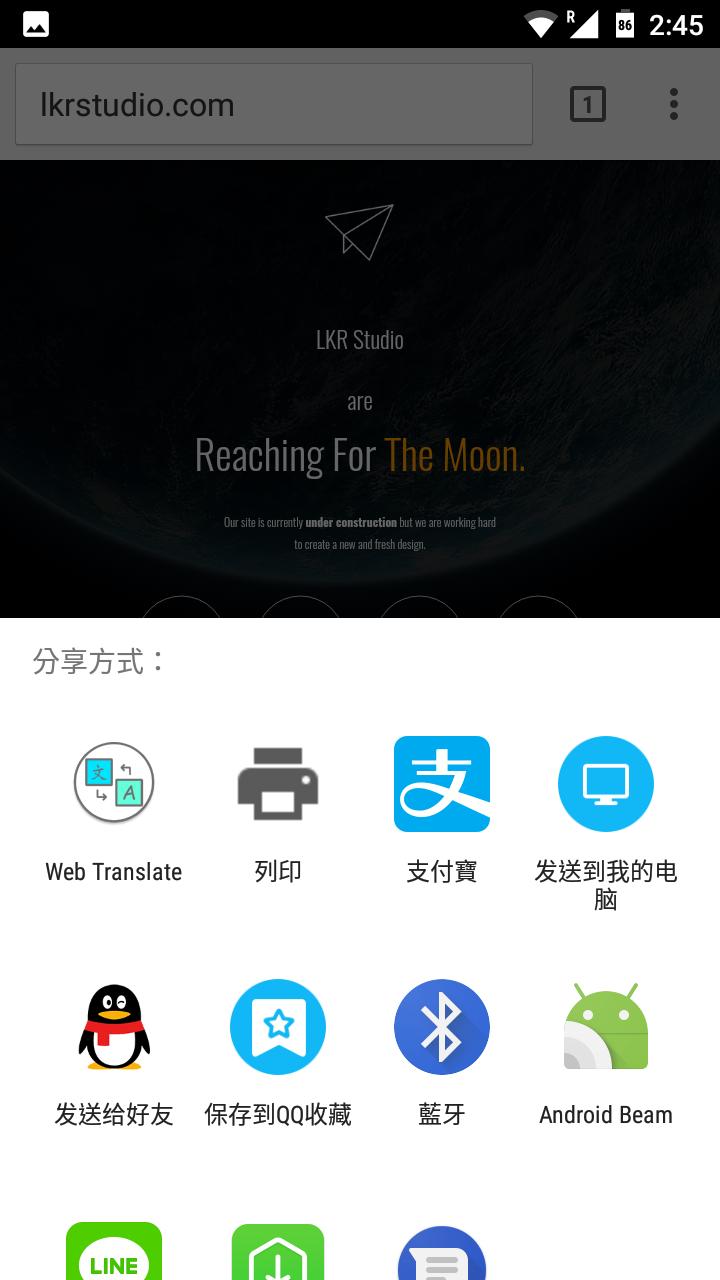
Step 3. Select "Browser Menu" -> "Share" -> "Web Translation"
Step 4. Select the target translation language from the list, and then click Translate.
Latest Version
1.7.0Uploaded by
Ivan Lovric
Requires Android
Android 4.3+
Category
Free Tools AppContent Rating
Everyone
Report
Flag as inappropriateLast updated on Jul 26, 2019
This release includes minor bug fixes and general improvements. Update to the latest version for the best experience.



APKPure - A multi-platform app store primarily focused on Android, providing extensive app-related content. Discover the app you want easier, faster, and safer, with quick and efficient downloads and installations.