
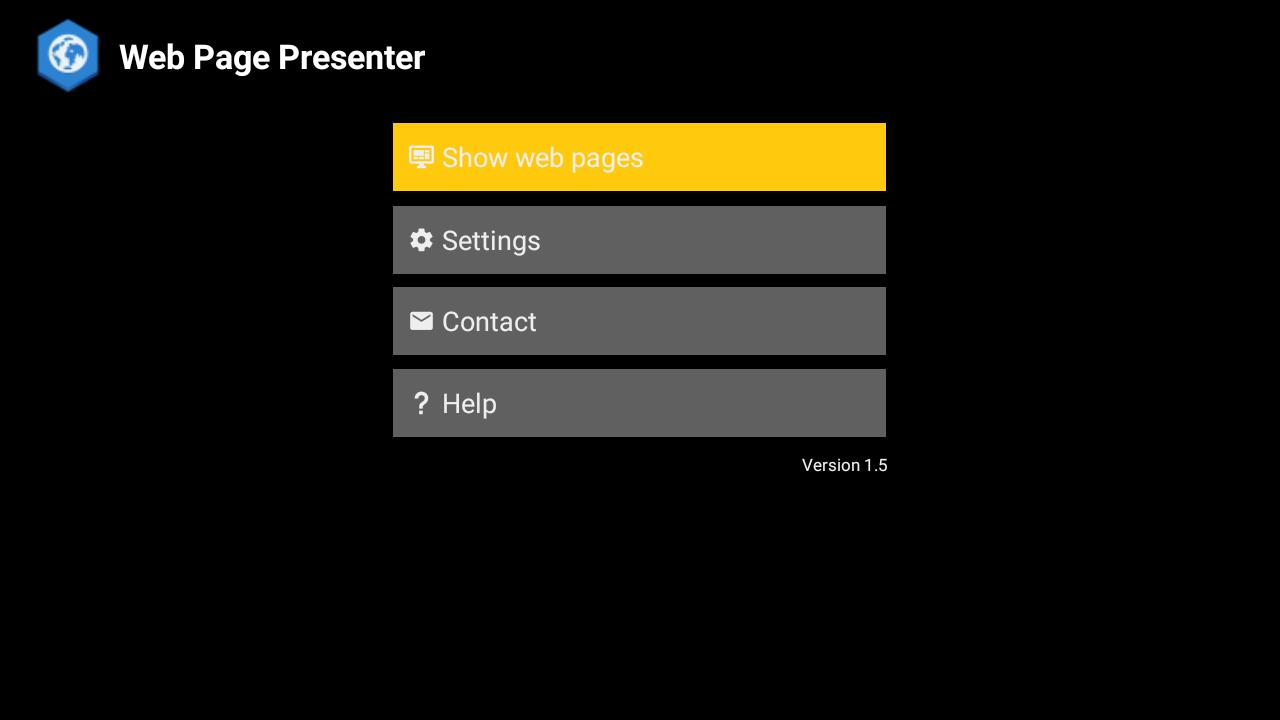
This simple app displays a sequence of web pages full screen without the address bar or tool bar.
It cycles through up to five URLs making it ideal for trade shows, display screens in public/reception areas etc.
Example content linked to by the app includes:
- Microsoft PowerPoint presentation embedded in a web page
- Google Slides presentation embedded in a web page
- Google map with live traffic
- Web cam showing a live fish tank(!)
Other uses could be for showing continuous stock updates or news tickers.
Main features:
- Uses Android's immersive mode (it hides Android's on-screen buttons)
- Choose the time delay between changing pages, or reloading the same page, or displaying only one page without changing
- Up to five URLs can loaded in sequence
- URLs are always loaded from the internet and not from the local cache so the displayed page is always the latest one available
- The app can prevent the device from sleeping while the app is running in the foreground.
- The app only cycles through URLs when it is in the foreground
This version of the app is limited to 5 minutes of display time. The full version is available here:
https://play.google.com/store/apps/details?id=com.circlecubed.webpagepresenterfull
If you have any questions, comments or feature requests then please email support@circlecubed.com
Latest Version
1.13Uploaded by
محسن الشامي
Requires Android
Android 5.0+
Category
Free Communication AppContent Rating
Everyone
Report
Flag as inappropriateLast updated on Feb 20, 2023
Scale and navigation options moved to Settings menu
Scale and navigation options can now be saved
Link provided to full version of the app





APKPure - A multi-platform app store primarily focused on Android, providing extensive app-related content. Discover the app you want easier, faster, and safer, with quick and efficient downloads and installations.