⛅Weather Widget - Weather Widget Transparent S8⛅
ComprehensiveReal-Time Weather, 5 days weather forecast, clock & calendar...
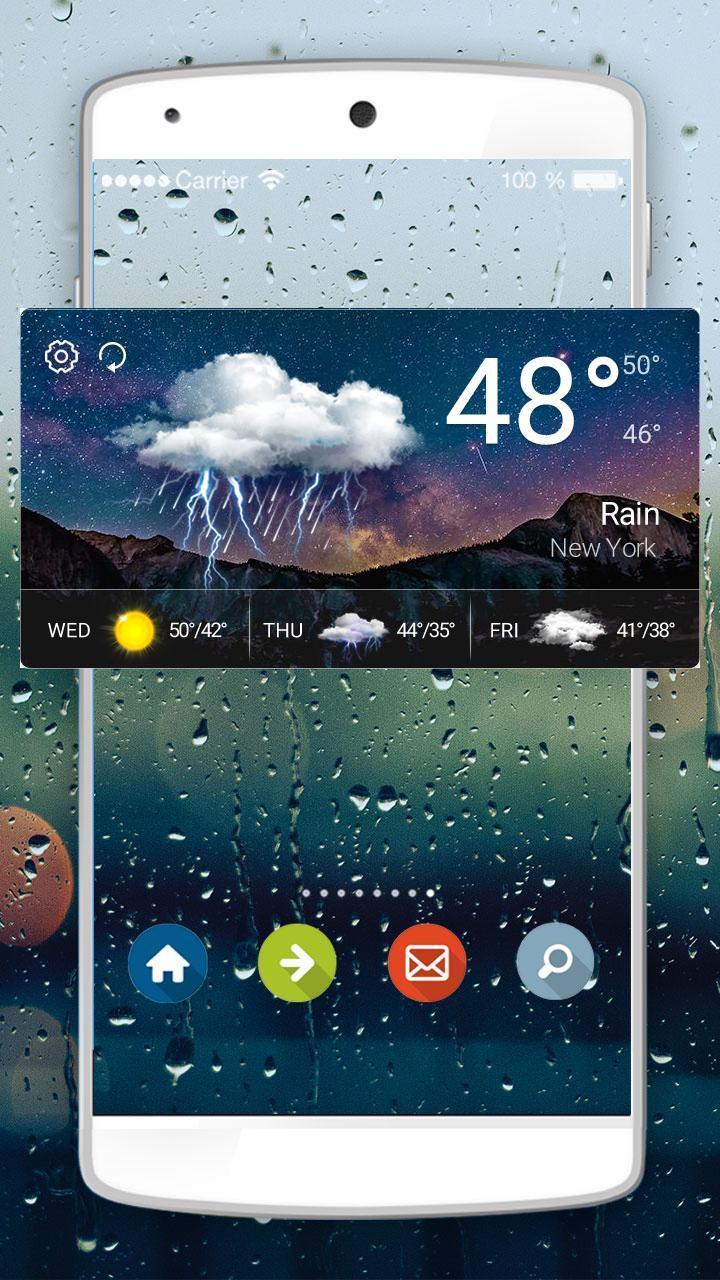
❄How to Apply Weather Widget - Weather Widget Transparent S8:❄Step 1: Download Weather Widget - Weather Widget Transparent S8 and Weather Radar & Forecast app.Step 2: Long press screen & click [Widget].Step 3:Find Weather Widget - Weather Widget Transparent S8 & drag it to your desktop .
ConvenientJust put this weather widget on your desktop & get weather information conveniently.
⛅Main Features⛅Weather Widget Transparent S8 ThemeHave fun!UsefulAll useful weather information & weather forecast.
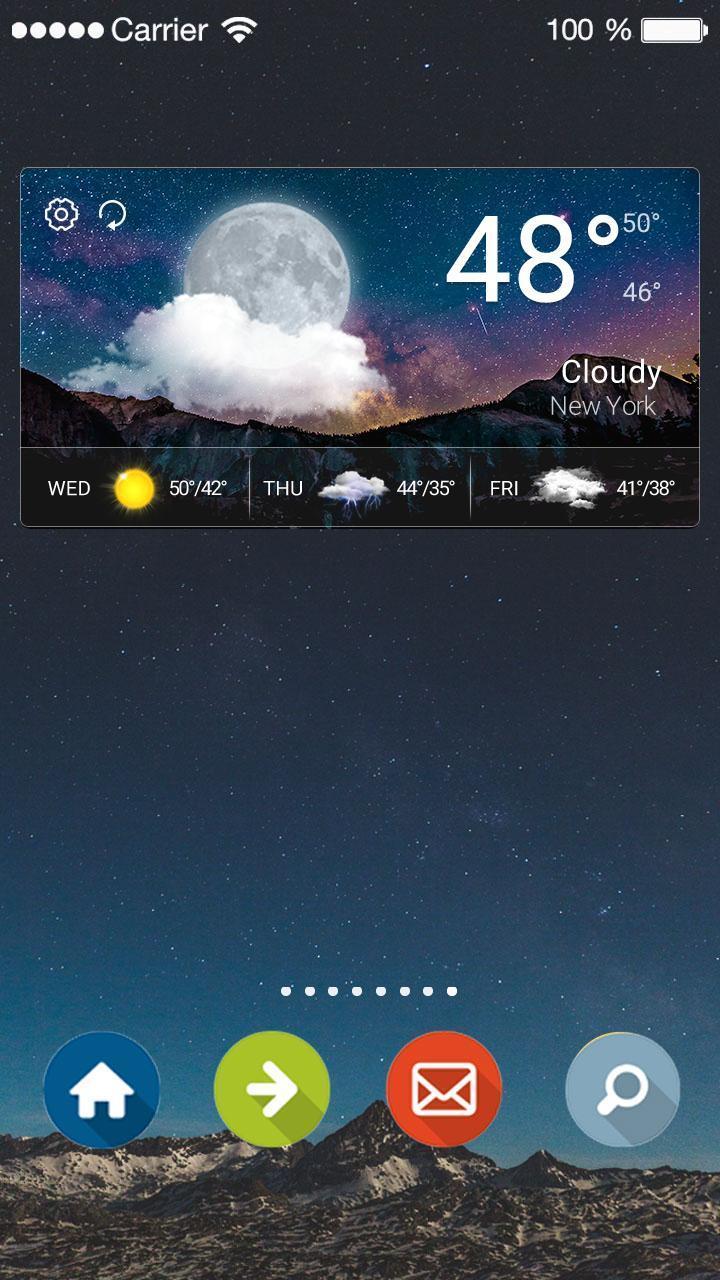
Weather information & patterns change automatically according to weather condition.
⛅What's Weather Widget - Weather Widget Transparent S8?⛅ Real-Time Weather: Real-time temperature.Weather Forecast: Weather forecasts for 5 days. Clock & Calendar: Useful clock to decorate your desktop.Location: Weather radar helps to choose and save different locations.
❄Real-time weather, weather forecast & clock widget.❄
Contact Us:Email:weathercontactus@gmail.com
Privacy Policy: http://tianqi.mdc.akamaized.net/weather.html
Latest Version
1.0.0Uploaded by
Tamuna Birkaze
Requires Android
Android 4.2+
Category
Free Weather AppContent Rating
Everyone
Report
Flag as inappropriateLast updated on May 16, 2017
Minor bug fixes and improvements. Install or update to the newest version to check it out!



APKPure - A multi-platform app store primarily focused on Android, providing extensive app-related content. Discover the app you want easier, faster, and safer, with quick and efficient downloads and installations.