Scan Date:Nov 24, 2024
Show More
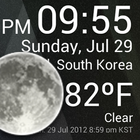
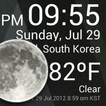
Check the Current Time and Weather Condition.
Simple and fast
Application uses less battery power.
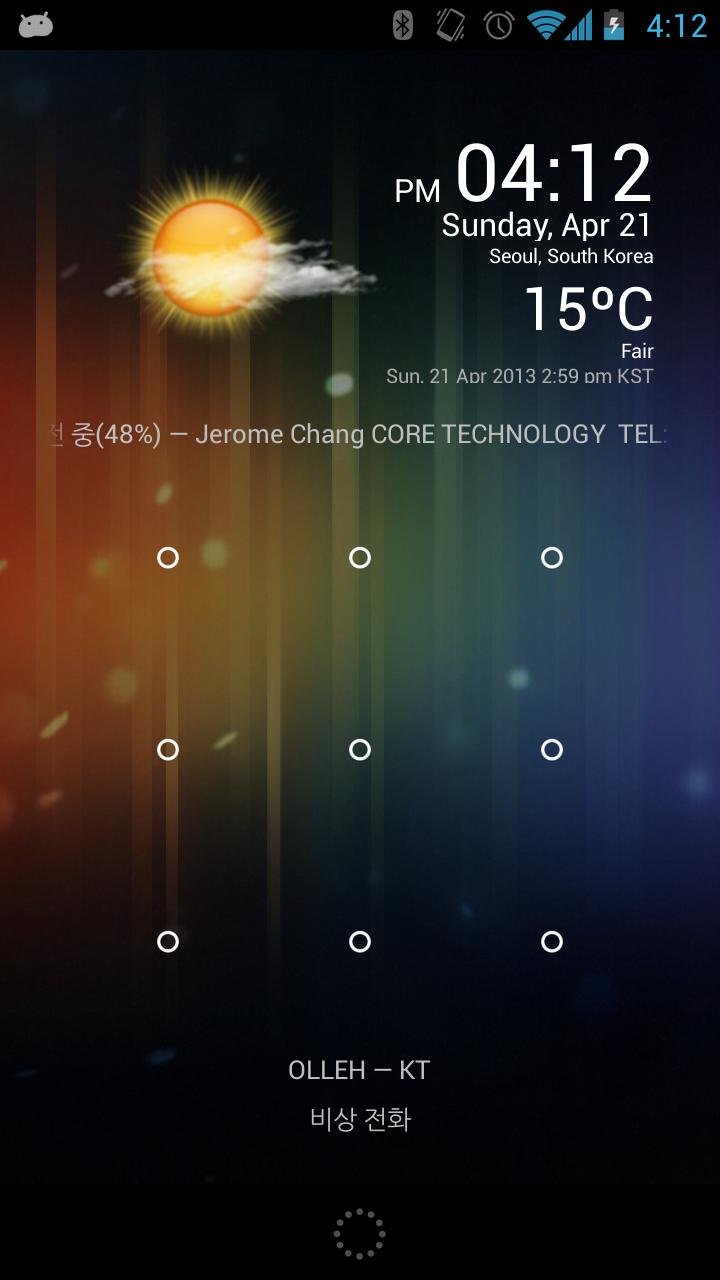
Weather Clock Widget is a replacement lock screen clock widget for Android 4.2+.
To add the widget to your Android 4.2 device's lock screen, simply swipe to the left-most page of your lock screen and touch the "+" icon. Then, select "Weather Clock Widget" to customize and add the widget. You can make this the primary lock screen widget, replacing the default clock, by first touching-and-holding it and then dragging it horizontally to the very rightmost position.
**Before running the application configuration is required.
SETTING: Settings->Location services->GPS satellites enable
To add a widget to a Home screen, follow these steps:
1. Touch and hold any empty section of a Home screen.
2. Touch Widgets.
3. Touch and hold a widget. You’ll see images of each Home screen.
4. Slide the widget to the Home screen image you prefer, then lift your finger.
or Home->Application Menu->Widget
https://support.google.com/nexus/answer/2781850?hl=en
Forecast On/Off: Touch the Weather Image
Latest Version
1.9.8.3-30Uploaded by
Sayar Chit
Requires Android
Android 4.4+
Category
Free Weather AppContent Rating
Everyone
Security Report
Report
Flag as inappropriateLast updated on Sep 2, 2018
ver.1.9.8.2
Update for Android O
ver.1.9.6.6
bug fixed.
ver.1.9.5.7
Low battery use.
ver.1.9.4
forecast
ver.1.9.3
hotfix
ver.1.9.2
improve Weather info.
ver.1.8.8
improve battery life.
ver.1.6.4
hotfix.
ver.1.6.2
Performance improvement.
ver.1.5.0
Replacement lock screen clock widget for Android 4.2+
ver.1.4.2
bug fixed.
ver.1.4.0
bug fixed.
ver.1.3.6
various bug fixed.
ver.1.3.0
bug fixed
ver.1.2.6
Improve GPS Accuracy
ver.1.0.0
Initial release



APKPure - A multi-platform app store primarily focused on Android, providing extensive app-related content. Discover the app you want easier, faster, and safer, with quick and efficient downloads and installations.