Scan Date:Jun 26, 2024
Show More

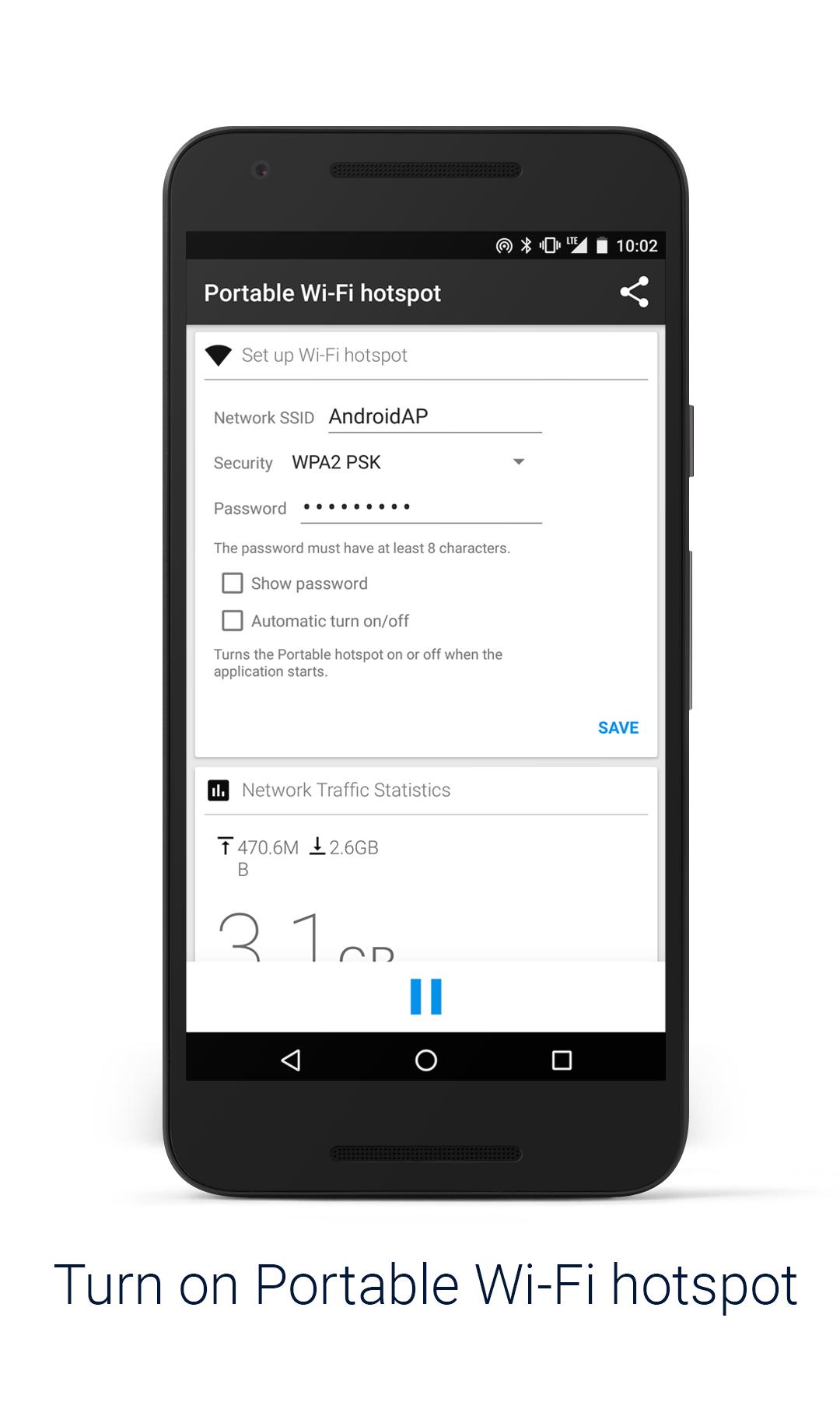
Turn on Portable Wi-Fi hotspot
Improve your mobile computing experience.
Simple and fast.
**Before running the application configuration is required.
SETTING: Settings->More..->Tethering & portable hotspot->Set up Wi-Fi hotspot
https://support.google.com/android/answer/182134
Rename or secure your portable hotspot
You can change the name of your phone's Wi-Fi network name (SSID) and secure its Wi-Fi network when it's acting as a portable hotspot.
Go to Settings > Wireless & networks > More > Tethering & portable hotspot.
Make sure Portable Wi-Fi hotspot is checked.
Touch Configure Wi-Fi hotspot.
The Configure Wi-Fi hotspot dialog opens.
Set your name and security options as follows:
Change the Network
TO USE: Just touch Portable Wi-Fi hotspot icon on / off
*Subscribing to smartphone data plan is needed for users of some telecommunication firms.
Latest Version
1.5.2.4-24Uploaded by
Rich Ania Cristobal
Requires Android
Android 4.0+
Category
Free Communication AppContent Rating
Everyone
Security Report
Report
Flag as inappropriateLast updated on Sep 12, 2018
✓Subscribing to smartphone data plan is needed for users of some telecommunication firms.
✓Some devices need to perform this step.
From a Home screen, navigate: Apps Apps icon > Settings > Mobile Hotspot and Tethering (Wireless and networks section).
Note These instructions apply to Standard mode only.
Tap Mobile Hotspot.
Tap the Mobile Hotspot switch to turn on Switch on or off Switch off.
Note If prompted, review the warning then tap OK to confirm.




APKPure - A multi-platform app store primarily focused on Android, providing extensive app-related content. Discover the app you want easier, faster, and safer, with quick and efficient downloads and installations.