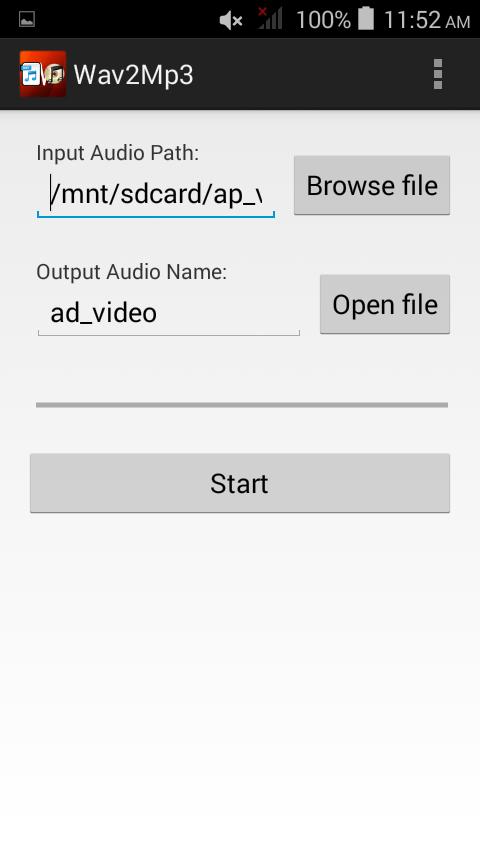
The free WAV to MP3 converter is a very user friendly tool that helps in easy conversion of any WAV file to MP3 within a few minutes. This app gives you the option of creating MP3s at 40-bit rates and three sampling rates and in two channels.
How to Use:
1- Open the apps on your mobile.
2- Search for your wav audio in your Music Library.
3- Go to Preferences and select Bitrate Sample, Rate & VBR Option.
4- Click to Start Button.
Latest Version
3.0Uploaded by
Anarat Sangkorn
Requires Android
Android 2.3.2+
Category
Free Music & Audio AppContent Rating
Everyone
Report
Flag as inappropriateLast updated on Aug 25, 2017
Minor bug fixes and improvements. Install or update to the newest version to check it out!




APKPure - A multi-platform app store primarily focused on Android, providing extensive app-related content. Discover the app you want easier, faster, and safer, with quick and efficient downloads and installations.