

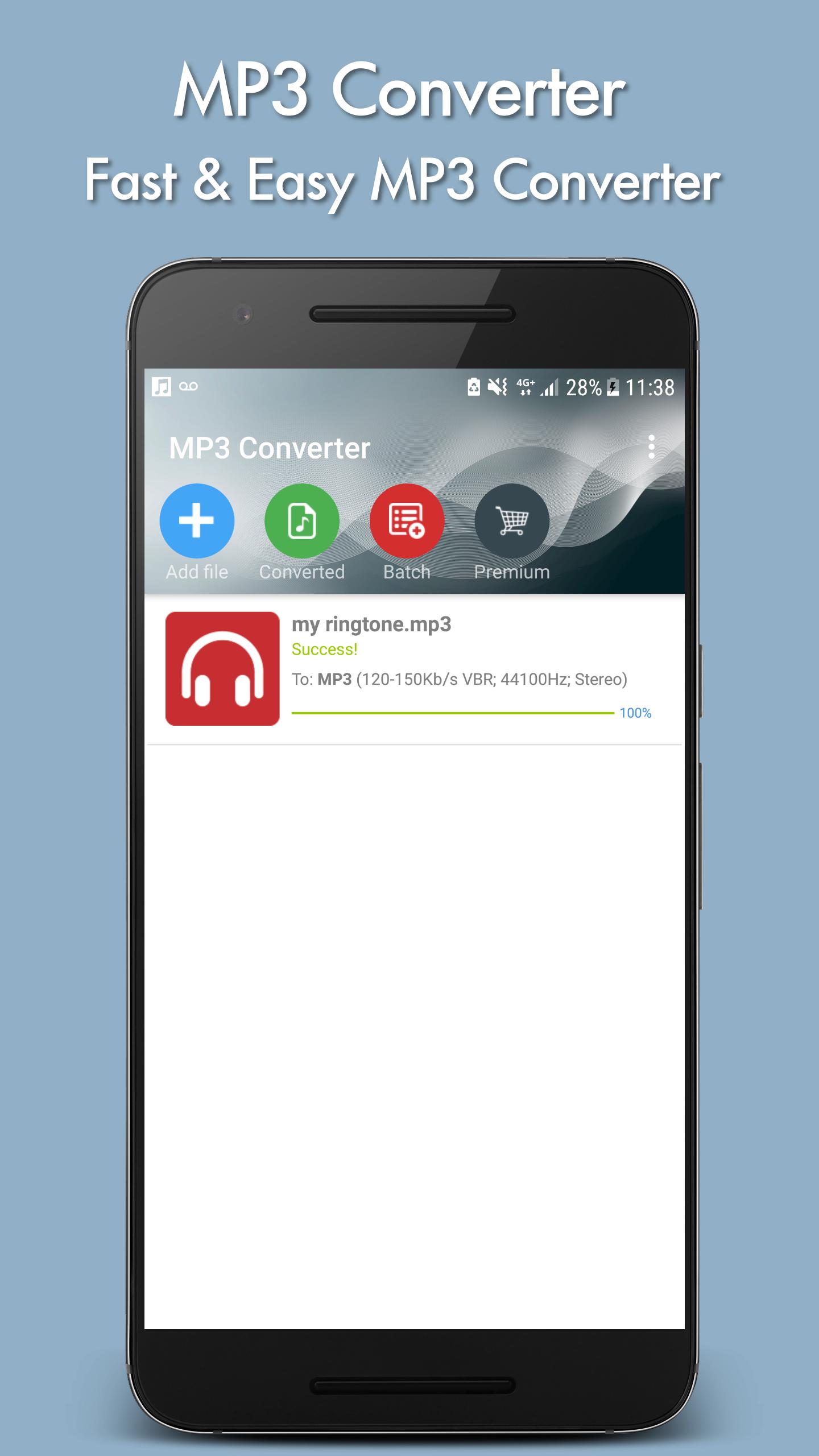
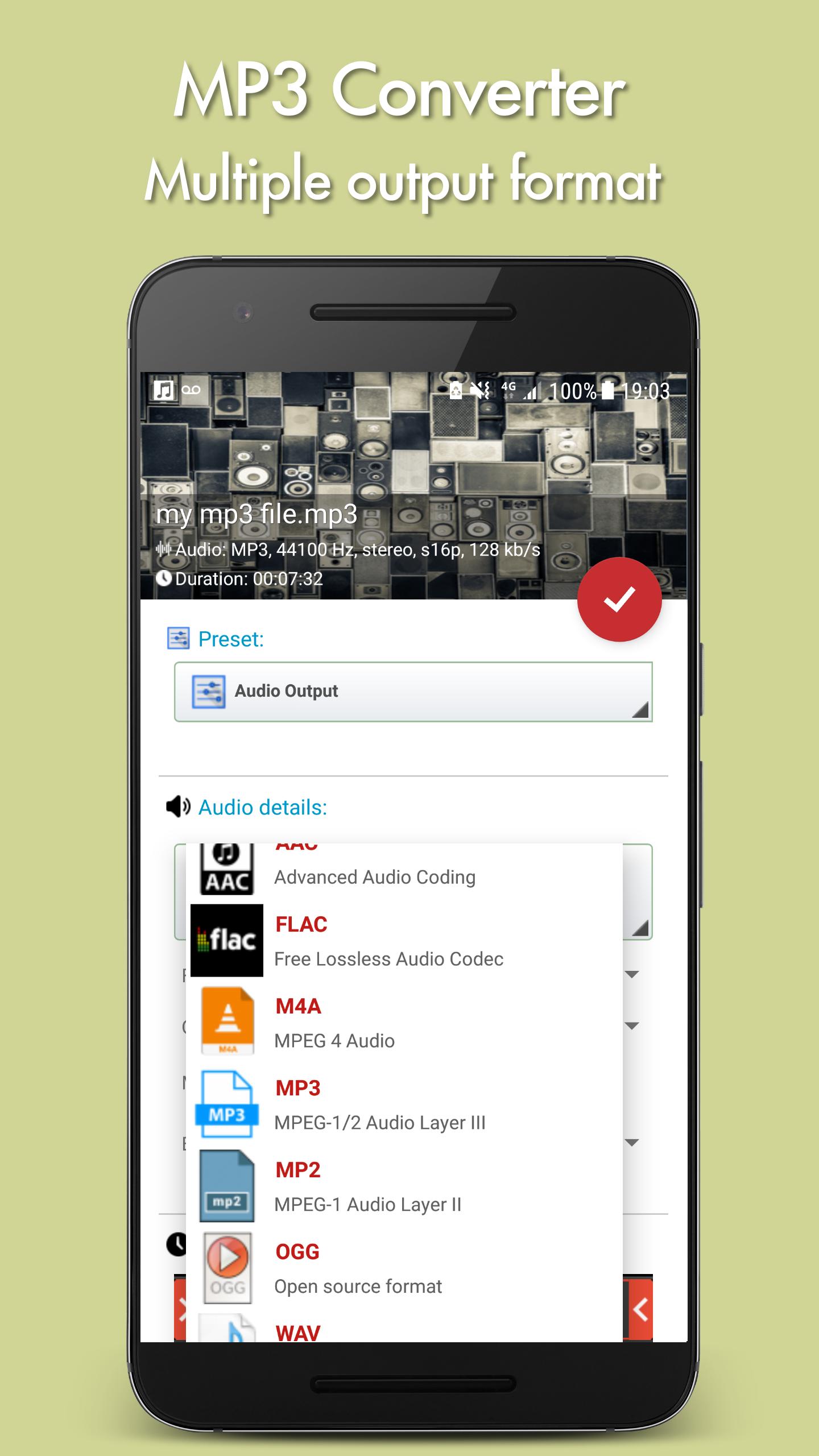
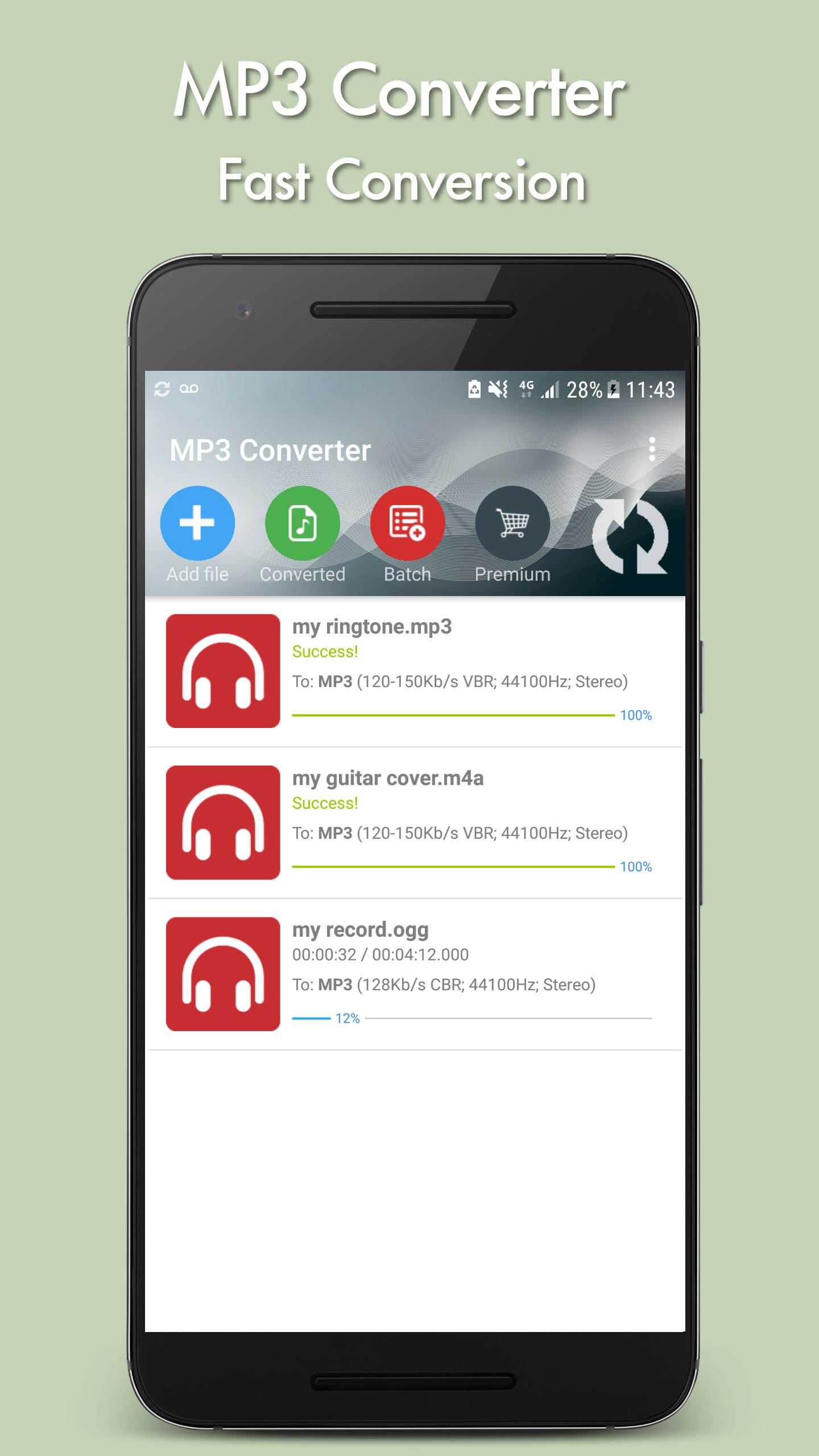
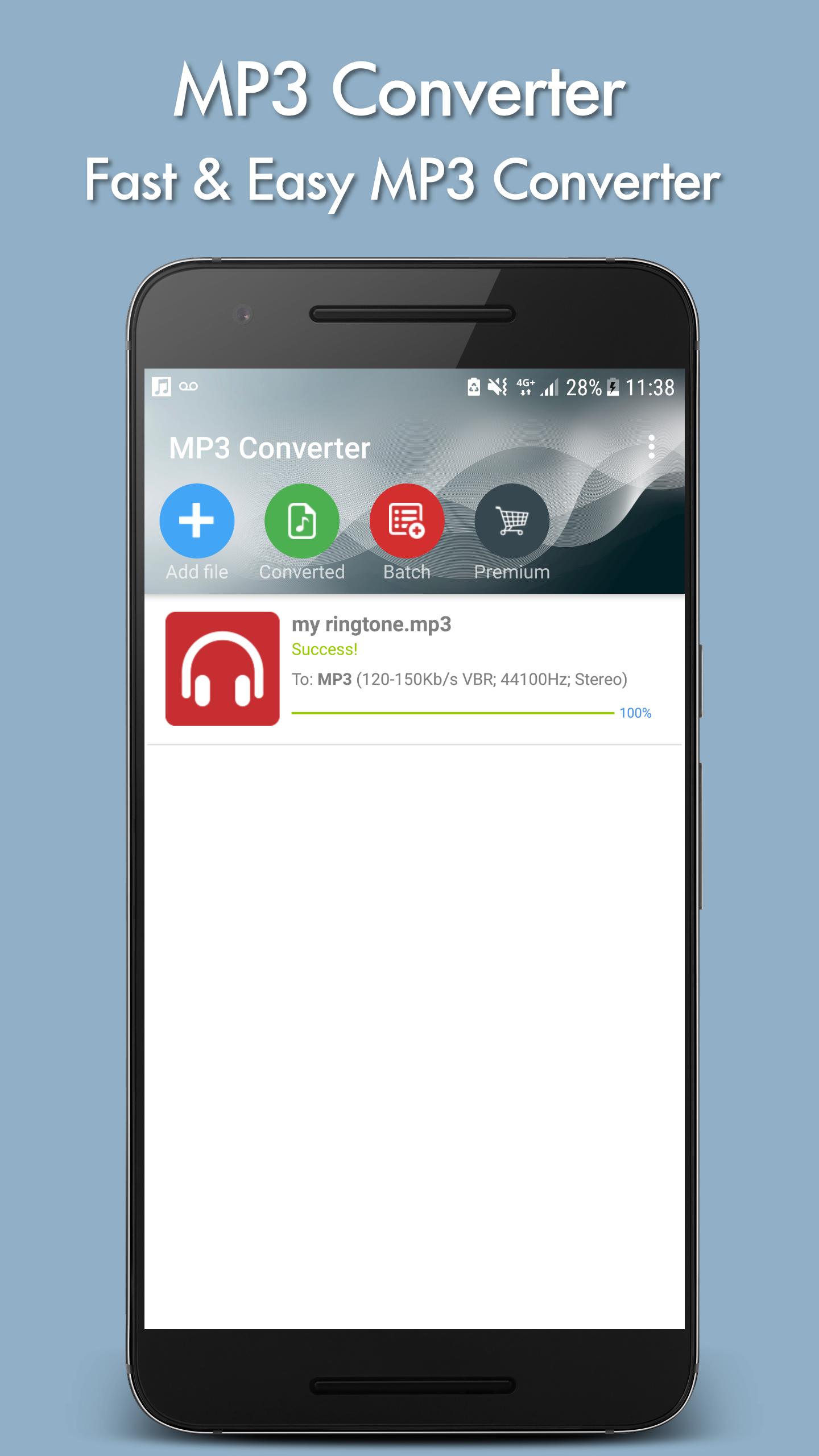
MP3 Converter helps when you have tracks in different formats and need one consistent type for playback or editing. It reads common files like MP3, FLAC, WMA, OGG, AAC, AC3, APE, WAV, and AIFF, then writes your selected output. You work with files stored on your phone, and the process runs on device. Conversion speed depends on your hardware. When you need a simple tool fast, you can download MP3 Converter and start converting without a long setup.
Flexible output and trimming
MP3 Converter lets you set frequency, bitrate, channels, start time, and duration to extract a section. You can create and save presets for common tasks so you do not repeat settings each time. Highest quality options are available after an in-app purchase.
Format support and simple conversions
The app uses FFmpeg for the encoding process to handle these common cases reliably.
Tags, volume, and background
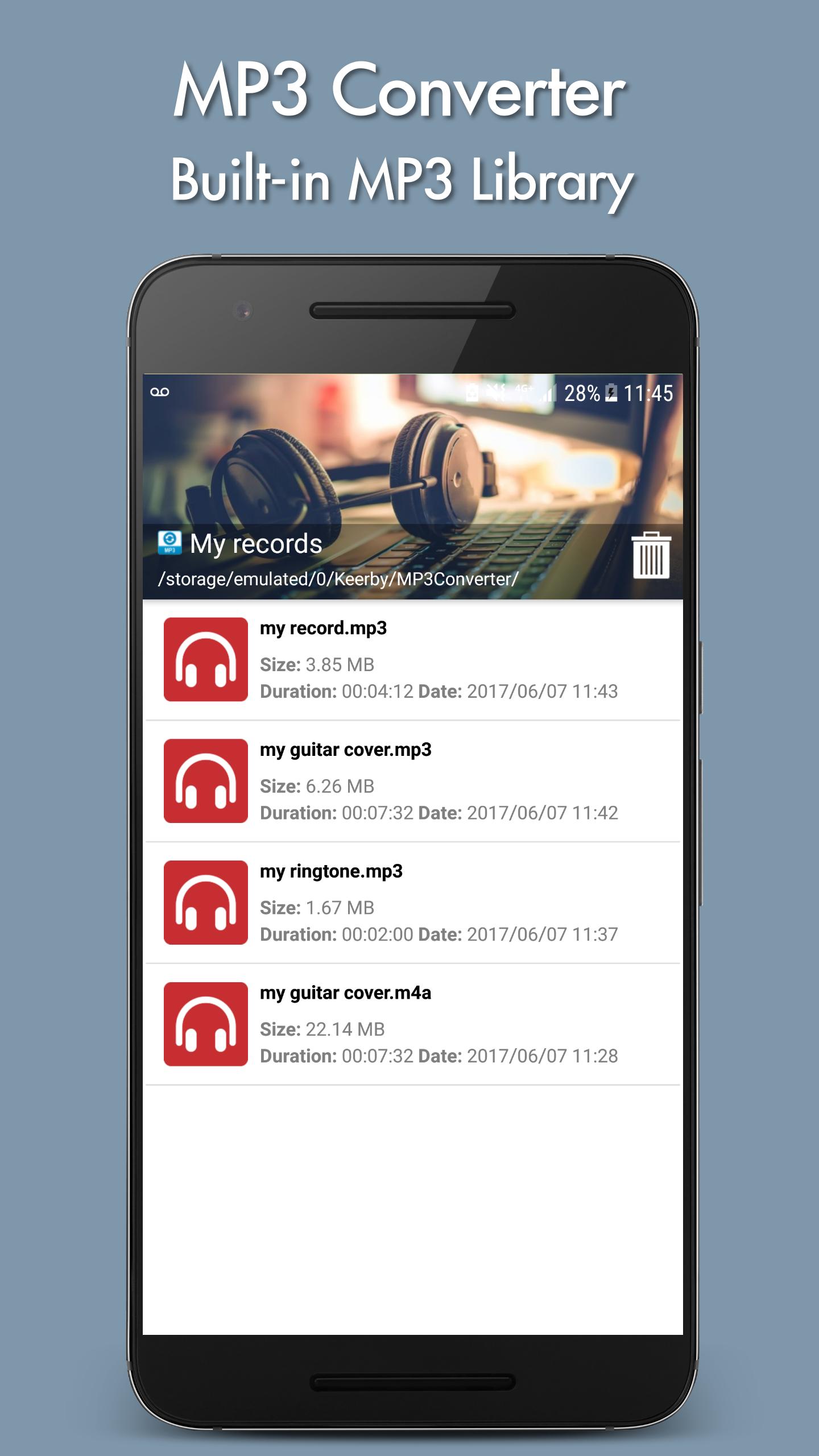
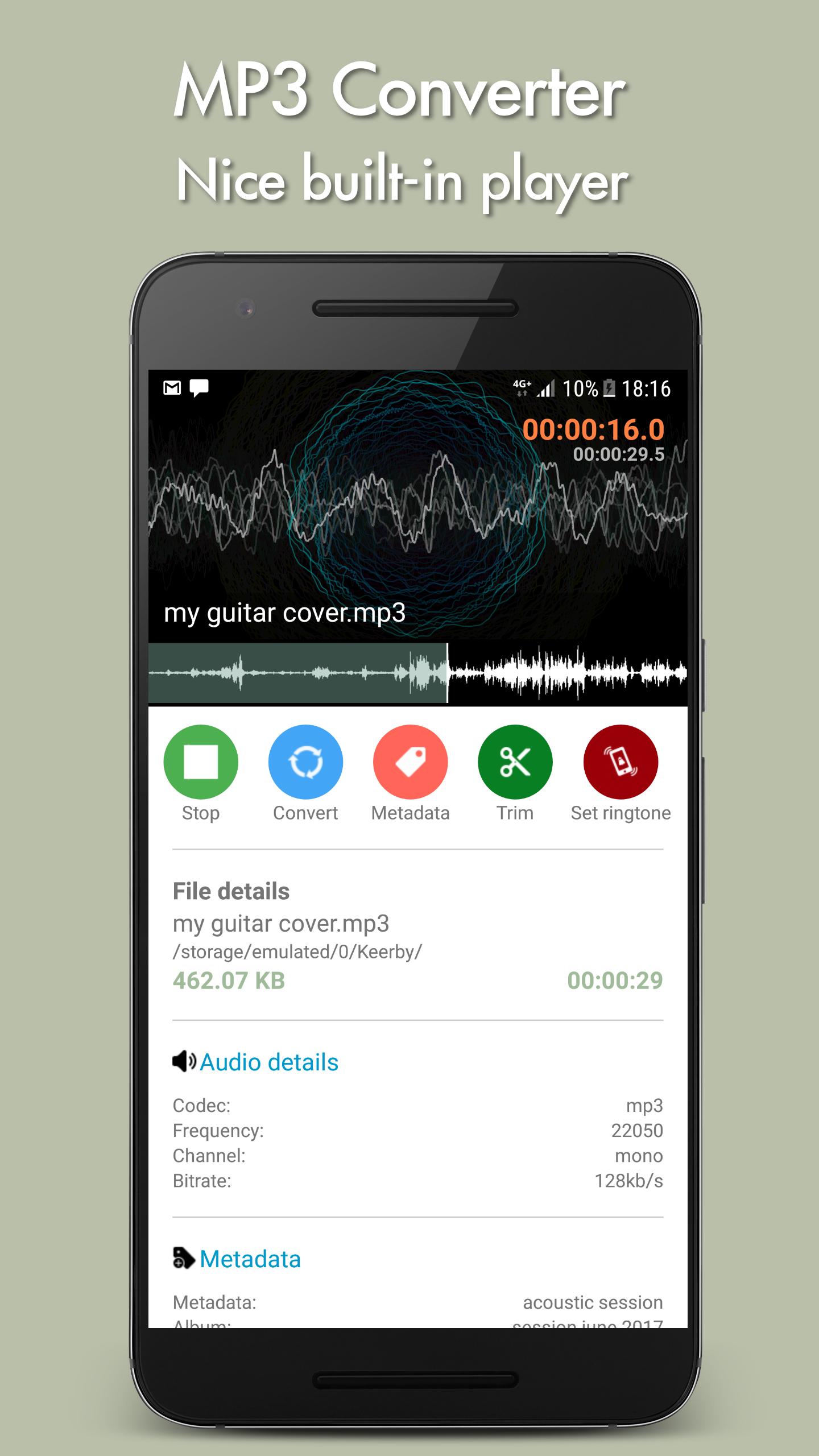
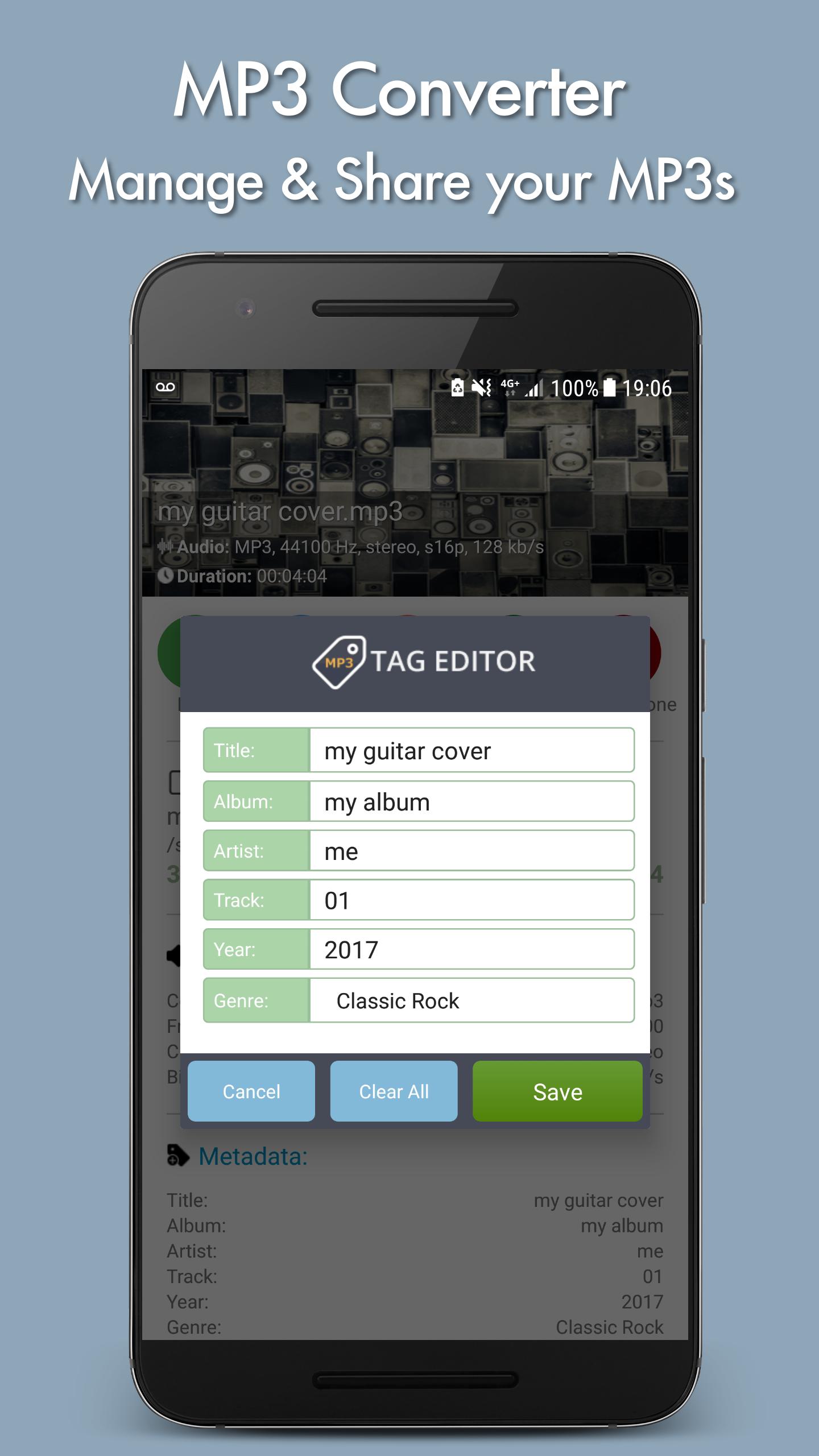
You can edit track metadata such as MP3 tags to keep your library organized. Volume adjustment lets you increase or decrease the audio level before exporting. Conversions continue in the background so you can use your phone. MP3 Converter APK processes audio stored on your device and does not download from websites.
Batch processing option
Premium users can enable batch mode to select a folder and automatically convert every file inside. This feature and some higher quality controls require an in-app purchase.
MP3 Converter provides clear tools for converting and organizing local audio. Install the MP3 Converter latest version to access current settings and compatibility updates. Set your format, run conversions in the background, and upgrade if needed for batch jobs and advanced quality controls.
Latest Version
5.48Uploaded by
Keerby
Requires Android
Android 8.0+
Category
Free Music & Audio AppContent Rating
Everyone
Report
Flag as inappropriateLast updated on Jan 7, 2024
++ updated SDK


APKPure - A multi-platform app store primarily focused on Android, providing extensive app-related content. Discover the app you want easier, faster, and safer, with quick and efficient downloads and installations.