Want to Convert WAV to MP3 file? WAV to MP3 Audio Converter app will convert WAV to MP3 format.
WAV To MP3 Converter app is a free, Superfast converter, simple and easy to use.
WAV to MP3 Audio Converter app is 100% offline & doesn't require internet service.
🎵 How to Convert WAV to MP3 file 🎵
1. Install the app and grant the permission to access the audio file.
2. Click on change folder button located below right bottom.
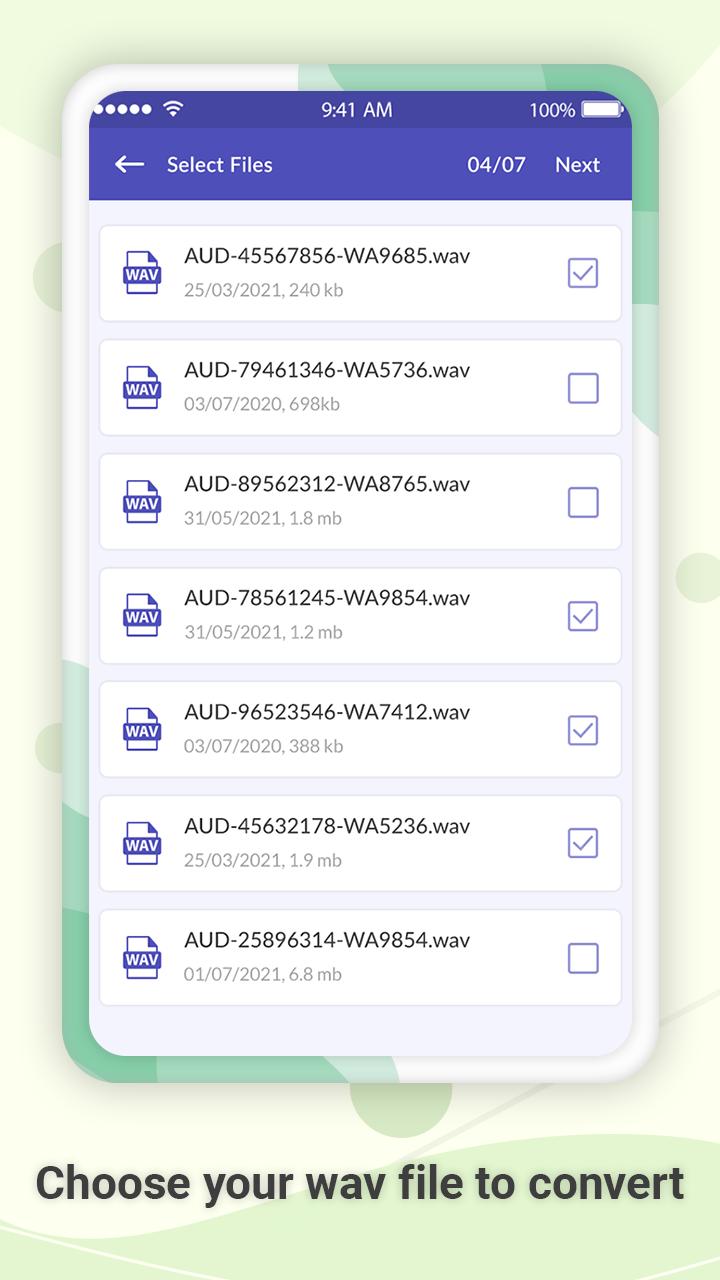
3. Select the WAV format file to convert it into MP3 format.
4. Click on next and then on convert.
5. You will get audio quality options like 320 Kbps, 256 Kbps, 192 Kbps and 128 Kbps to convert it into MP3 format.
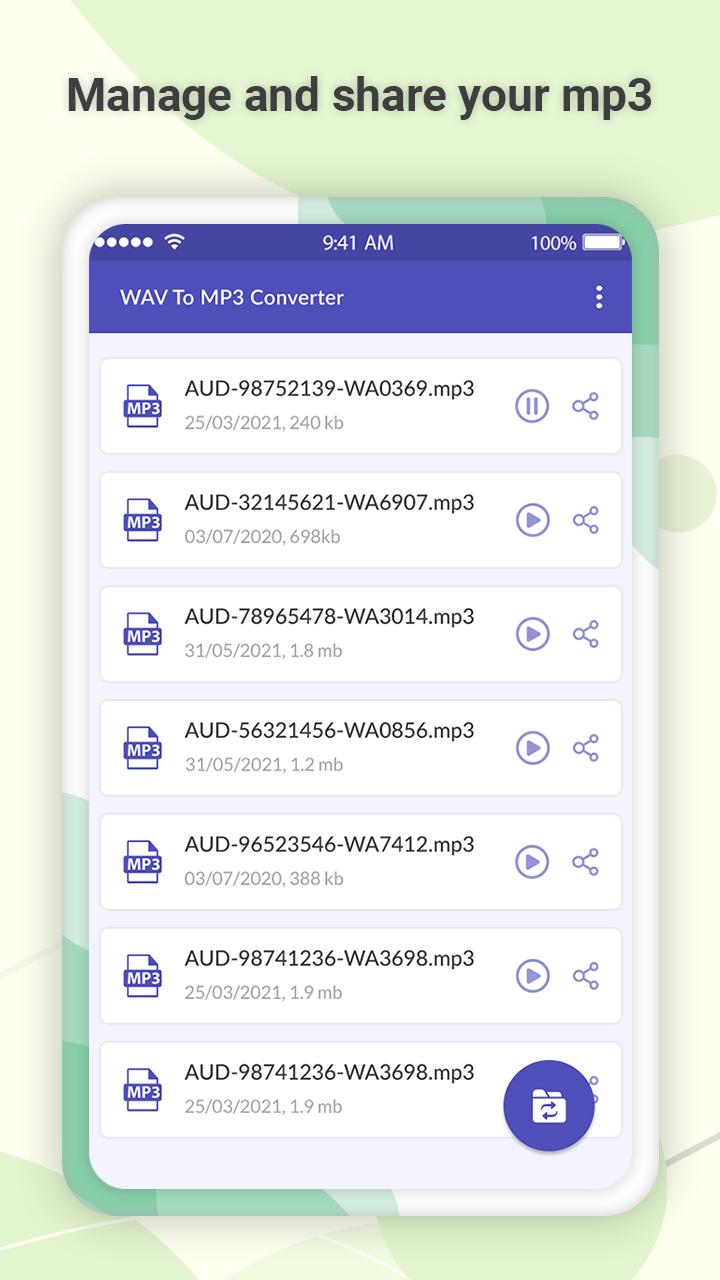
6. You will get converted WAV file to MP3 format on the top of list.
7. Furthermore, you can get preview and share the MP3 file with friends and family.
Quickly install the app, and convert WAV to MP3 file.!!
Latest Version
2.5Uploaded by
Ana Saif
Requires Android
Android 6.0+
Category
Free Productivity AppContent Rating
Everyone
Report
Flag as inappropriateLast updated on Nov 3, 2024
Minor bug fixes and improvements. Install or update to the newest version to check it out!


APKPure - A multi-platform app store primarily focused on Android, providing extensive app-related content. Discover the app you want easier, faster, and safer, with quick and efficient downloads and installations.