Package Name:com.taskara.wallop
SHA-256:b79b7fa9023815f2a8c7c5e2fd0449ee96ea5536d110beadc23be082cd97e17f
Show More
Walls of text? Give them a Wallop.
Long articles, huge posts and endless emails are hard work on a phone. Your eyes hop from word to word, drift back, and lose their place at the end of every line. Wallop shows you one word at a time, always in the same spot, with one letter marked in red so your eye knows exactly where to land. Nothing to scan, nothing to chase. Just the words, at whatever pace you choose.
WHAT IS RSVP?
Wallop uses RSVP (rapid serial visual presentation), a speed reading method where the words come to you one at a time in a single spot, instead of your eyes travelling along every line. Cutting out that eye movement is what lets you read faster and stay focused.
HOW IT WORKS
• Share it: on a news story, blog, Wikipedia page or X post, tap Share, then Read with Wallop. Wallop fetches the whole article and leaves out the menus and clutter. It works for long X posts too.
• Or select it: highlight text in almost any app, then tap Wallop it.
• Or copy it: tap Copy anywhere, open Wallop and tap Read what you copied. You can also paste anything straight into Wallop.
Wallop opens as a card that floats over the app you're in. Close it and you're exactly where you were.
READ YOUR WAY
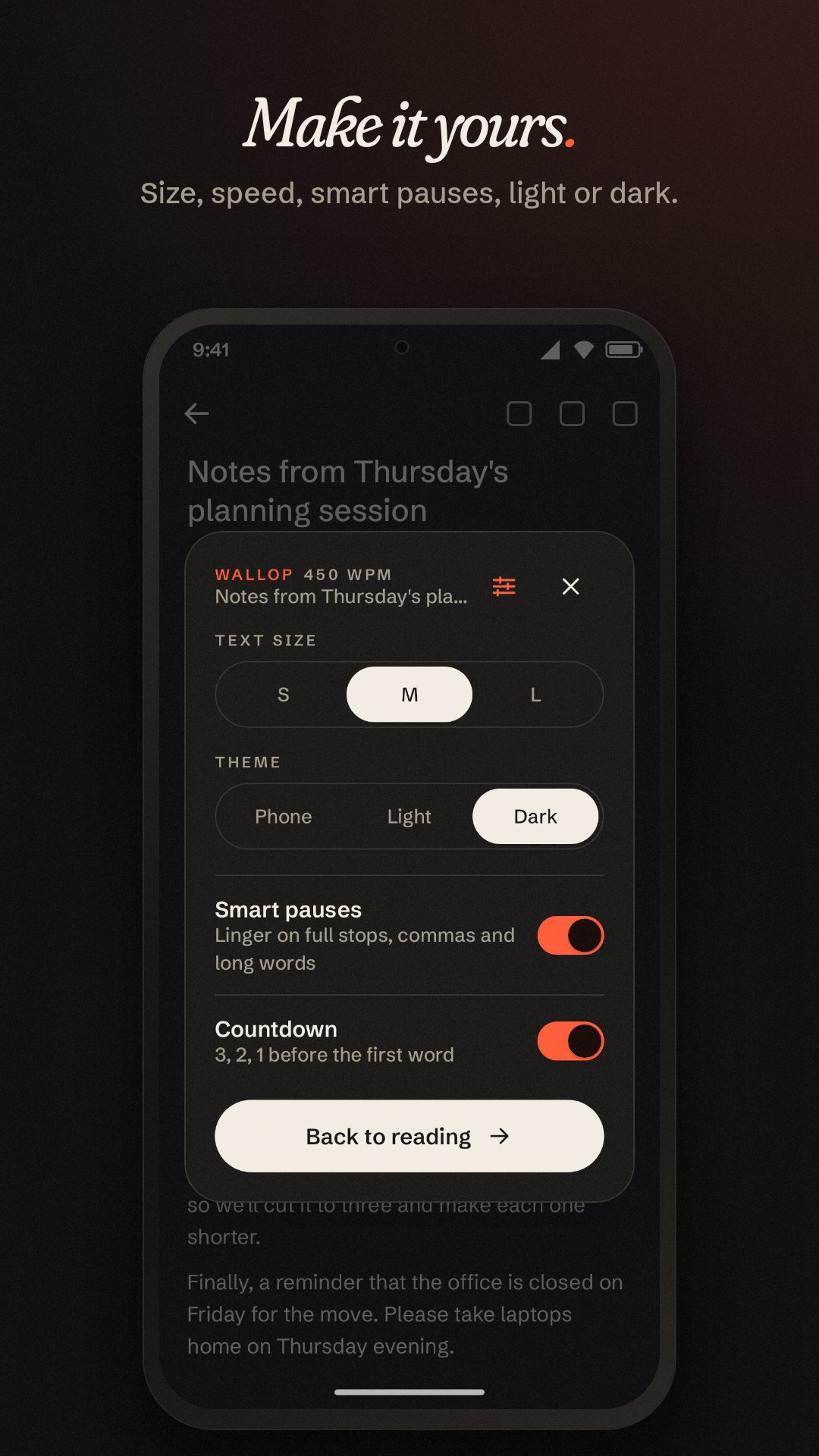
• Choose any speed from 150 to 900 words a minute on a tuning dial
• Smart pauses linger on full stops, commas and long words
• A 3, 2, 1 countdown before the first word
• Jump back a sentence, or drag along the progress line to anywhere in the text
• See how many words are left and how long they'll take
• Small, medium or large words, in light, dark or your phone's theme
PRIVATE BY DESIGN
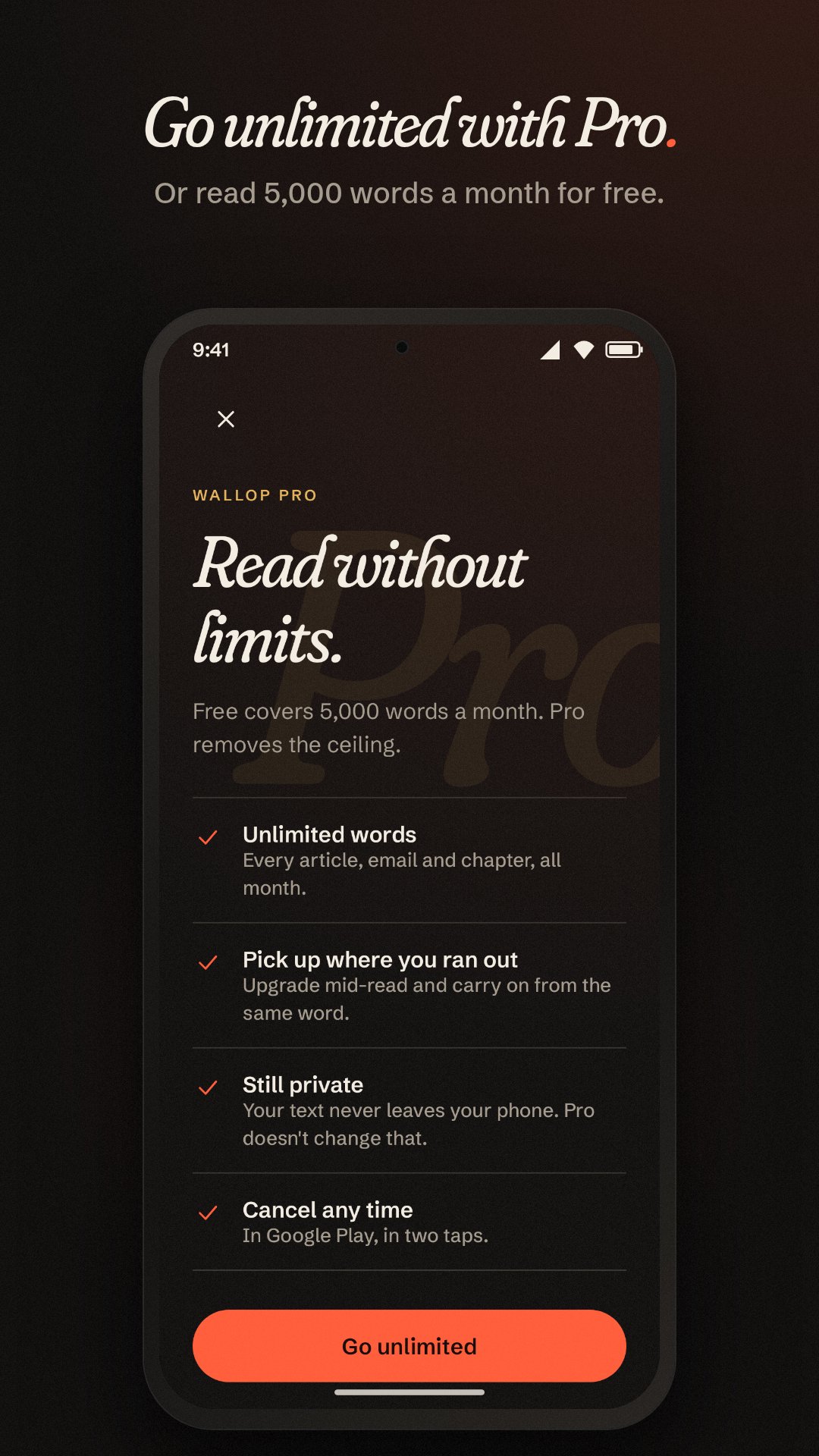
The text you read never leaves your phone and is never saved. There are no ads, no analytics and no account to create. Wallop's server only ever sees a word count, to keep track of the free allowance.
FREE AND PRO
Wallop is free for 5,000 words every month. Wallop Pro is a monthly subscription that removes the limit, so you can read as much as you like. Upgrade mid-read and carry on from the very same word. New subscribers can start with a 7-day free trial, and you can cancel any time in Google Play.
Latest Version
1.0.1Uploaded by
Marts Timothy Haumahu
Requires Android
Category
Free Productivity AppContent Rating
Everyone
Security Report
Check Now
Report
Flag as inappropriateLast updated on Sep 27, 2026
The free words counter no longer jumps around while you read.






APKPure - A multi-platform app store primarily focused on Android, providing extensive app-related content. Discover the app you want easier, faster, and safer, with quick and efficient downloads and installations.