Package Name:com.ovpnspider
SHA-256:6baac6764717ea3e6225511dbd93786fb808b89458dcfdae2638fad5db6a8341
Show More


VPN Proxy OvpnSpider suits users who need a simple way to protect traffic on public Wi‑Fi or switch online locations. It offers access to public VPN servers and helps you connect without extra setup, which is helpful when you are traveling or using shared networks. The app focuses on straightforward operation and private browsing while keeping the interface clean. For Android users looking for a practical option, the VPN Proxy OvpnSpider APK provides a direct path to community VPN access without complicated steps.
VPN Proxy OvpnSpider automatically gathers available public VPN servers sourced from the VPNGate project. The app presents servers by country so you can scan options quickly and choose a location that fits your needs. Because these servers are community run, availability and speed can vary by region and time.
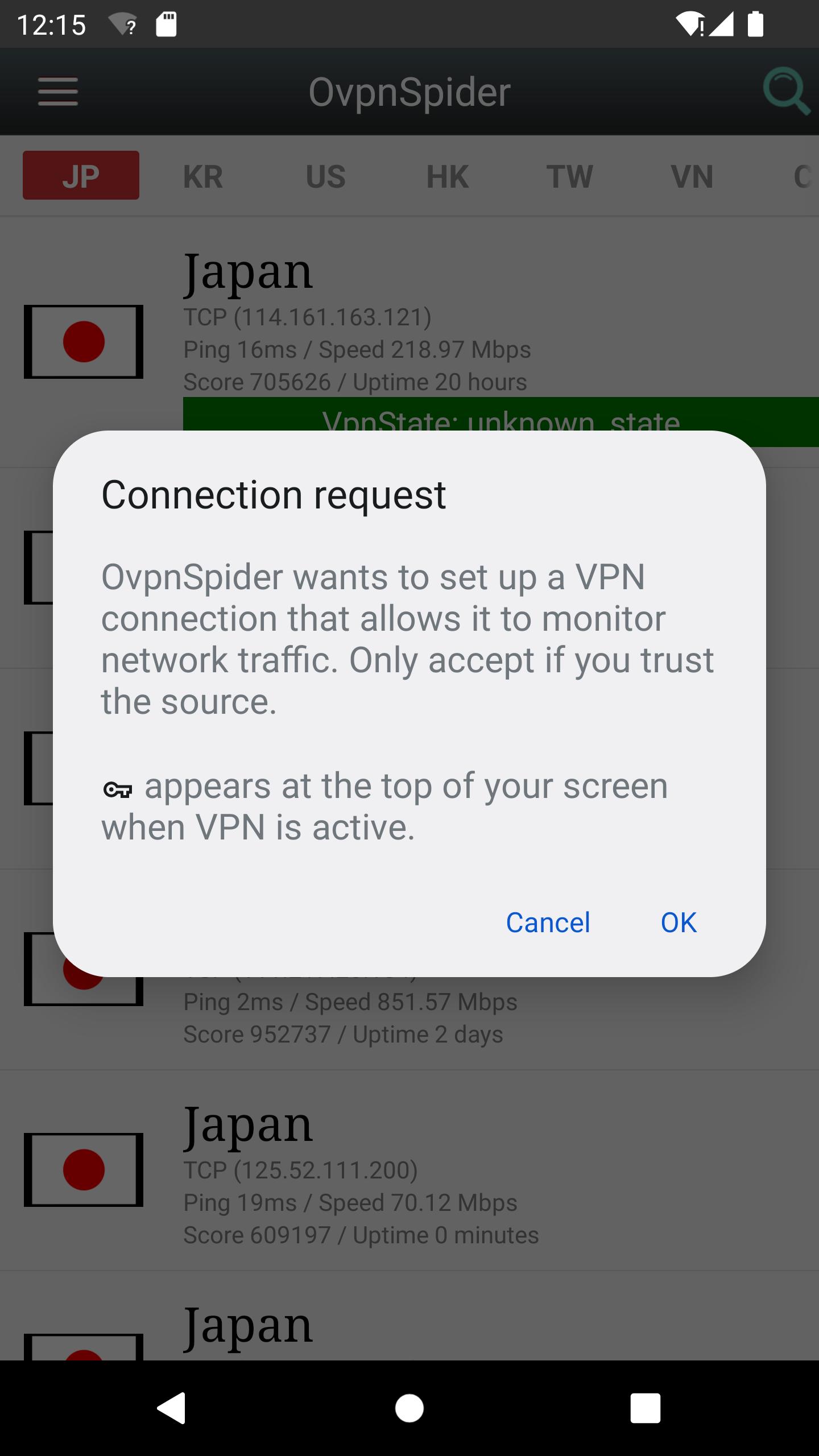
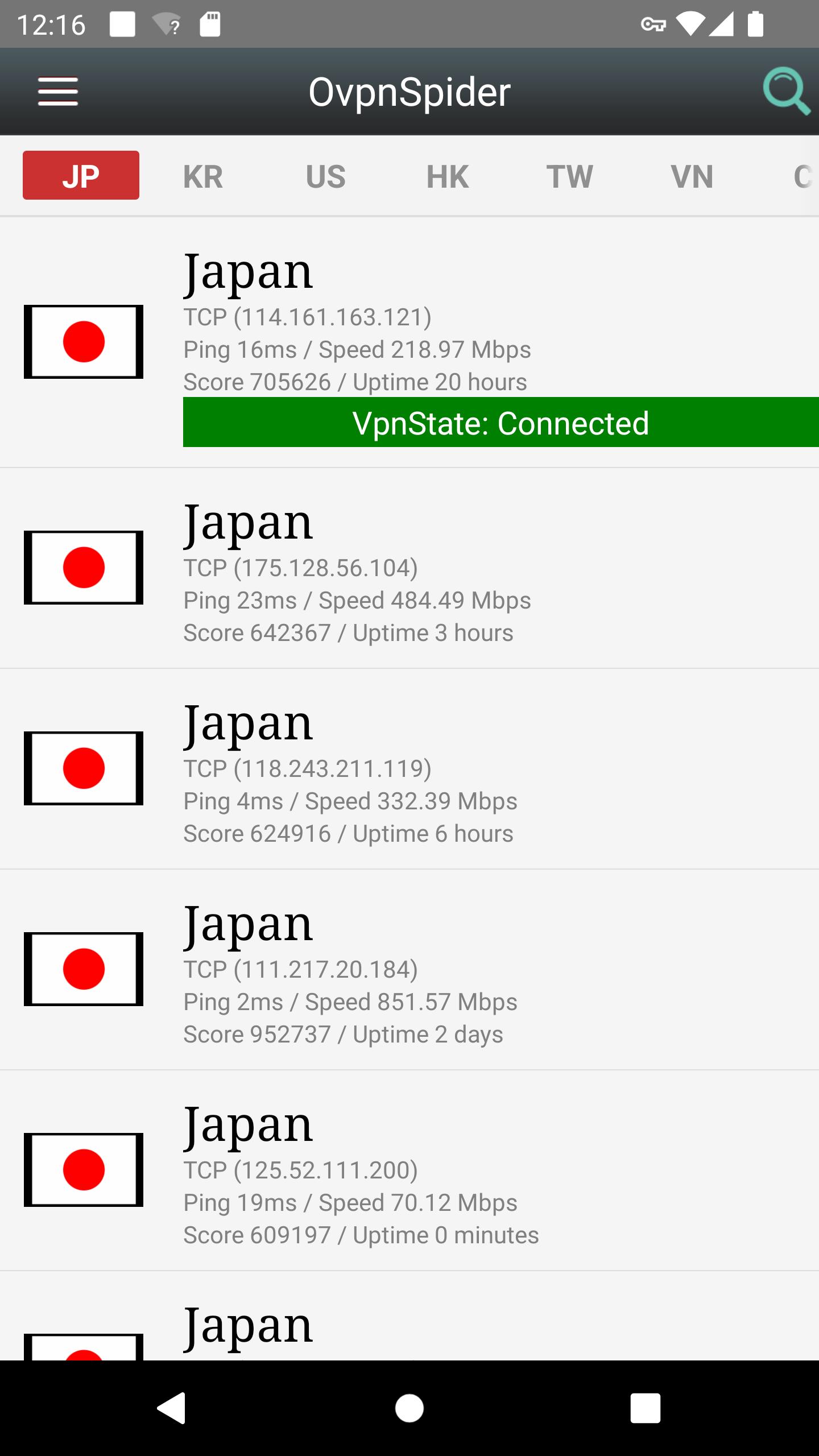
One‑tap connection inside the appYou can connect directly in the app with a single tap. This helps you secure your traffic before using public Wi‑Fi or sensitive services. After you connect, you can return to your browser or apps and continue as usual.
OpenVPN profile export for flexibilityIf you prefer external clients, VPN Proxy OvpnSpider lets you export .ovpn profiles for each server. You can open these profiles with OpenVPN Connect on Android or share them by email to other devices. This gives more control for advanced users who manage multiple clients or platforms.
High‑strength encryption and privacy‑first designVPN Proxy OvpnSpider uses strong encryption to protect your connection on unsafe networks. The app states that it keeps no browsing logs and does not include third‑party ads SDKs or external analytics tracking. This design helps reduce background data collection while you use public servers.
Unlimited bandwidth across public locationsThe app provides unlimited VPN bandwidth when connecting to available public servers. You can switch between countries to find workable routes for everyday tasks. Since these are community endpoints, longer sessions may disconnect, and performance can change during peak hours.
Servers are sourced from the VPNGate community project, which means availability, uptime, and speed often fluctuate based on volunteer hosts. Some networks or services may limit or block VPN traffic, so results can differ by provider and location. Using a VPN can increase data usage slightly due to encryption overhead, which may matter on limited data plans.
Exported .ovpn files require a compatible OpenVPN client to work outside the app, such as OpenVPN Connect on Android. If you plan to share profiles by email for use on other devices, confirm that those devices have an OpenVPN client installed. The app’s privacy stance includes no third‑party ads SDKs and no external analytics, which may be important if you want fewer trackers in a VPN client.
This quick guide outlines the basic steps to connect and, if needed, export profiles for OpenVPN clients. You can follow it to get started after you download VPN Proxy OvpnSpider on your Android phone. The process is simple and keeps you focused on getting connected.
VPN Proxy OvpnSpider focuses on simple connections to community OpenVPN servers with strong encryption and a privacy‑first approach. It supports quick in‑app connections and optional .ovpn exports for flexible setups. To stay current with features and server handling, consider installing the VPN Proxy OvpnSpider latest version.
For official information, visit the links below.
Latest Version
7.6Uploaded by
Rafael Dalmero
Requires Android
Android 5.0+
Category
Free Tools AppContent Rating
Everyone
Security Report
Check Now
Report
Flag as inappropriateLast updated on Mar 15, 2026
fixed some crash bugs




APKPure - A multi-platform app store primarily focused on Android, providing extensive app-related content. Discover the app you want easier, faster, and safer, with quick and efficient downloads and installations.