Scan Date:Apr 27, 2026
Show More

Auto audio recorder that automatically starts recording when the sound intensity exceeds the threshold, skipping relative silence, especially suitable for long-time recording scenes, such as snoring or breathing during sleep ( snore + apnea, cough etc.), dream / sleep talk recording, meeting and class recording etc.
Easy to use with the help of automatic threshold settings. Not only can it skip many hours of silence, but it can also keep the original time when the recording occurred.
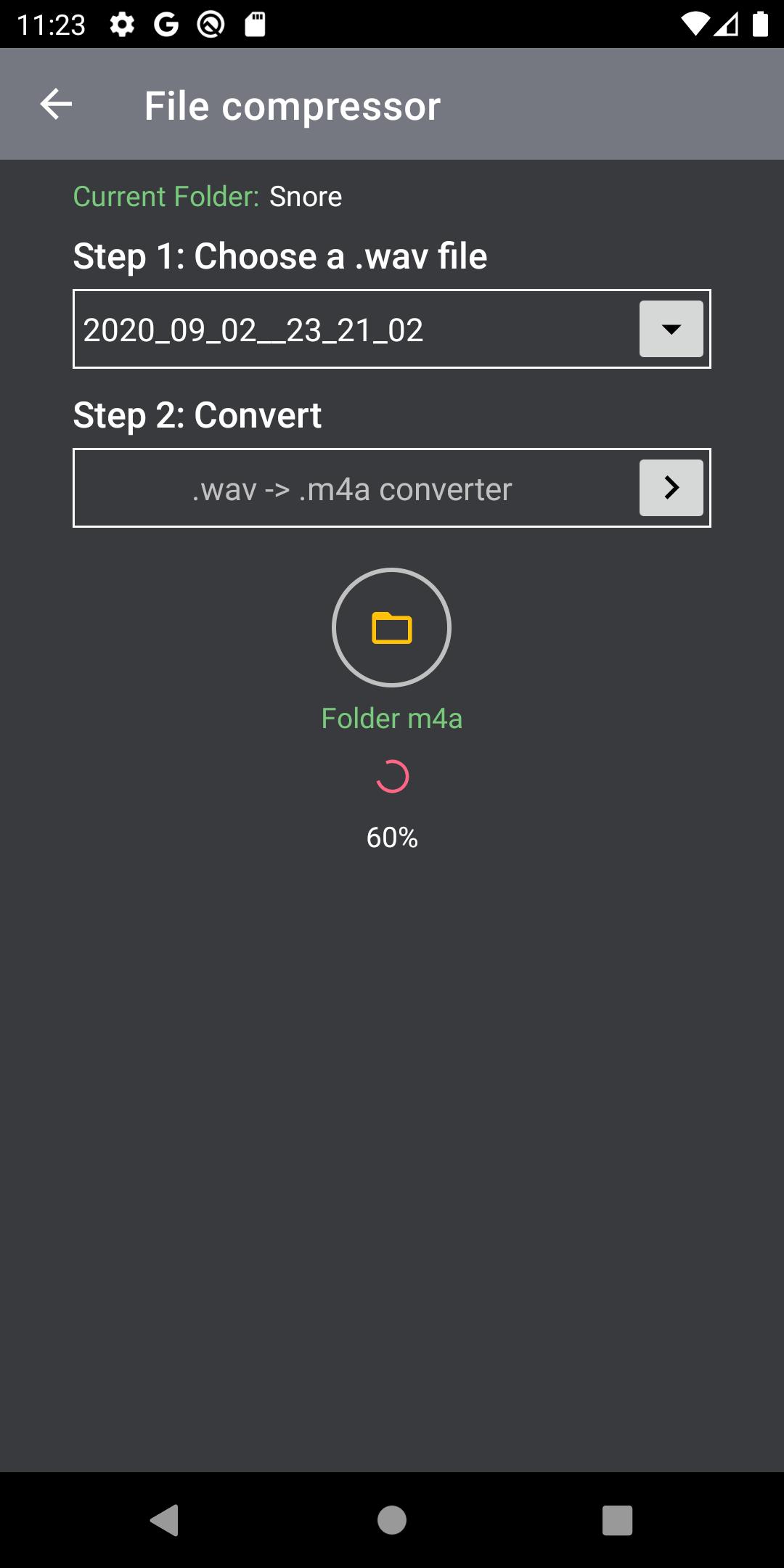
More other functions such as folder management /multiple file sharing, export recordings by copying or WiFi/Bluetooth transfer, merging & deleting /audio compressor ("wav" -> "m4a", saving storage space) /auto play and waveforms for ".wav" files etc.
💡 Features:
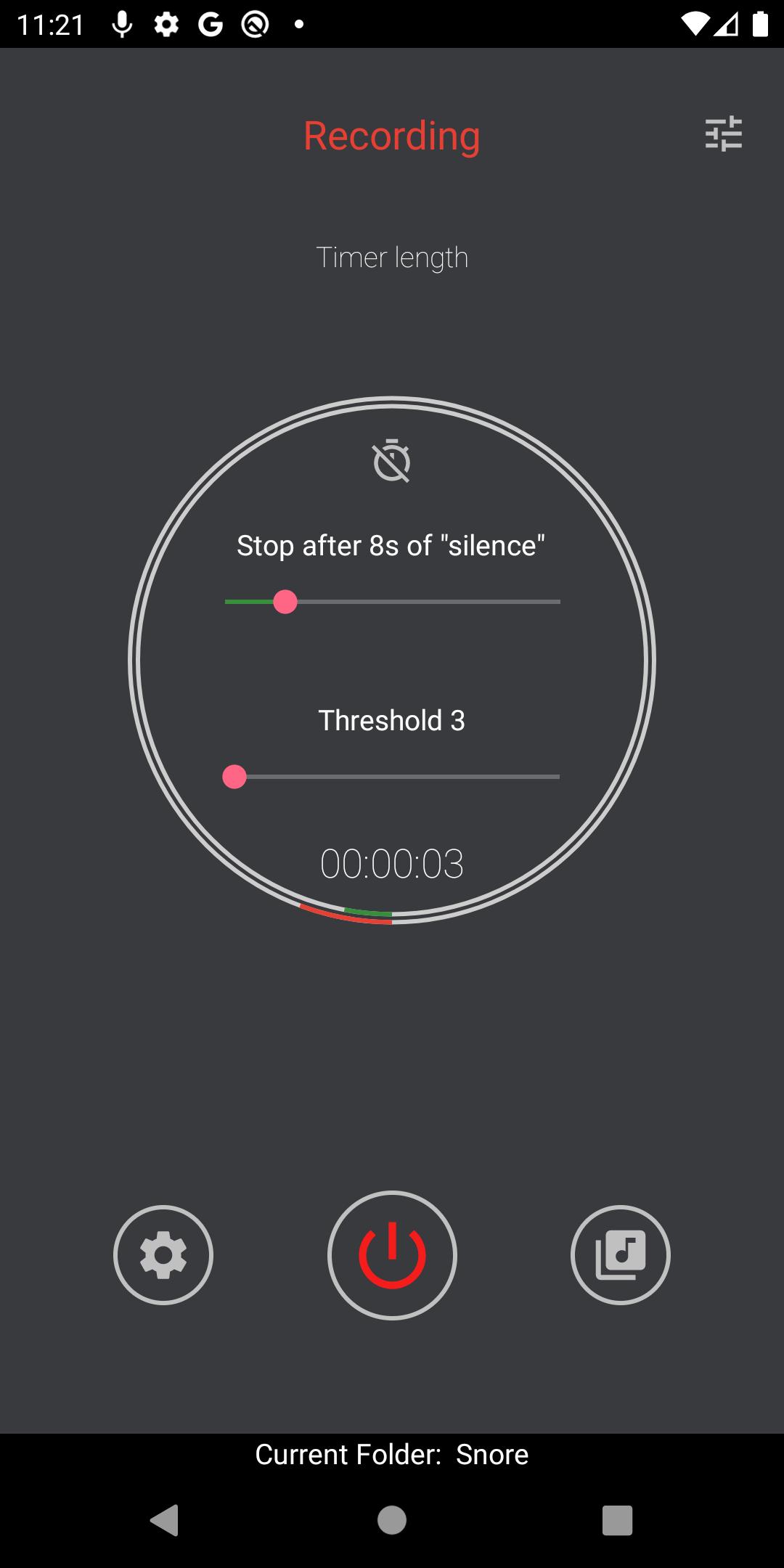
- Automatically skip sounds that are weaker than the threshold, treated as "silence". The silence duration is adjustable between "1s" and "40s".
- Be able to record in the background.
- Easy to use, the voice activation threshold setting can be automatic and the manual option is available.
- Support sensitivity options (Low, Medium and High) for Automatic settings, this sensitivity is relative to the background noise level.
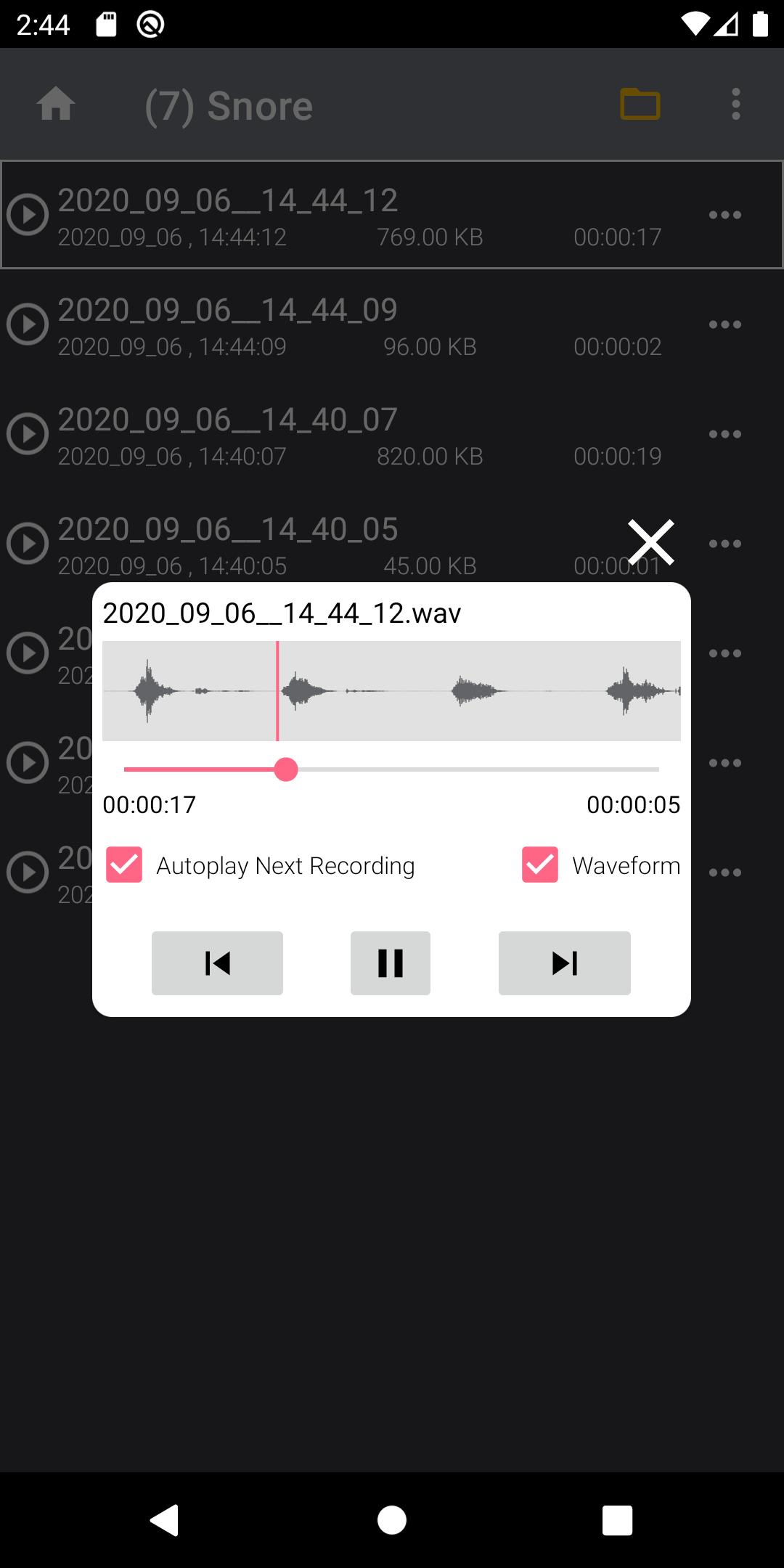
- Audio player with auto-play function, highlighting the current playing recording and auto-scrolling etc.
- Recordings are automatically named based on the date and time they occurred, and sorted on the timeline.
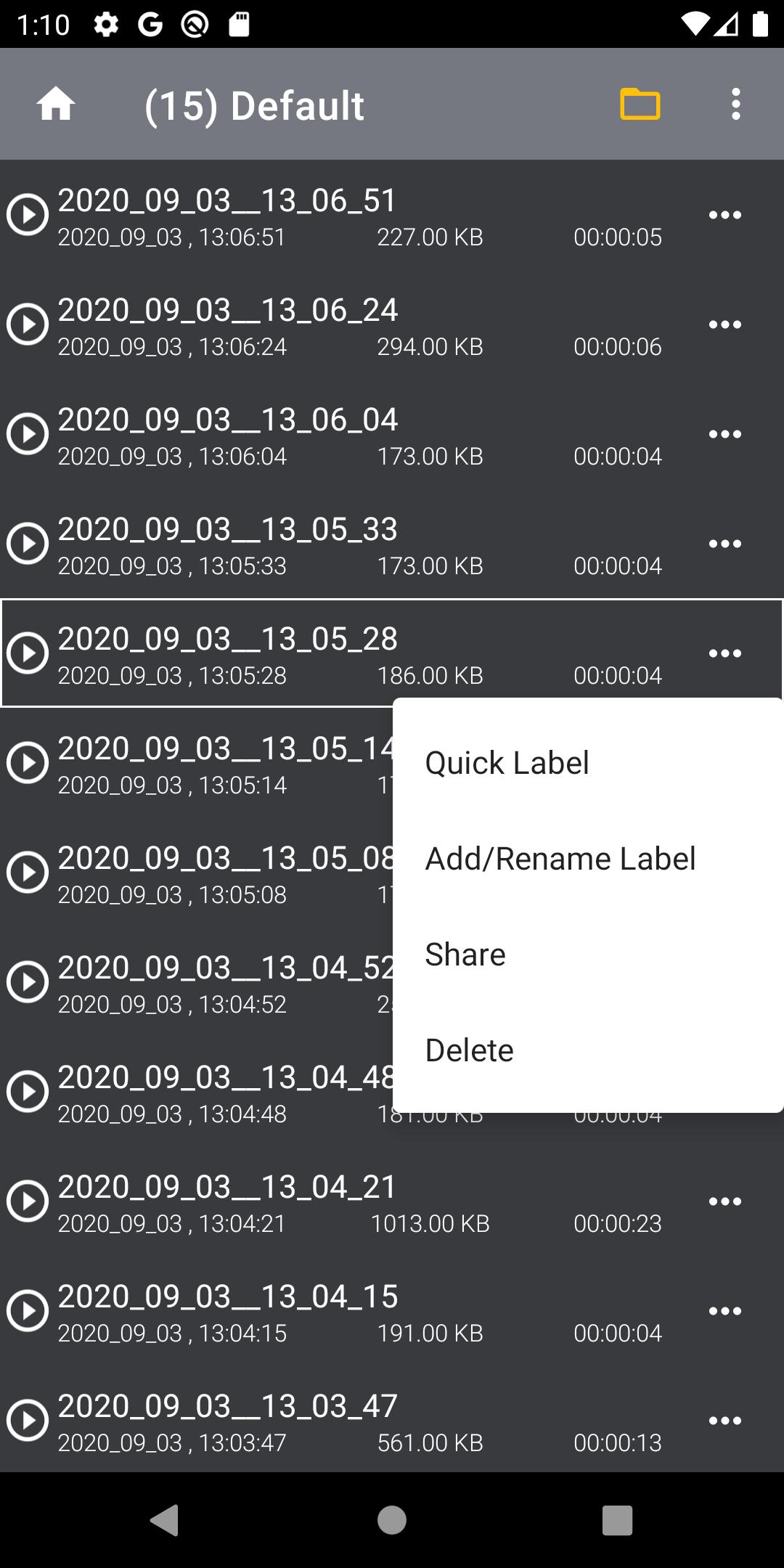
- Powerful recording management, such as labeling, multi-file sharing/deleting etc.
- For Android 10+, users can copy the selected recordings to the shared directory "Downloads" of the primary external storage and removable storage (SD card, etc.), for Android 10-, all recordings are directly accessible and the path is available.
- Audio file converter from .wav to .m4a, saving storage space.
- Save recordings safely in many special cases, such as shut down/low battery/low storage.
For premium users, no ads & more features as below:
- Folder management. Manual or automatic folder creator, located on the "My folders" page (the "+" button) and settings page(the switch button).
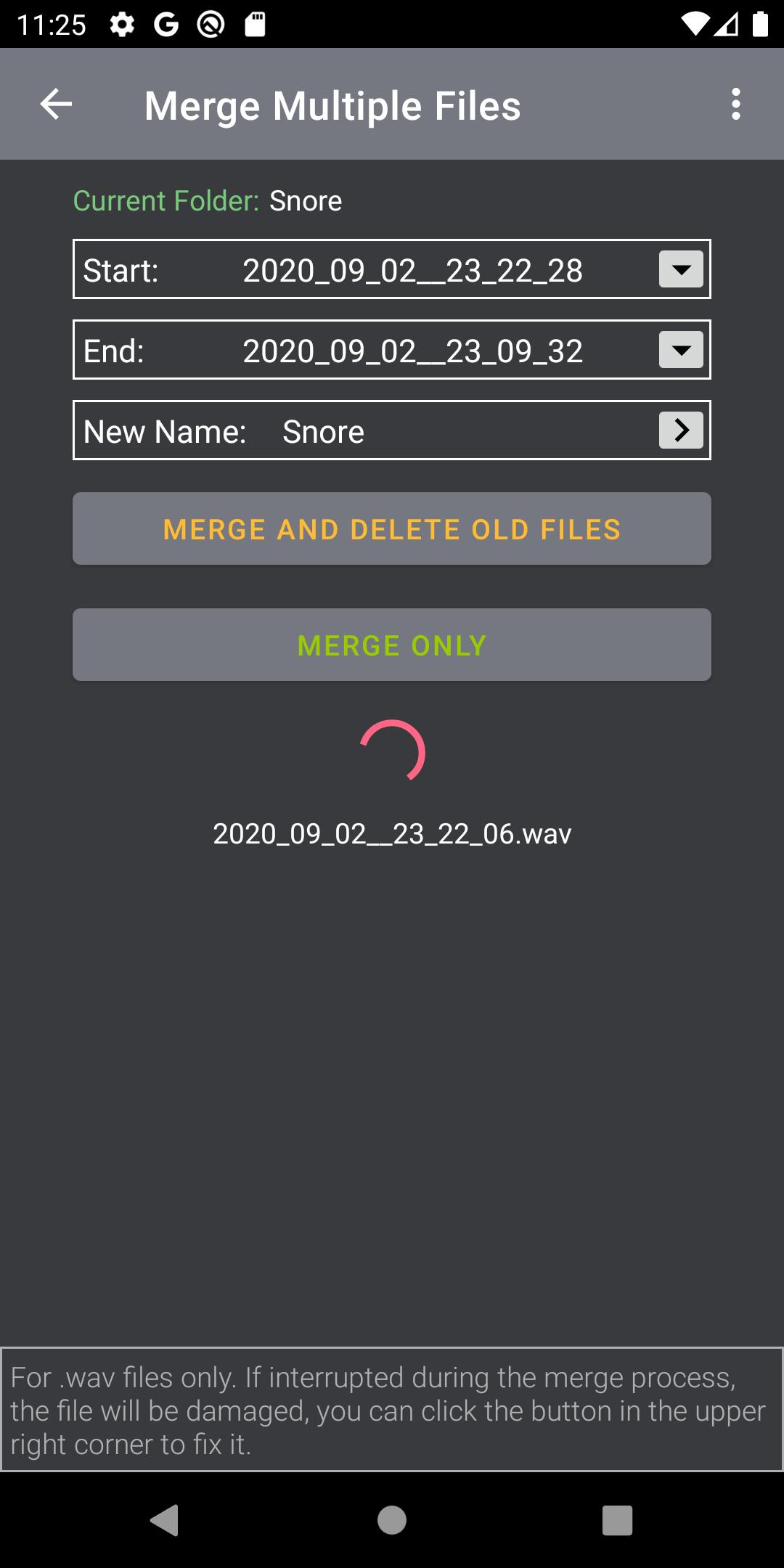
- Multi-file merge. All recorded clips (.wav) can be merged into one single file, on the recording file page ( "Merge multiple files" item).
- Waveform for ".wav" files. The waveform of the ".wav" file can be displayed during playback, this visual pattern can help users tell which files are snores and which are sleep talk. Generally speaking, a snore is a regular wave, while talking is more likely to be irregular. Located on the ".wav" file player ( the waveform checkbox).
- Countdown timer. Set timer to turn off recorder, on the home page ( the timer icon).
❓Q & A,
Q: What are the "threshold" and "silence" settings?
A: The threshold is a reference (1~100) for users to determine how loud the sound is to activate recording, adjust it based on the environmental noise level. The silence setting is used to make the weaker sound below the threshold last for a few seconds before stopping automatically in order to maintain the continuity of the sound, the range is (1s~40s).
In short, the threshold is for starting and the silence setting is for stopping.
E.g, in a quiet place, for snore recording, the threshold = "4"~"8"/the silence=10s, for talking, the threshold ="2"~"5"/the silence = 4s+. Those settings are for your reference, might need to be adjusted slightly.
Q: Why do I get the "No Single from MIC" message?
A: Due to privacy protection, the latest Android starts blocking the MIC source when the user is on a call or another higher priority voice recorder takes over the MIC.
Q: Why does this app in the background stop recording when another recorder is started at the same time ?
A: Starting from Android 10, the system allows multiple recording apps to be started at the same time, but only one is recording (except for the voice recognition assistant), and the other will be blocked from recording based on privacy protection and priority.
Latest Version
4.0.00Uploaded by
Xiu Nguyen
Requires Android
Android 8.1+
Category
Free Tools AppContent Rating
Everyone
Security Report
Report
Flag as inappropriateLast updated on Apr 27, 2026
*** Updated Privacy Policy
*** Minor UI improvements and cleanup.




APKPure - A multi-platform app store primarily focused on Android, providing extensive app-related content. Discover the app you want easier, faster, and safer, with quick and efficient downloads and installations.