
WhatsWeb Scanner - a simple application for running same WhatsApp in Multiple smart devices.
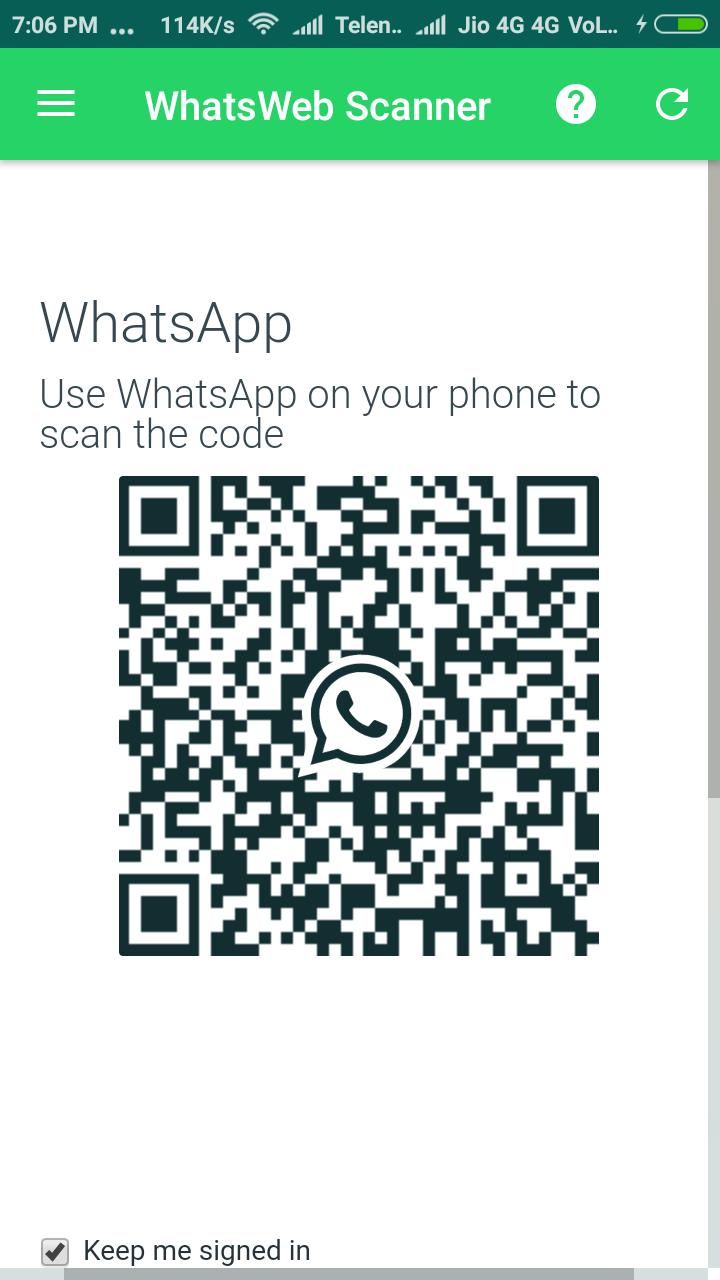
Scan the QR code and you get it.
* Features
=> Same Whatspp account on your smart mobiles
=> Receive & Sent Message
=> Receive & Sent Picture
=> Receive & Sent Videos
=> Receive & Sent Videos Documents
(As original whats app application)
* How To Use
A. Install and Open WhatsWeb Scanner on device.
B. Open whats app on your main phone
- For Android: Scroll to the Chats screen -> Menu -> WhatsApp Web.
- For iPhone: Click Settings -> WhatsApp Web.
- For Nokia S60 and Windows Phone: Go to Menu -> WhatsApp Web.
- For Nokia S40: Swipe up from bottom of screen -> WhatsApp Web.
- For BlackBerry: Go to Chats -> Menu -> WhatsApp Web.
- For BlackBerry 10: Swipe down from top of the screen -> WhatsApp Web.
C. Click on "WhatsApp Web", you should see a camera QR scanning screen.
D. Now scan the QR code displayed on WhatsWeb Scanner
E. Done! Now you can access the same WhatsApp account on both devices!
F. 2nd WhatsApp in 1 device will be worked at the same time.
* For more info, see the video above.
Hint: WhatsWeb Scanner is freeware application for single WhatsApp in smart devices, and not concern/associated with WhatsApp Inc.
Phiên bản mới nhất
1.1.0Được tải lên bởi
حاتم الحنين
Yêu cầu Android
Android 4.0.3+
Danh mục
Miễn phí Giải trí ỨNG DỤNGXếp hạng nội dung
Teen
Báo cáo
Gắn cờ là không phù hợpLast updated on Nov 8, 2017
Minor bug fixed.



APKPure - Kho ứng dụng đa nền tảng chủ yếu tập trung vào Android, cung cấp nội dung phong phú về ứng dụng. Khám phá ứng dụng bạn muốn dễ dàng, nhanh chóng và an toàn hơn, với tính năng tải xuống và cài đặt nhanh chóng và hiệu quả.