
WhatsWeb Scanner - a simple application for running same WhatsApp in Multiple smart devices.
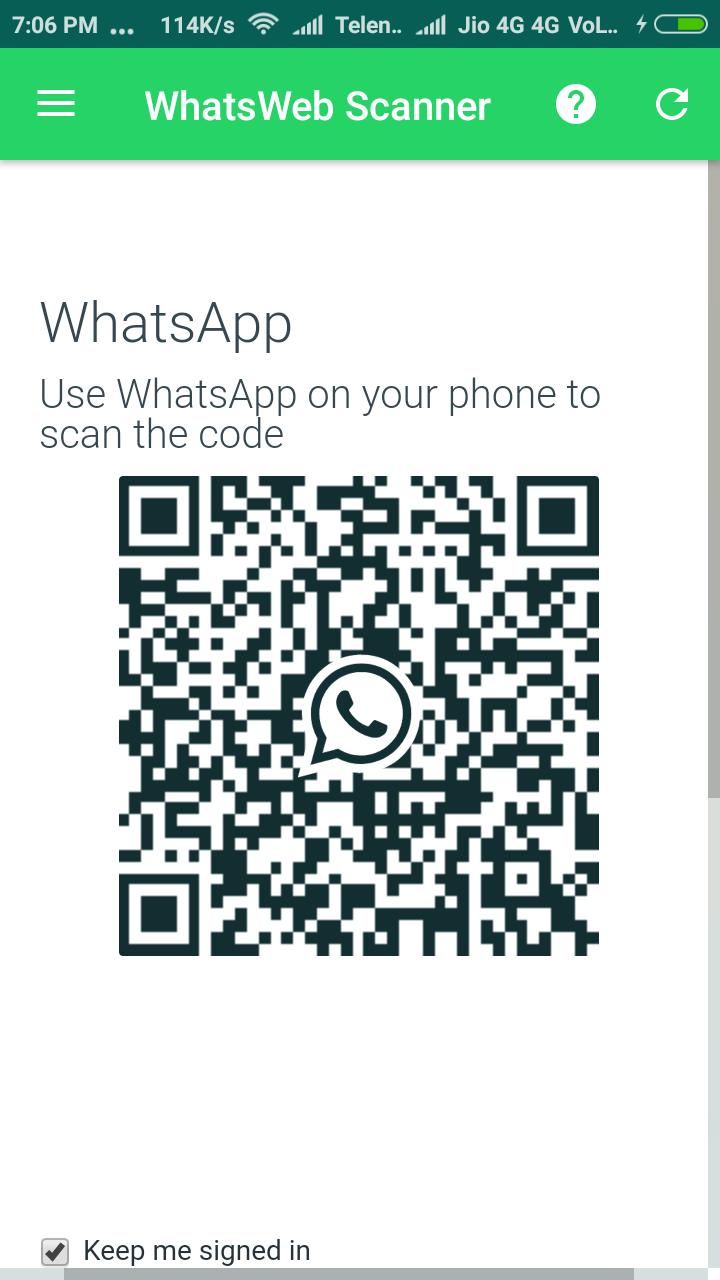
Scan the QR code and you get it.
* Features
=> Same Whatspp account on your smart mobiles
=> Receive & Sent Message
=> Receive & Sent Picture
=> Receive & Sent Videos
=> Receive & Sent Videos Documents
(As original whats app application)
* How To Use
A. Install and Open WhatsWeb Scanner on device.
B. Open whats app on your main phone
- For Android: Scroll to the Chats screen -> Menu -> WhatsApp Web.
- For iPhone: Click Settings -> WhatsApp Web.
- For Nokia S60 and Windows Phone: Go to Menu -> WhatsApp Web.
- For Nokia S40: Swipe up from bottom of screen -> WhatsApp Web.
- For BlackBerry: Go to Chats -> Menu -> WhatsApp Web.
- For BlackBerry 10: Swipe down from top of the screen -> WhatsApp Web.
C. Click on "WhatsApp Web", you should see a camera QR scanning screen.
D. Now scan the QR code displayed on WhatsWeb Scanner
E. Done! Now you can access the same WhatsApp account on both devices!
F. 2nd WhatsApp in 1 device will be worked at the same time.
* For more info, see the video above.
Hint: WhatsWeb Scanner is freeware application for single WhatsApp in smart devices, and not concern/associated with WhatsApp Inc.
Last updated on 2017年11月08日
Minor bug fixed.



APKPure - Androidを中心としたマルチプラットフォームのアプリストアで、豊富なアプリ関連コンテンツを提供しています。より簡単に、より速く、より安全にアプリを見つけることができ、ダウンロードとインストールも迅速かつ効率的です。