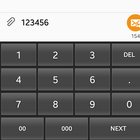
This keyboard applied for free to any device who need a full numeric keyboard for a real business related.
How to:
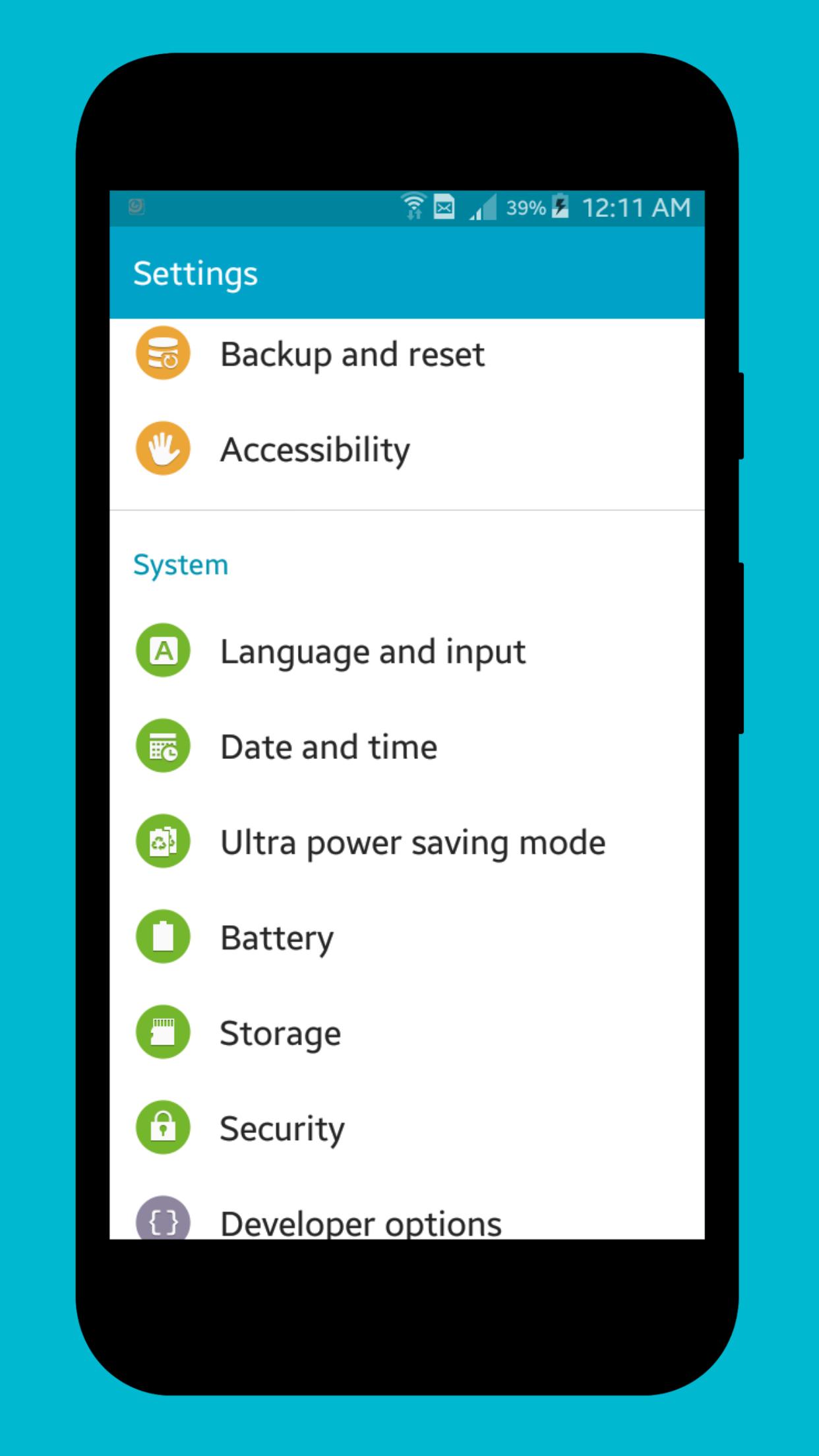
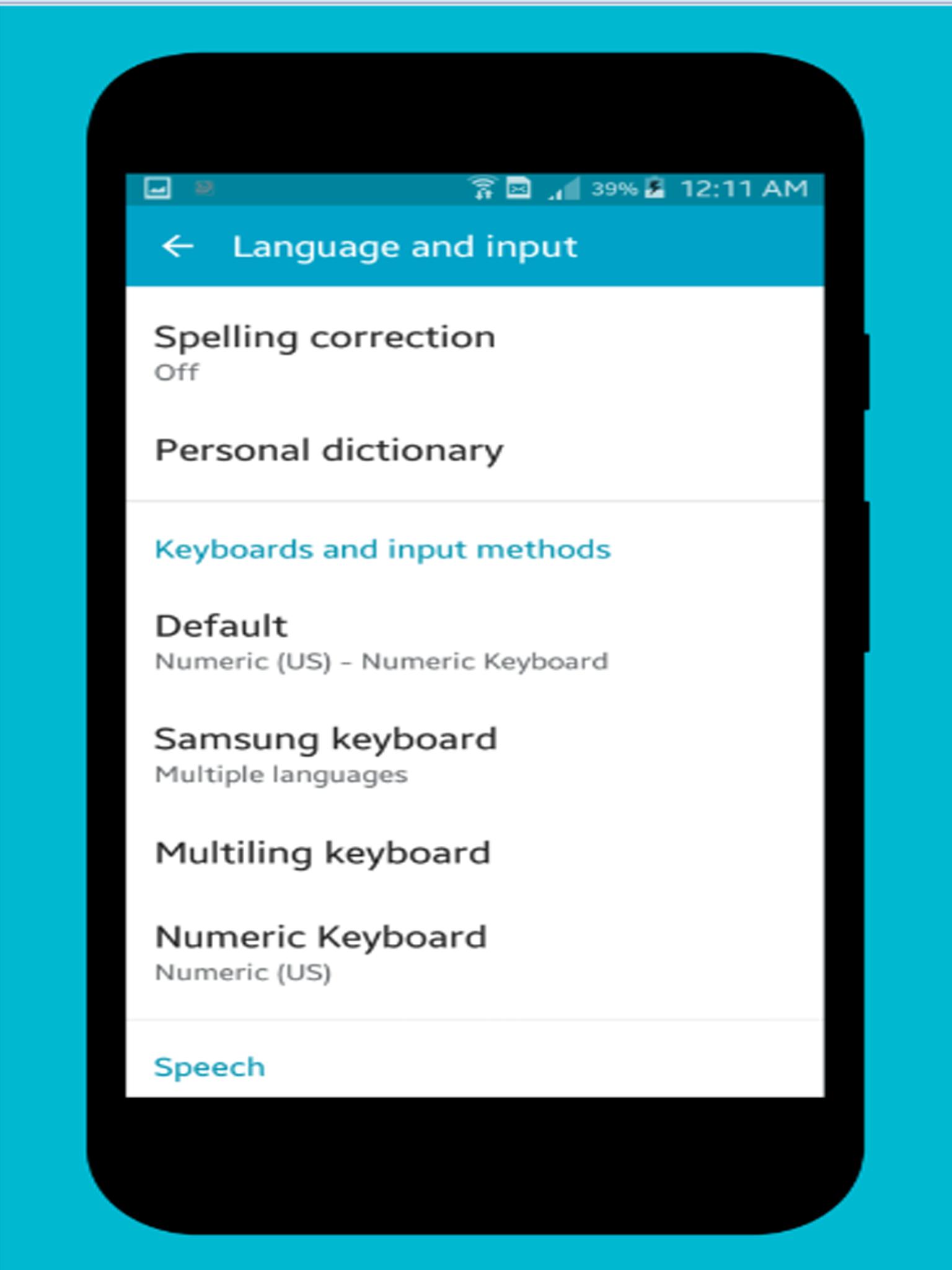
1. You need to activate the keyboard in you android smart phone : go to Setting -> select Language and input -> select on any Default Keyboard -> click Add Keyboard -> check on Numeric Keyboard
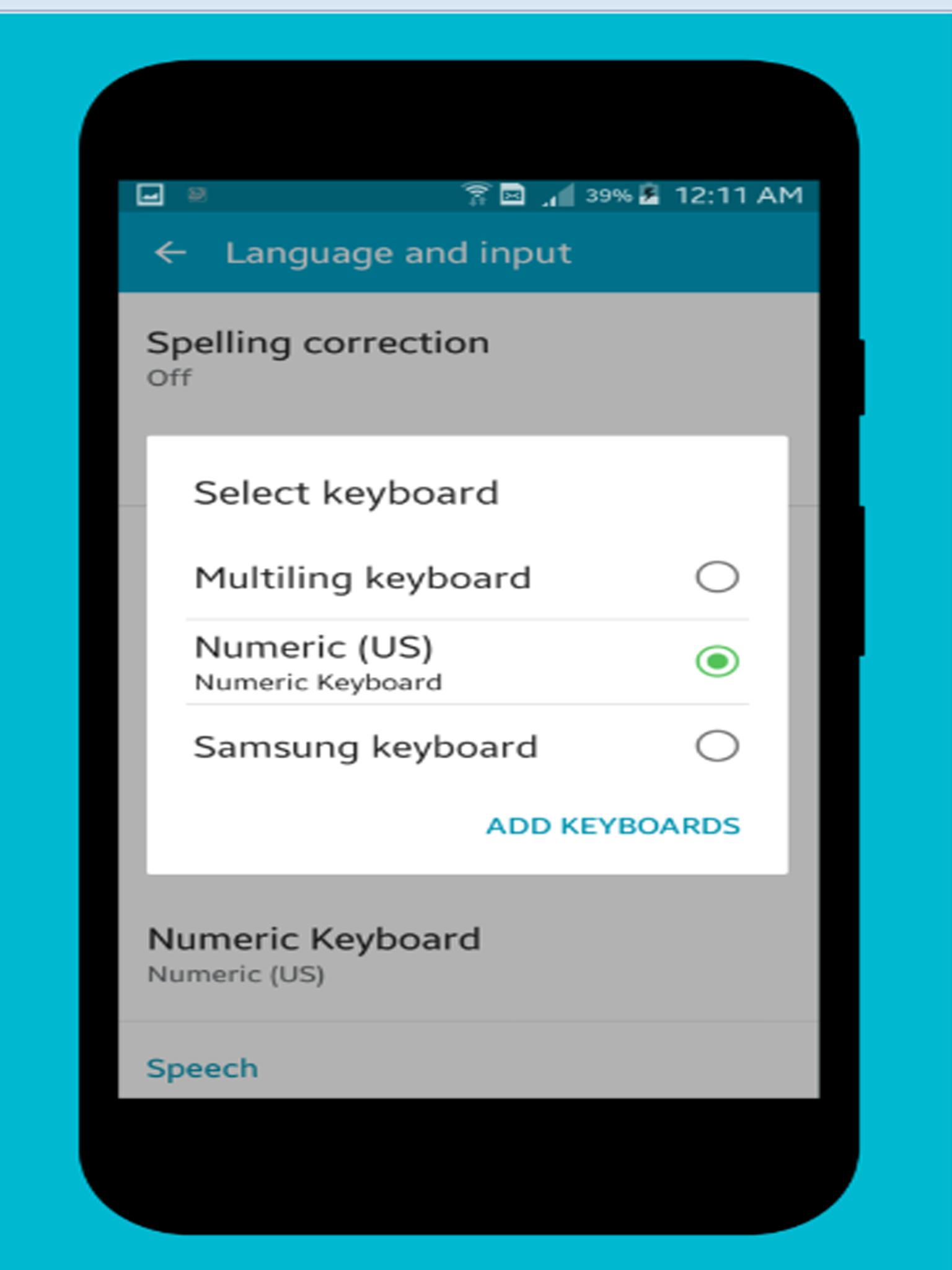
2. set keyboard to default -> go to Setting -> select Language and input -> select Default -> select Numeric Keyboard -> Done
2. Testing by open any editor -> enjoy your numeric keyboard
Phiên bản mới nhất
1.2Được tải lên bởi
Mahmoud Ali
Yêu cầu Android
Android 2.3.2+
Danh mục
Miễn phí Công cụ ỨNG DỤNGXếp hạng nội dung
Everyone
Báo cáo
Gắn cờ là không phù hợpLast updated on May 3, 2017
Change keyboard size by screen of device



APKPure - Kho ứng dụng đa nền tảng chủ yếu tập trung vào Android, cung cấp nội dung phong phú về ứng dụng. Khám phá ứng dụng bạn muốn dễ dàng, nhanh chóng và an toàn hơn, với tính năng tải xuống và cài đặt nhanh chóng và hiệu quả.