This keyboard applied for free to any device who need a full numeric keyboard for a real business related.
How to:
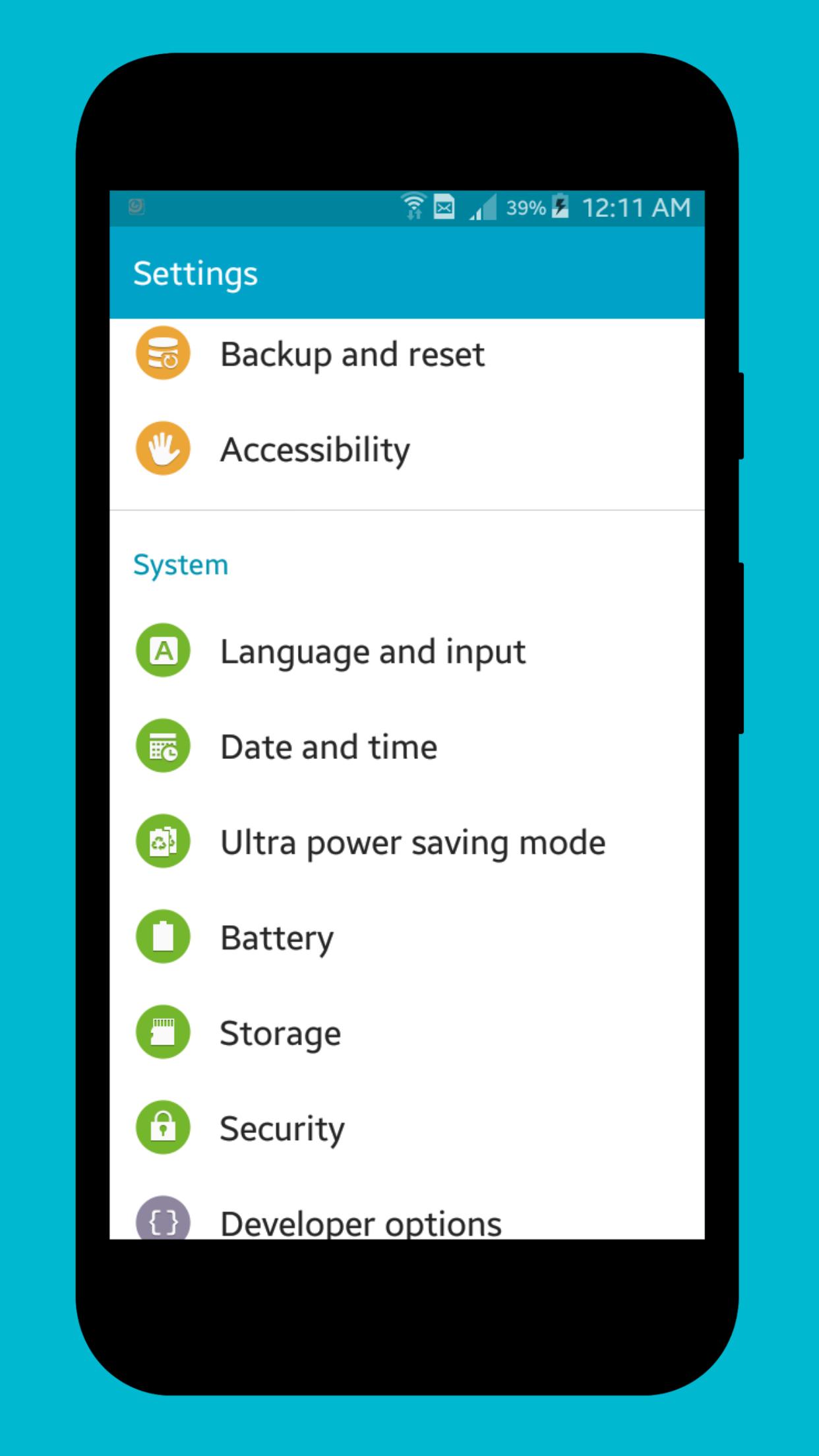
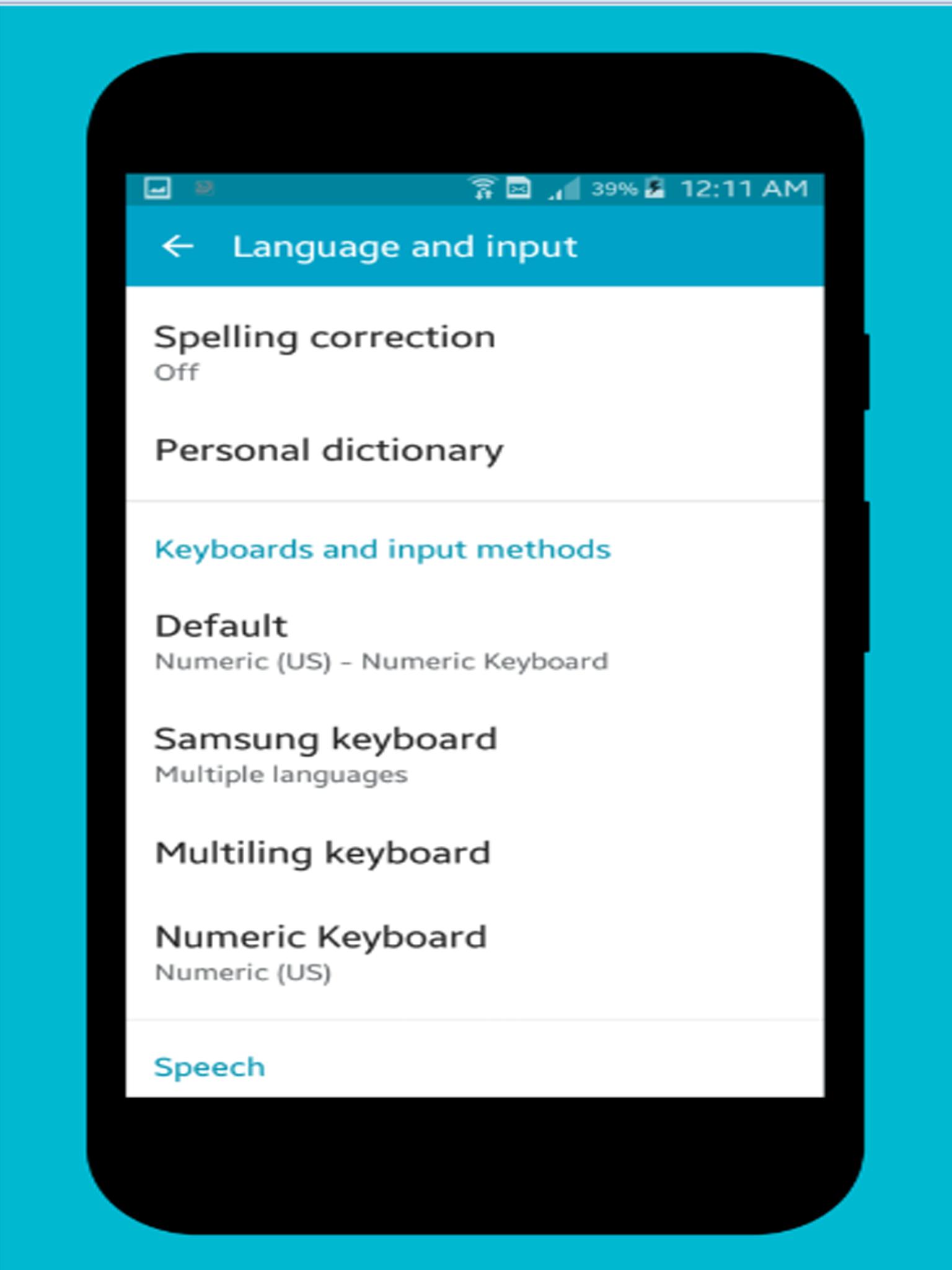
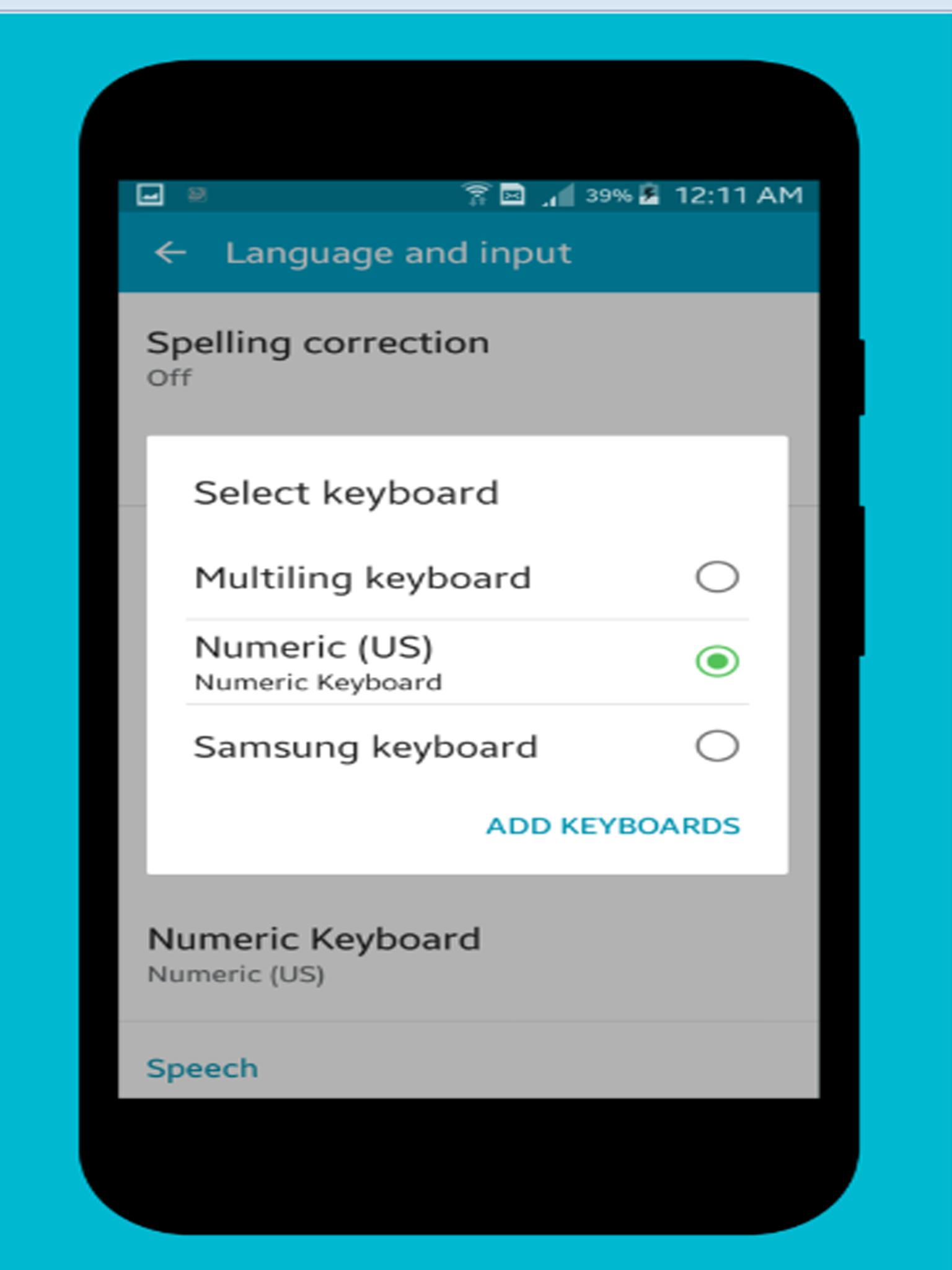
1. You need to activate the keyboard in you android smart phone : go to Setting -> select Language and input -> select on any Default Keyboard -> click Add Keyboard -> check on Numeric Keyboard
2. set keyboard to default -> go to Setting -> select Language and input -> select Default -> select Numeric Keyboard -> Done
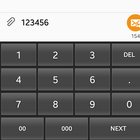
2. Testing by open any editor -> enjoy your numeric keyboard
Last updated on 2017年05月03日
Change keyboard size by screen of device