
Background Eraser - Not just an ordinary photo editor app, it’s a smart photo background eraser app for your android devices. With our photo background Remover app you can smartly erase background color or object easily. Instead of downloading many photo background remover apps, download our photo Background Remover app and easily remove or add background to your image.
Key Features of our Background Eraser App:
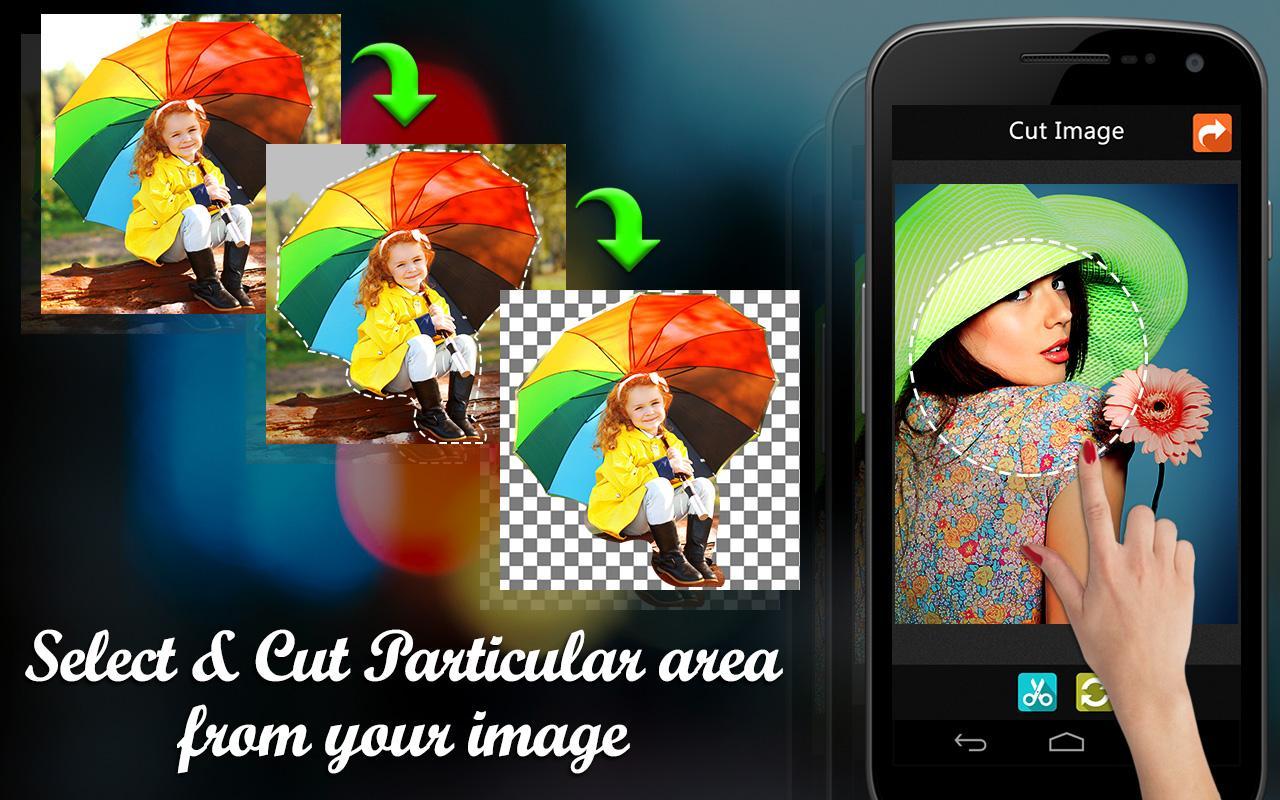
1. Smart Crop option:-
Most of the application provides default square crop option, but in this photo editing app we custom crop option. With our smart crop tool you can select crop location by marking crop location
by using your finger.
2. Erase Image Background:-
Use the background eraser option of this photo background remover app to erase photo background.
3. Fill Erased Location back:-
Mistakenly erased some other location? then don’t worry. You can always fill erased location back to normal by using our fill tool.
4. Magic Tool:-
Remember Magic tool on Adobe Photoshop software? With our Pic Eraser app you can get Magic selection tool so that you can easily select particular region on your image by just one click.
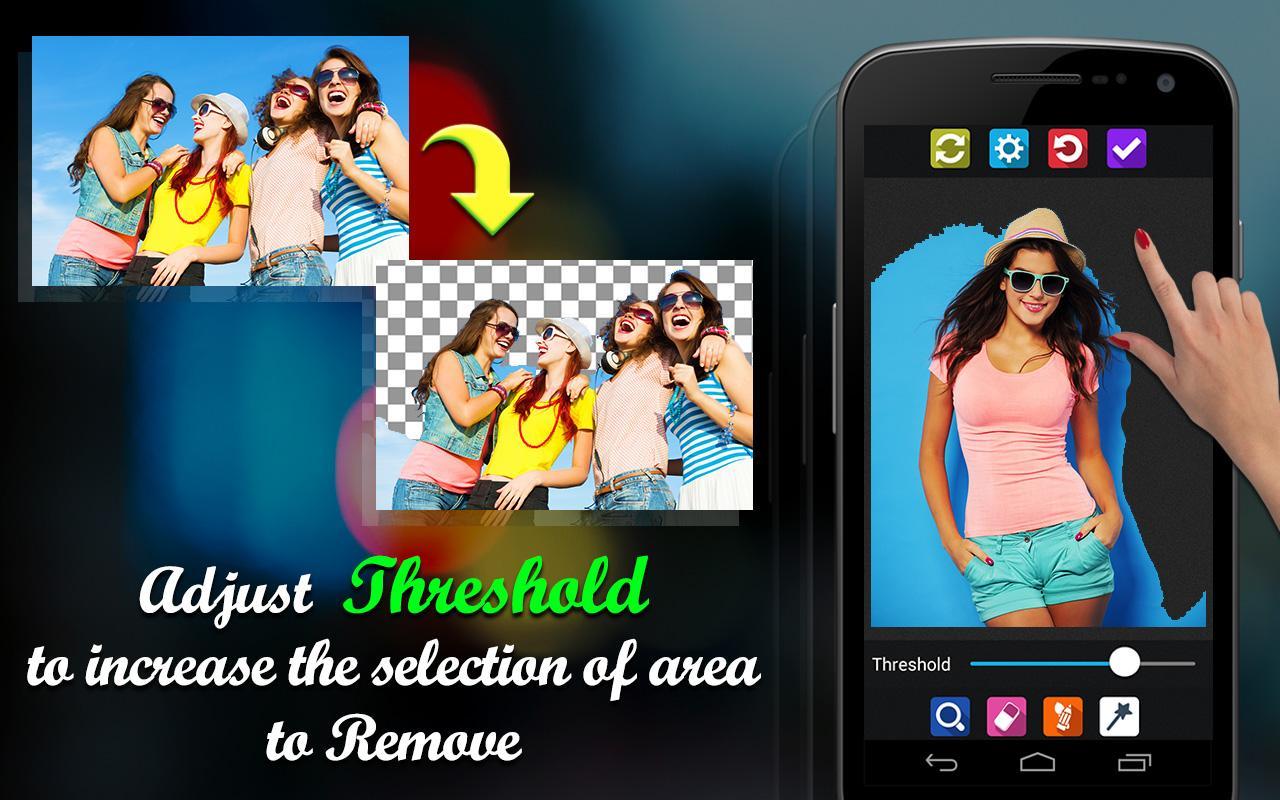
5. Region selection Intensity:-
This option works with magic tool. If our magic tool is selecting only small region then you can increase the intensity using this option.
6. Zoom:-
Some times small areas also matters while editing, that time you can use our zoom option of this photo editor to work with your image carefully.
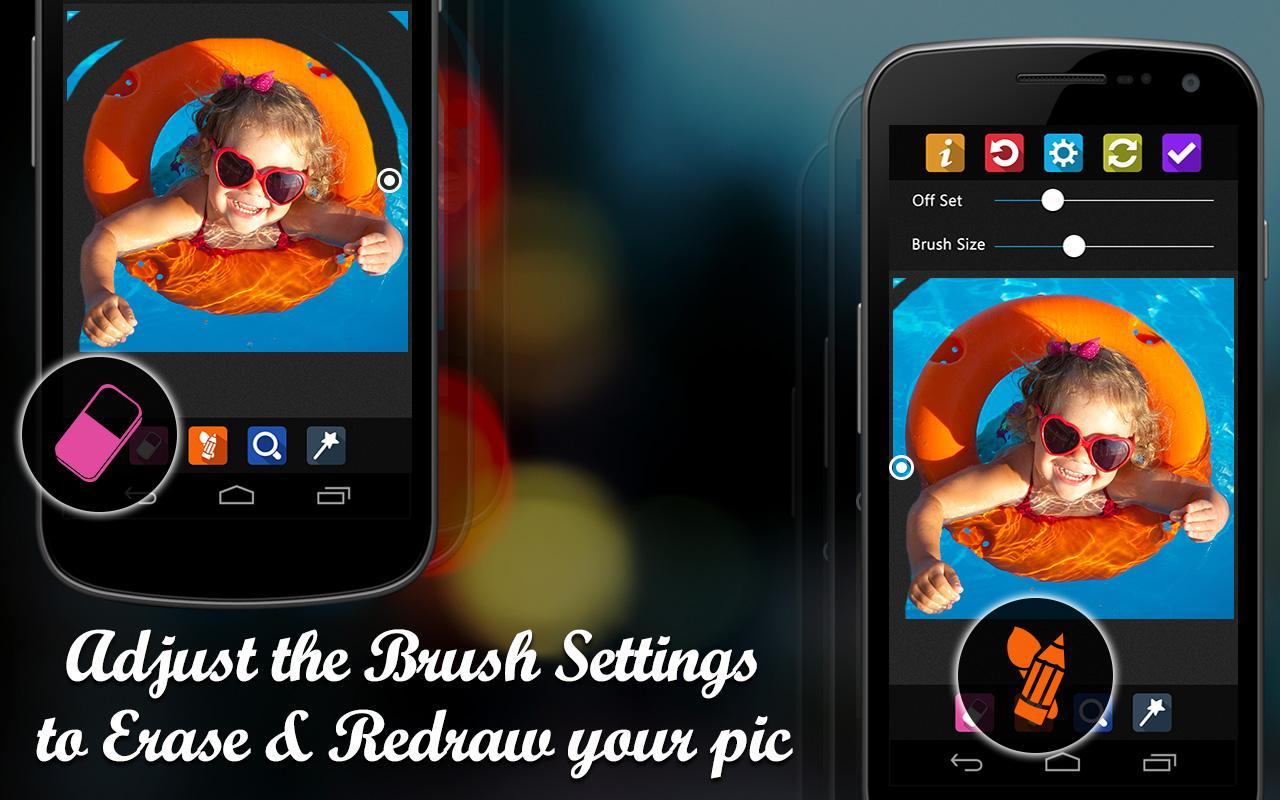
7. Increase or decrease brush size:-
Select erase or fill tool and click on setting to get this option and drag the slider to increase or decrease brush size.
8. Increase or decrease offset size:-
To get this option select eraser or fill tool and click on settings. With this offset size you can make brush far away from the working location so that you can easily see the location which you are editing.
9. Reset:-
Don’t like the changes made from this photo background remover app? then use the Reset option.
10. Image Editing option:-
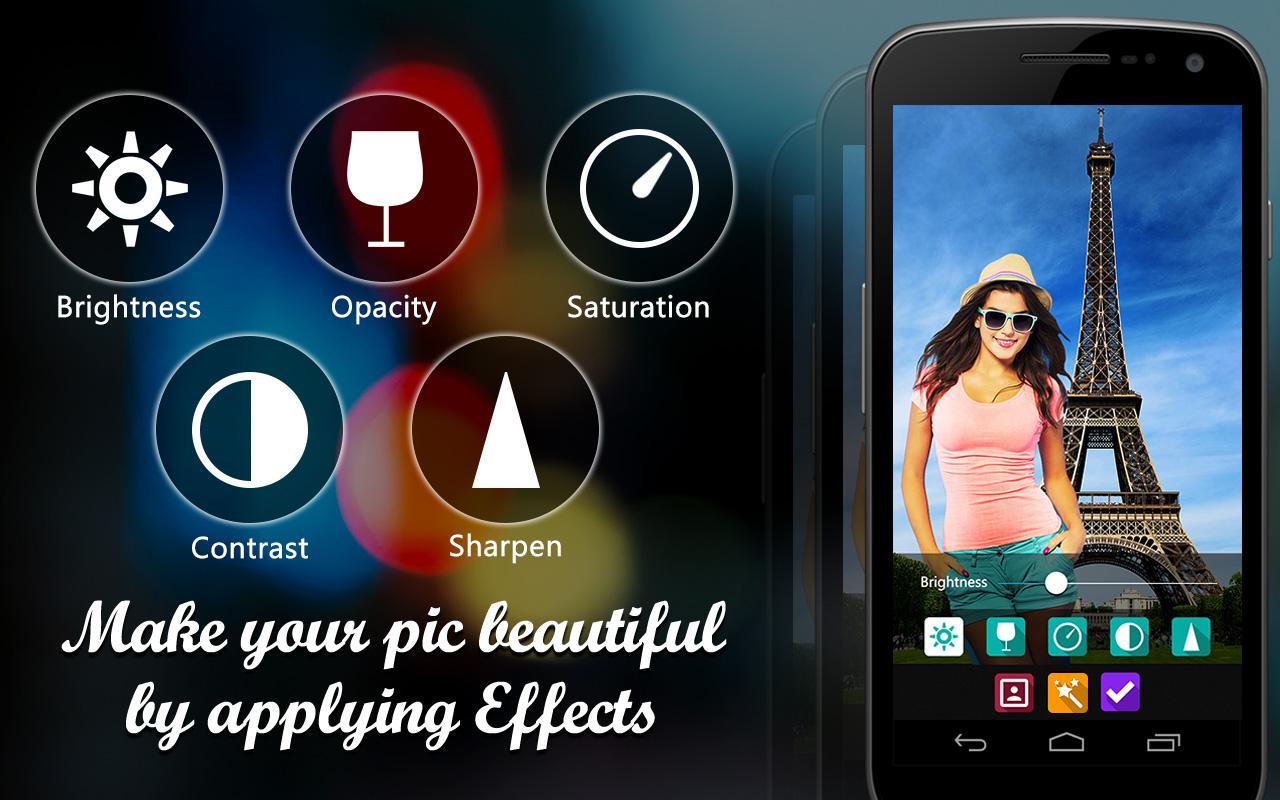
In this tool you will get smoothen, brightness, opacity, contrast and saturation tools.
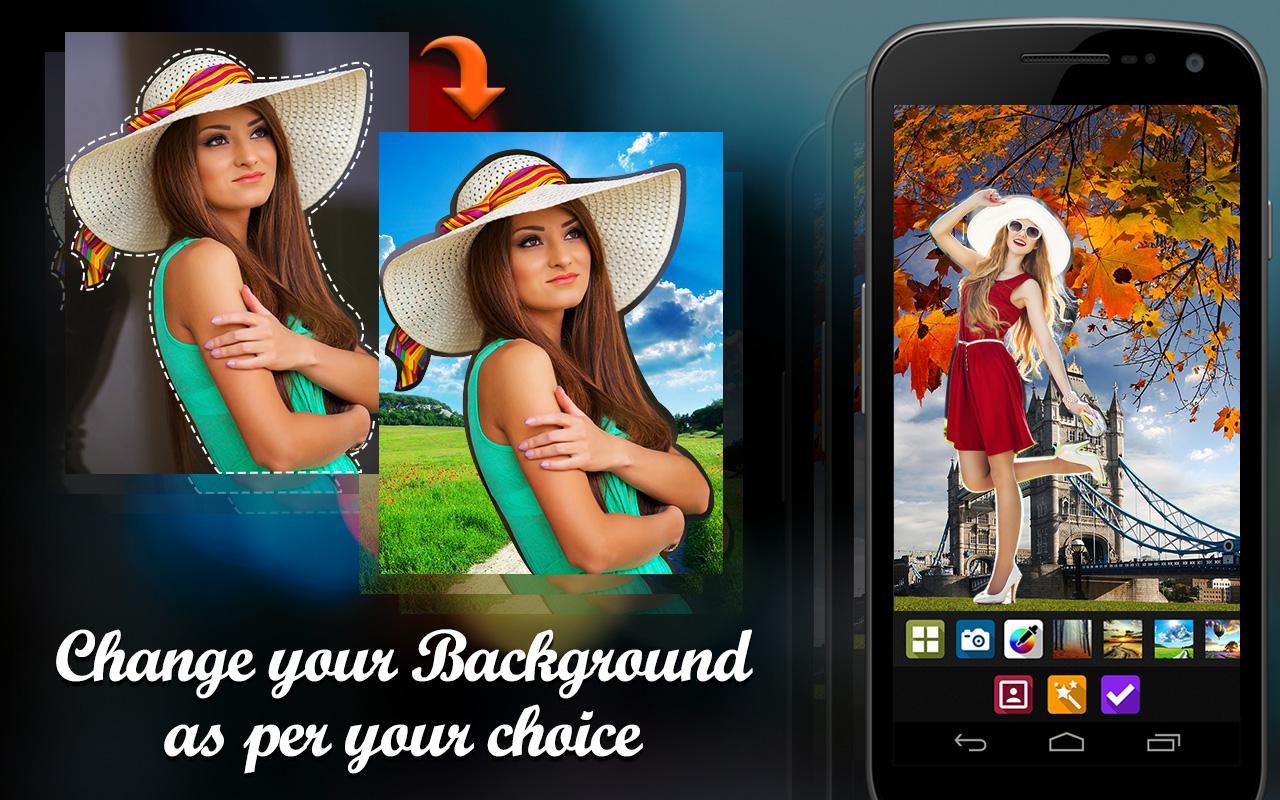
11. Change Background:-
In this photo editor app you will also get an option to change background. You can choose-without background, take background image from camera, pic color from color picker or use background
images provided by the app itself.
12. Save or Share option:-
Once you are done with editing using this photo editor app, you can save image to camera roll or share it on any social networking site like Instagram, Facebook.
Finally, this is one the best app to consider for working with removing background in the image.
Background remover is one of the best photo editors for background removal. Download this top background eraser app for free to erase photo backgrounds.
12. Save or Share option:-
Once you done with editing you can save image to camera roll or share it on any social networking site like Instagram, Facebook.
Finally, this is one the best app to consider for working with removing background in the image.
Phiên bản mới nhất
2.0Được tải lên bởi
Fernando Rodriguez Ronaldo
Yêu cầu Android
Android 4.1+
Danh mục
Miễn phí Nhiếp ảnh ỨNG DỤNGXếp hạng nội dung
Everyone
Báo cáo
Gắn cờ là không phù hợpLast updated on Dec 18, 2018
+ Defect fixing and api level changes ...



APKPure - Kho ứng dụng đa nền tảng chủ yếu tập trung vào Android, cung cấp nội dung phong phú về ứng dụng. Khám phá ứng dụng bạn muốn dễ dàng, nhanh chóng và an toàn hơn, với tính năng tải xuống và cài đặt nhanh chóng và hiệu quả.










