
Background Eraser - Not just an ordinary photo editor app, it’s a smart photo background eraser app for your android devices. With our photo background Remover app you can smartly erase background color or object easily. Instead of downloading many photo background remover apps, download our photo Background Remover app and easily remove or add background to your image.
Key Features of our Background Eraser App:
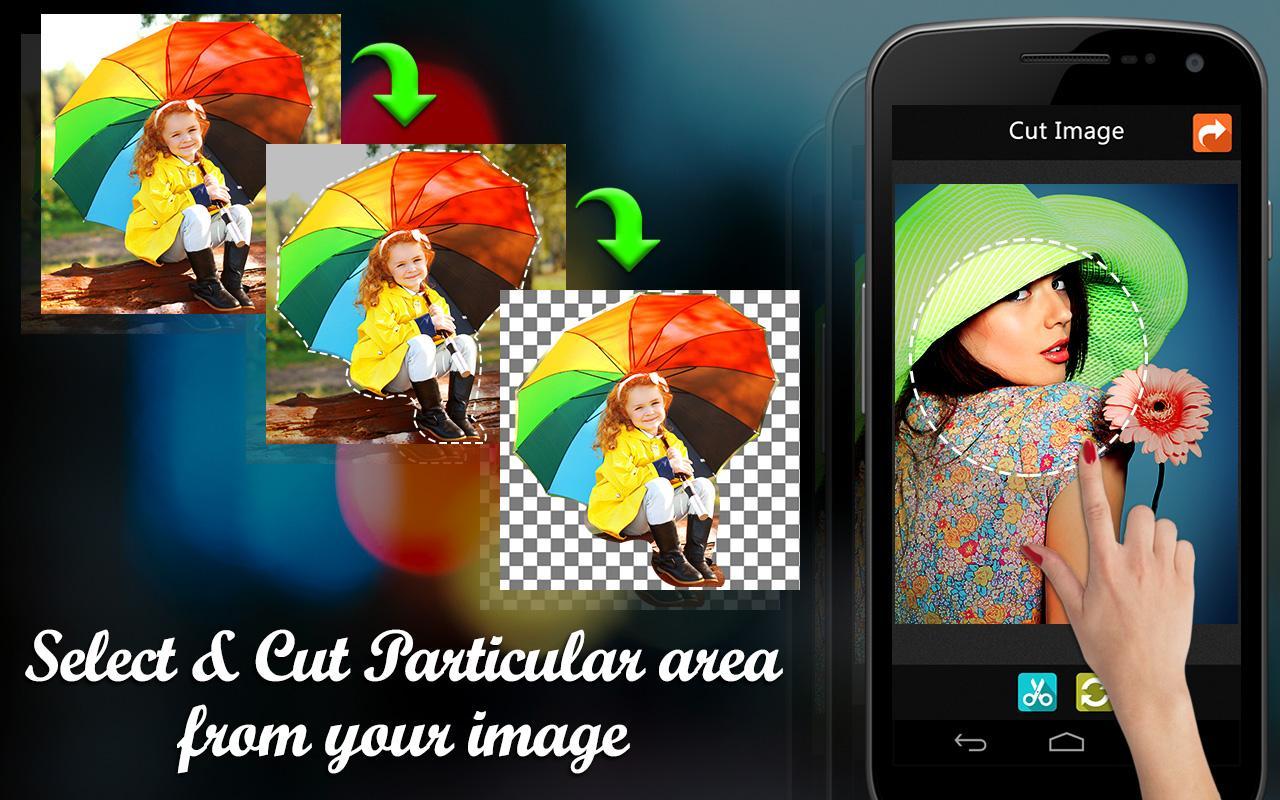
1. Smart Crop option:-
Most of the application provides default square crop option, but in this photo editing app we custom crop option. With our smart crop tool you can select crop location by marking crop location
by using your finger.
2. Erase Image Background:-
Use the background eraser option of this photo background remover app to erase photo background.
3. Fill Erased Location back:-
Mistakenly erased some other location? then don’t worry. You can always fill erased location back to normal by using our fill tool.
4. Magic Tool:-
Remember Magic tool on Adobe Photoshop software? With our Pic Eraser app you can get Magic selection tool so that you can easily select particular region on your image by just one click.
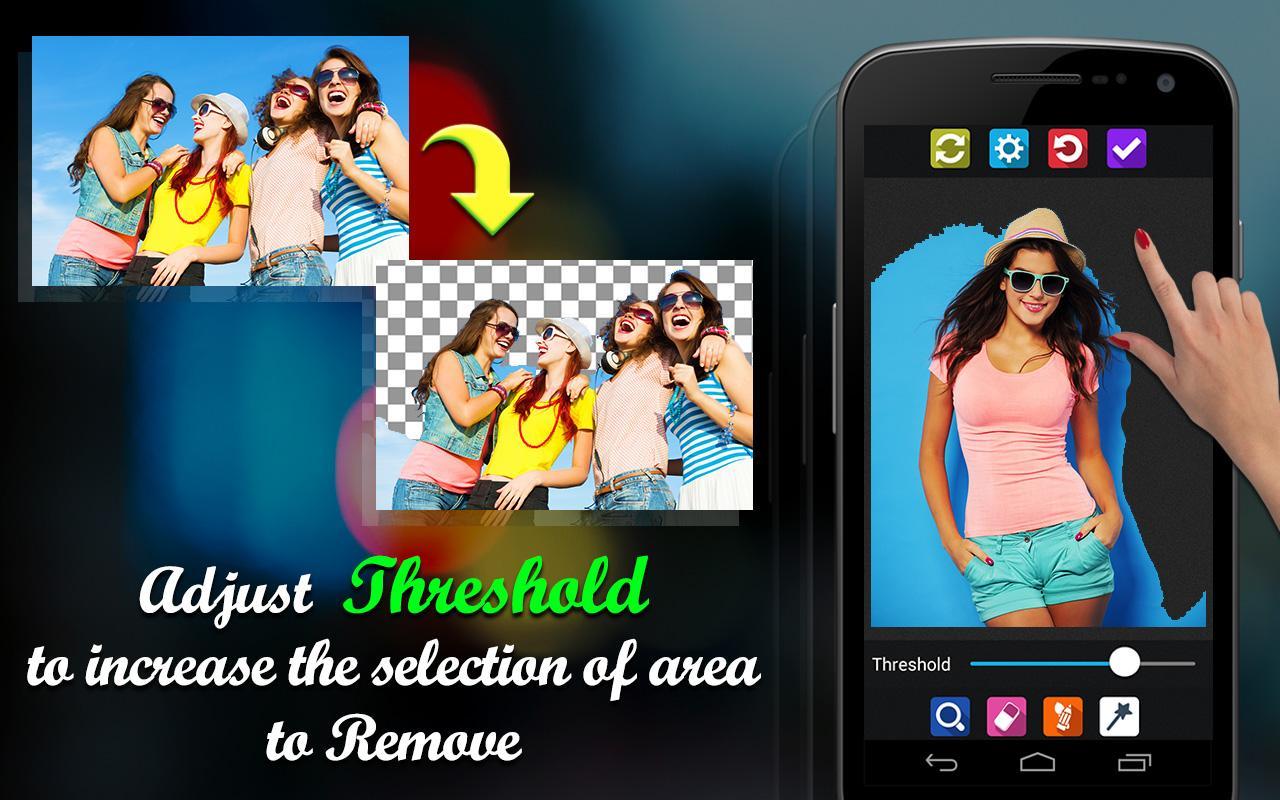
5. Region selection Intensity:-
This option works with magic tool. If our magic tool is selecting only small region then you can increase the intensity using this option.
6. Zoom:-
Some times small areas also matters while editing, that time you can use our zoom option of this photo editor to work with your image carefully.
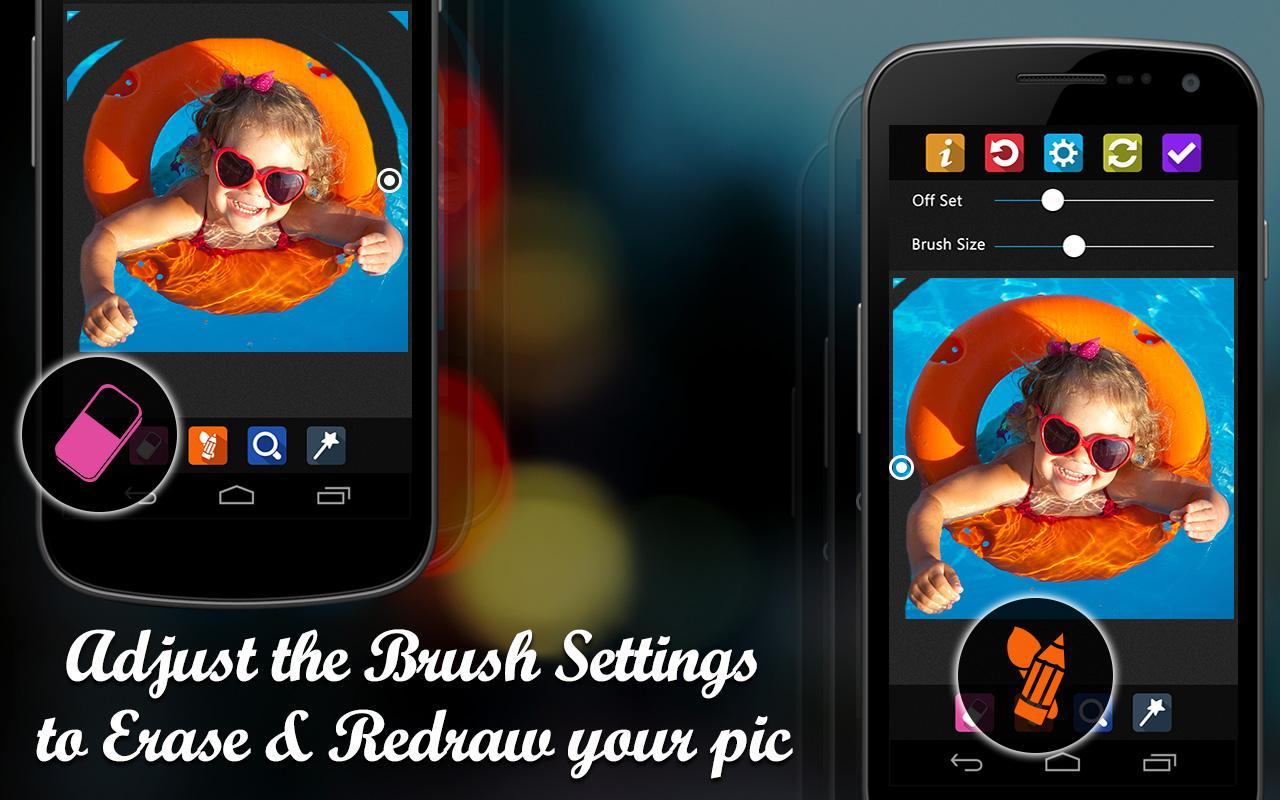
7. Increase or decrease brush size:-
Select erase or fill tool and click on setting to get this option and drag the slider to increase or decrease brush size.
8. Increase or decrease offset size:-
To get this option select eraser or fill tool and click on settings. With this offset size you can make brush far away from the working location so that you can easily see the location which you are editing.
9. Reset:-
Don’t like the changes made from this photo background remover app? then use the Reset option.
10. Image Editing option:-
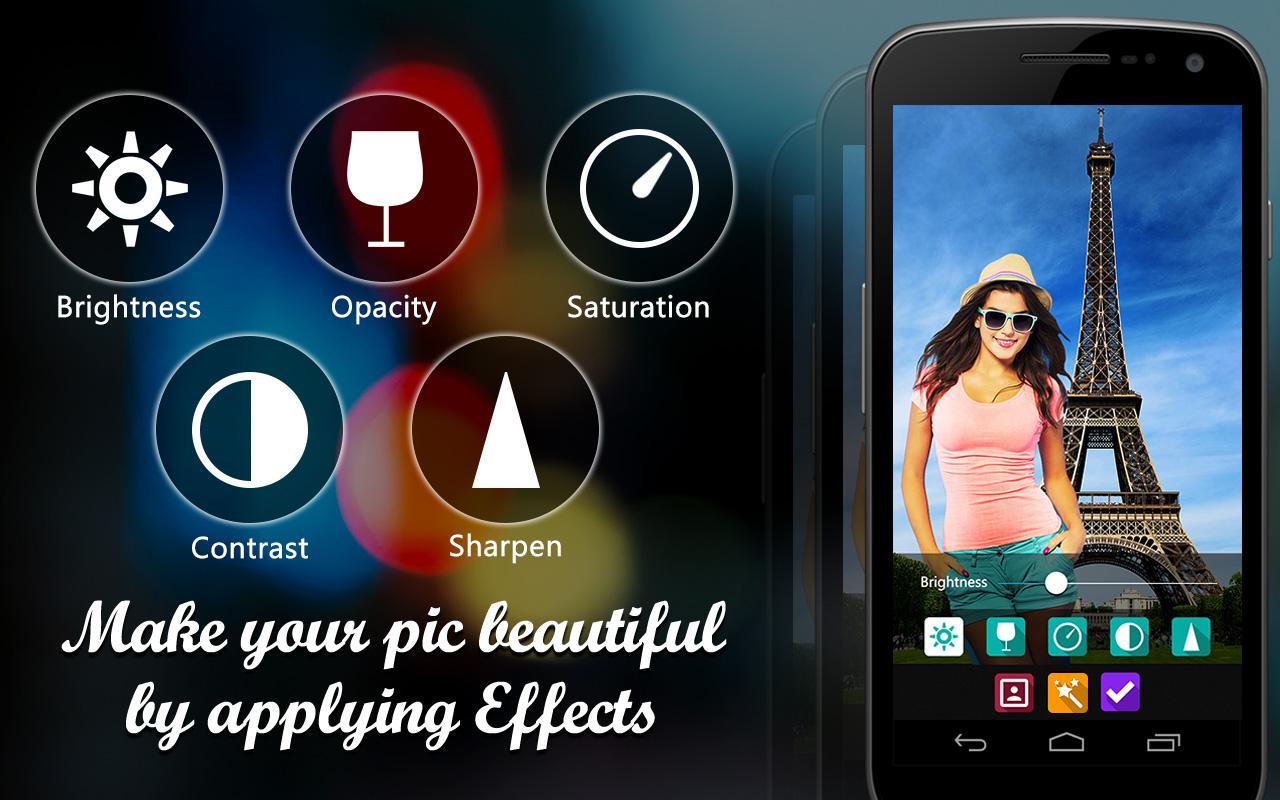
In this tool you will get smoothen, brightness, opacity, contrast and saturation tools.
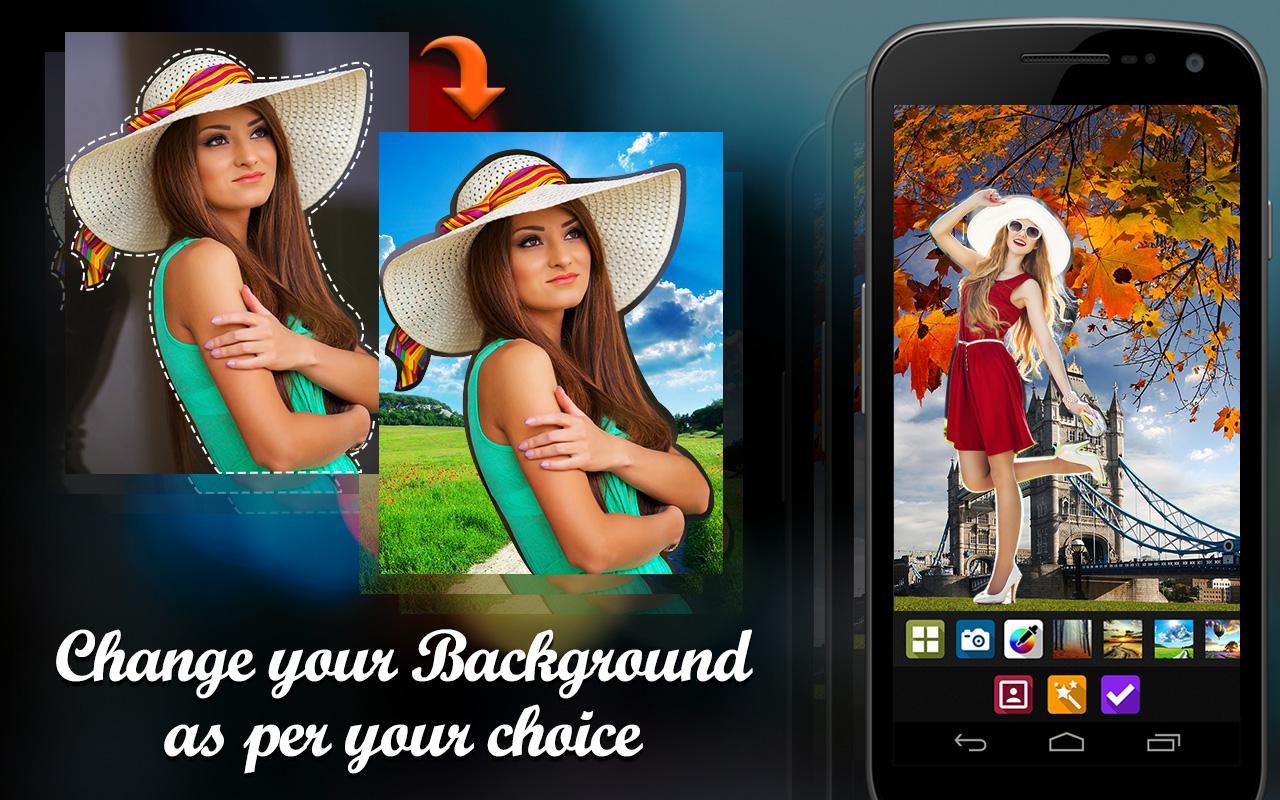
11. Change Background:-
In this photo editor app you will also get an option to change background. You can choose-without background, take background image from camera, pic color from color picker or use background
images provided by the app itself.
12. Save or Share option:-
Once you are done with editing using this photo editor app, you can save image to camera roll or share it on any social networking site like Instagram, Facebook.
Finally, this is one the best app to consider for working with removing background in the image.
Background remover is one of the best photo editors for background removal. Download this top background eraser app for free to erase photo backgrounds.
12. Save or Share option:-
Once you done with editing you can save image to camera roll or share it on any social networking site like Instagram, Facebook.
Finally, this is one the best app to consider for working with removing background in the image.
Last updated on Dec 18, 2018
+ Defect fixing and api level changes ...



APKPure - 안드로이드를 중심으로 한 멀티플랫폼 앱스토어로, 다양한 앱 관련 콘텐츠를 제공합니다. 더 쉽고, 빠르고, 안전하게 원하는 앱을 찾아보세요. 빠르고 효율적인 다운로드와 설치가 가능합니다.














