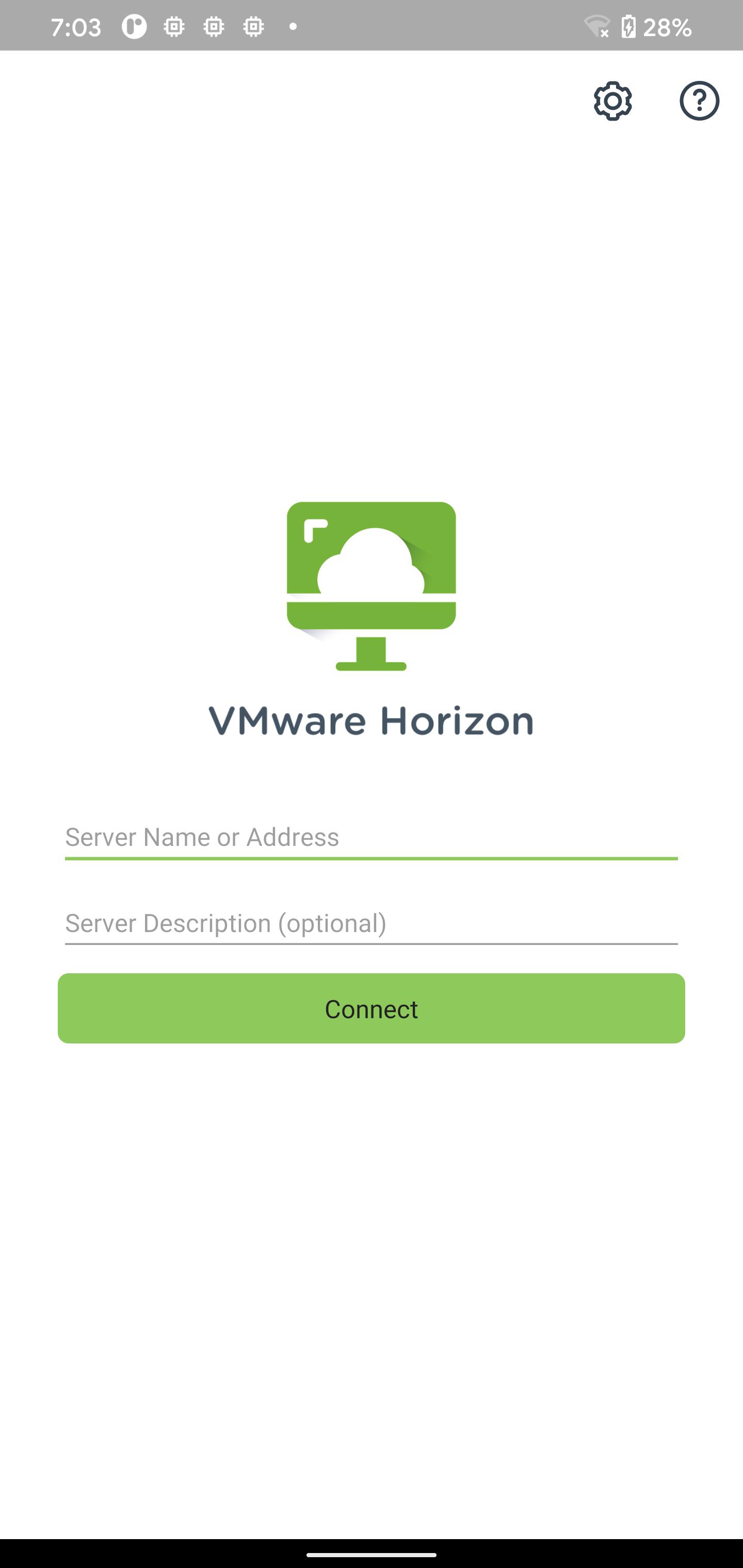
VMware Horizon Client for Android makes it easy to work on your VMware Horizon virtual desktop and hosted applications from your Android phone or tablet, giving you on-the-go access from any location.
IMPORTANT NOTE: A VMware Horizon virtual desktop or hosted application is required to use the VMware Horizon Client for Android. Contact your IT department for further assistance.
This app uses the Device Administrator permission.
FEATURES:
ENHANCED USER EXPERIENCE
The VMware Blast Extreme protocol used with Horizon 7 is designed and optimized for mobile users. Blast Extreme leverages H.264 hardware decoding to deliver the best remote experience while reducing power consumption.
LEAVE THE DESKTOP BEHIND WITH HOSTED APPLICATIONS
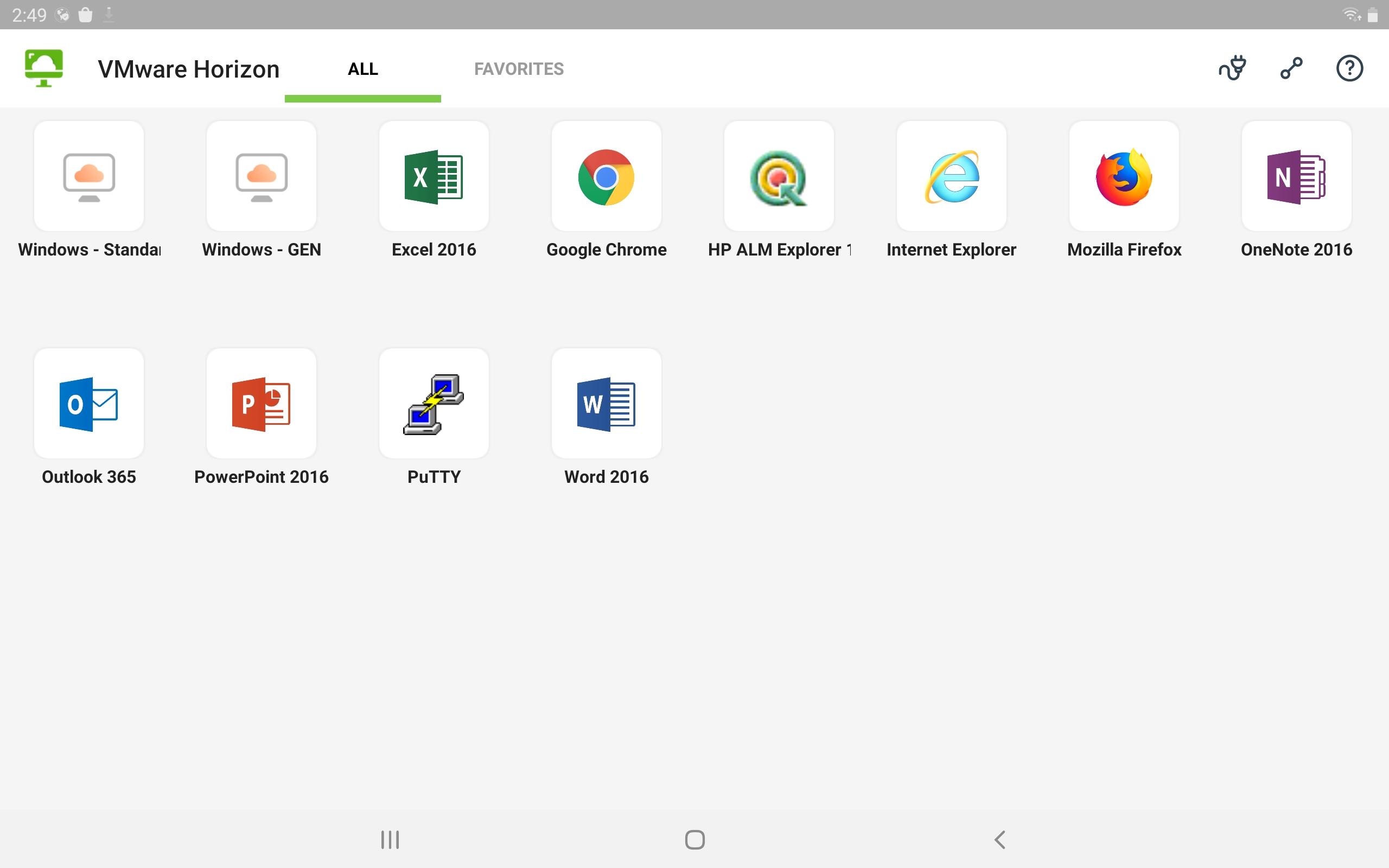
VMware Horizon 6 and later supports hosted applications in addition to virtual desktops. With hosted applications, leave the desktop behind and run applications like local Android apps.
BEST OF BOTH WORLDS
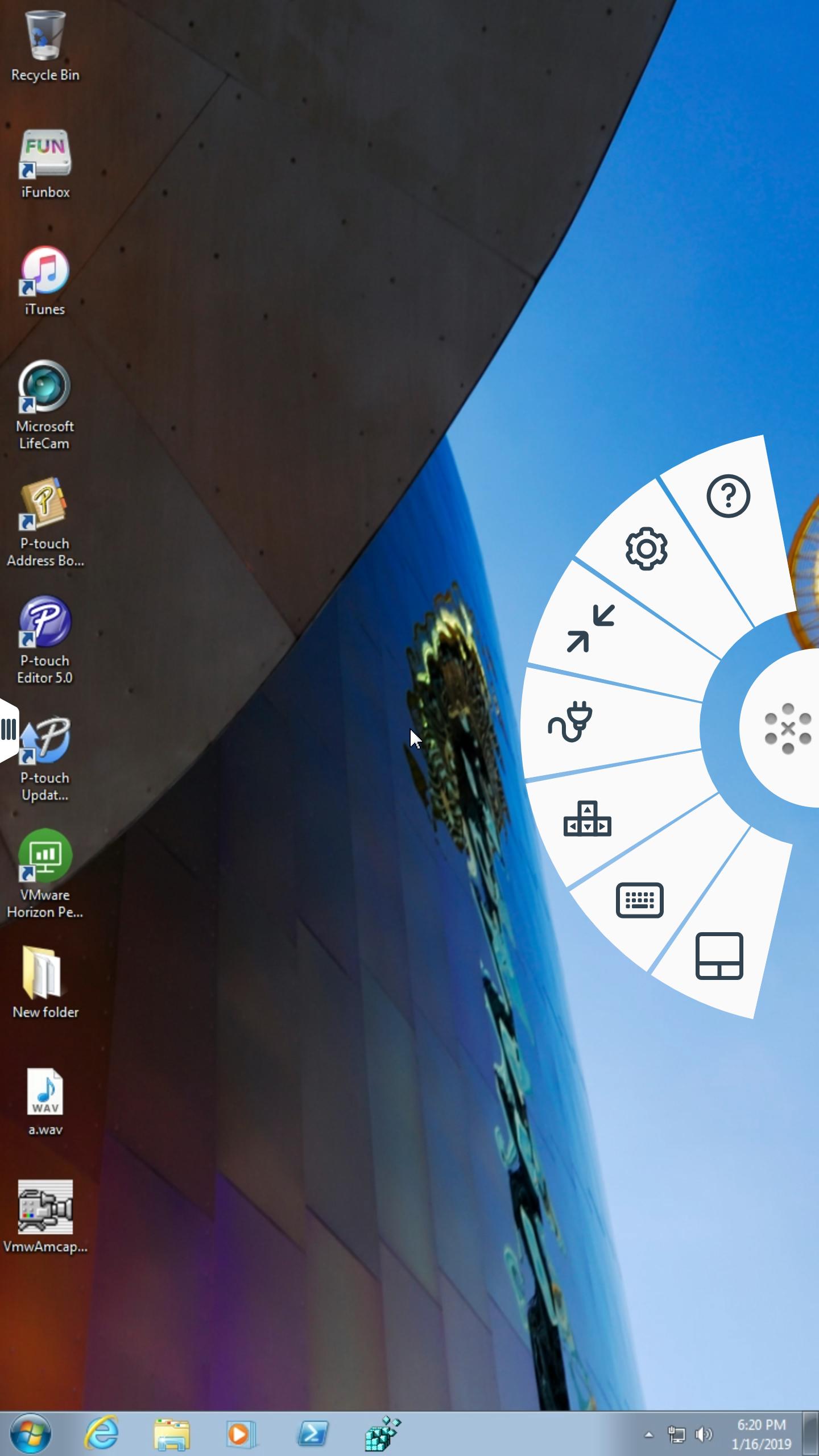
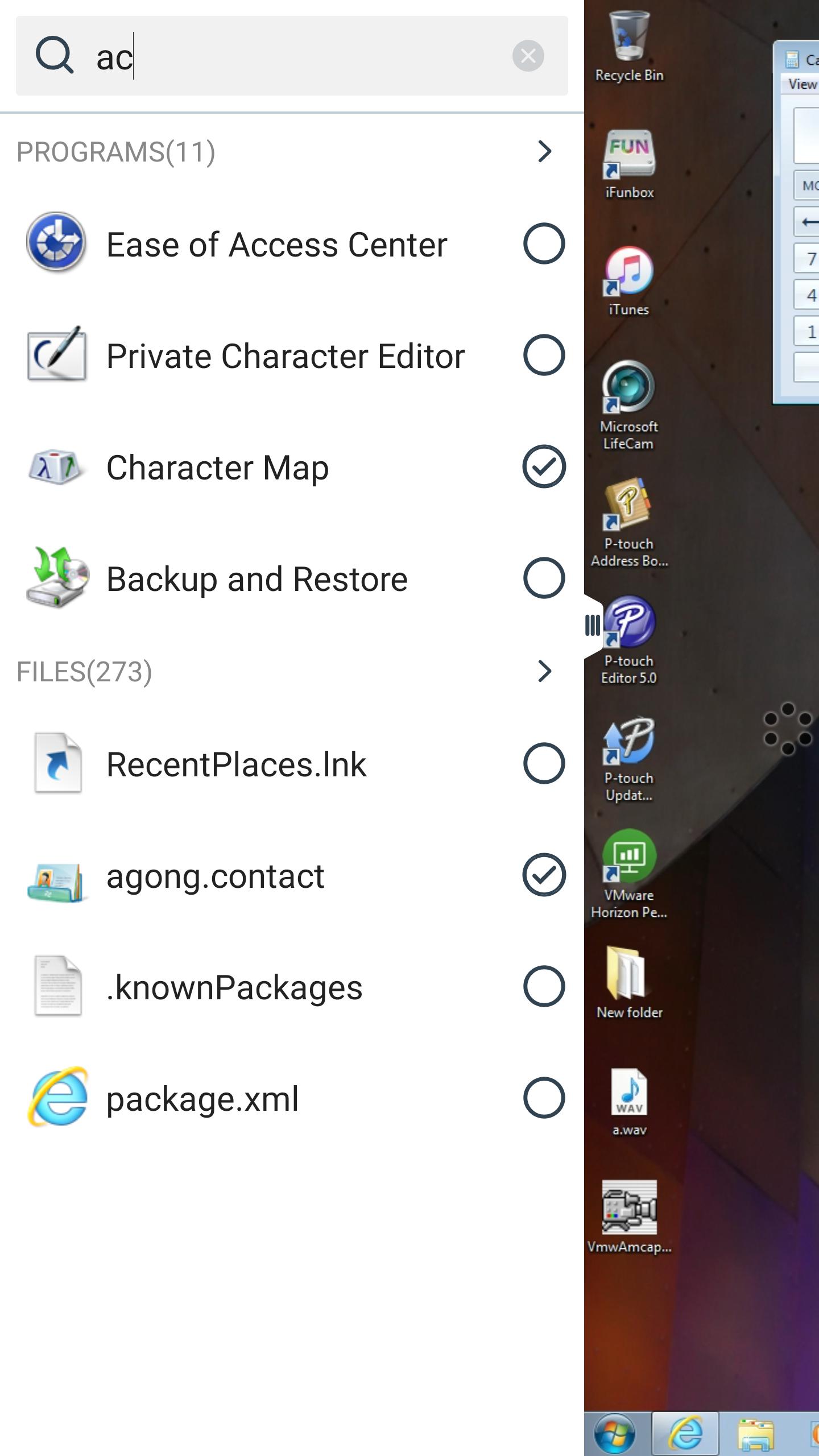
Unity Touch bridges the gap between your touch screen and your Windows applications. With Unity Touch, you can easily browse, search, and open Windows applications & files, choose favorite applications and files, and switch between running applications all without the Start Menu or Task Bar.
UNMATCHED PERFORMANCE
The adaptive capabilities of the Blast Extreme and PCoIP display protocol make your virtual desktop fast and responsive regardless of whether you are connecting over your corporate WiFi network or over cellular connection at a local café.
SECURE FROM ANY LOCATION
Whether you’re at your desk or away from the office, you’re always secure with VMware Horizon. Leverage smart card authentication with the Biometric Associates baiMobile smart card readers. Use the newly integrated RSA soft token for simpler access.
NOTE REGARDING APPLICATION PERMISSIONS: When you install the VMware Horizon Client, you will be prompted to allow the app to read phone status and identity. These permissions are due to the integrated RSA SDK and the RSA soft token feature. For security purposes, the RSA SDK requires access to the phone state, device's network state and Wi-Fi state in order to verify the device's identity.
For more information, refer to RSA FAQ: http://www.rsa.com/android/help120.htm
EULA
http://www.vmware.com/download/eula/
Latest Version
8.13.1Uploaded by
조병두
Requires Android
Android 8.0+
Category
Free Business AppContent Rating
Everyone
Report
Flag as inappropriateLast updated on Dec 24, 2024
The VMware Horizon Client has been updated to support Android SDK 34, ensuring compatibility with the latest Android versions.
A seamless data migration feature has been introduced, allowing users to transfer their data from the VMware Android Horizon Client to the Omnissa Android Horizon Client effortlessly, ensuring no data loss during the switch.





APKPure - A multi-platform app store primarily focused on Android, providing extensive app-related content. Discover the app you want easier, faster, and safer, with quick and efficient downloads and installations.

















