Remote control VLC on a computer in your local network - ad-free and open source.
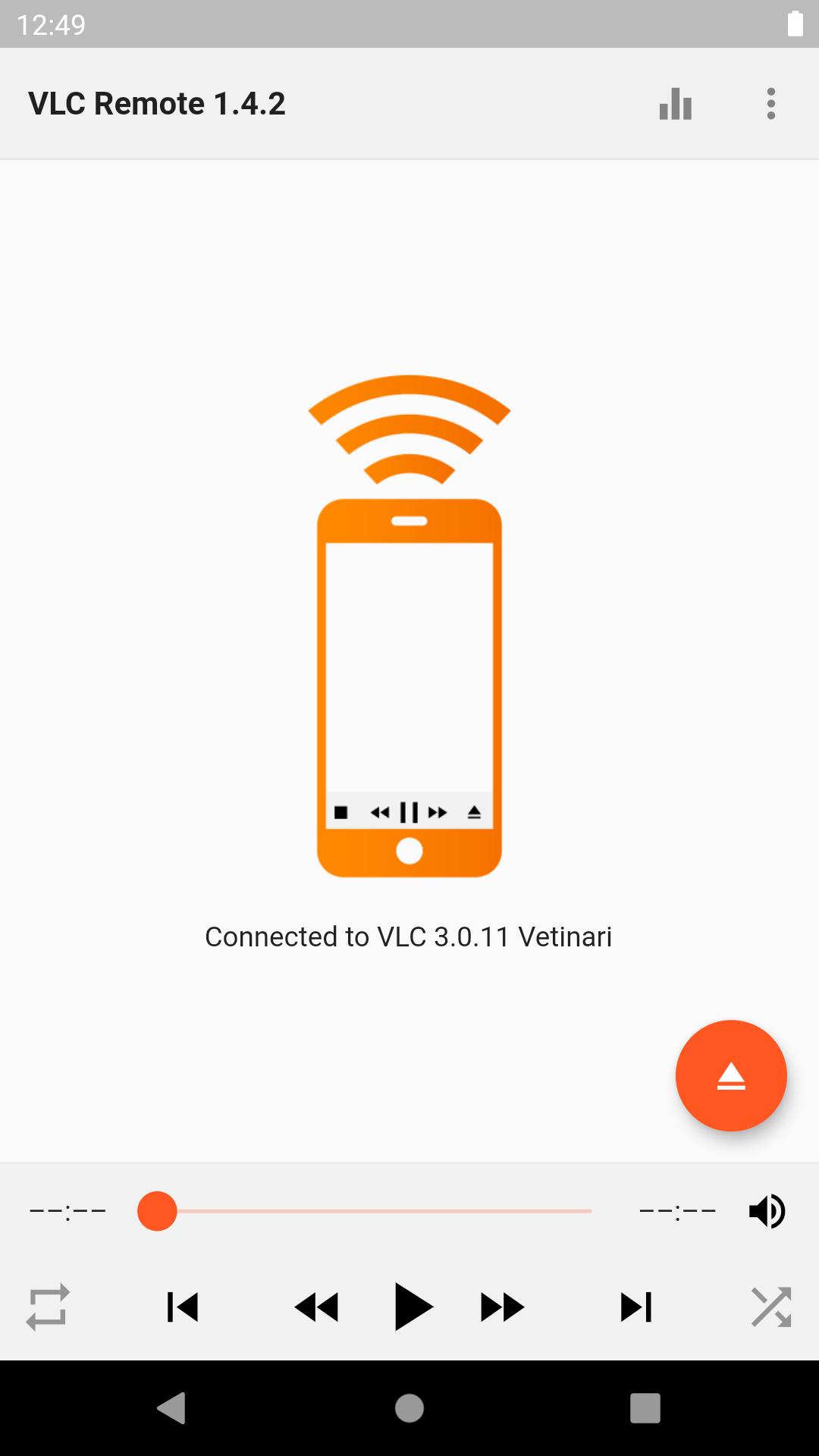
On first run, the app will guide you through configuring VLC for remote control and connecting to it.
Features:
- Control playback, seek to a particular time and change the volume of the currently playing media
- Playlist which mirrors the contents of VLC's playlist
- Browse files on your computer through VLC's API and favourite your commonly-used folders for easier access
- Enqueue YouTube videos and other steaming content sites supported by VLC
- Change the subtitle and audio track for video files which have multiple tracks
- Toggle fullscreen, random play, repeat, loop and playback speed settings
- Equalizer
- Use album art as the playlist background for audio files
Source code:
https://github.com/insin/vlc_remote
Latest Version
1.4.2Uploaded by
Rinku Mahar
Requires Android
Android 4.1+
Category
Free Tools AppContent Rating
Everyone
Report
Flag as inappropriateLast updated on Jul 24, 2020
Added a button to access settings when trying to connect to VLC after initial configuration




APKPure - A multi-platform app store primarily focused on Android, providing extensive app-related content. Discover the app you want easier, faster, and safer, with quick and efficient downloads and installations.