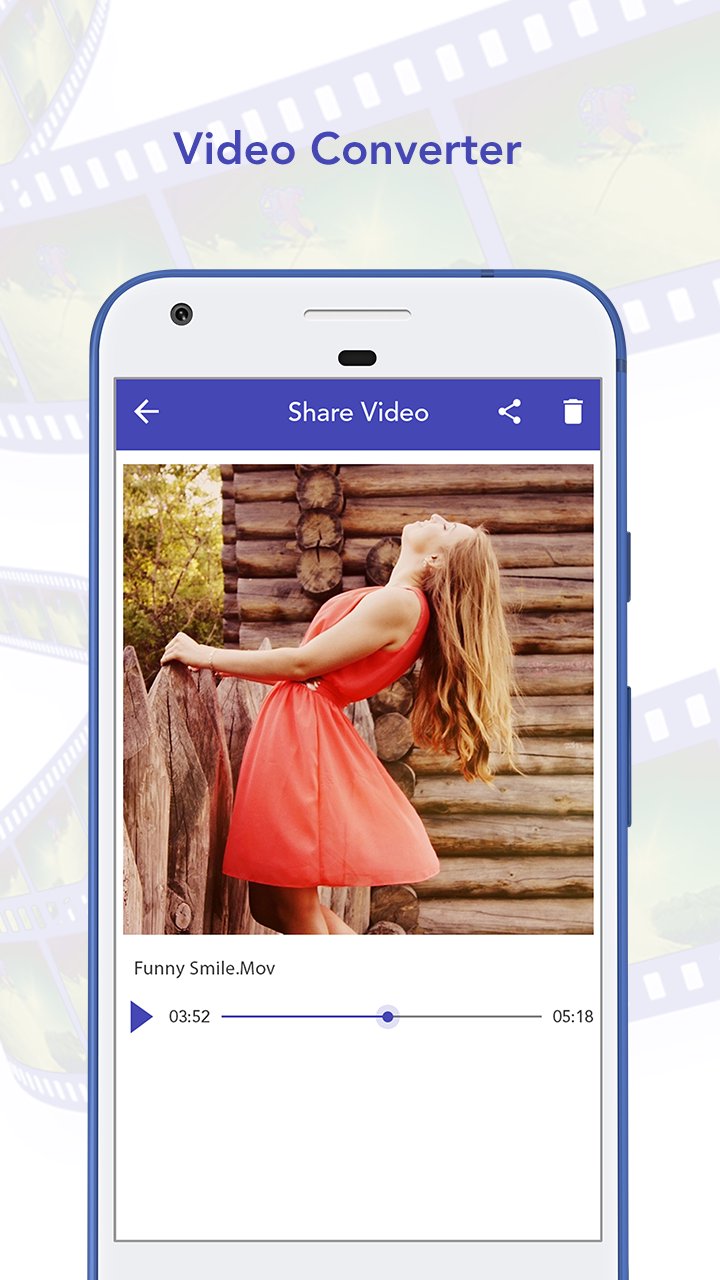
Video Converter Convert all your videos on your android device. Video converter is easy media tool that video converter. Converter videos are AVI, MP3, WMV, FLV, MKV, MOV, MPG, MPFG, etc.
Video Converter Converter audio to VOB, DCIM, WAV, etc. You can easily save and share converted video. Video converter is with various option such as start, my creation, rate us.
How to Use Video Converter?
1.Select video from camera and gallery.
2.Video Converter are AVI, MP3, WMV, FLV, MKV, MOV, MPG, MPFG, etc.
3.Share the video from social media and social link.
4.Delete converted video clip if you do not require from video converted application.
5.Save the video your device.
Video Converter Features
1.Latest material design.
2.Video converting speed is very fast.
3.High quality videos converted.
4.Video and audio information display.
Latest Version
1.0Uploaded by
Trần Thị Lệ Hằng
Requires Android
Android 2.2+
Category
Free Video Players & Editors AppContent Rating
Everyone
Report
Flag as inappropriateLast updated on Aug 1, 2017
Minor bug fixes and improvements. Install or update to the newest version to check it out!




APKPure - A multi-platform app store primarily focused on Android, providing extensive app-related content. Discover the app you want easier, faster, and safer, with quick and efficient downloads and installations.