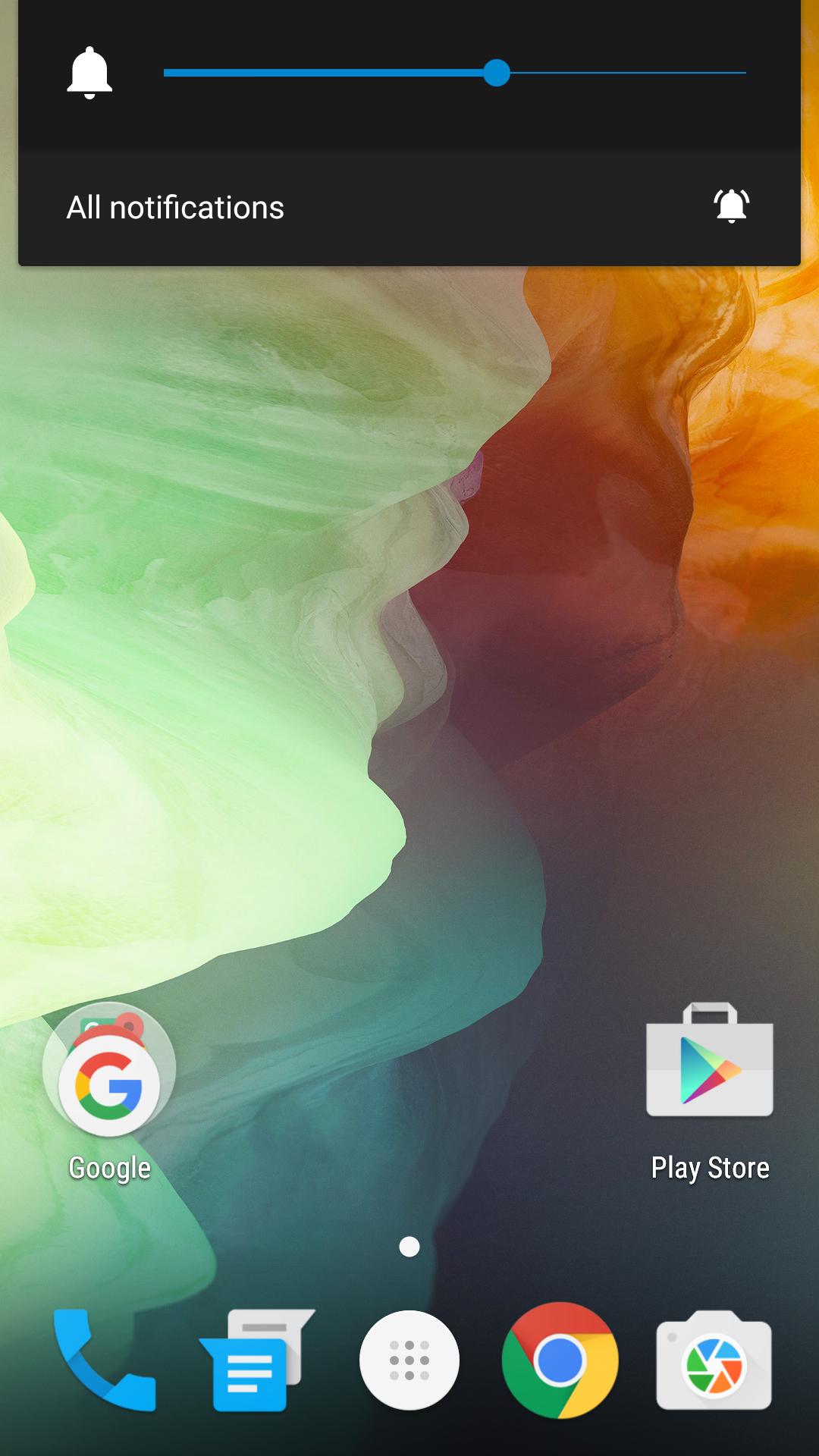
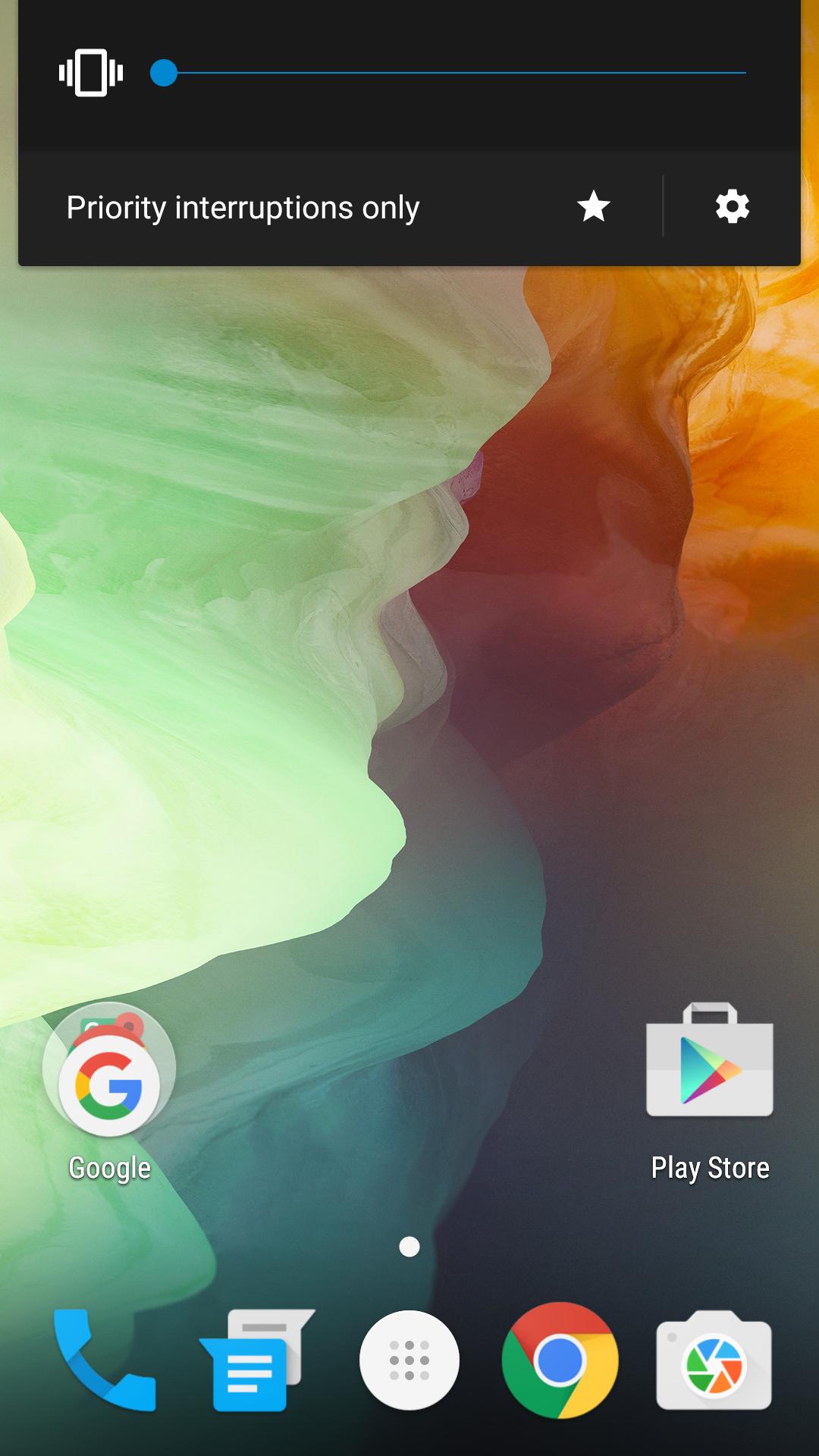
There are 3 notification modes in Android 5.0+ (None, Priority Interruption, All).
With this app, you can change those modes into None, Vibrate, All notification.
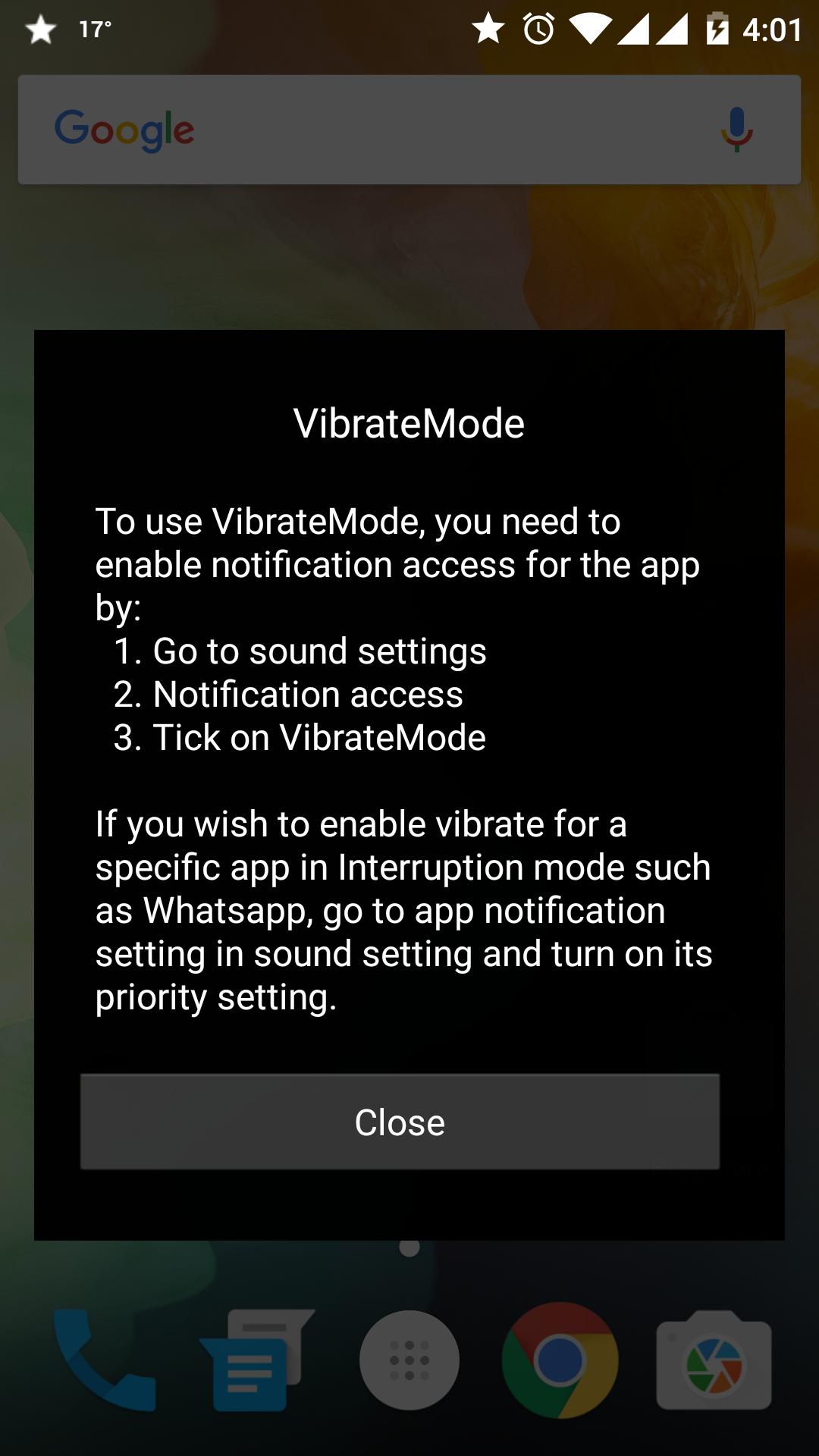
To use VibrateMode, you need to enable notification access for the app by:
1. Go to notification settings
2. Click on Notification access
3. Tick on VibrateMode
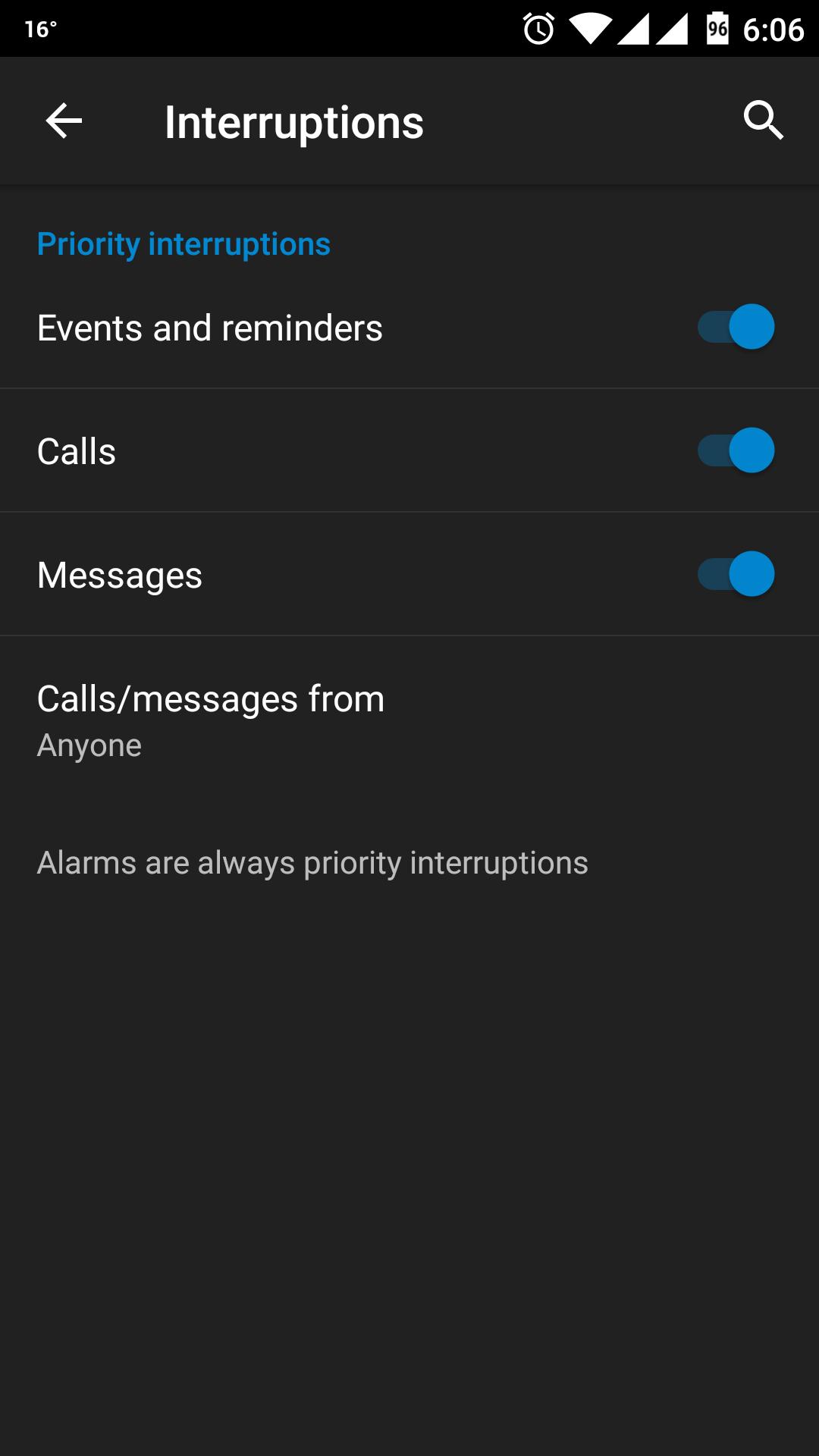
If you wish to enable vibrate for a specific app in Interruption mode such as online messaging app, go to App notification setting and turn on its priority setting.
*Note: For Oneplus 2 users, do not hibernate the app so that you can change mode when the screen is off.
**Extra feature: the device goes to vibrate mode when headphone is plugged and restores your desire mode after headphone unplugged.
Latest Version
v3.2Uploaded by
Carlos Garcia
Requires Android
Android 4.0+
Category
Free Tools AppContent Rating
Everyone
Report
Flag as inappropriateLast updated on Mar 6, 2016
New version available. Click on the app icon to see more info


APKPure - A multi-platform app store primarily focused on Android, providing extensive app-related content. Discover the app you want easier, faster, and safer, with quick and efficient downloads and installations.