
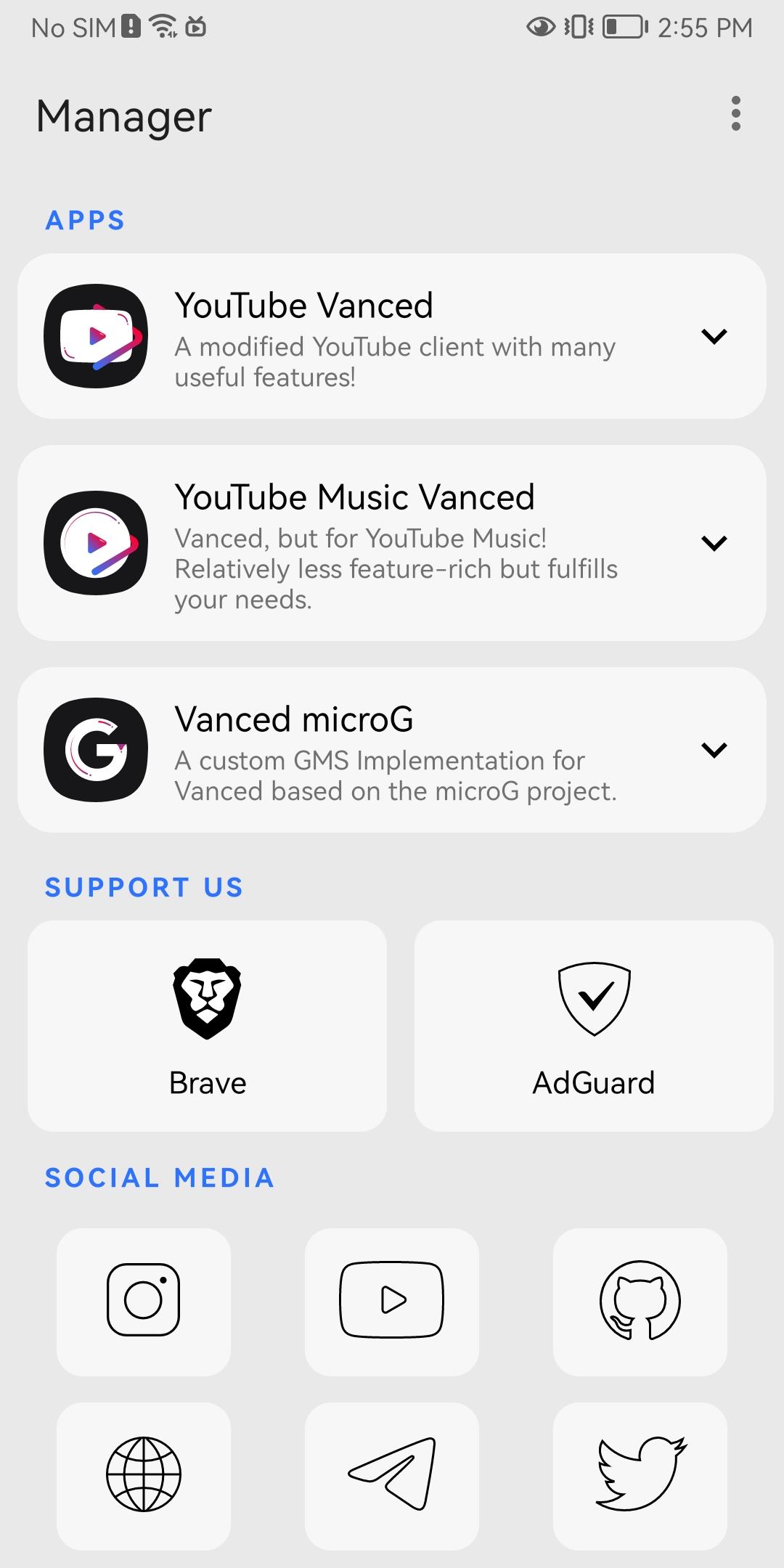
Vanced Manager APK helps users who want a straightforward way to set up Vanced on Android. It reduces manual steps and guides both non root and root users through installation and updates. With clear prompts and helpful notices, you can begin quickly and avoid common mistakes. The app also shares important compatibility information so you understand limitations before making changes.
Simplified installation for non root devices
Root support with Magisk permissions
Vanced Manager supports rooted devices. Open the app and tap the Magisk icon to grant root permissions. Once inside, install Vanced or Music Vanced. The manager mounts Vanced on top of YouTube in the data app directory to complete setup.
microG and purchase behavior
For the non root version, purchases do not work because microG does not support them. If you need to buy items, use the original YouTube app or the web version. Install microG before Vanced so login works correctly.
Compatibility and playback guidance
Vanced Manager centralizes setup for Vanced on Android and provides clear tips for non root and root users. Review the notes above and proceed based on your device. To stay current, use Vanced Manager latest version for installation and updates.
Latest Version
2.6.2 (Crimson)Uploaded by
javier.garmel
Requires Android
Android 5.0+
Category
Free Tools AppReport
Flag as inappropriateLast updated on Mar 31, 2022
MicroG





APKPure - A multi-platform app store primarily focused on Android, providing extensive app-related content. Discover the app you want easier, faster, and safer, with quick and efficient downloads and installations.