
Scan Date:May 13, 2026
Show More

v2RayTun suits users who manage their own proxy servers and want a straightforward way to connect on Android. It is a client only, so there is no built in VPN service or subscription, and you import your own configurations. The app is based on Xray Core, with a focus on speed, privacy, and simple operation. As a result, it provides a clean path to link your device to your existing setup without extra steps. If you prefer manual installs, the v2RayTun APK offers a direct option.
v2RayTun uses Xray Core to establish fast and stable connections suited to everyday browsing, video streaming, and online gaming. It keeps connection overhead low to help maintain speed in different network environments. This approach also helps reduce impact on battery and mobile data while staying responsive.
Broad protocol supportYou can bring configurations from VLESS, VMess, Trojan, Shadowsocks, or SOCKS servers and connect with matching settings. v2RayTun also supports REALITY in Xray, which can help in restrictive networks by making traffic harder to detect. This variety makes it easier to keep using your preferred servers in different regions and conditions.
Flexible encryption choicesv2RayTun works with common ciphers such as AES 128 GCM, AES 192 GCM, AES 256 GCM, ChaCha20 IETF, and ChaCha20 Poly1305. You select the method that matches your server so both sides stay compatible. This helps protect your connection without adding unnecessary complexity.
Zero log, device side controlThe app follows a privacy first design. It does not collect usage logs or send your network activity to any third party service. Your configurations stay on your device, and connections are made only to servers you specify.
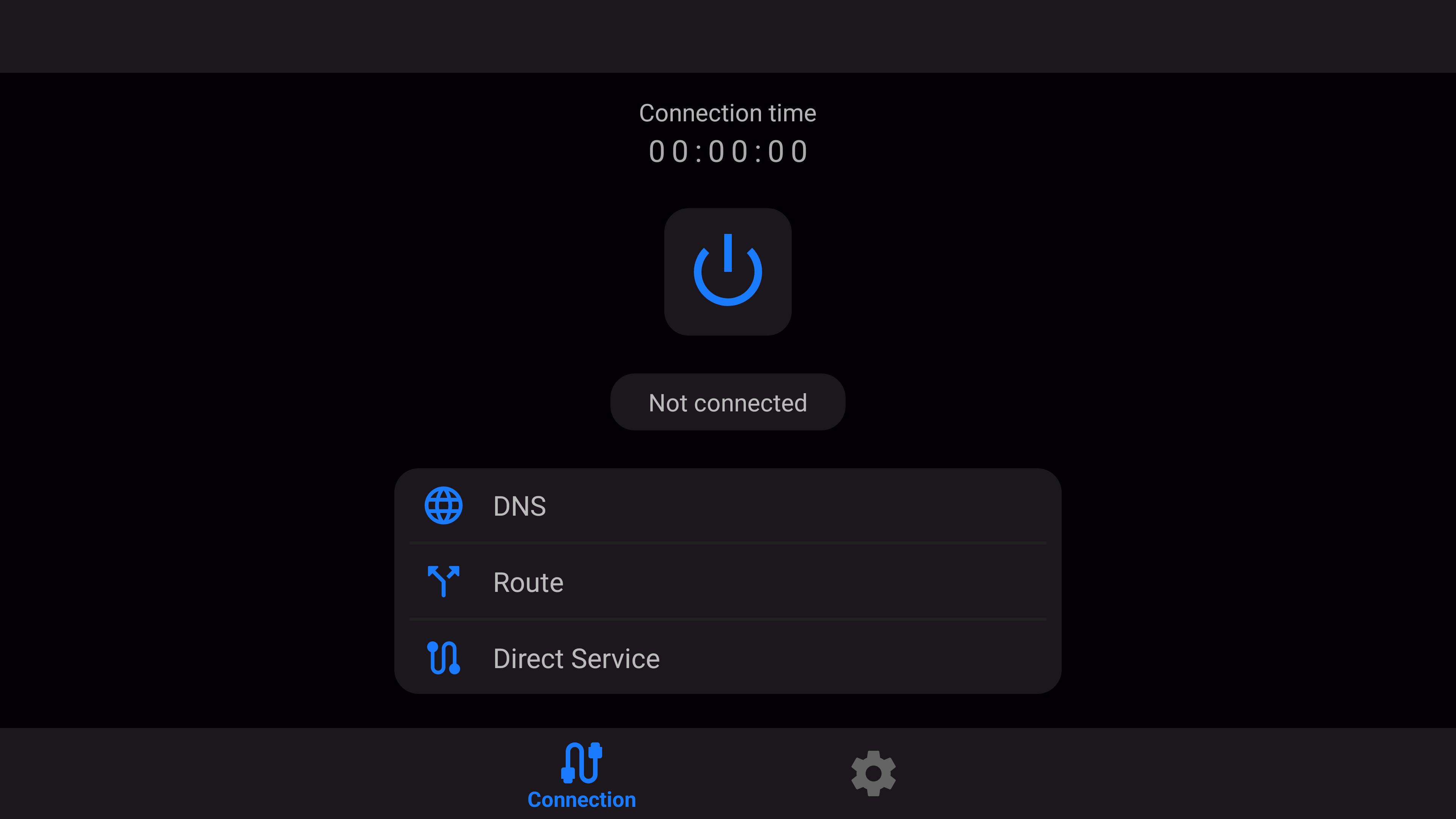
Simple setup and quick connectYou can import profiles by scanning a QR code, pasting from the clipboard, using a deep link, or entering details manually. After adding a profile, connect with a single tap and switch between profiles when needed. v2RayTun focuses on clear controls so users can get online without extra steps.
v2RayTun is a client application only. You need your own server or config link from a V2Ray, Trojan, or Shadowsocks provider to connect. If you run multiple devices, the same links or QR codes can be used across Android, iOS, Windows, macOS, and Android TV where supported. For Android TV or manual setups, a v2RayTun APK download may be preferred for installation.
User support is available through the official Telegram channel at @v2raytun. For VPN providers, there are Premium Plus options such as custom branding, anti ban tools, and Telegram bot management. These provider features are optional and do not affect normal use by individual users.
After you download v2RayTun and install it, you will need a valid configuration from your server to connect. The process is straightforward and keeps all changes on your device. Follow the steps below to get online with your existing profile.
v2RayTun is a practical client for users who bring their own V2Ray, Trojan, or Shadowsocks servers and want clear controls on Android. For compatibility and protocol support improvements, install the v2RayTun latest version when available.
For official resources and assistance, use the links below.
Latest Version
5.23.74Uploaded by
Carlos Miguel Monjaraz Barrios
Requires Android
Android 7.0+
Category
Free Tools AppContent Rating
Everyone
Security Report
Report
Flag as inappropriateLast updated on May 13, 2026
- Fixed issue where termination process would fail on some devices
- Other fixes




APKPure - A multi-platform app store primarily focused on Android, providing extensive app-related content. Discover the app you want easier, faster, and safer, with quick and efficient downloads and installations.