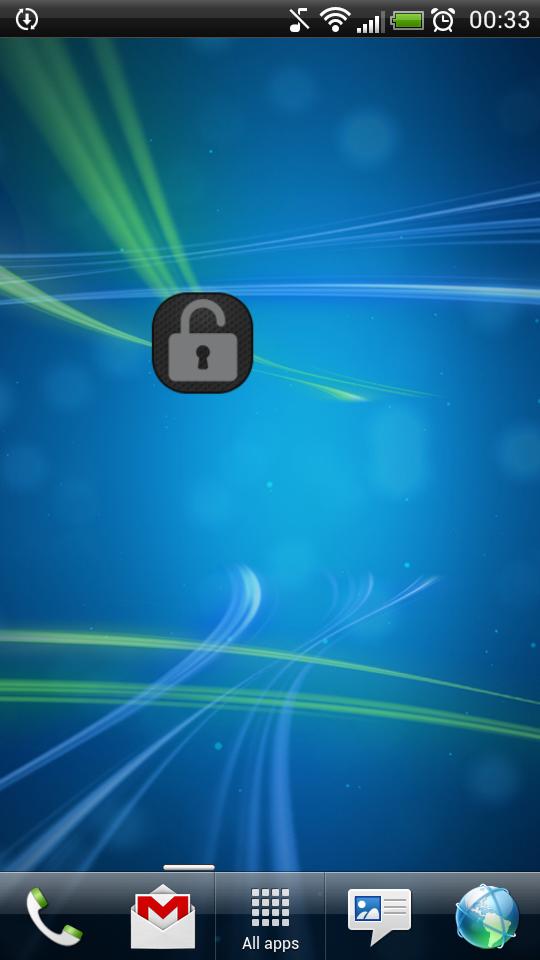
Application "Lock Screen Widget" is a simple widget (1x1) that allows user to easily lock screen.
Before uninstalling the widget make sure to disable admin permissions in Settings -> Security -> Device administrators -> Lock Screen Widget.
How to add widget "Lock Screen Widget" onto your phone's screen:
1. Go to your Home Screen.
2. Long click on empty space on Home Screen.
3. Select "Widgets" from the list.
4. Find widget "Lock Screen Widget".
You have an idea on how to improve "Lock Screen Widget", add a comment below.
تازہ ترین ورژن
2.1اپ لوڈ کردہ
Tan'Surachet Saengchat
Android درکار ہے
Android 2.2+
کٹیگری
مفت ٹولز ایپمواد کی درجہ بندی
Unrated · Warning – content has not yet been rated. Unrated apps may potentially contain content appropriate for mature audiences only.
رپورٹ کریں
فلیگ غیر موزوں ہےLast updated on Sep 19, 2015
اس ورژن میں معمولی بگ فکسز اور عمومی بہتریاں شامل ہیں۔ بہترین تجربے کے لیے تازہ ترین ورژن پر اپ ڈیٹ کریں۔



APKPure - ایک ملٹی پلیٹ فارم ایپ اسٹور جو بنیادی طور پر اینڈروئیڈ پر مرکوز ہے، جو وسیع ایپ سے متعلق مواد فراہم کرتا ہے۔ اپنی مرضی کی ایپ کو آسانی سے، تیزی سے اور محفوظ طریقے سے دریافت کریں، تیز اور موثر ڈاؤن لوڈز اور انسٹالیشنز کے ساتھ، جو آپ کی ضروریات کو پورا کرتے ہیں۔