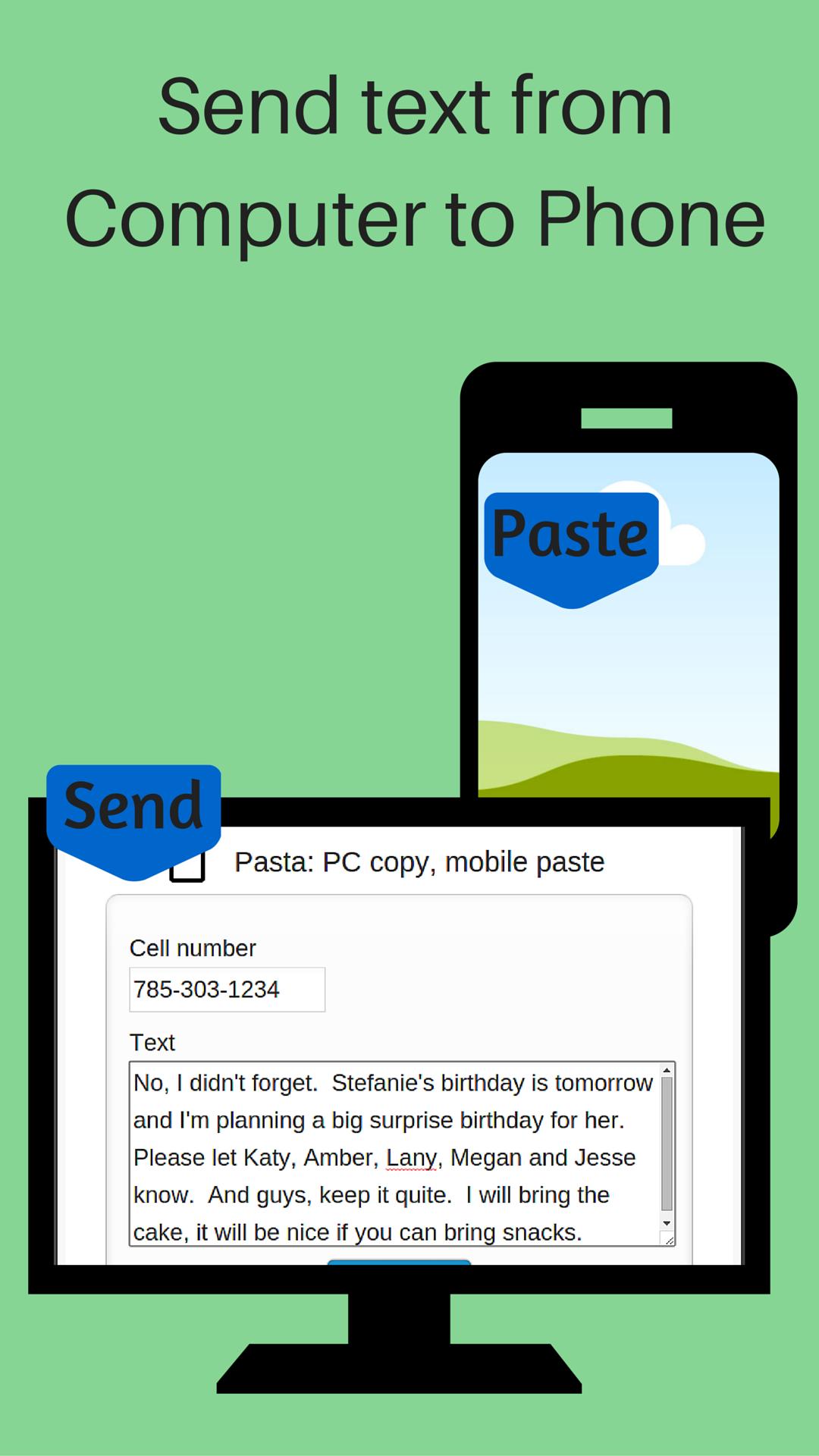
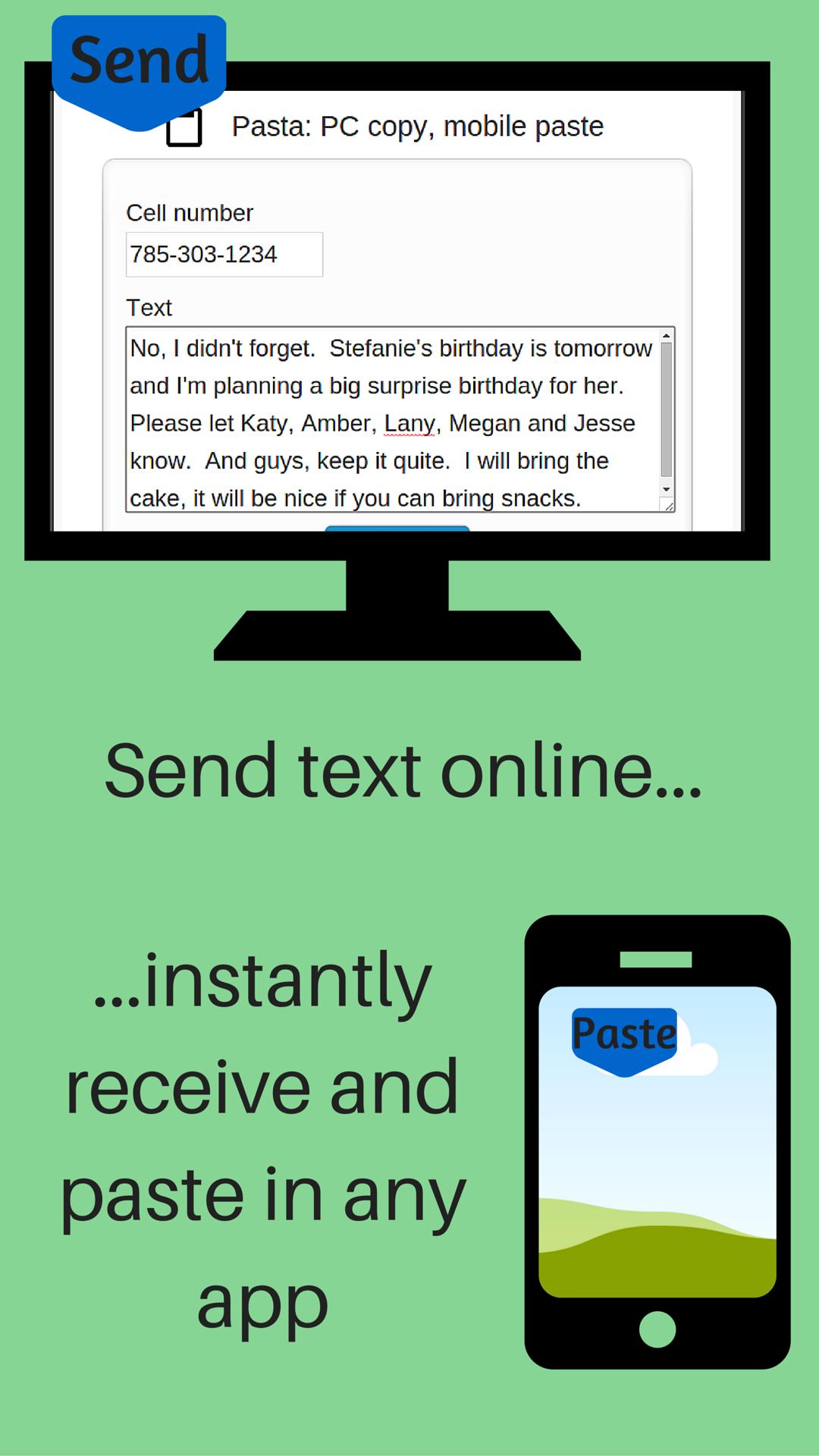
Send URL (link) from your computer to your phone. No sign-up, registration or computer software installation needed. The URL is sent to your phone's clipboard where you can paste it in any app.
After you install Push URL to Phone on your phone:
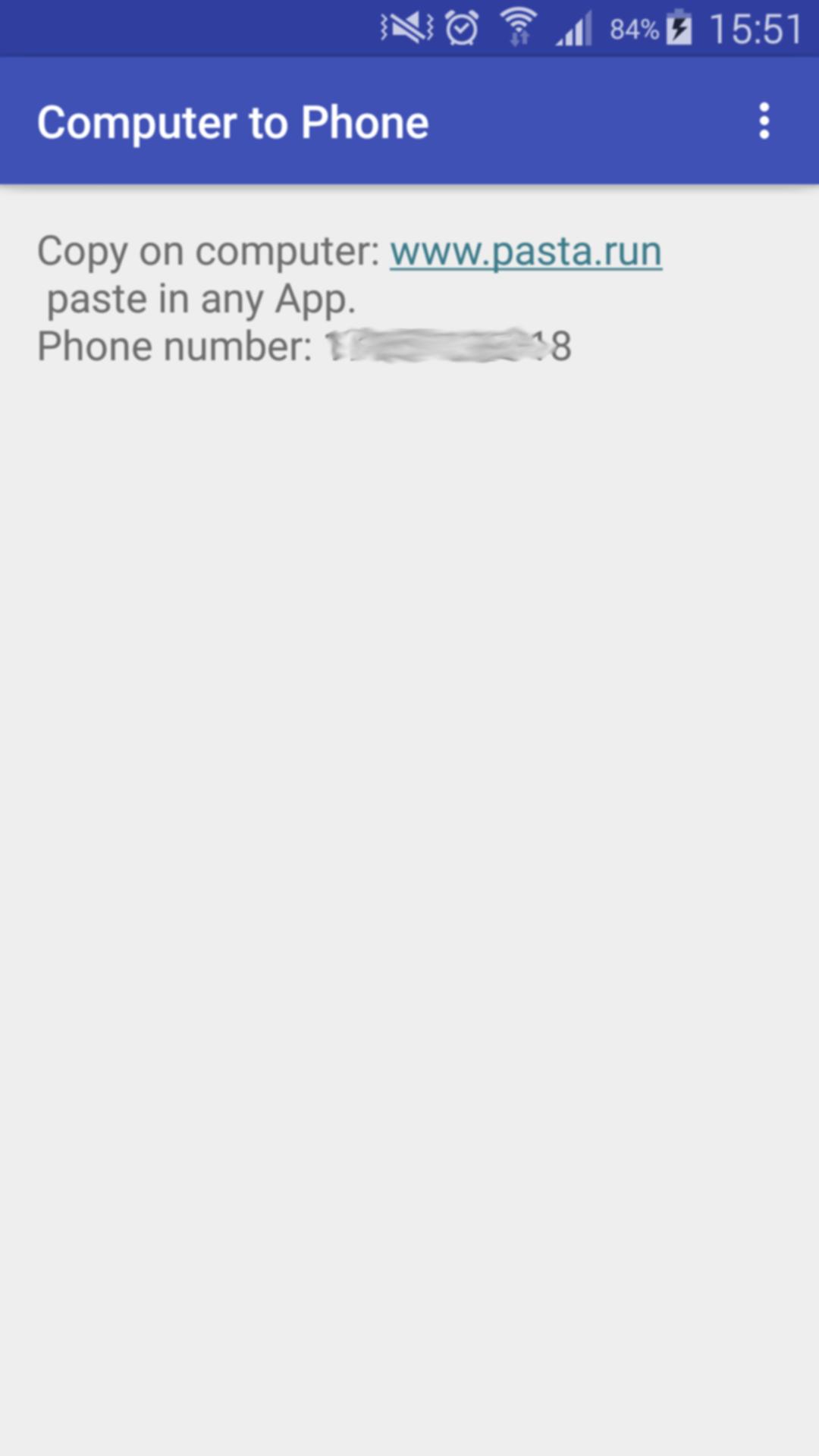
1- Open the App on your phone
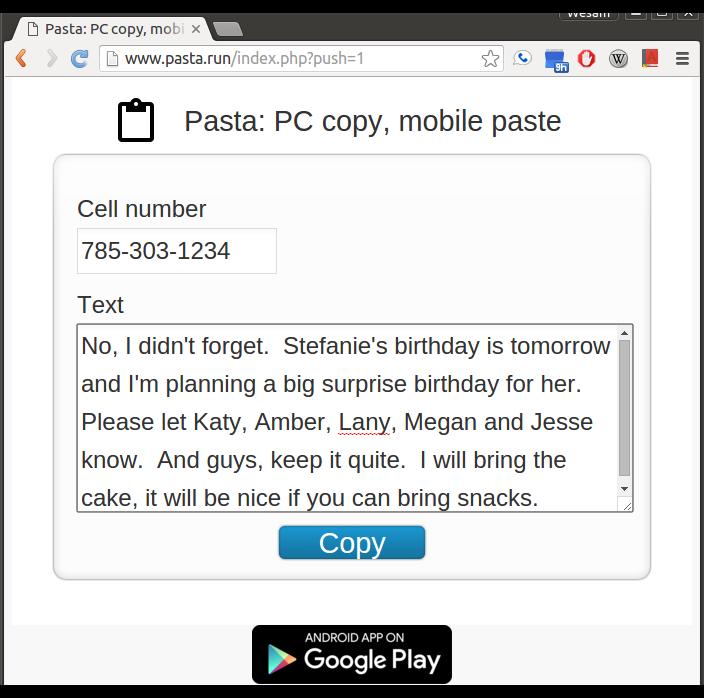
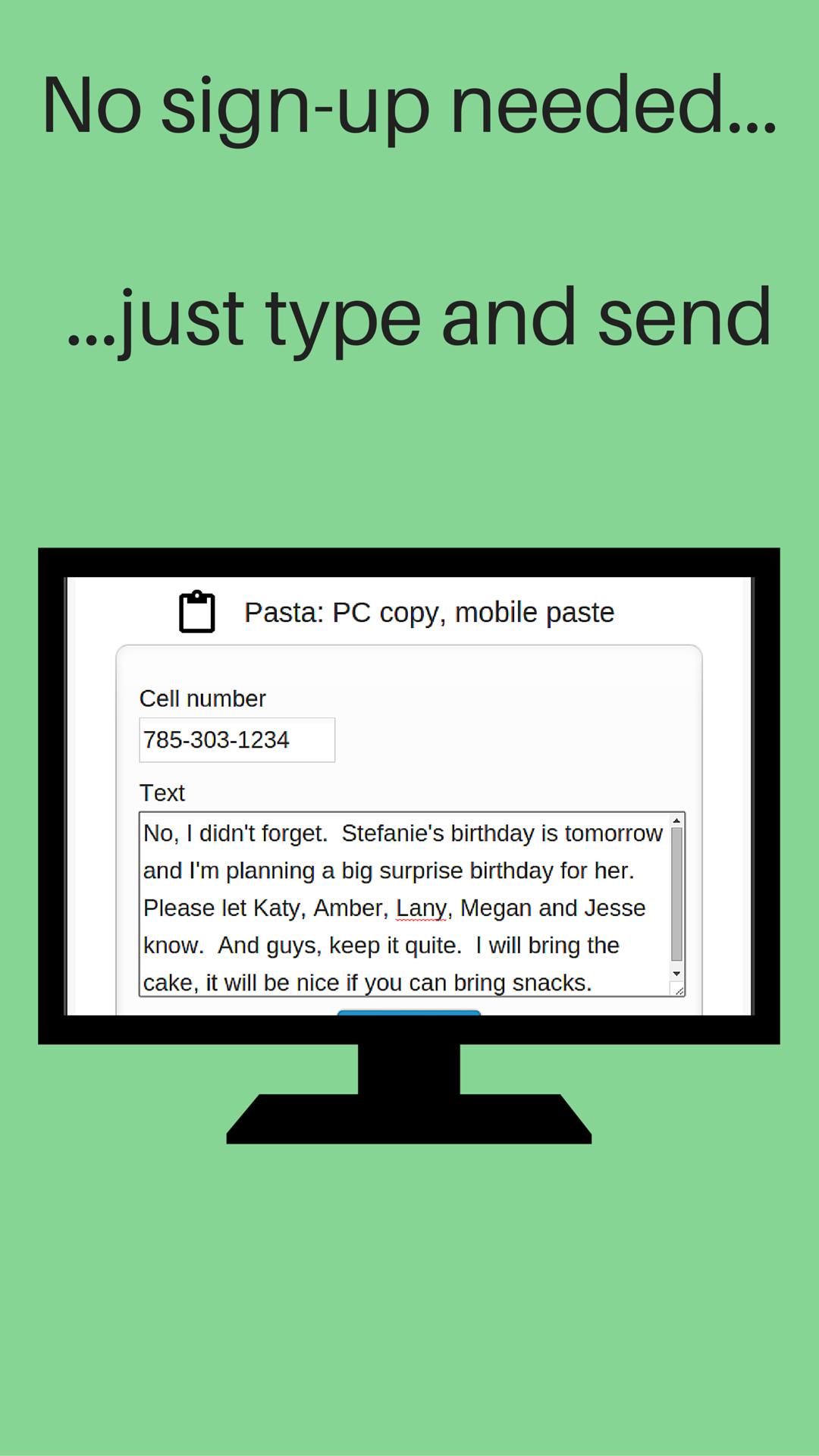
2- On your computer, visit: www.pasta.run
3- Enter cell number
4- Enter URL (link) to send
5- Hit the "Copy" button
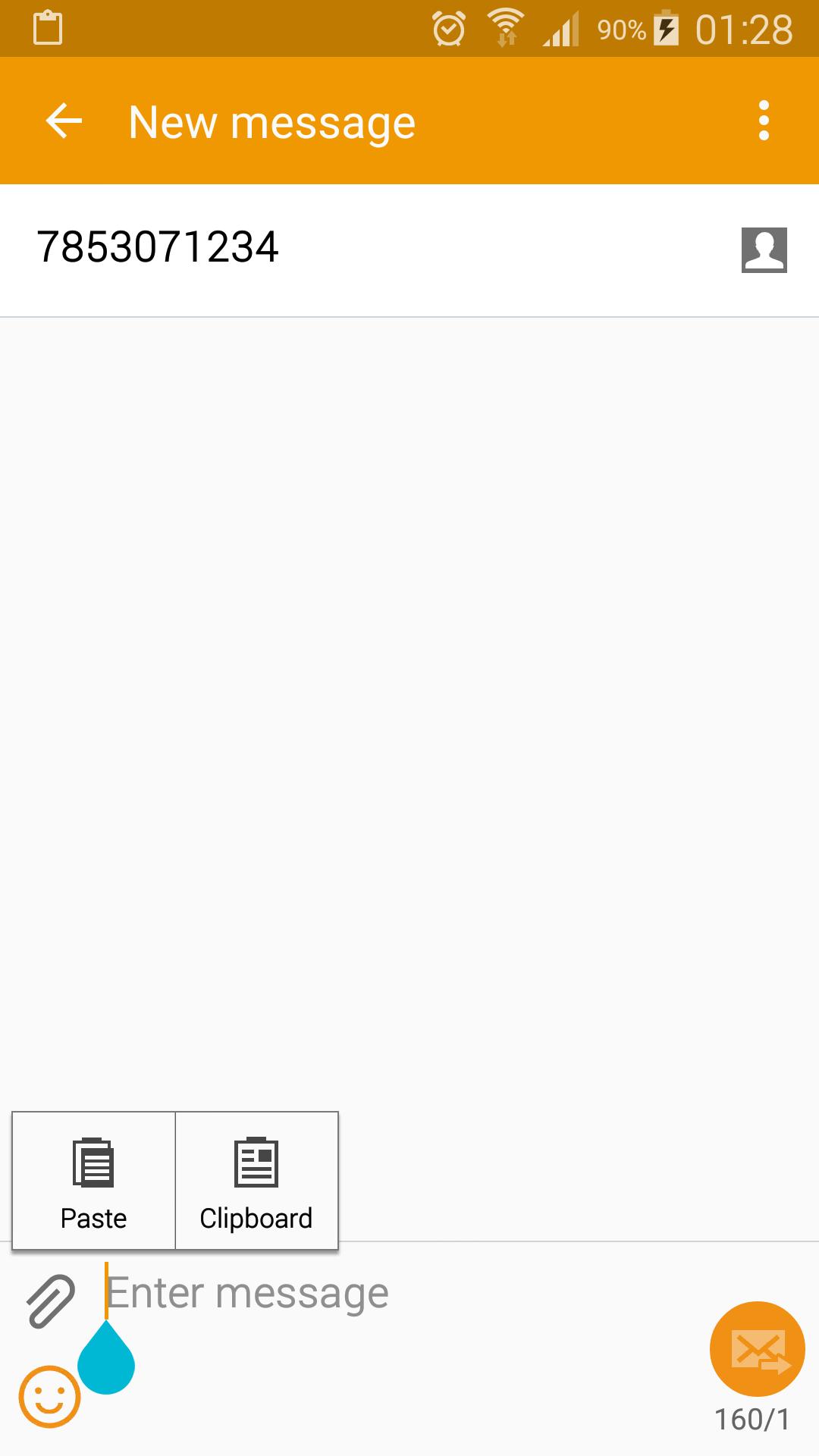
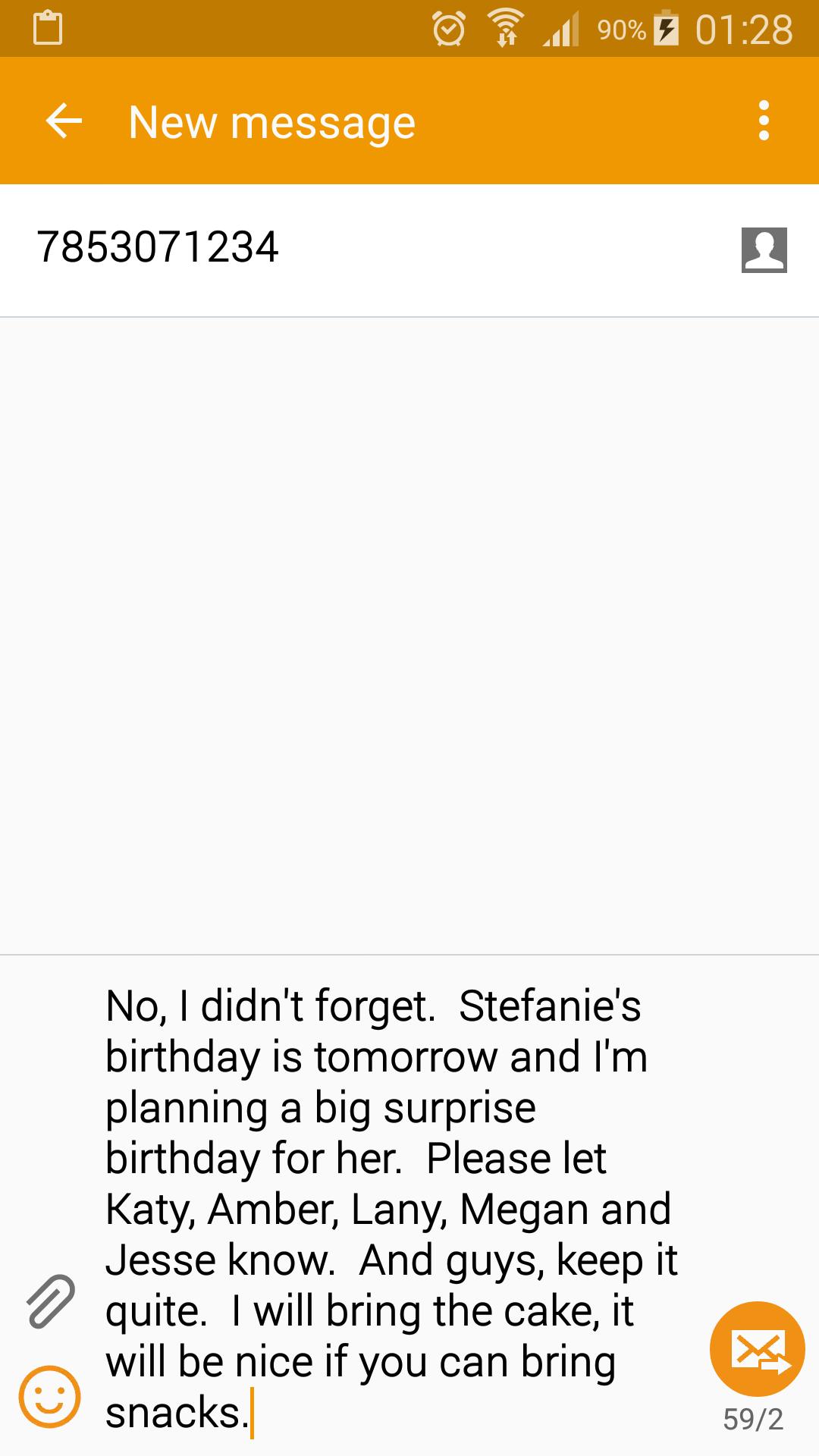
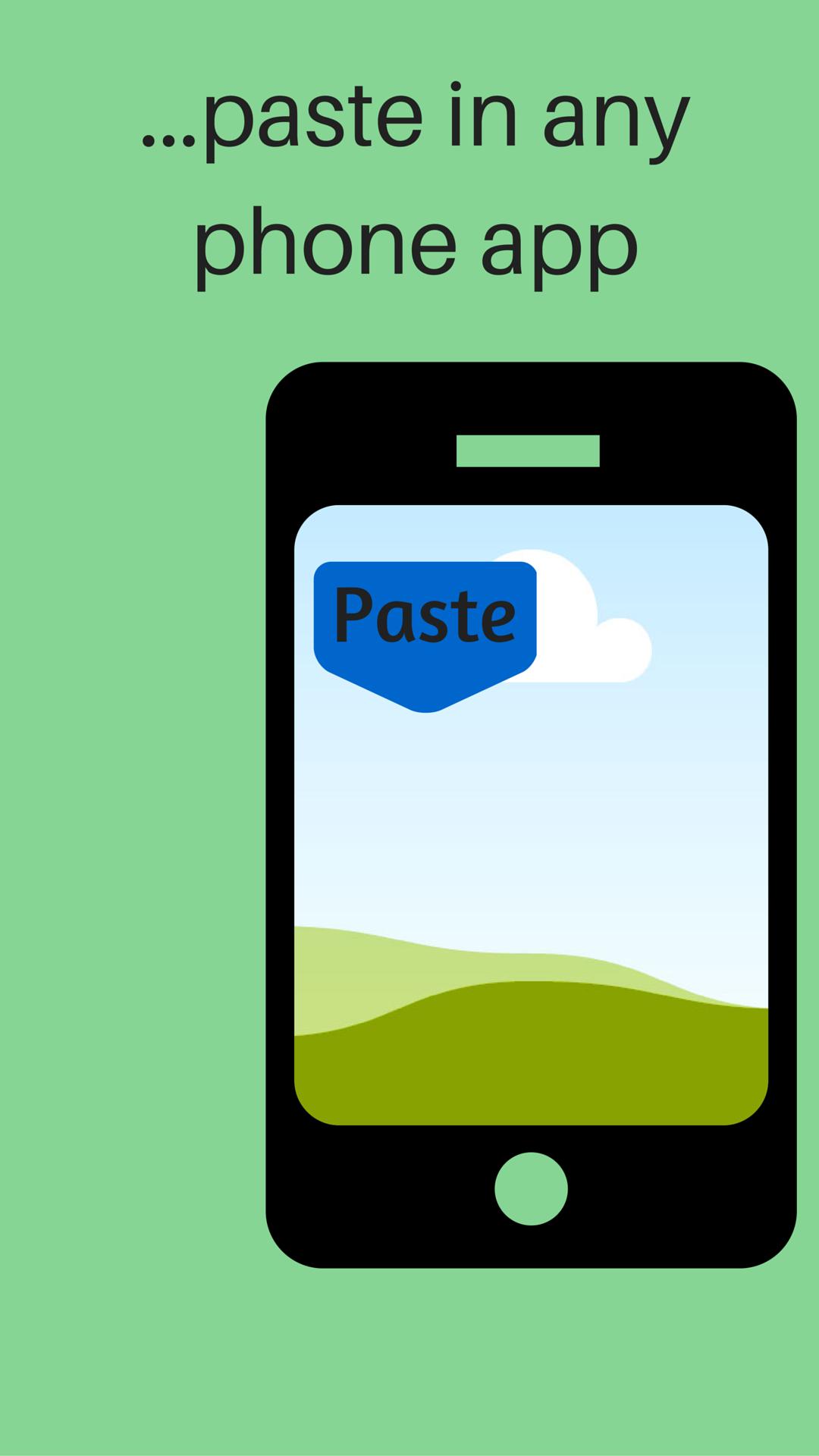
Receive a notification on your phone indicating your URL (link) is available to paste in any App (text messaging, email, web browser...). Paste it.
You need to start Push URL to Phone after install. It works in the background and is a very light weight application. You don't have to keep Push URL to Phone active to receive your message.
Don't use your mobile device's keyboard to write a long message or URL. On your computer, visit www.pasta.run, type your message and hit copy. Pick up your mobile device and paste your message in any app. An easy way to share and send text from your computer to your phone.
You only need and Internet connection to send your text. No software installation is needed on your computer.
If you don't have wifi or data service when you copy your message, it will be delivered once your phone connects to the Internet. Your message is discarded and never stored on our servers once it's delivered to your device.
تازہ ترین ورژن
5.0اپ لوڈ کردہ
Hoàng Võ
Android درکار ہے
Android 4.0.3+
کٹیگری
مفت ٹولز ایپمواد کی درجہ بندی
Everyone
رپورٹ کریں
فلیگ غیر موزوں ہےLast updated on Jun 11, 2016
اس ورژن میں معمولی بگ فکسز اور عمومی بہتریاں شامل ہیں۔ بہترین تجربے کے لیے تازہ ترین ورژن پر اپ ڈیٹ کریں۔


APKPure - ایک ملٹی پلیٹ فارم ایپ اسٹور جو بنیادی طور پر اینڈروئیڈ پر مرکوز ہے، جو وسیع ایپ سے متعلق مواد فراہم کرتا ہے۔ اپنی مرضی کی ایپ کو آسانی سے، تیزی سے اور محفوظ طریقے سے دریافت کریں، تیز اور موثر ڈاؤن لوڈز اور انسٹالیشنز کے ساتھ، جو آپ کی ضروریات کو پورا کرتے ہیں۔