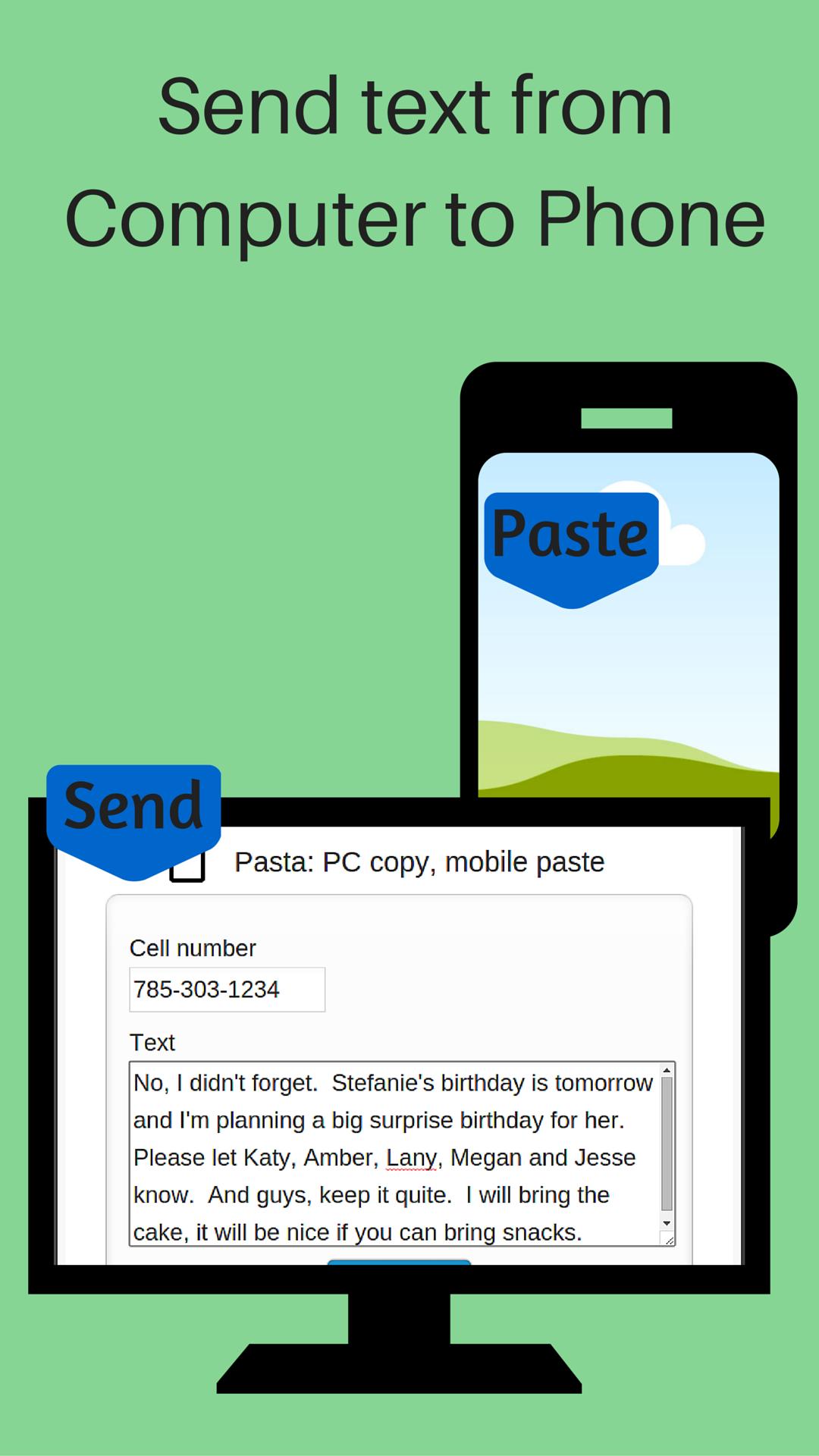
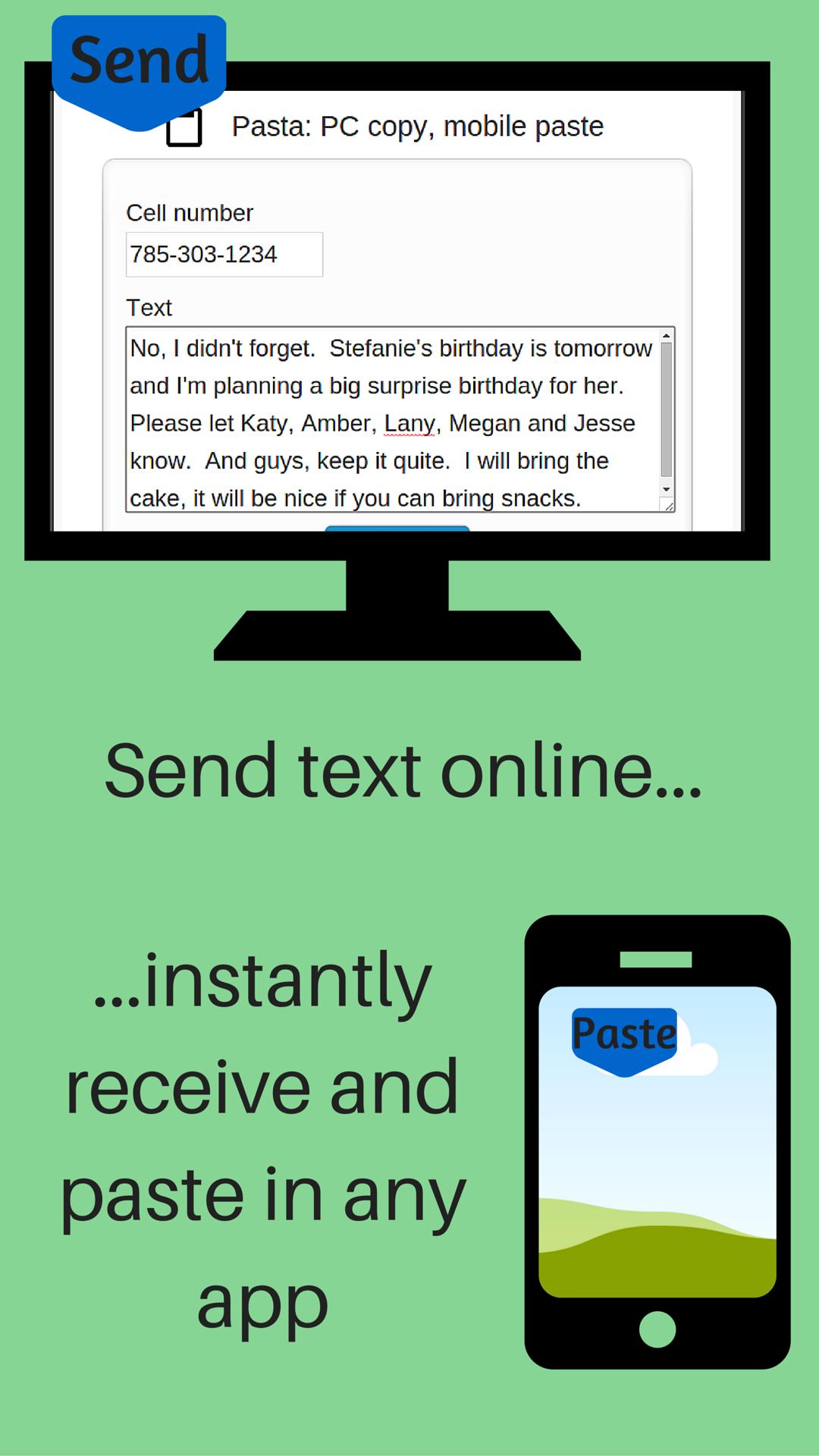
Send URL (link) from your computer to your phone. No sign-up, registration or computer software installation needed. The URL is sent to your phone's clipboard where you can paste it in any app.
After you install Push URL to Phone on your phone:
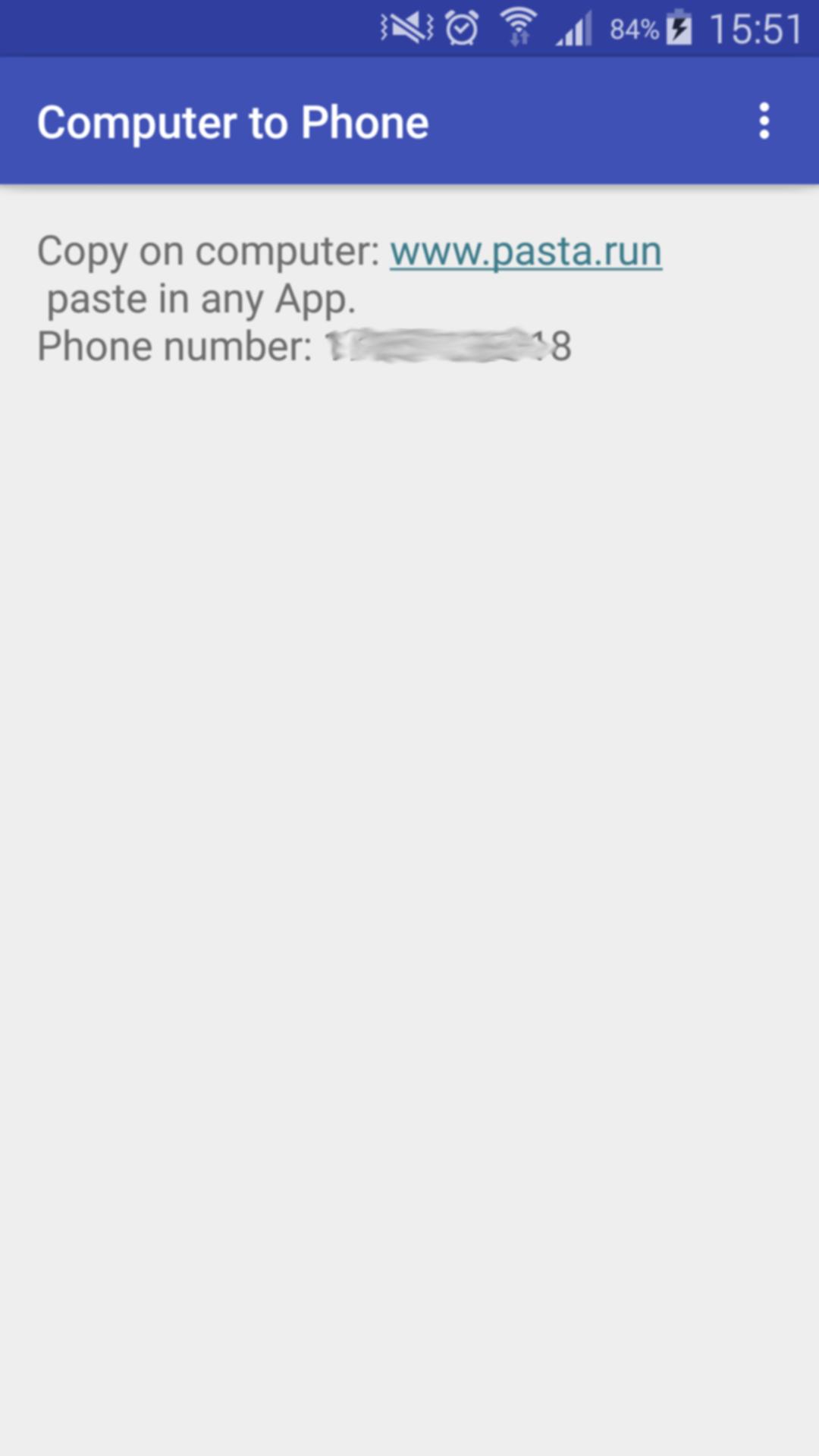
1- Open the App on your phone
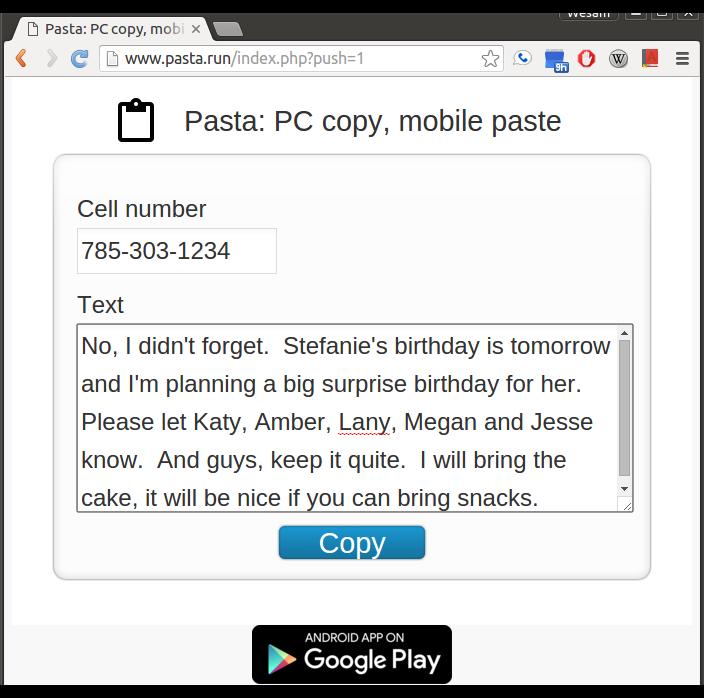
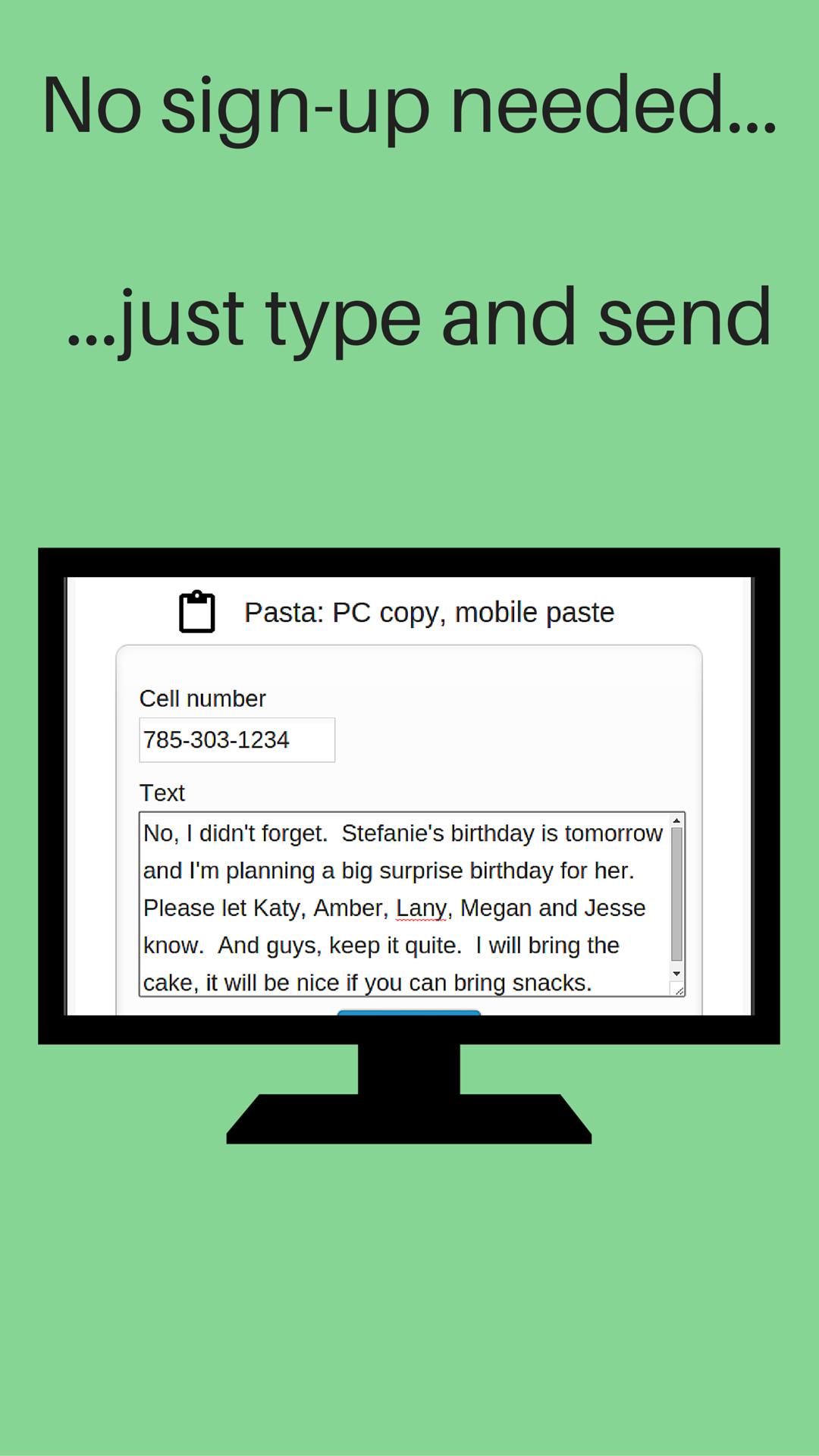
2- On your computer, visit: www.pasta.run
3- Enter cell number
4- Enter URL (link) to send
5- Hit the "Copy" button
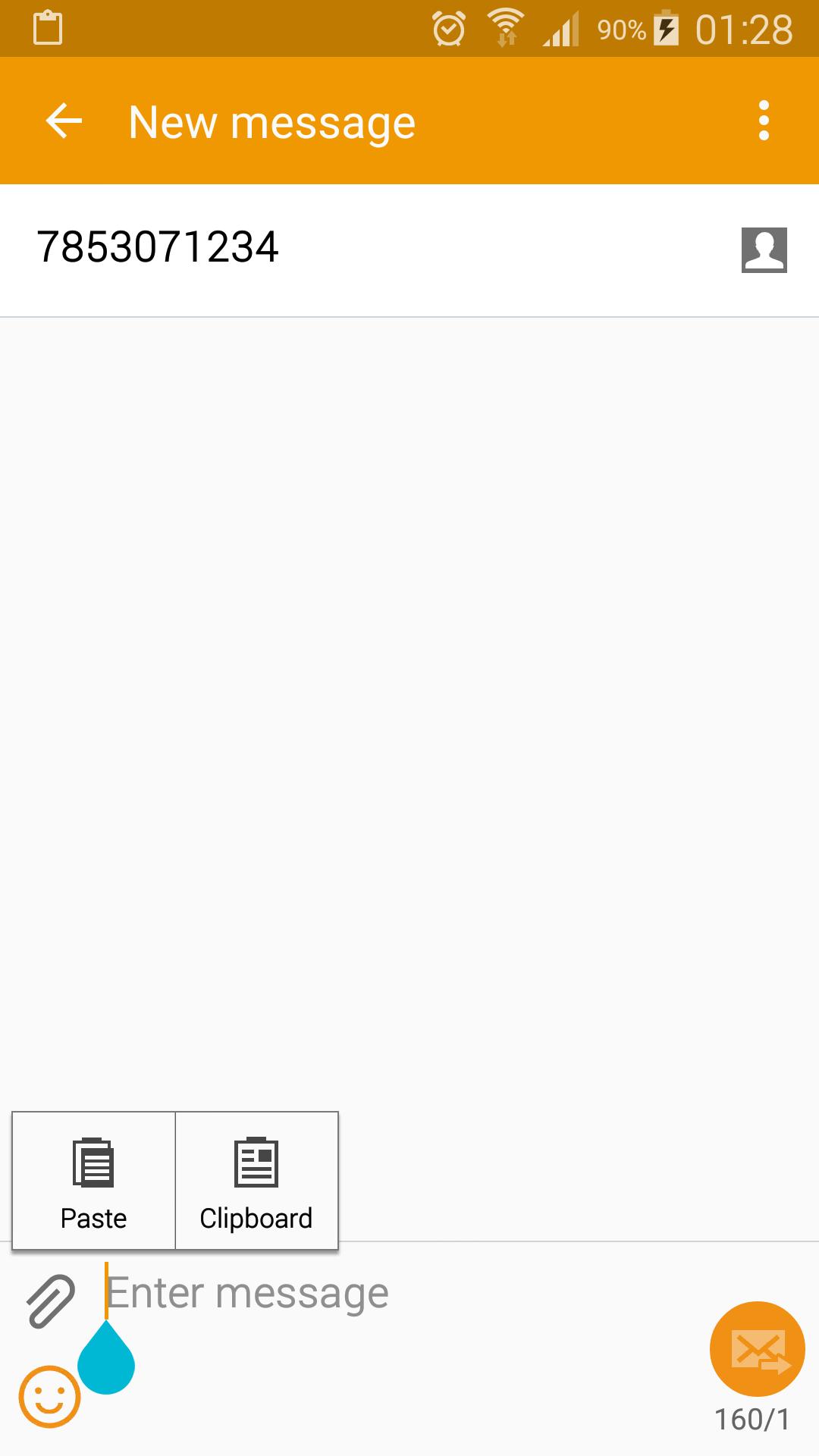
Receive a notification on your phone indicating your URL (link) is available to paste in any App (text messaging, email, web browser...). Paste it.
You need to start Push URL to Phone after install. It works in the background and is a very light weight application. You don't have to keep Push URL to Phone active to receive your message.
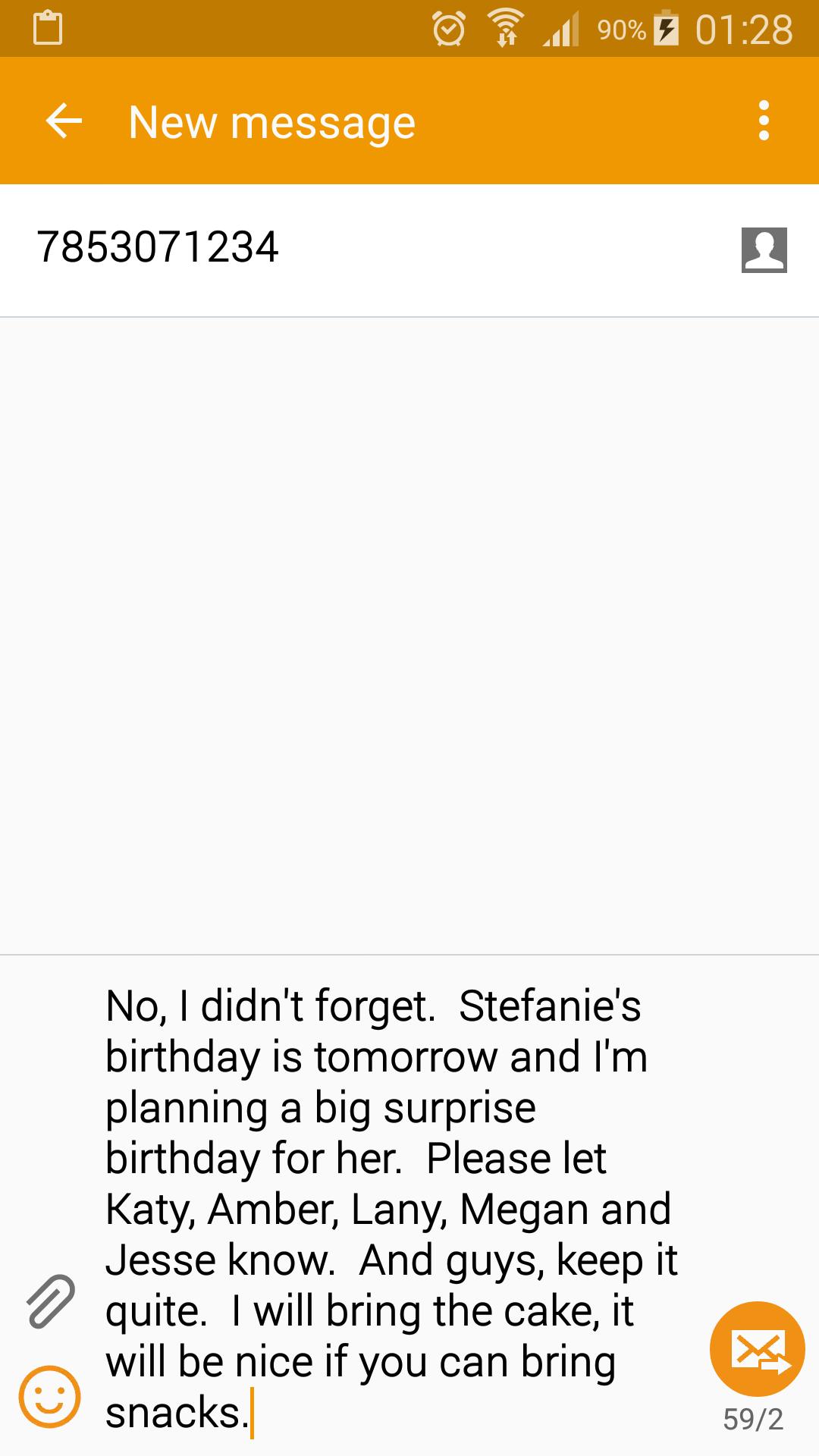
Don't use your mobile device's keyboard to write a long message or URL. On your computer, visit www.pasta.run, type your message and hit copy. Pick up your mobile device and paste your message in any app. An easy way to share and send text from your computer to your phone.
You only need and Internet connection to send your text. No software installation is needed on your computer.
If you don't have wifi or data service when you copy your message, it will be delivered once your phone connects to the Internet. Your message is discarded and never stored on our servers once it's delivered to your device.
Última Versión
5.0Presentado por
Hoàng Võ
Requisitos
Android 4.0.3+
Categoría
Gratis Herramientas APPClasificación de contenido
Everyone
Reportar
Marcar como inapropiadoLast updated on 11/06/2016
Esta versión incluye pequeñas correcciones de errores y mejoras generales. Actualiza a la versión más reciente para disfrutar de la mejor experiencia.


APKPure - Una tienda de aplicaciones multiplataforma enfocada principalmente en Android, que proporciona un amplio contenido relacionado con aplicaciones. Descubre la aplicación que deseas de forma más fácil, rápida y segura, con descargas e instalaciones rápidas y eficientes.