An individual's confidential information protected from others please.
# How to delete App Locker
1. Enter Settings App.
2. Select "Location and security".
3. Select the "Select device administrators".
4. App Locker device administrators check and deactivate.
5. Delete the same way to proceed.
Intended use:
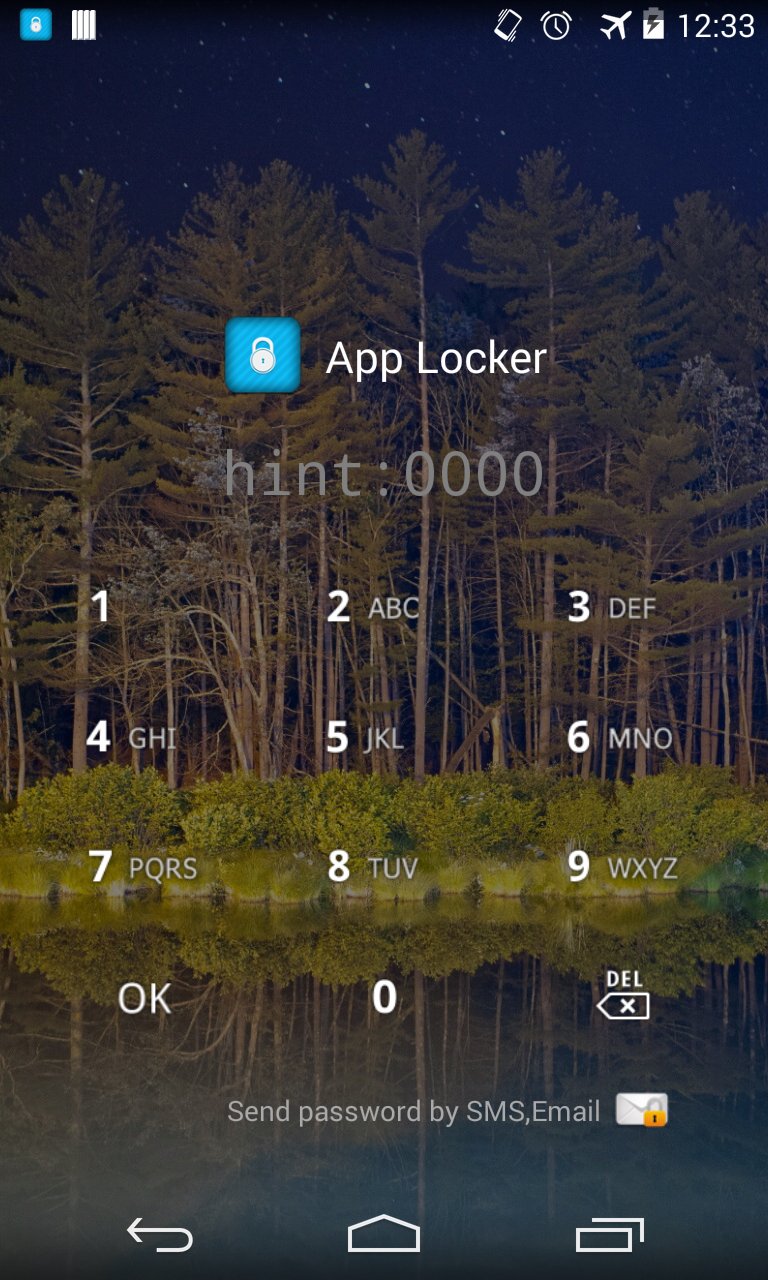
A. Specific application at run time by locking the screen from any other users can help protect your personal information.
Two. Market and settings by locking the screen and other users to install apps that can be prevented.
Three. Calls as the application lock prevents other users on the phone and call you accidentally run the application that the call can be avoided.
Key features include:
A. Application Lock
Two. Change the lock screen background
Three. Change the style lock screen
Four. Lock your password sent SMS (SMS sending code when registering)
تازہ ترین ورژن
2.7.12اپ لوڈ کردہ
Yan Lay
Android درکار ہے
Android 2.3.2+
کٹیگری
مفت ٹولز ایپمواد کی درجہ بندی
Everyone
رپورٹ کریں
فلیگ غیر موزوں ہےLast updated on Aug 9, 2015
1. android 5.0 support




APKPure - ایک ملٹی پلیٹ فارم ایپ اسٹور جو بنیادی طور پر اینڈروئیڈ پر مرکوز ہے، جو وسیع ایپ سے متعلق مواد فراہم کرتا ہے۔ اپنی مرضی کی ایپ کو آسانی سے، تیزی سے اور محفوظ طریقے سے دریافت کریں، تیز اور موثر ڈاؤن لوڈز اور انسٹالیشنز کے ساتھ، جو آپ کی ضروریات کو پورا کرتے ہیں۔