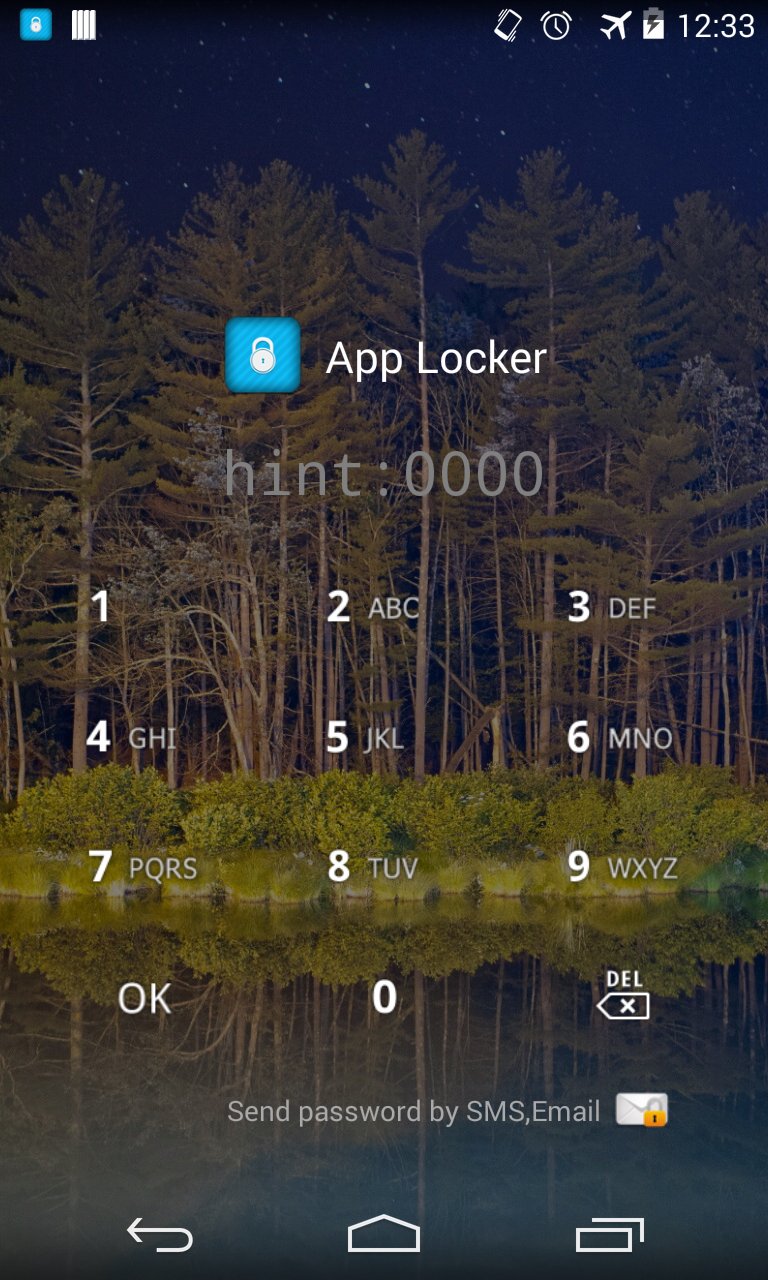
An individual's confidential information protected from others please.
# How to delete App Locker
1. Enter Settings App.
2. Select "Location and security".
3. Select the "Select device administrators".
4. App Locker device administrators check and deactivate.
5. Delete the same way to proceed.
Intended use:
A. Specific application at run time by locking the screen from any other users can help protect your personal information.
Two. Market and settings by locking the screen and other users to install apps that can be prevented.
Three. Calls as the application lock prevents other users on the phone and call you accidentally run the application that the call can be avoided.
Key features include:
A. Application Lock
Two. Change the lock screen background
Three. Change the style lock screen
Four. Lock your password sent SMS (SMS sending code when registering)
Last updated on 2015年08月09日
1. android 5.0 support