Package Name:com.invikta.universalremote
SHA-256:5ebae72626761b70c3649dff048794a6c4a7803a115f6801a4d7f6c686fee212
Show More

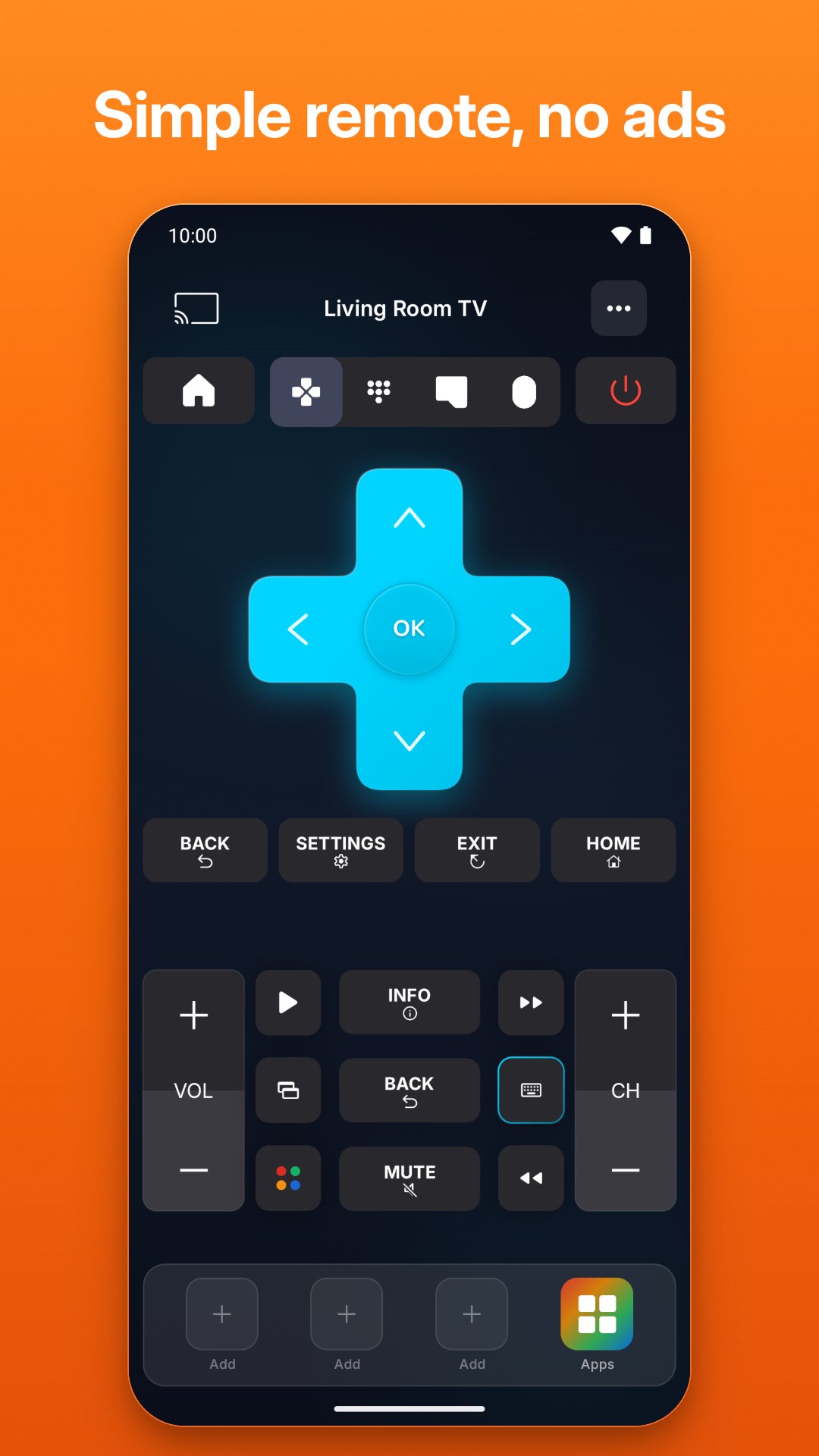
Universal TV Remote Control turns your phone into a TV remote. It finds the smart TVs on your Wi-Fi in seconds and gives you a fast, beautiful remote with a keyboard, touchpad, voice search, app shortcuts and casting. If your phone has an infrared (IR) emitter, it also controls almost any TV by infrared, smart or not, without Wi-Fi.
Lost your TV remote, or tired of typing letter by letter with the arrows? Use your phone as a remote control: no extra hardware, no complicated setup.
WHY YOU'LL LOVE THIS TV REMOTE
• Instant connection: the app finds the smart TVs on your network automatically. Tap one and you're in control, or add a TV by its IP address.
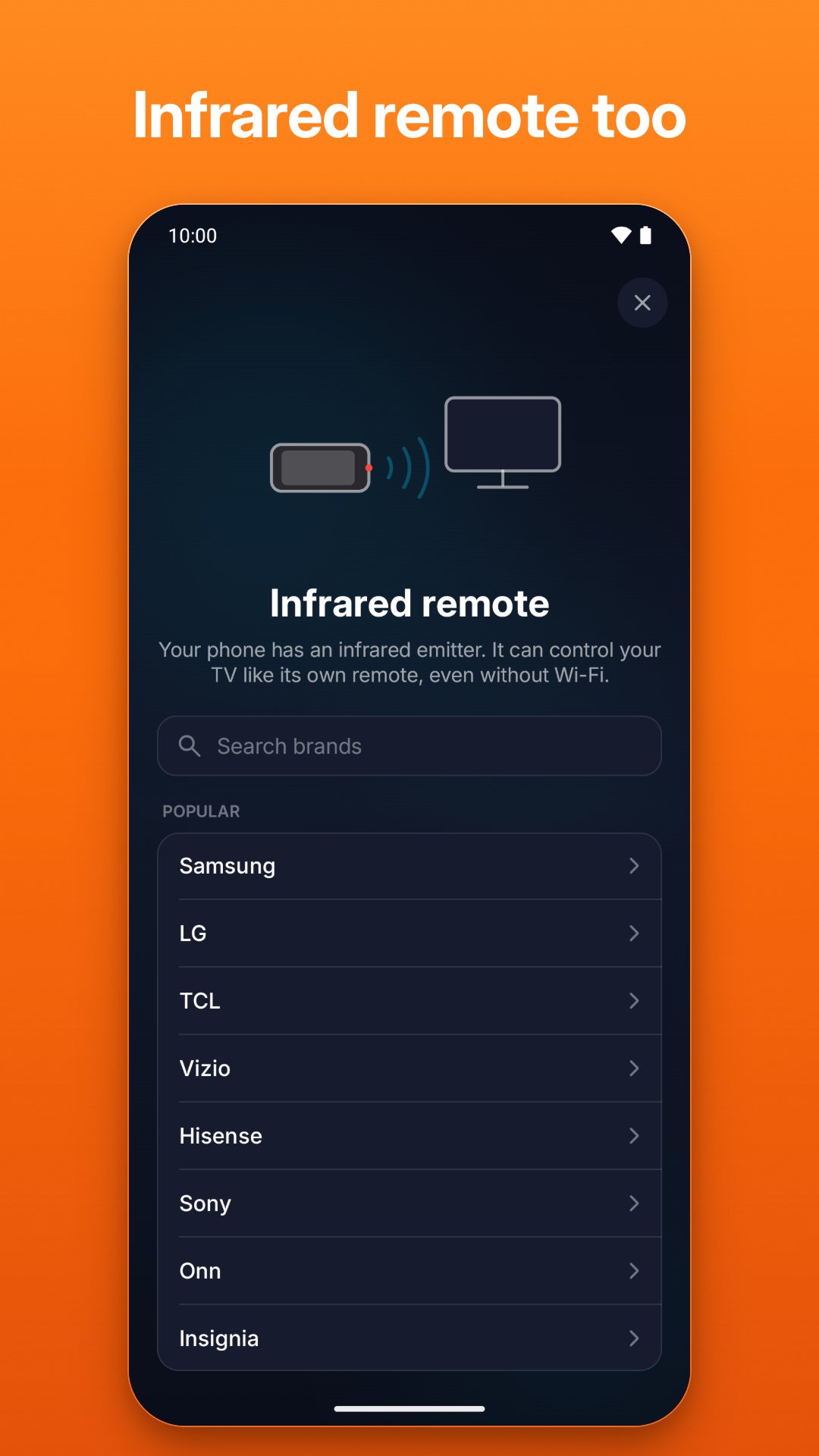
• Infrared remote: on phones with an IR emitter, choose your TV's brand, point your phone at the TV and tap Power to find the code that works. Then use it like the TV's own remote, without Wi-Fi.
• Home-screen widgets: power, volume or the full remote, in three sizes.
• Quick Settings tiles: open the remote or turn your TV on and off from the swipe-down panel.
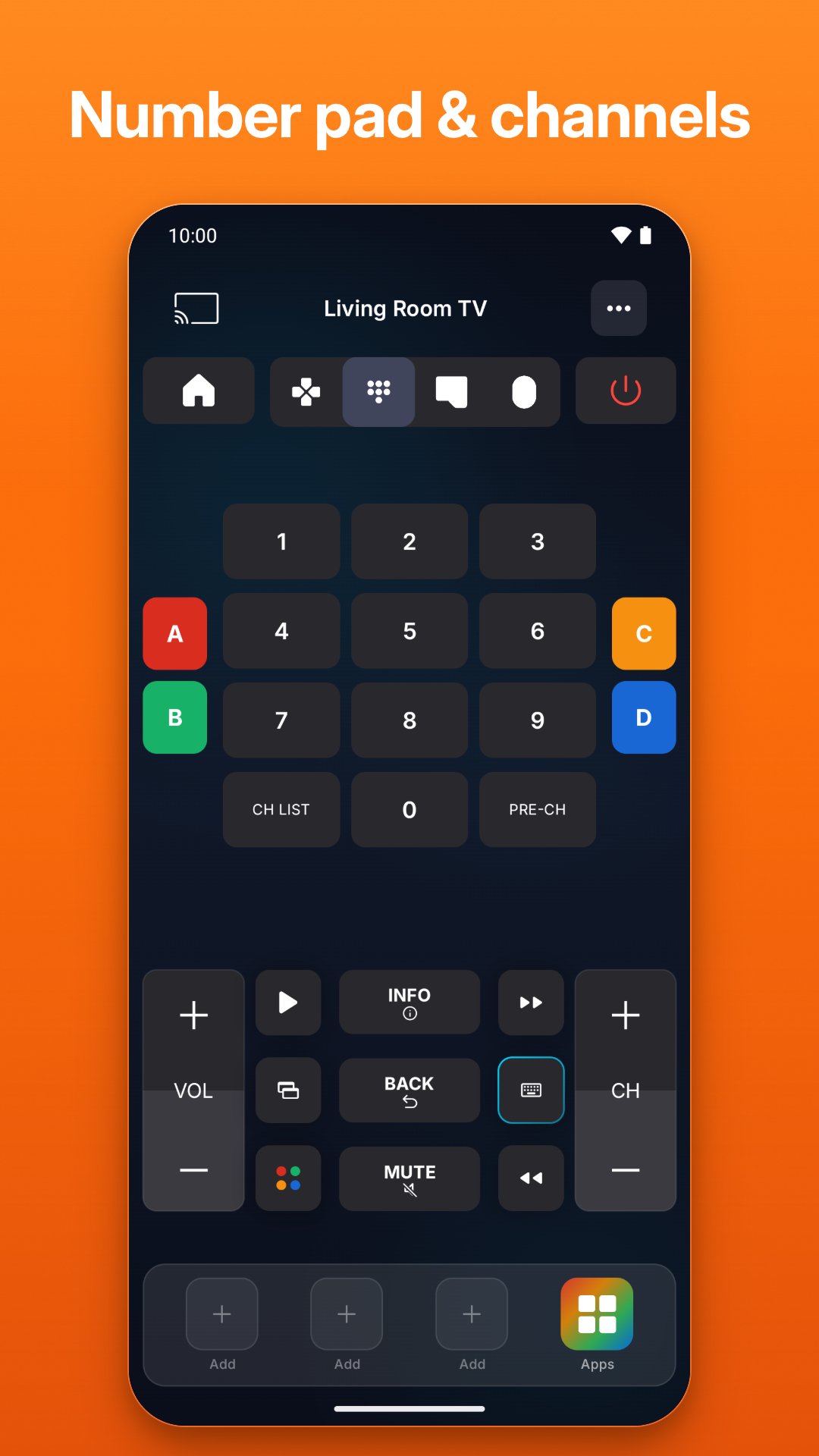
• Full remote control: directional pad, OK, back, home, volume, channels, mute, playback, number pad and color keys, depending on your TV.
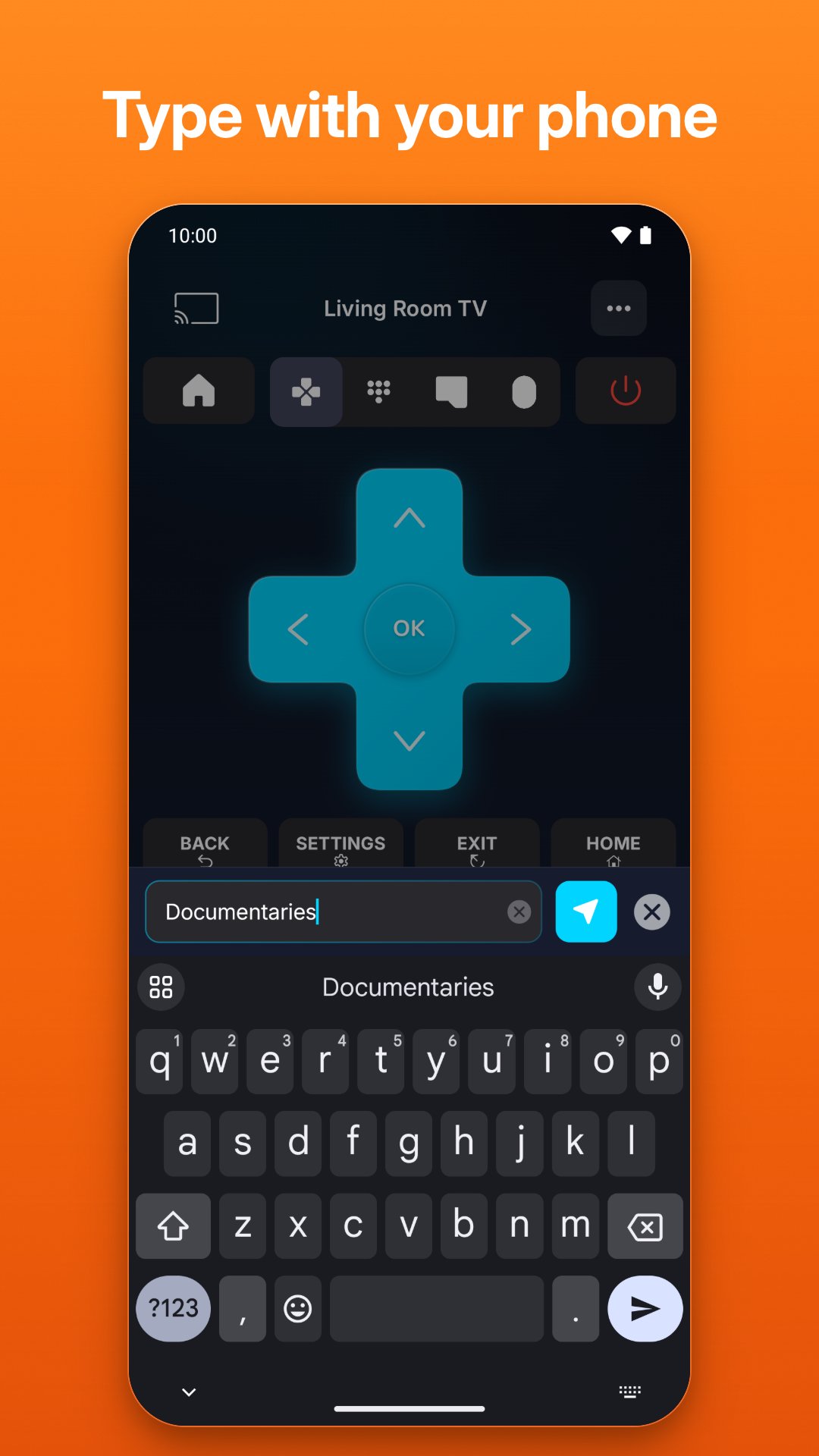
• Smart keyboard: type searches, passwords and logins from your phone instead of the on-screen keyboard.
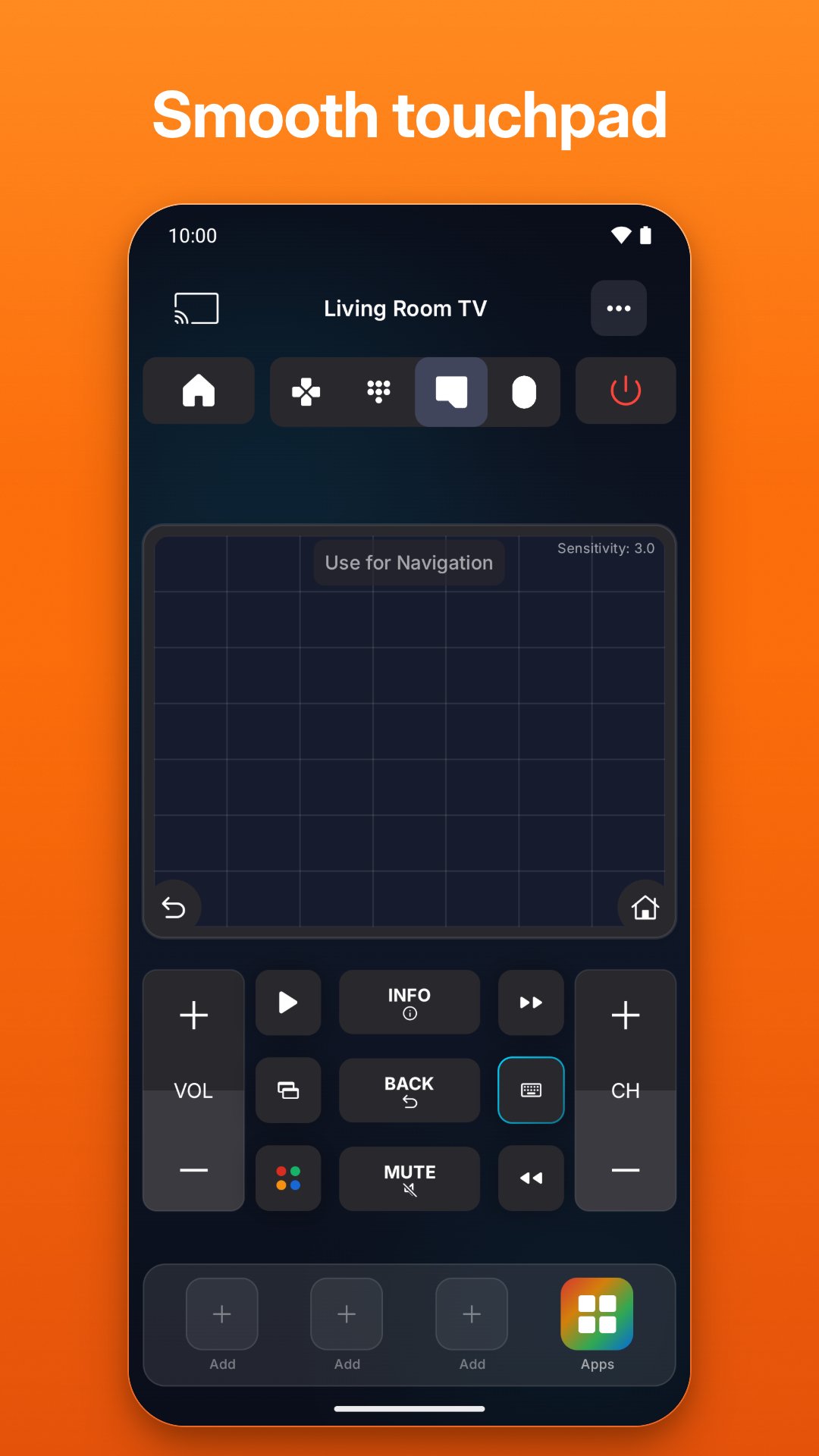
• Touchpad and cursor: swipe through menus, or move a real cursor on TVs with an on-screen pointer.
• Voice search: speak, and your words are typed on the TV (on supported TVs).
• Your streaming apps, one tap away: open your favorite apps directly on the TV and pin three to the remote.
• Cast to TV: show your phone's photos and videos on the big screen (on supported TVs).
• Turn your TV on: switch compatible TVs on over Wi-Fi with Wake-on-LAN.
• One universal remote for the whole house: save every TV, rename them and switch rooms in one tap.
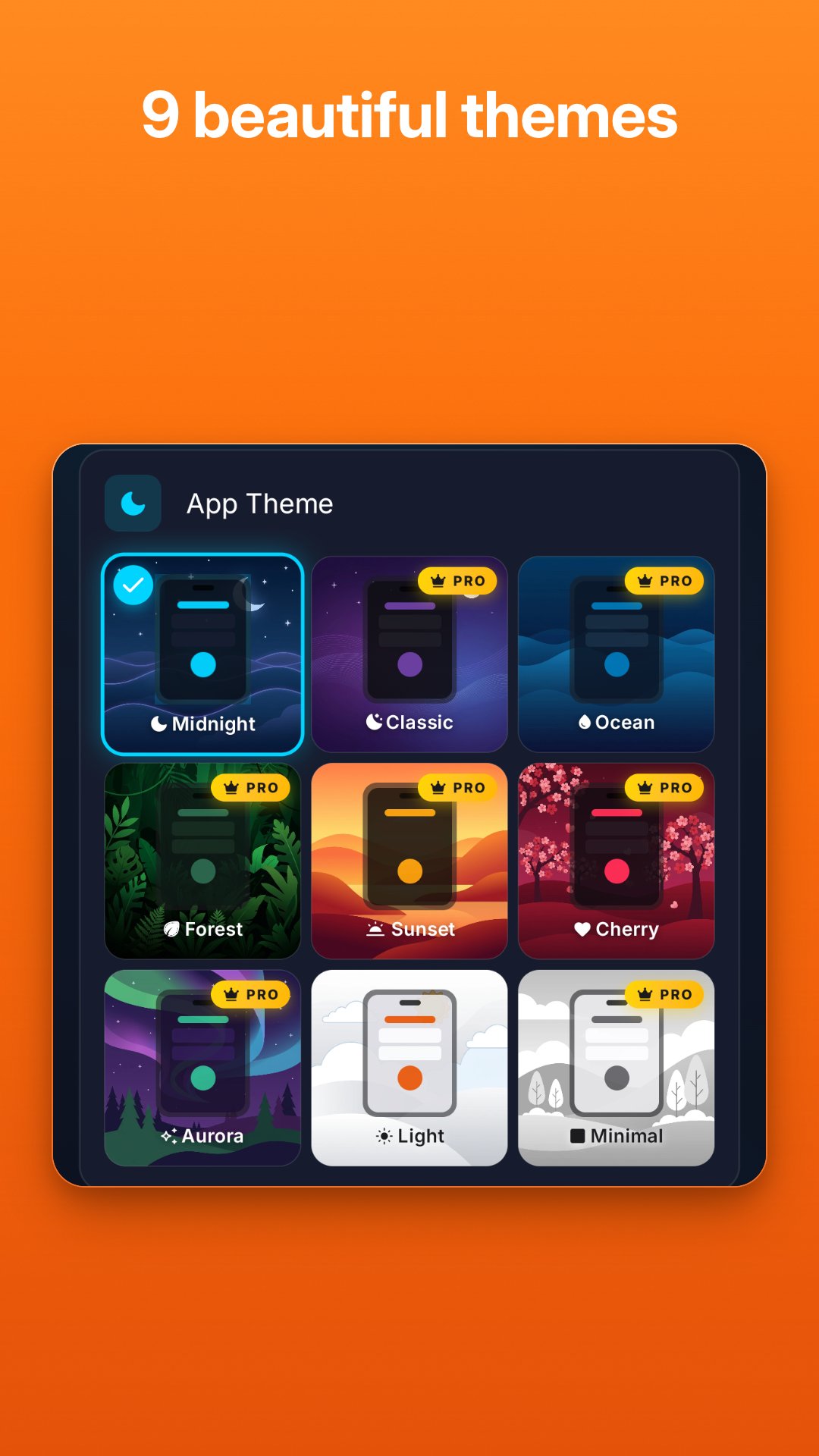
• Your style: 9 dark and light themes for your remote.
• Made for every screen: phones, foldables and tablets, in 24 languages.
WORKS WITH YOUR TV
Over Wi-Fi: Samsung, LG, Sony, Roku, Fire TV, Android TV and Google TV, Vizio and Hisense (VIDAA) smart TVs and streaming devices, including many TCL, Philips, Xiaomi and Toshiba models that run these systems. The first time you connect, some TVs ask you to allow the connection or show a code on screen: just follow the steps in the app, once.
With infrared: almost any TV, smart or not, on phones with an IR emitter. Many phones don't have one; the app only offers infrared when yours does.
UNIVERSAL REMOTE PRO
Some features need Pro: keyboard, voice search, touchpad and cursor, the full app list, casting, Wake-on-LAN and premium themes. Pro is available as a weekly subscription (with a free trial for new subscribers), a yearly subscription, or a one-time lifetime purchase. Payment is charged to your Google Play account, and the subscription renews automatically unless it is cancelled at least 24 hours before the end of the current period. You can manage or cancel it at any time in Google Play > Payments & subscriptions.
CAN'T FIND YOUR TV?
Make sure the TV is on, your phone and TV are on the same Wi-Fi network, and no VPN is active on your phone. The in-app help guides you step by step, and you can contact us from the app. Phones with an IR emitter can use infrared instead.
Lost your TV remote and the TV asks you to allow the connection? Most smart TVs accept a USB keyboard: plug one into the TV and select Allow with its arrow keys and Enter. You only do this once.
Infrared codes: contains/accesses irdb by Simon Peter and contributors, used under permission (https://github.com/probonopd/irdb).
Privacy Policy: https://remotecontrolfortv.com/privacy.html
Terms of Use: https://remotecontrolfortv.com/terms.html
Universal TV Remote Control is an independent app. It is not affiliated with, endorsed by or sponsored by Samsung, LG, Sony, Roku, Amazon, Google, Vizio, Hisense or any other TV maker. All brand names are trademarks of their respective owners.
Latest Version
1.3.5Uploaded by
Boboc Mario
Requires Android
Android 8.0+
Category
Free Tools AppContent Rating
Everyone
Security Report
Check Now
Report
Flag as inappropriateLast updated on Nov 4, 2026
Fixes and improvements.




APKPure - A multi-platform app store primarily focused on Android, providing extensive app-related content. Discover the app you want easier, faster, and safer, with quick and efficient downloads and installations.