Forget about endless queues to access your event!
If you organize events and sell tickets with ticketea, ticketea CheckPoint is the quickest, easiest and safest way to control the access to your event.
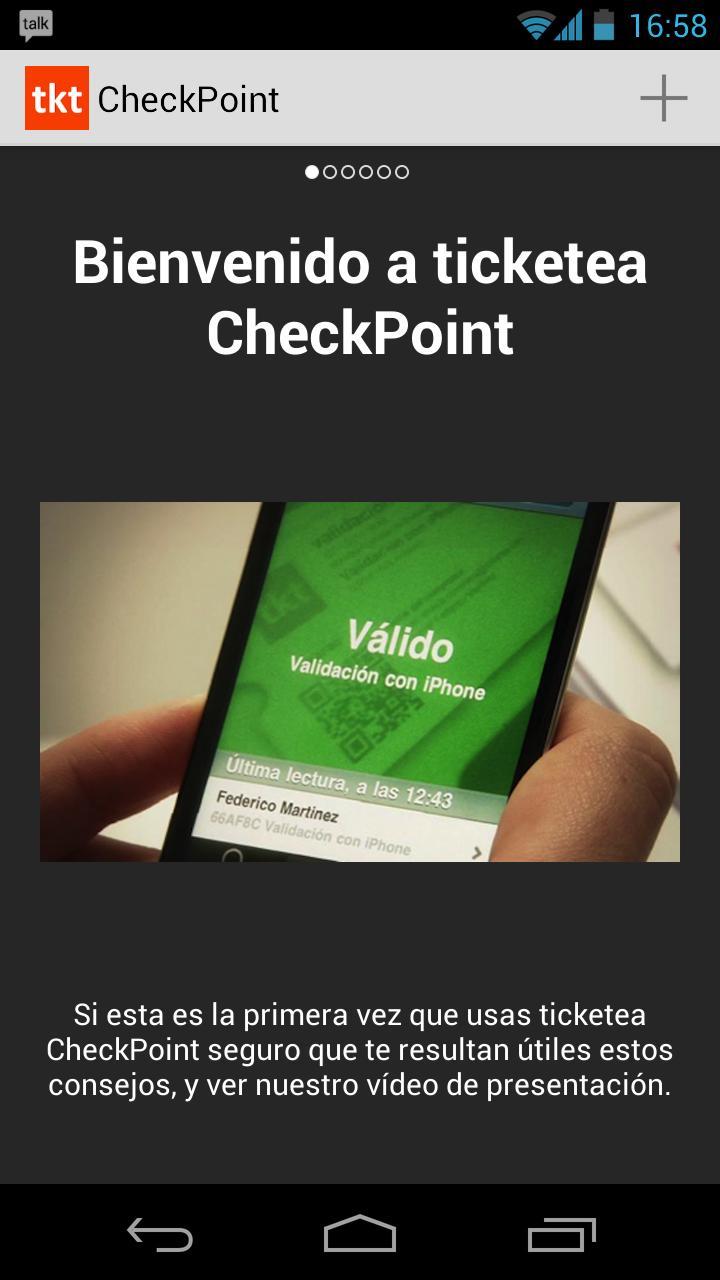
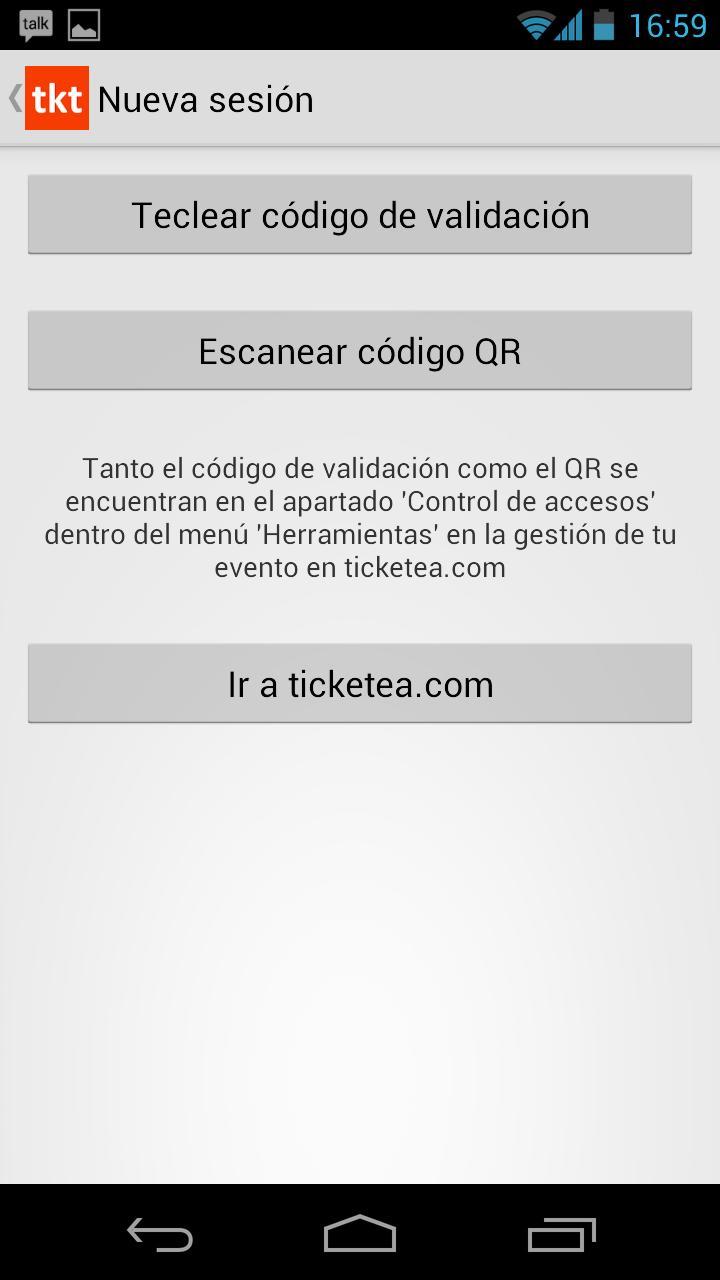
ticketea CheckPoint uses your Android phone's camera to scan the QR codes displayed on ticketea tickets. It can scan both the e-ticket format, ticket within mobiles, as well as printed tickets.
Characteristics:
- Download the attendees list for your event
- Tickets validation using the camera as a scanner.
Very easy
- Check out the attendees list, always auto-updated.
- Manual validation. Possibility of searching attendees by their names. Very useful when someone forgets or loses its ticket.
- Event validation with several devices (Android phones and tablets, iPhone and iPod Touch). Get in all together! Create several access points to avoid endless queues during events with large attendances.
- Fraud detection. The security system avoids a ticket of being used twice. ticketea CheckPoint connects in real-time to our servers and detects possible ticket frauds or duplications.
- Real-time data reception. With ticketea you can continue selling tickets whilst controlling the access of other attendees. This way you can sell tickets until the last minute!
- Attendance data analysis. The validation synchronizes at all time with your ticketea control panel, so you can get the exact and up to date attendance data.
Important:
To be able to use ticketea CheckPoint you will need to have a published and managed event on ticketea. You haven’t got one yet? What are you waiting for? Create your first free event on ticketea.com and start enjoying all of our features and advantages, including ticketea CheckPoint.
To experience a quicker and better QR code scanning, we recommend to maintain the ticket stable and at approximately 15 cm. (6 inches) from the camera, trying to display the QR code in the center of the screen.
Mind that ticketea CheckPoint is an application that will strongly use the battery of your device. We recommend you to bring your device fully charged on the event day.
Once you have published your event on ticketea, the validation with ticketea CheckPoint will automatically be activated one week prior to the event. You will be able to set up the validation on your device directly from your control panel on ticketea.com
Very important:
This app doesn´t allow you to buy tickets, it is a tool exclusively developed for event organizers on ticketea.
To sum up, ticketea CheckPoint, makes your life easier!
Last updated on 2015年11月16日
此版本包含小幅錯誤修正和一般改善。請更新至最新版本,以獲得最佳體驗。