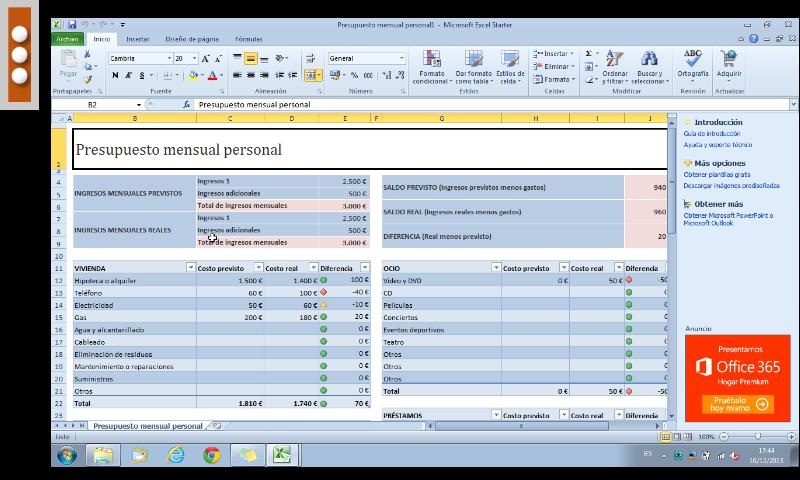
Control your PC remotely from your device (phone, tablet).
Have access to your email and files, you can edit and send them as if you were in front of your computer.
Full control over the mouse, keyboard and of course the desktop.
Download the server from here https://sites.google.com/site/mlcscreenserver, and follow the installation instructions.
The server handles the sending of the desktop to your device.
Features
* Left, right and double click.
* Beep sound with mouse clicks.
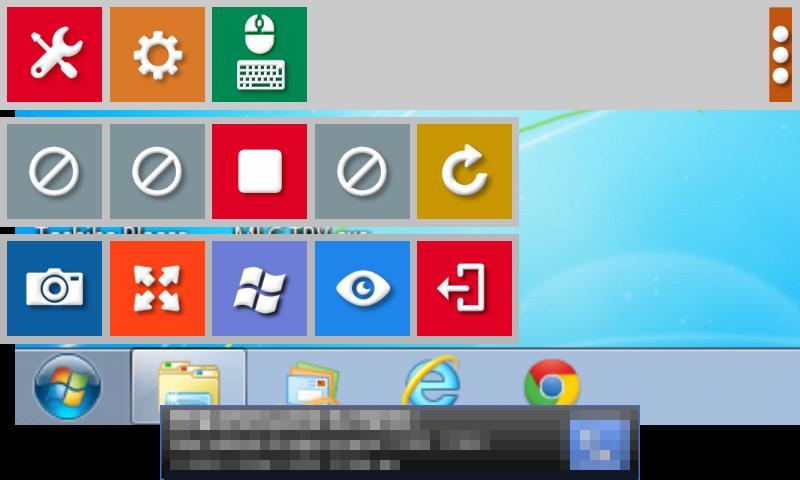
* Button for screenshots of the desktop in real time.
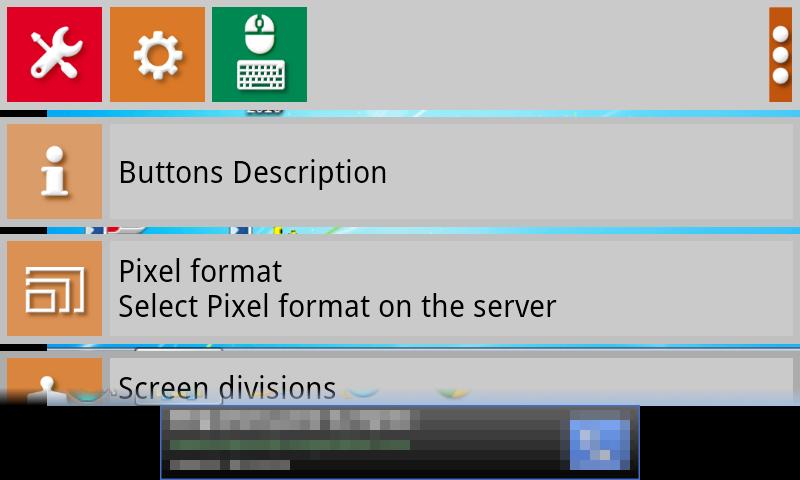
* Select the type of keyboard.
* 8, 16, 24 and 32 bit color.
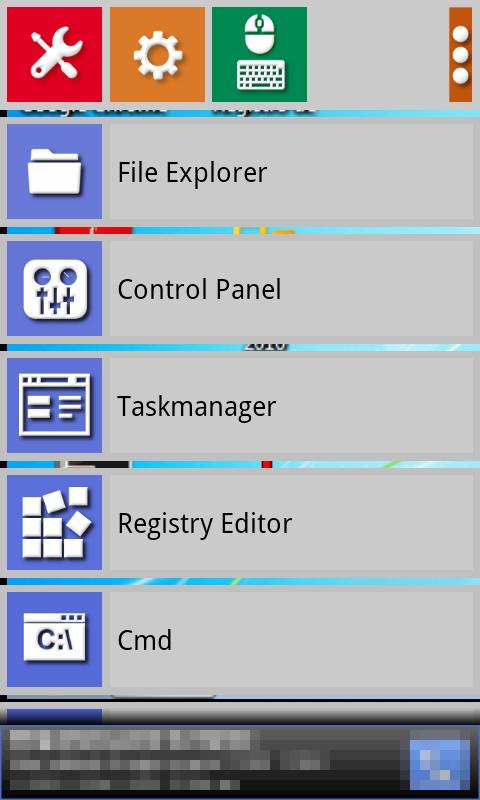
* Button to open certain applications directly on the PC. Very useful for administrators.
* You can also restart and shutdown.
* VIEW ONLY button, mouse and keyboard disabled.
* Added Ctrl + C and Ctrl + V keys on the special menu.
* Special Ctrl + V, key lets you paste the clipboard contents of the computer (images and text) directly to a file on your device.
* Connection accepts IP addresses and dynamic DNS services, as well as WiFi and 3G / 4G
Last updated on 2017年04月28日
• Compatibility with larger aspect ratio on new flagship devices