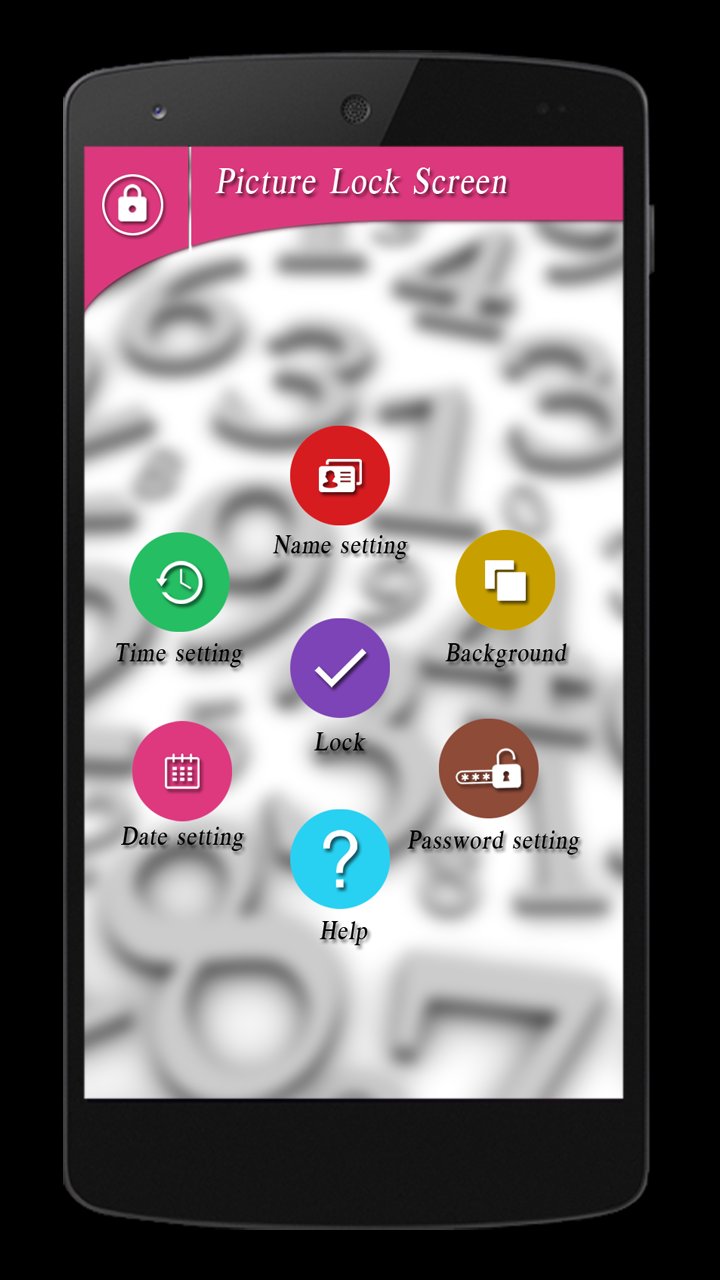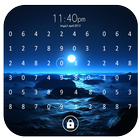
Smart Lock Screen ever!! Picture Lock Screen allows you to unlock your phone by setting number on selected part of your selected image. Now lock your phone smartly with picture lock screen.
Features:
* Fully new concept of Lock screen in market.
* Totally free.
* set your photo for lock screen.
* New way of password setting.
* Setting for name, time and date for color, format, etc.
How to set password:
1. Select photo from gallery, Adjust it by fingers in the window.
2. Choose any number from 0 to 9 from dialog.
3. Set that number (which is enclosed by circle) on any part of the photo.
4. Click continue button.
5. Do 3rd step again.
6. Click conform button to set password.
How to unlock the phone:
1. Set your password number on part (which is chosen by you while setting)of the photo.
2. Do 1st step correctly two times.
3. Your phone is unlock successfully.
Hope you all love this app.
Thank you.
Last updated on 2017年02月20日
此版本包含小幅錯誤修正和一般改善。請更新至最新版本,以獲得最佳體驗。