

Package Name:com.grocost
SHA-256:645b78152d99681c07e233f76620ccbcfb470e3de89133e3eb97db9e878802c9
Show More
App Overview: GroCost is a finance management app that helps users effortlessly manage their budgets. Users can set a total budget, allocate funds to specific categories, and track their expenses using both scanning and manual entry options.
Key Features:
Budget Management:
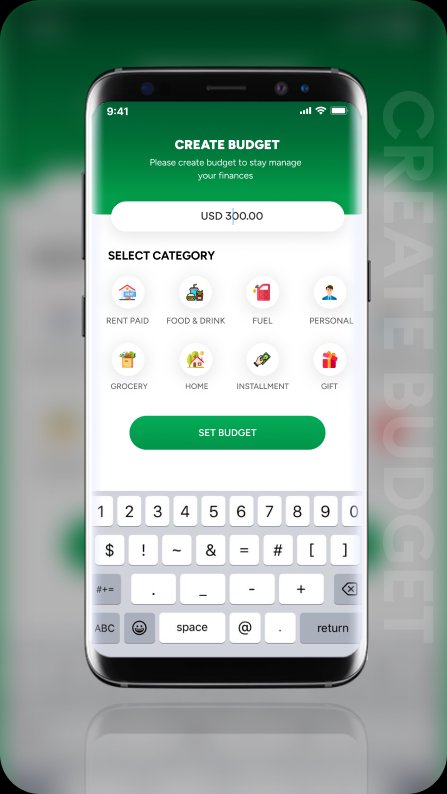
Users can set a total budget and allocate funds to different categories defined by the admin.
Dashboard:
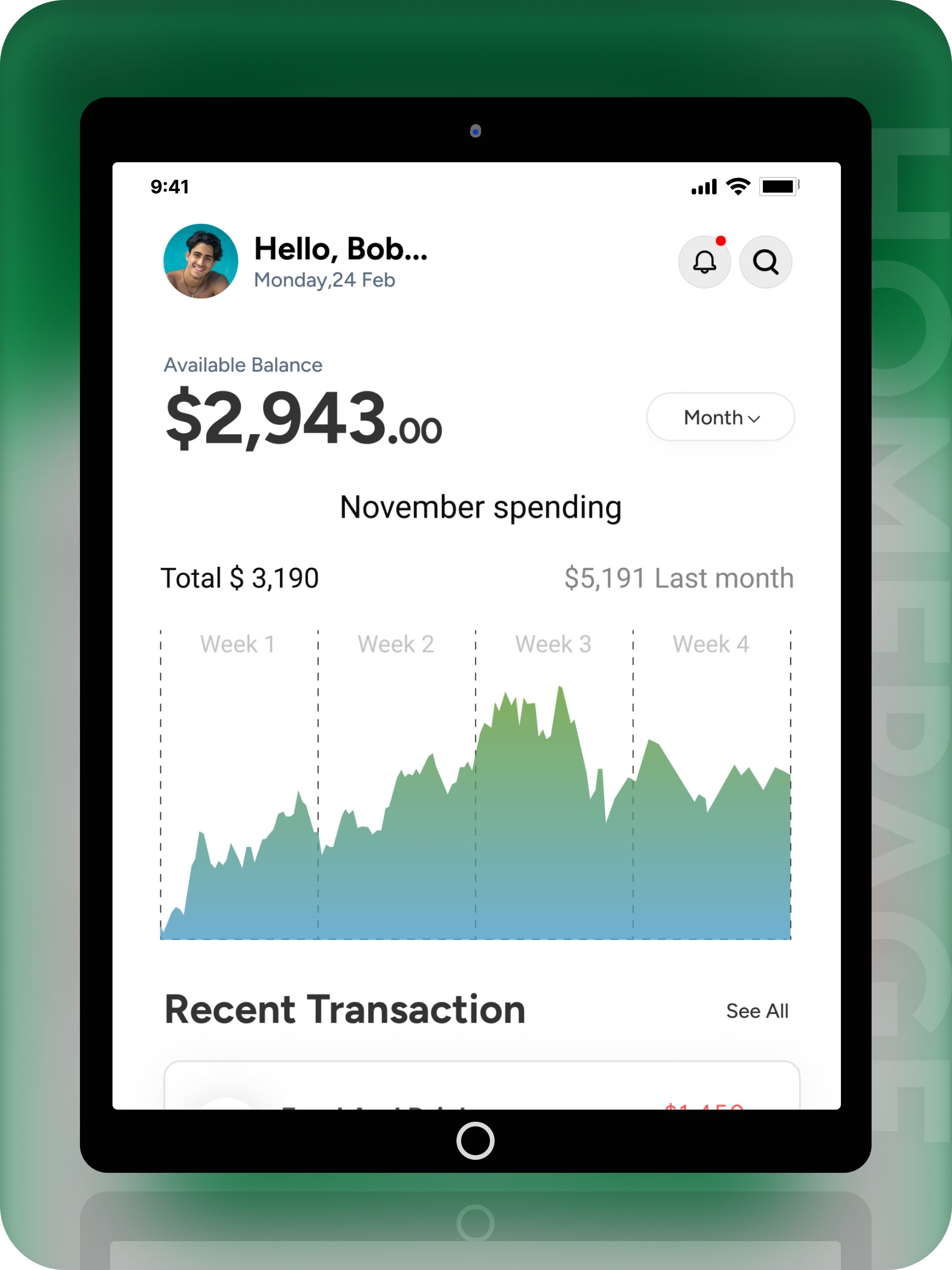
Displays total budget, remaining amounts, and a visual chart that reflects budget distribution.
Real-Time Tracking:
Users can track their purchases in real-time, categorized by the budget they affect.
Purchasing Options:
Two methods to purchase items: scan items using the camera or manually enter item details.
Scanning Items:
On the scan item screen, users can scan an item and click "Add Scan Item" to view item details, select a category, and add the item.
Manual Entry:
If no item is scanned, users can click the "Add Manually Item" button to enter item details manually.
Scanning Limit:
There is a daily limit to the number of items users can scan. If the limit is exceeded, users must manually add items.
Profile Management:
The profile screen displays user details and includes a delete account button. Clicking this will permanently delete the user's account.
Delete Account Confirmation:
The delete account option prompts a confirmation alert before proceeding to delete the account.
Zip Code Requirement:
A zip code is required during signup to display stores based on the user's location. A tooltip button next to the zip code input field provides information on why it is required.
Subscription Management:
The subscription details button on the profile screen allows users to view their current subscription status and cancel it. Upon cancellation, users are logged out and must purchase a new package upon logging in again.
Premium Upgrade Packages:
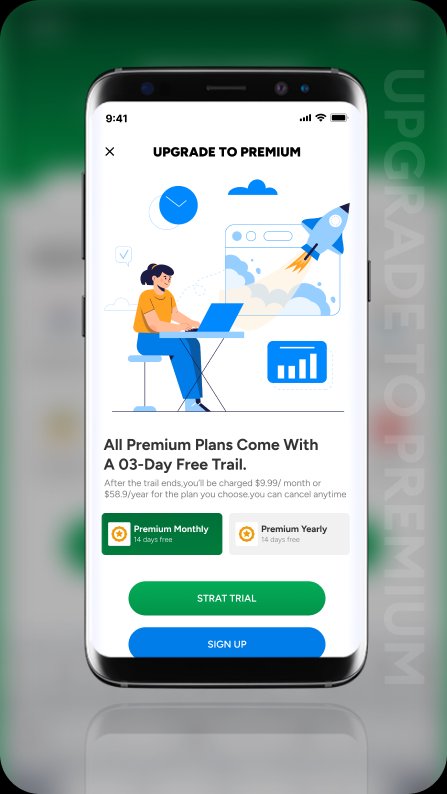
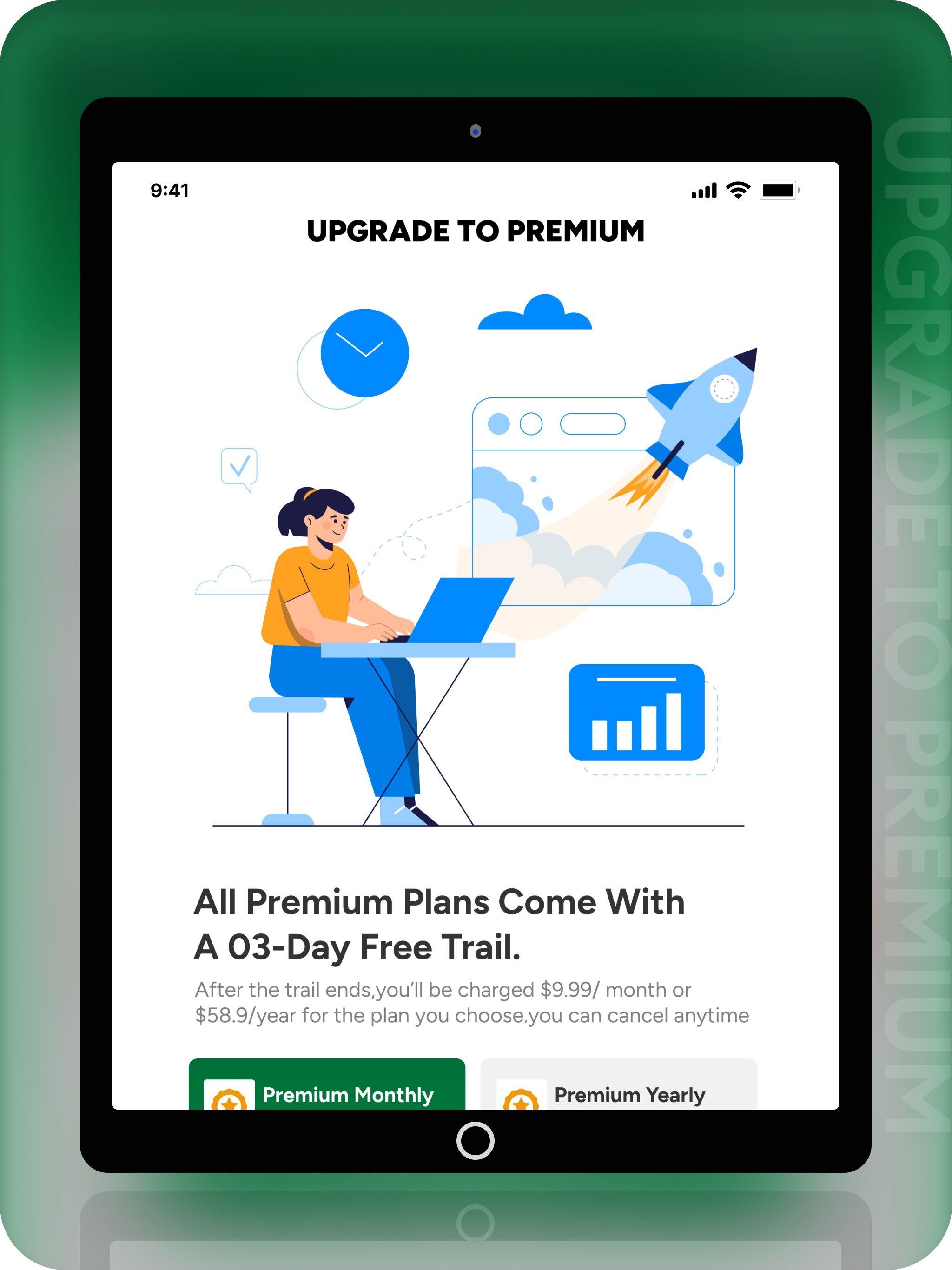
The premium upgrade screen displays two packages: monthly and yearly. After selecting a package, users click "Start Trial" to access the payment subscription screen, where package details are displayed.
Subscription Plan:
Upon clicking "Subscribe," users enter their cardholder name and account information. A popup will appear confirming that the payment has been processed, their 3-day trial has started, and after 3 days, the selected package will activate, with payment automatically deducted from their account. The popup also includes a "Logout" button to log the user out and redirect them to the login screen.
Latest Version
1.0.0Uploaded by
Н. Сора
Requires Android
Android 5.0+
Category
Free Lifestyle AppContent Rating
Everyone
Security Report
Check Now
Report
Flag as inappropriateLast updated on Apr 2, 2025
Changes some app functionally





APKPure - A multi-platform app store primarily focused on Android, providing extensive app-related content. Discover the app you want easier, faster, and safer, with quick and efficient downloads and installations.