Microsoft Office Word enables you to make and alter individual and business archives, for example, letters, reports, solicitations, messages and books. This application intended for Beginners to Experts.
MS Word is well known word-handling program By default, records spared in Word are spared with the .docx expansion. Microsoft Word can be utilized for the accompanying purposes:
=> To make business reports having different designs including pictures, graphs, and charts.
=> To store and reuse instant substance and organized components, for example, cover pages and sidebars.
=> To make letters and letterheads for individual and business reason.
=> To outline diverse reports, for example, resumes or welcome cards and so forth.
=> To make a scope of correspondence from a basic office reminder to lawful duplicates and reference records.
From this application, you will ready to learn Microsoft Word and use in your day by day life. Here is the rundown:
Making and Opening Documents
Sparing and Sharing Documents
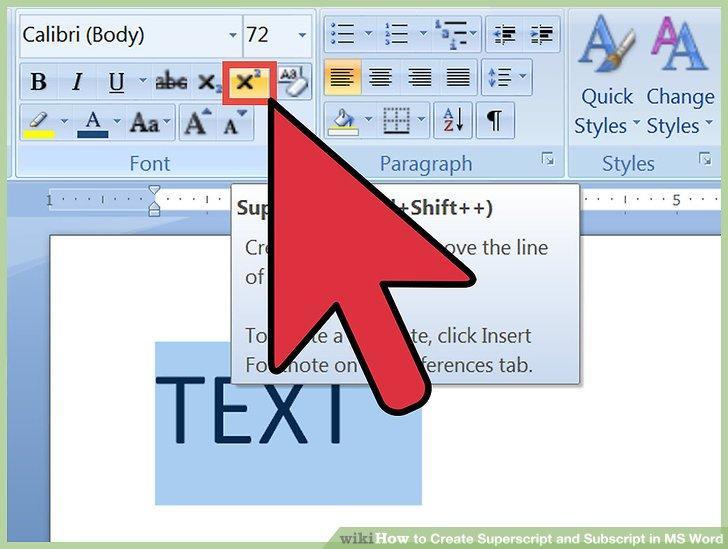
Organizing Text
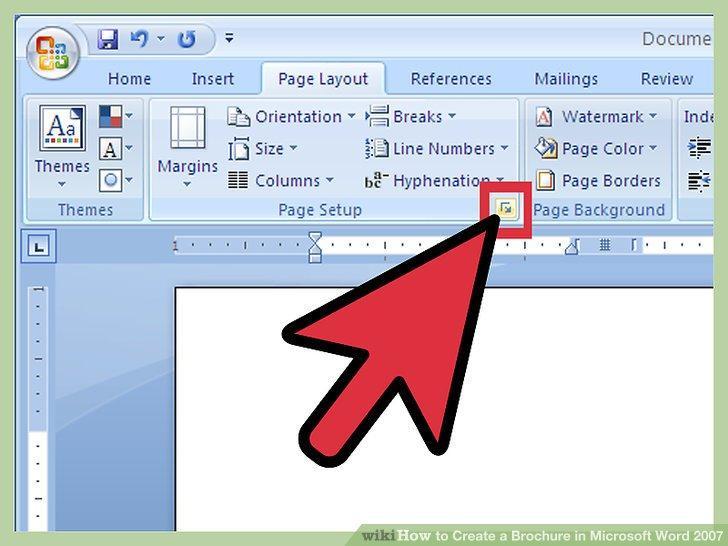
Page Layout
Printing Documents
Working with Text
Indents and Tabs
Line and Paragraph Spacing
Records
Hyperlinks
Breaks
Segments
Headers, Footers, and Page Numbers
Working with Objects
Pictures and Text Wrapping
Organizing Pictures
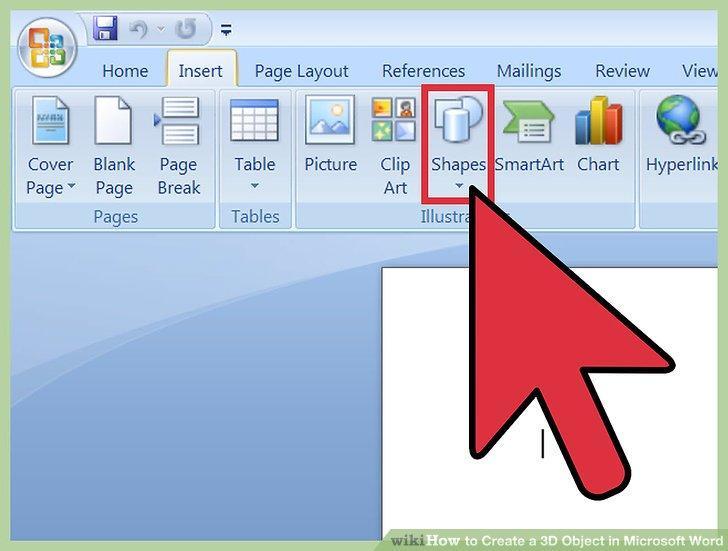
Shapes
Content Boxes and Word Art
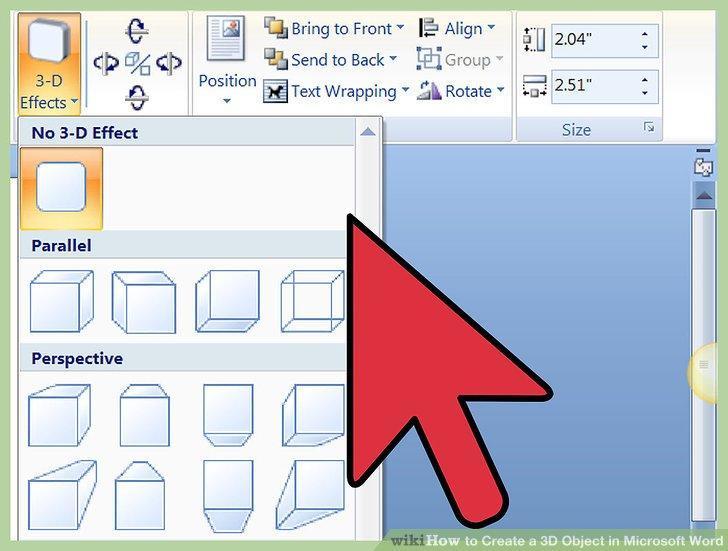
Organizing Objects
Tables
Graphs
Checking on Documents and Collaboration
Checking Spelling and Grammar
Track Changes and Comments
Settling and Protecting Documents
Accomplishing More with Word
Savvy Art Graphics
Styles
Topics
Mail Merge
Some more
Redoing the Ribbon
Empowering Touch Mode
Installing an Excel Chart
Altering PDF Files
Last updated on 2017年08月05日
此版本包含小幅錯誤修正和一般改善。請更新至最新版本,以獲得最佳體驗。