

Package Name:zuuz.us
SHA-256:f3e645022018ce370974717510f8c83ace3041e316246aa74de9b880880ba332
Show More
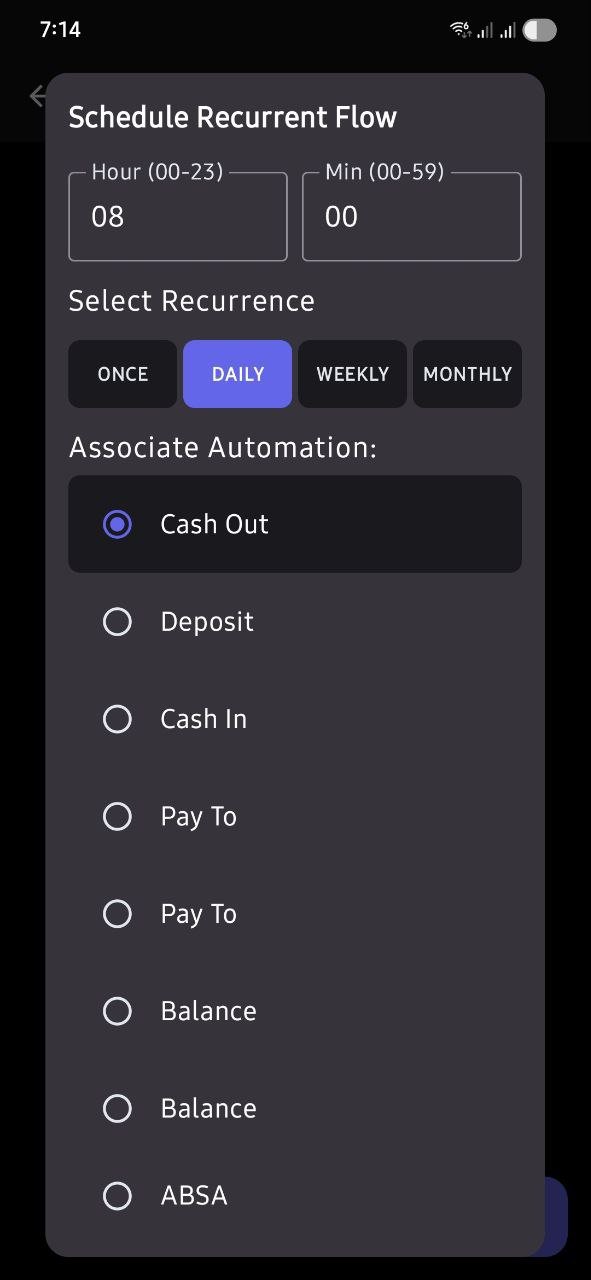
AutoFlow uses the AccessibilityService API strictly as a convenience-focused helper tool to automate repetitive USSD code processes on behalf of the user.
1. WHAT DATA IS READ:
The Accessibility Service reads on-screen dialogue windows and pop-up menus generated exclusively by network operators (USSD dialogues) when a sequence is active.
2. WHY IT IS READ:
The service parses these dialogue choices to auto-fill answers and automatically click input response options on the user's behalf, bypassing the need for tedious manual step-by-step selections.
3. HOW DATA IS MANAGED:
All parsed data from active USSD windows is processed strictly ephemerally within volatile RAM. The app does not write, store, log, or track any dialogue details locally, and does not transmit any of this information off-device.
4. USER CONSENT & CONTROL:
The feature is completely optional. Users must read and explicitly accept an unavoidable Prominent Disclosure screen before being directed to system settings. Users can choose to Decline and run their app with limited automatic features, and they can disable the helper service at any time in system settings without penalties.
Latest Version
309.0Uploaded by
ريحانة الوادي ريحانة الوادي
Requires Android
Category
Free Productivity AppContent Rating
Everyone
Security Report
Check Now
Report
Flag as inappropriateLast updated on Oct 1, 2026
We've made improvements and fixed bugs to ensure a better user experience.






APKPure - A multi-platform app store primarily focused on Android, providing extensive app-related content. Discover the app you want easier, faster, and safer, with quick and efficient downloads and installations.