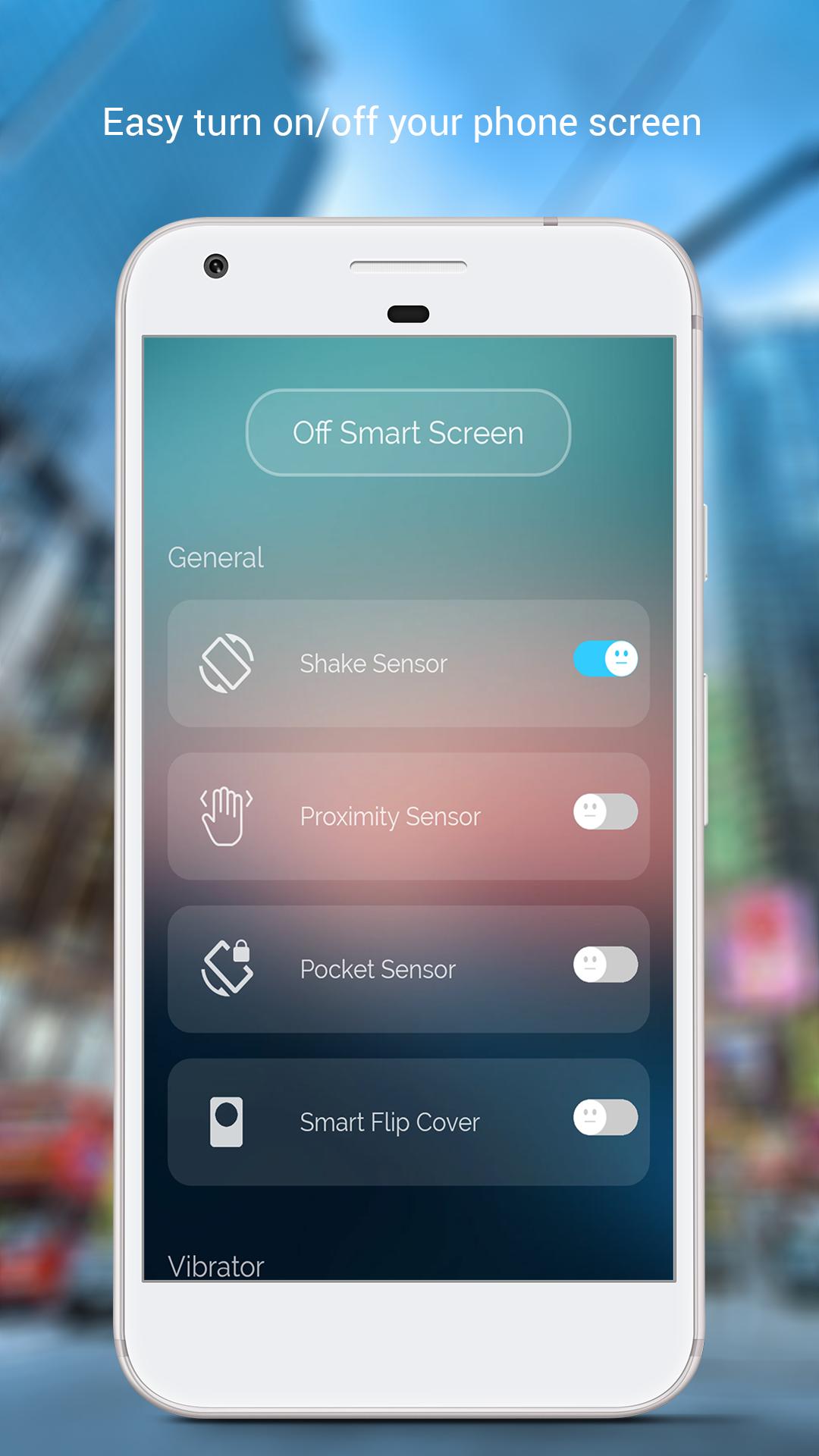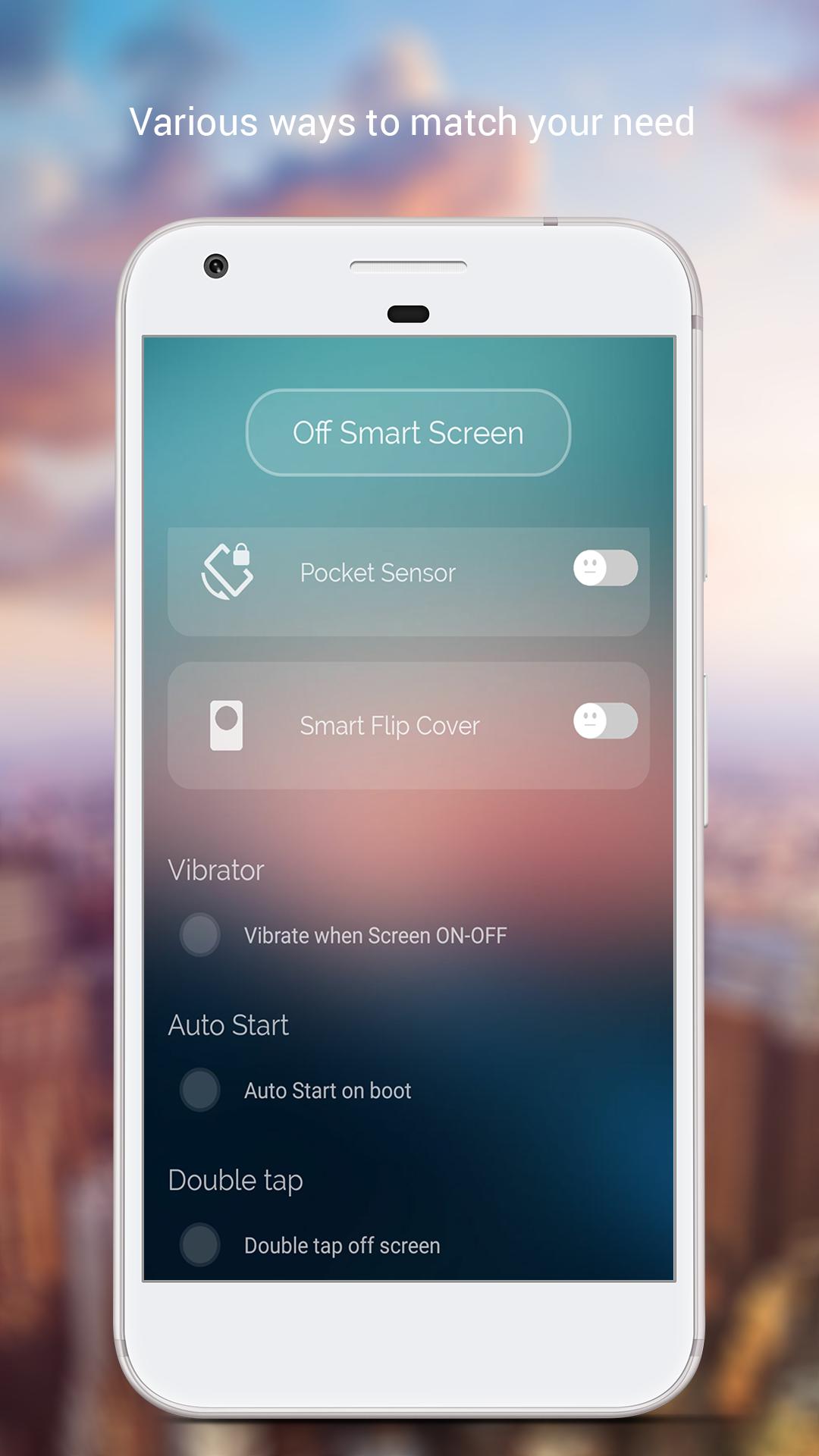
"Auto Screen On Off" application is simple utility to automatically On or Off screen using shake sensor, proximity sensor, pocket sensor, Smart flip cover and double tap on Home Screen, instead of having to press the power button manually.
The list of features:
- Automatically wake up the device when you open the flip cover, take the device out of pocket/bag, etc…
- Automatically turn the screen off when you close the flip cover, put the device in pocket/bag, etc. (as long as the sensor remains blocked) and optionally lock the device after set amount of time (to make the screen stay off, even if the sensor gets unblocked);
- Autostart on boot of the phone;
- Fully customizable.
- Many options for you:
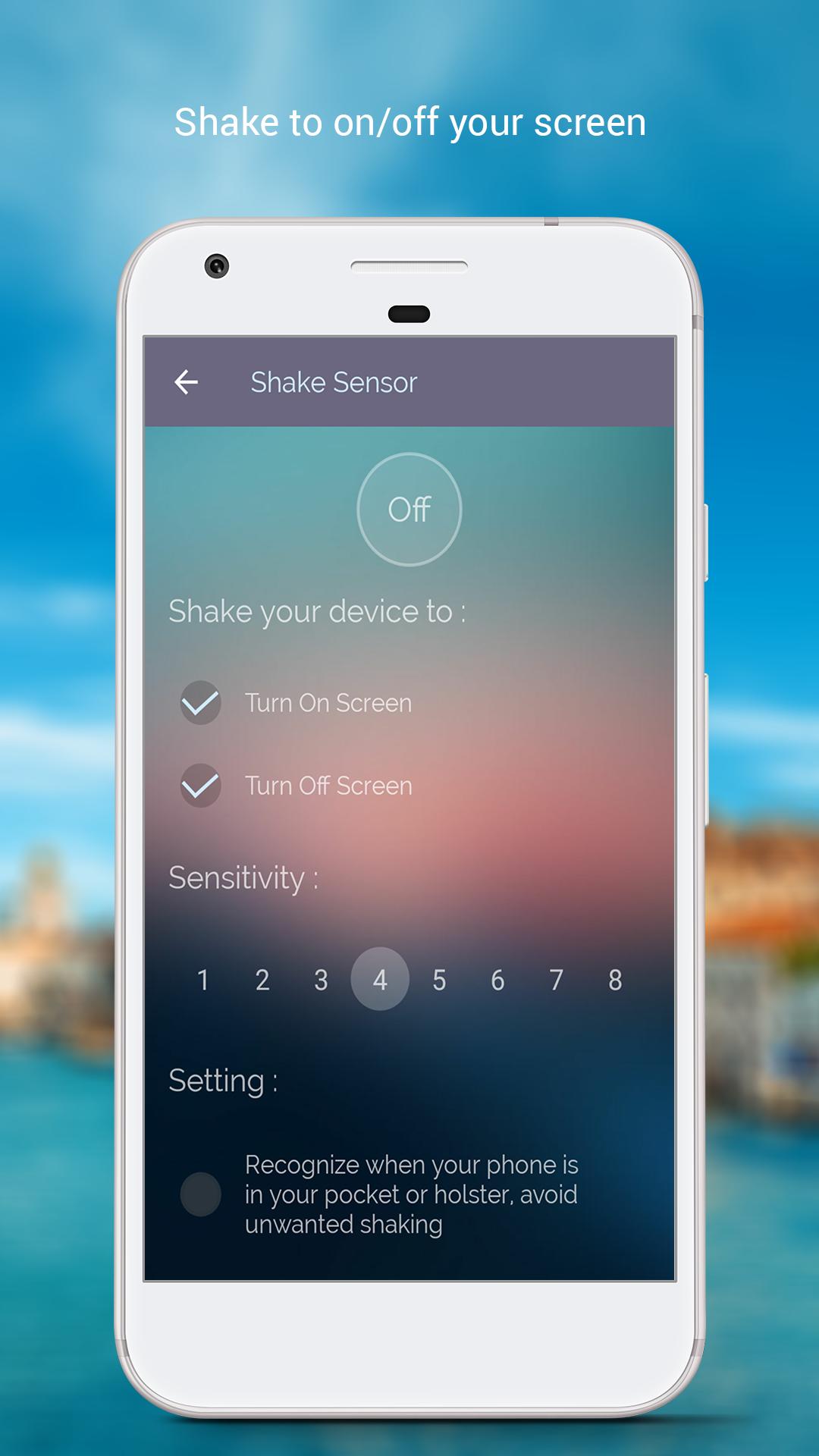
👉 Shake sensor
This function allows you to shake your phone in order to trigger various actions! Even if your screen is off, you can still shake it, and it'll work!
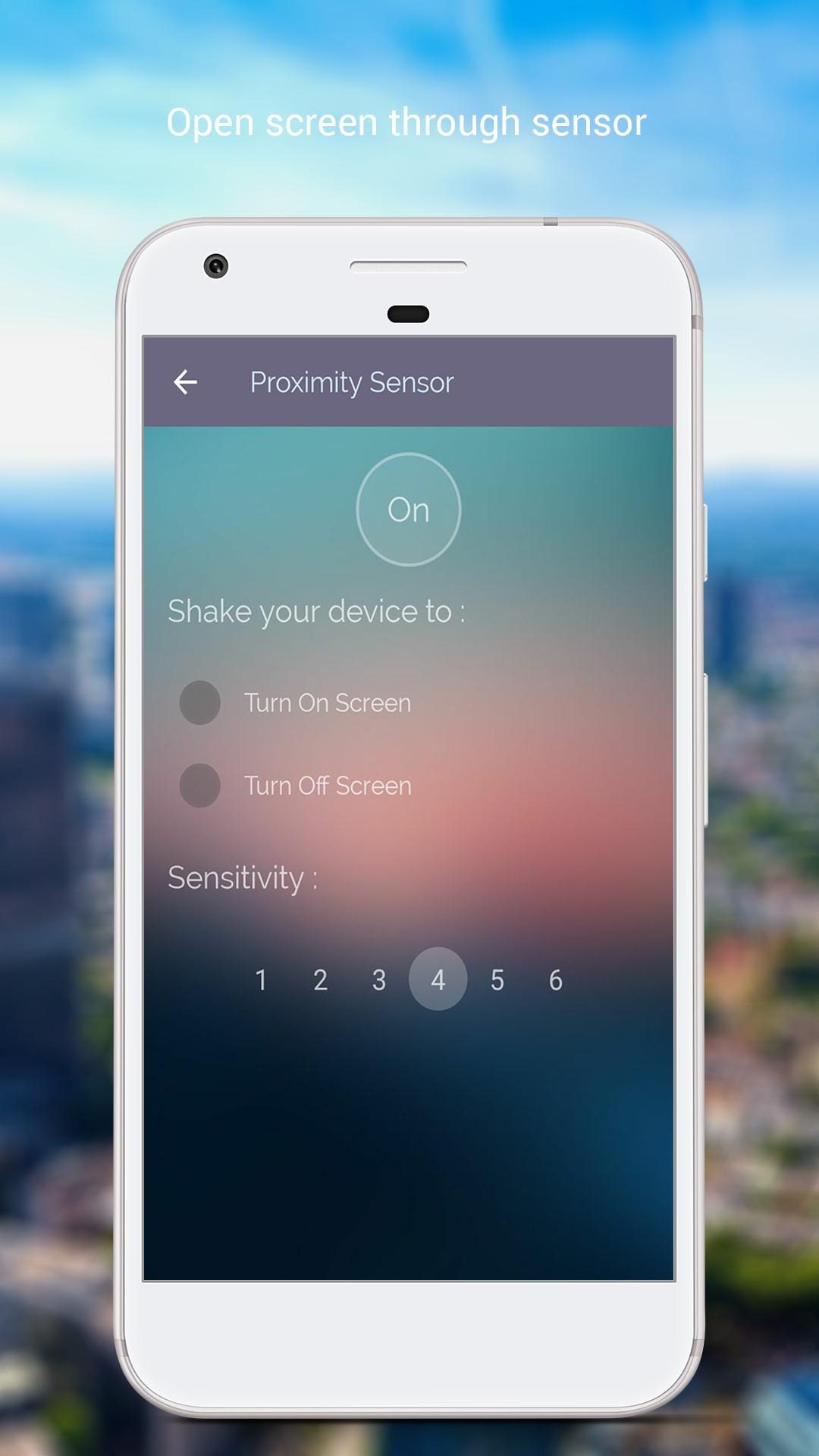
👉 Proximity sensor
All you have to do is swipe your hand over the proximity sensor (Located near the earpiece on top of the phone).
Features:
• Turn off the screen by sliding your hand
• Turn off the screen by Covering the sensor for a duration of time (Tap and Hold)
• Turn on the screen by Covering the sensor for a duration of time (Tap and Hold) - Note: This can cause Battery Drain
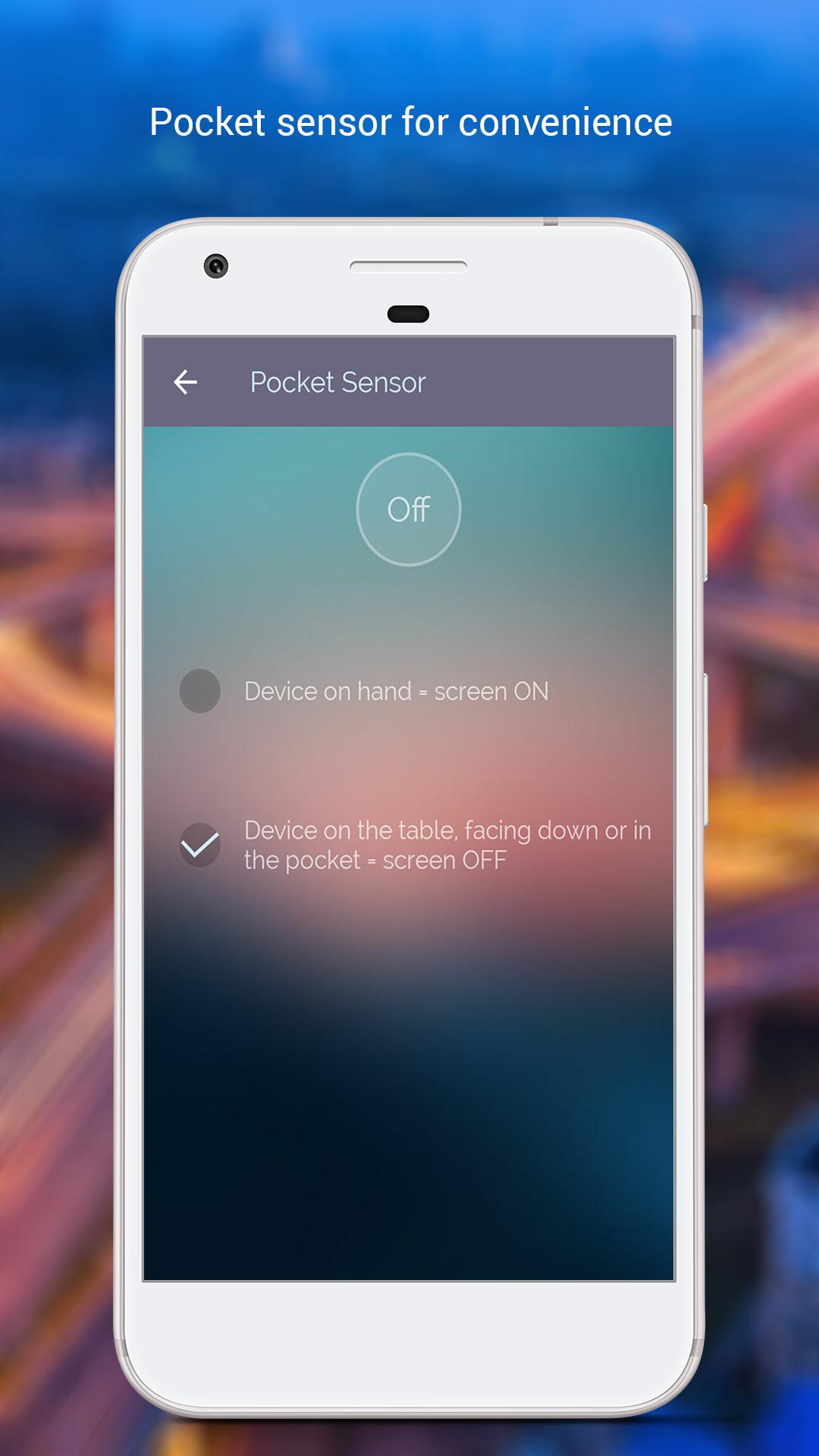
👉 Pocket sensor
• Turn OFF screen when you put your Smartphone on table
• Turn ON when you hold it in your hands and more.
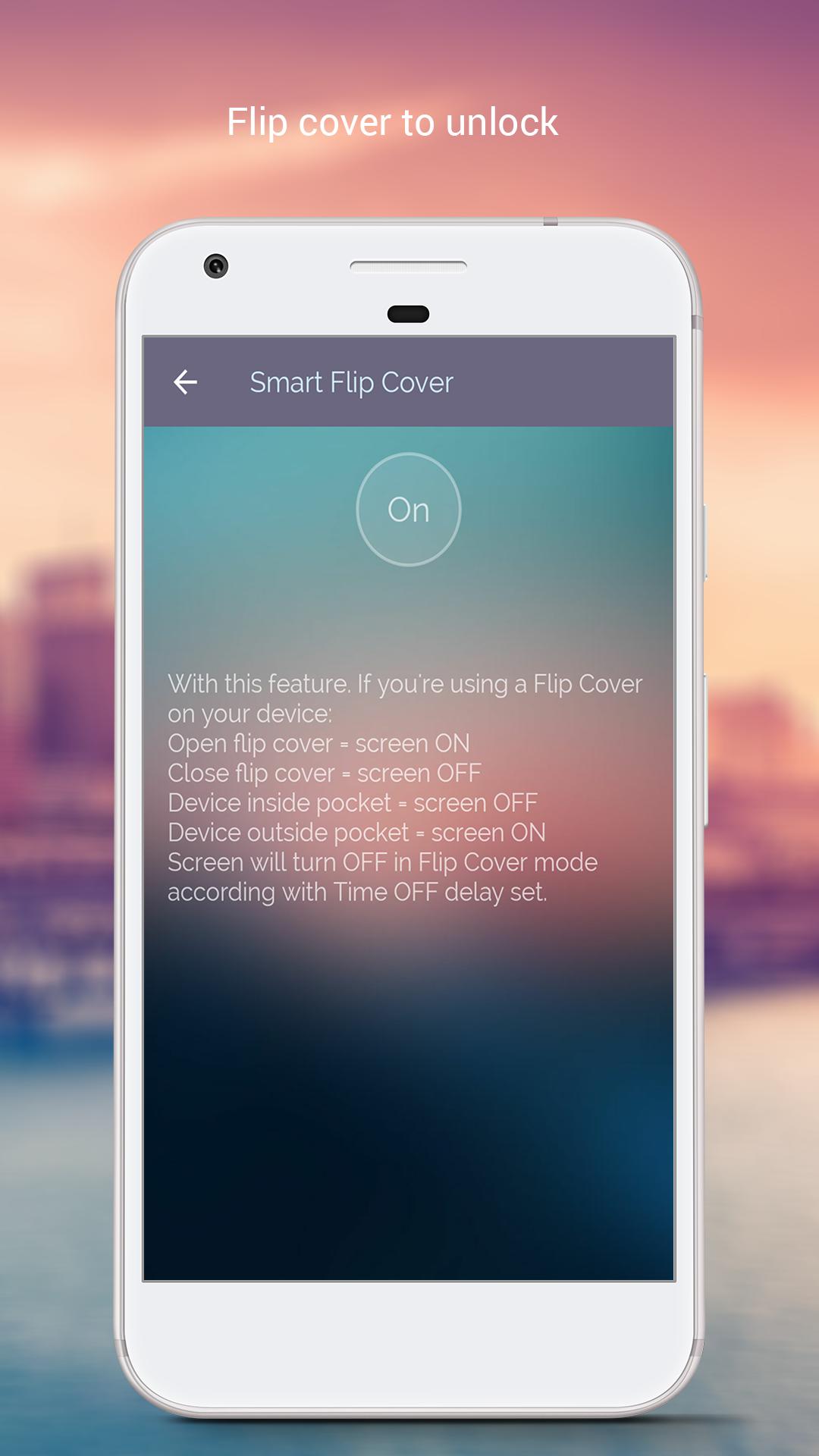
👉 Smart Flip cover.
This feature for user using Flip Cover (If you use a phone case with cover).
With this feature, you just close the cover to turn screen OFF and open the cover to turn screen ON.
👉 Double tap on screen
This feature is an easy to use application, by which you can double tap on Home Screen to on/off the screen instead of pressing power button. Double Tap Screen On/Off will help you to minimize the usage of power button.
- Auto start on boot if you want
- Support vibrate when screen on/of
If you found any bug, please report it to us via email.
If you love it, Please help us by giving us 5 star rating with nice review comments.
Thank for your download so much!
Last updated on 2017年07月05日
fix bug