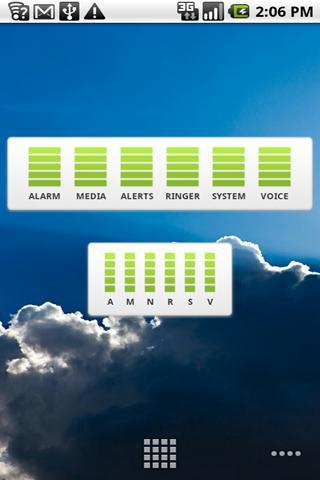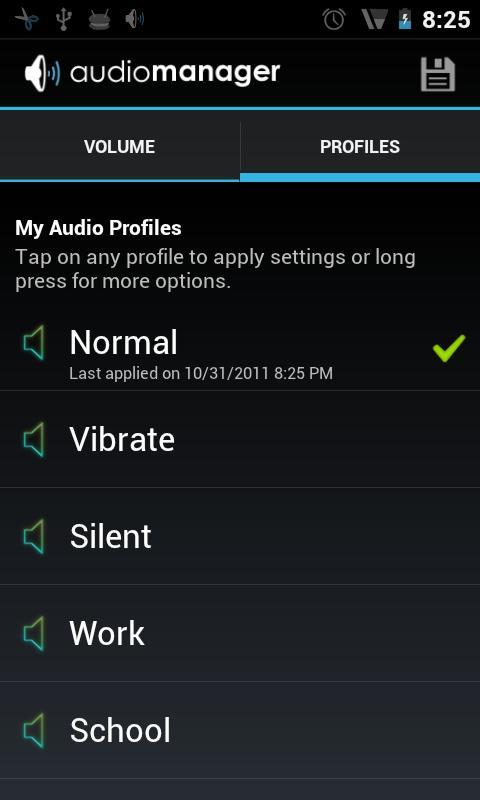
Skin for AudioManager Pro users
To launch:
1. Make sure you have AudioManager Pro installed (if not, search the Market)
2. In AudioManager, press Menu -> Settings -> Widget Skin -> *
3. Select skin
Want to create your own skins? go to our site below to download the SDK.
com.smartandroidapps.audiowidgetpro.themes.
Last updated on 2015年09月03日
此版本包含小幅錯誤修正和一般改善。請更新至最新版本,以獲得最佳體驗。