Package Name:com.kastapp.remotetv
SHA-256:361720465530543215d173da825f48669c33be200a39bf7bfd3fb688f0a96302
Show More
Turn your phone into a convenient remote control for your Android TV or Google TV.
TV Remote lets you control compatible TVs and streaming devices directly from your phone. Connect over your local Wi-Fi network or, on supported devices, via Bluetooth, pair your TV, and start controlling it in seconds.
Everything you need in one remote
• Navigate your TV with a familiar D-pad
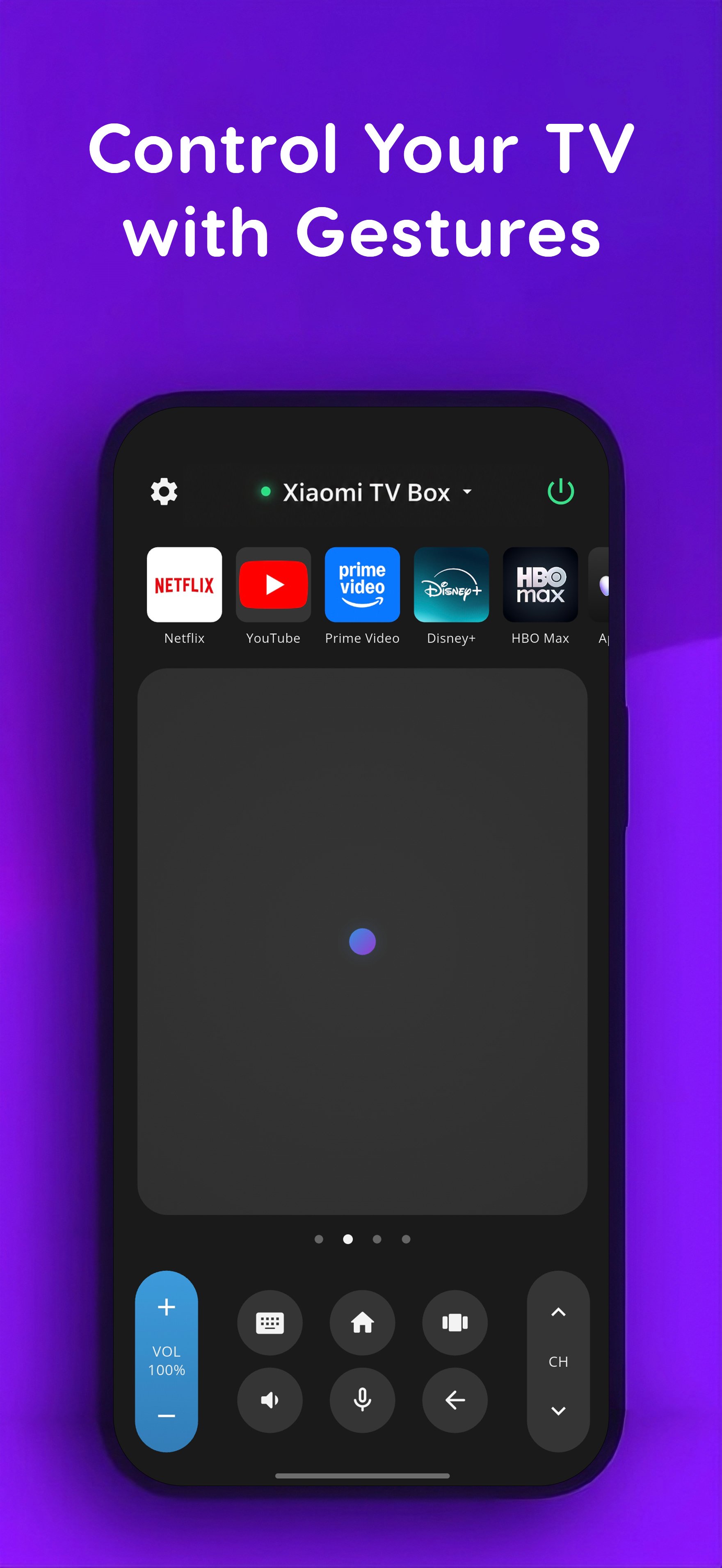
• Use the touchpad with swipes, taps and long presses
• Control volume and mute the sound
• Go Home or Back with a single tap
• Turn your TV on or off when supported
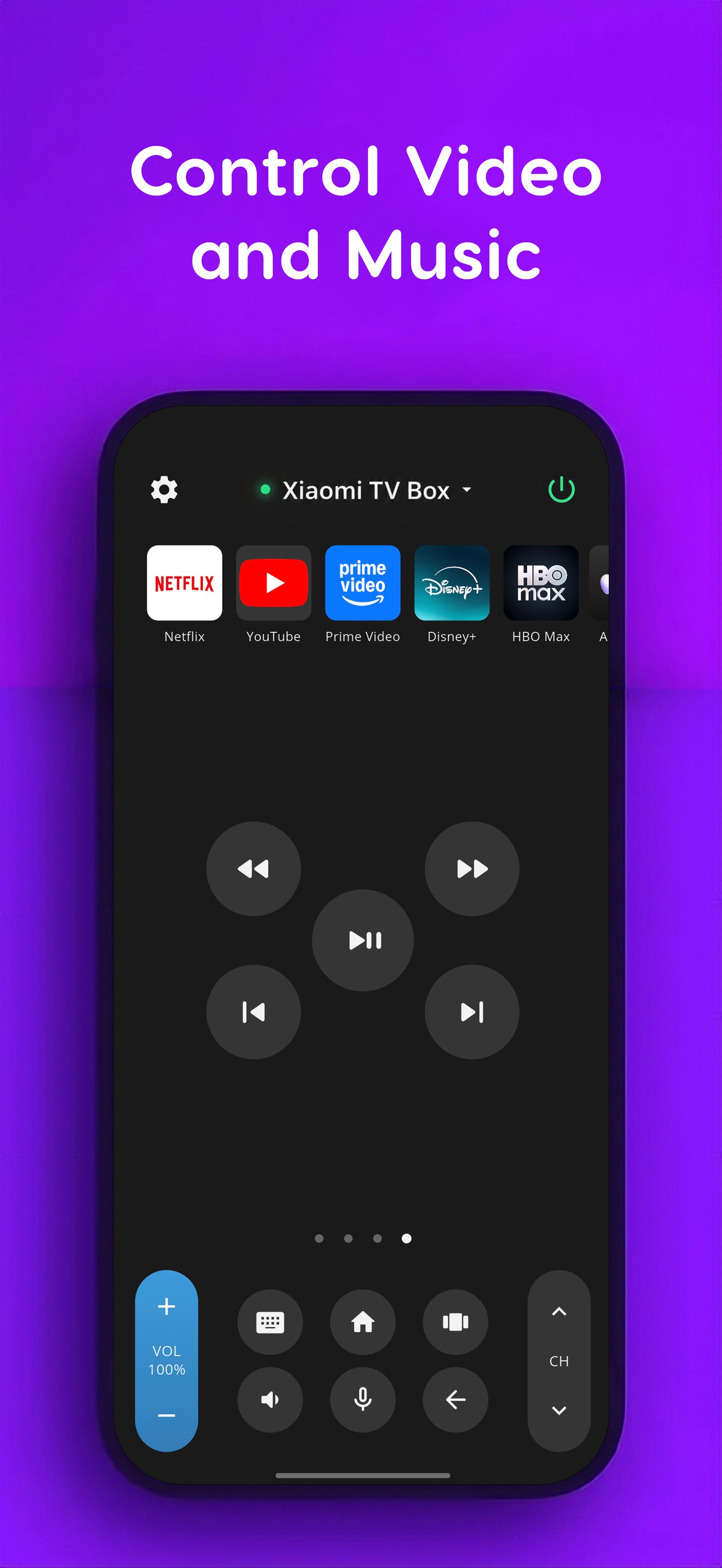
• Play, pause, rewind and skip media
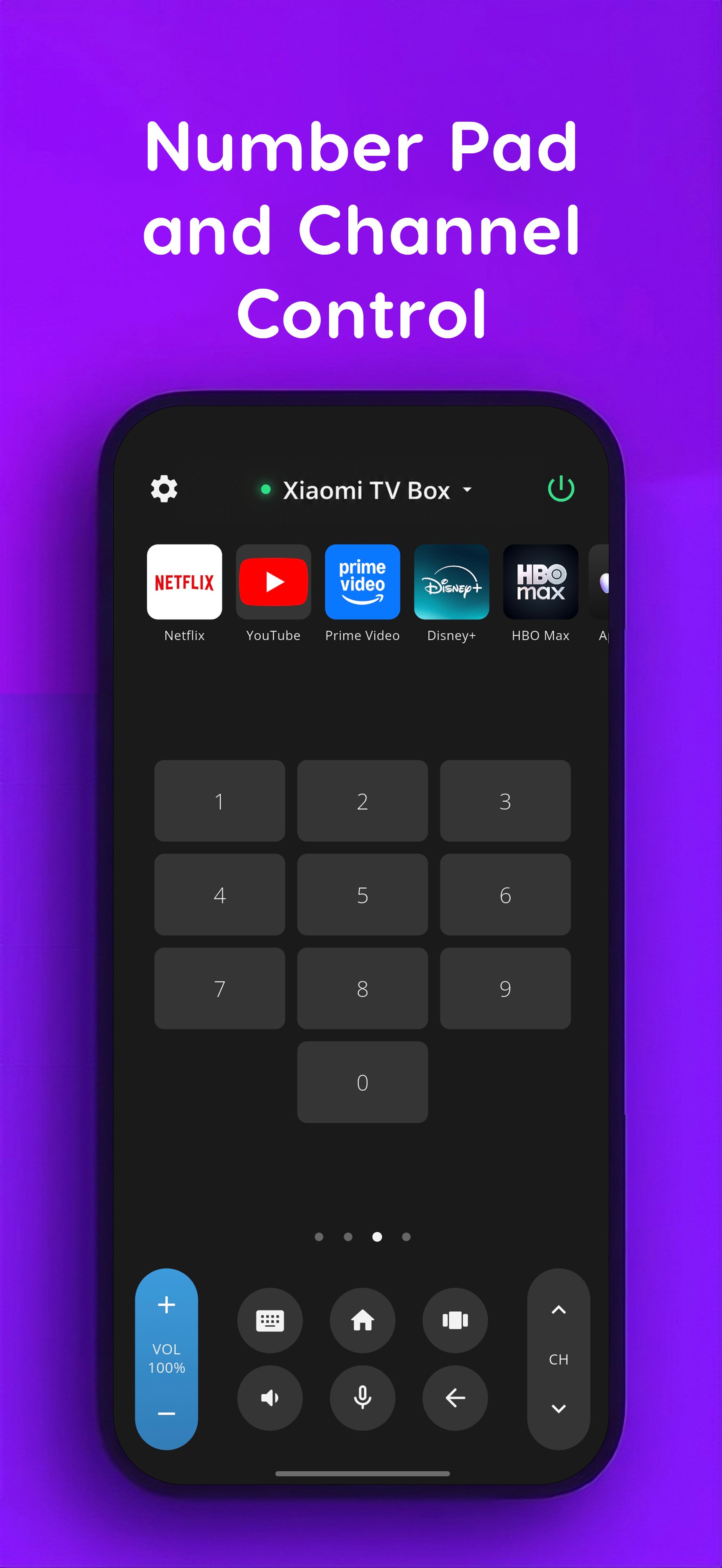
• Switch channels and use the numeric keypad
Type on your TV using your phone
Typing with an on-screen TV keyboard can be slow. When a compatible text field is open on your TV, use your phone's keyboard to enter text more quickly and comfortably.
Voice input
Use your phone's microphone for voice input on compatible Android TV and Google TV devices. Search for movies, shows, apps and other content without typing everything manually.
Quick app launch
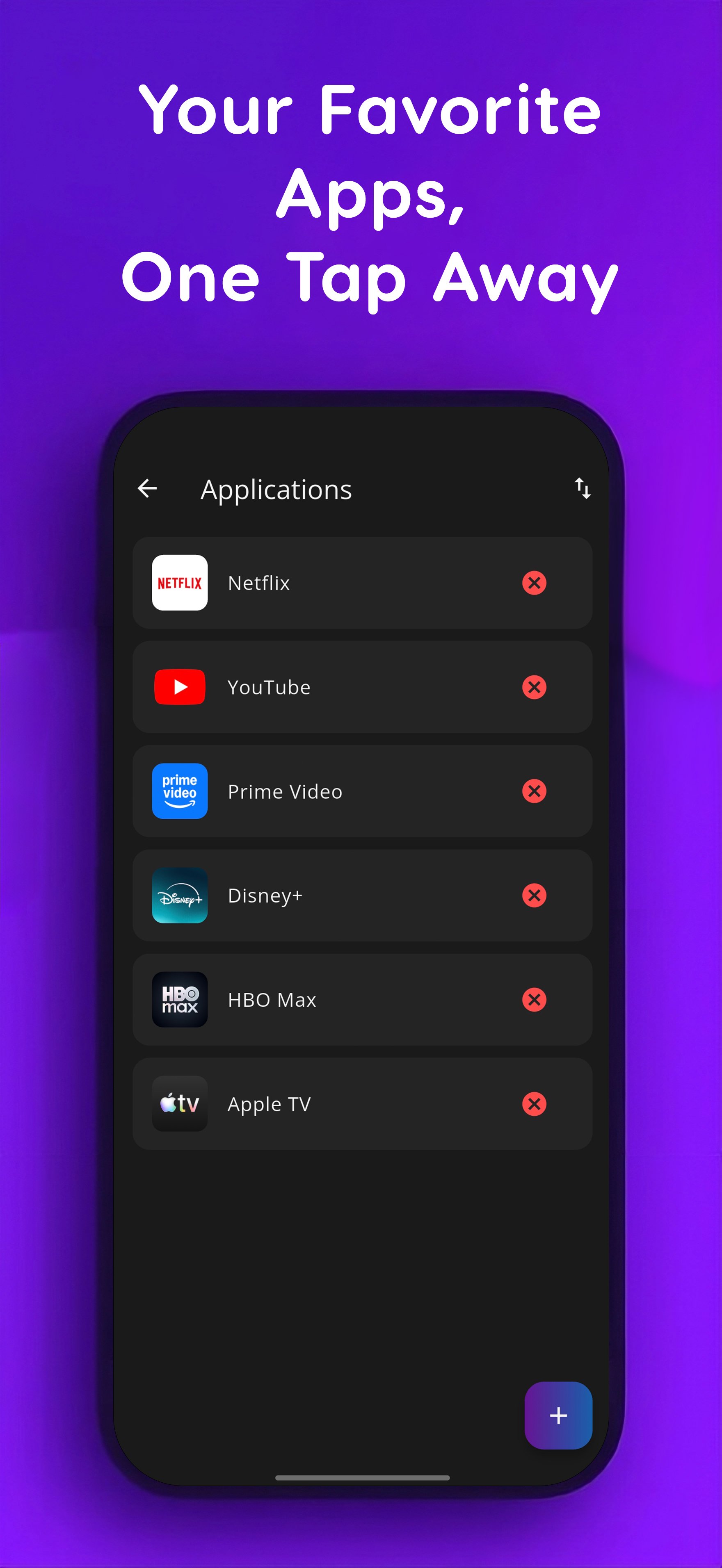
Keep your favorite TV apps within easy reach.
Create your own list of shortcuts, arrange them in the order you want, and launch supported apps directly from the remote screen. You can also add custom apps using their Android package ID.
Wi-Fi and Bluetooth
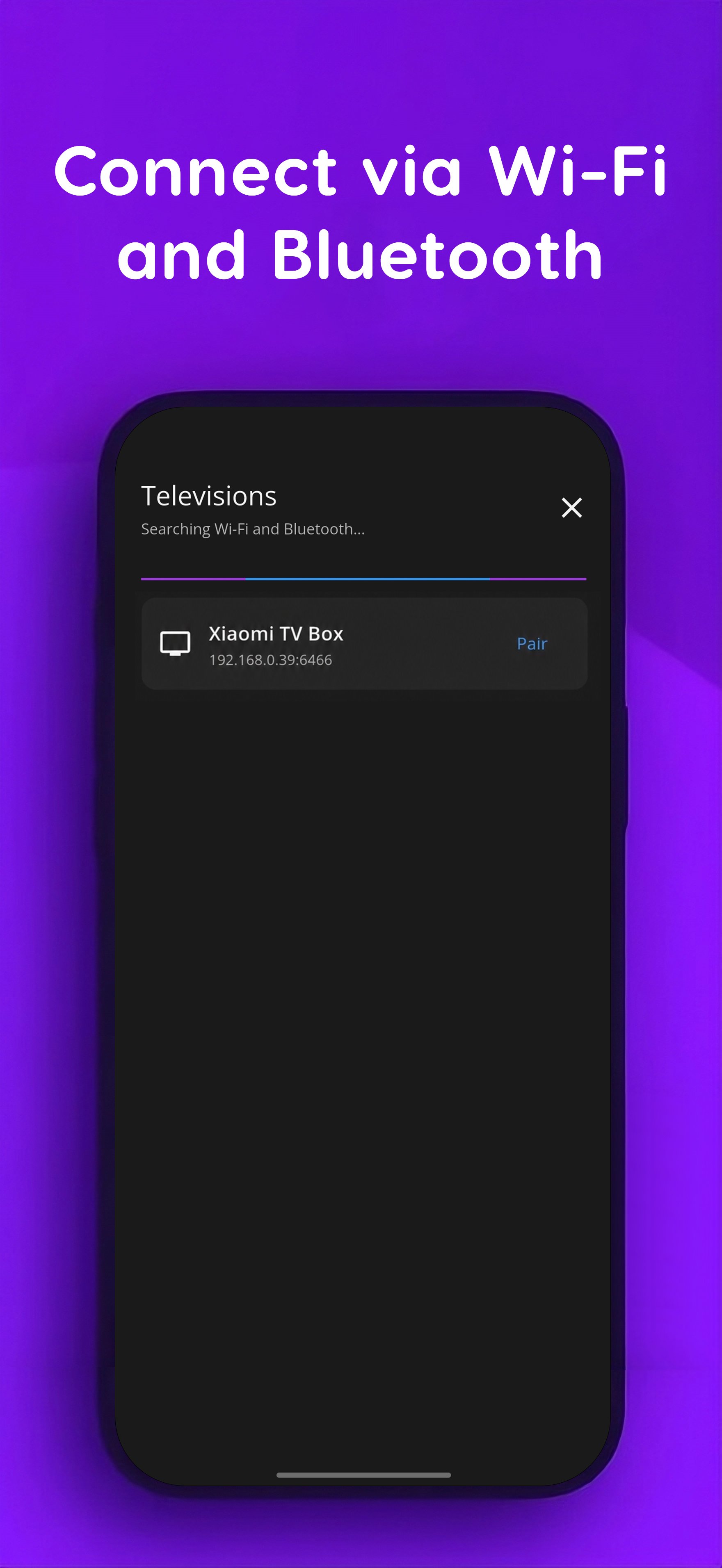
For Wi-Fi control, your phone and TV should be connected to the same local network.
Compatible devices may also be discovered and connected via Bluetooth.
When connecting for the first time, your TV may display a pairing code. Simply enter the code on your phone to complete the connection.
Designed for everyday use
• Remembers paired TVs
• Remembers your preferred remote layout
• Customizable app shortcuts
• Optional haptic feedback
• Keep-screen-awake option while using the remote
• English and Russian interface
• No account or sign-in required
TV Remote uses the Android TV Remote protocol, so ADB is not required for normal remote control.
Some features, including voice input, text input, power control, Bluetooth connectivity, app launching and individual remote buttons, may vary depending on your TV model, Android TV / Google TV version, firmware and currently running app.
A compatible Android TV or Google TV device is required to use the remote-control features.
Latest Version
1.0.2Uploaded by
เบ่น น้อยย ซอยยตันน
Requires Android
Category
Free Tools AppContent Rating
Everyone
Security Report
Check Now
Report
Flag as inappropriateLast updated on Sep 1, 2026
This release includes minor bug fixes and general improvements. Update to the latest version for the best experience.



APKPure - A multi-platform app store primarily focused on Android, providing extensive app-related content. Discover the app you want easier, faster, and safer, with quick and efficient downloads and installations.