

Tunnel VPN suits moments when you need quick privacy on public Wi Fi or any shared network. It creates an encrypted tunnel so your traffic is harder to inspect, which supports private browsing and app use in more places. This can also help you reach services that are limited by a local network while traveling or studying. The interface focuses on a simple connect control for fast use. For reliability and security fixes, keep the Tunnel VPN latest version installed.
Fast one tap connection
Tunnel VPN keeps setup simple. You tap the main connect button and wait a few seconds for the tunnel to start. The status clearly shows when your connection is protected, so you can begin browsing without extra steps. This approach helps when you are in a hurry or moving between networks.
Access apps and sites across restrictions
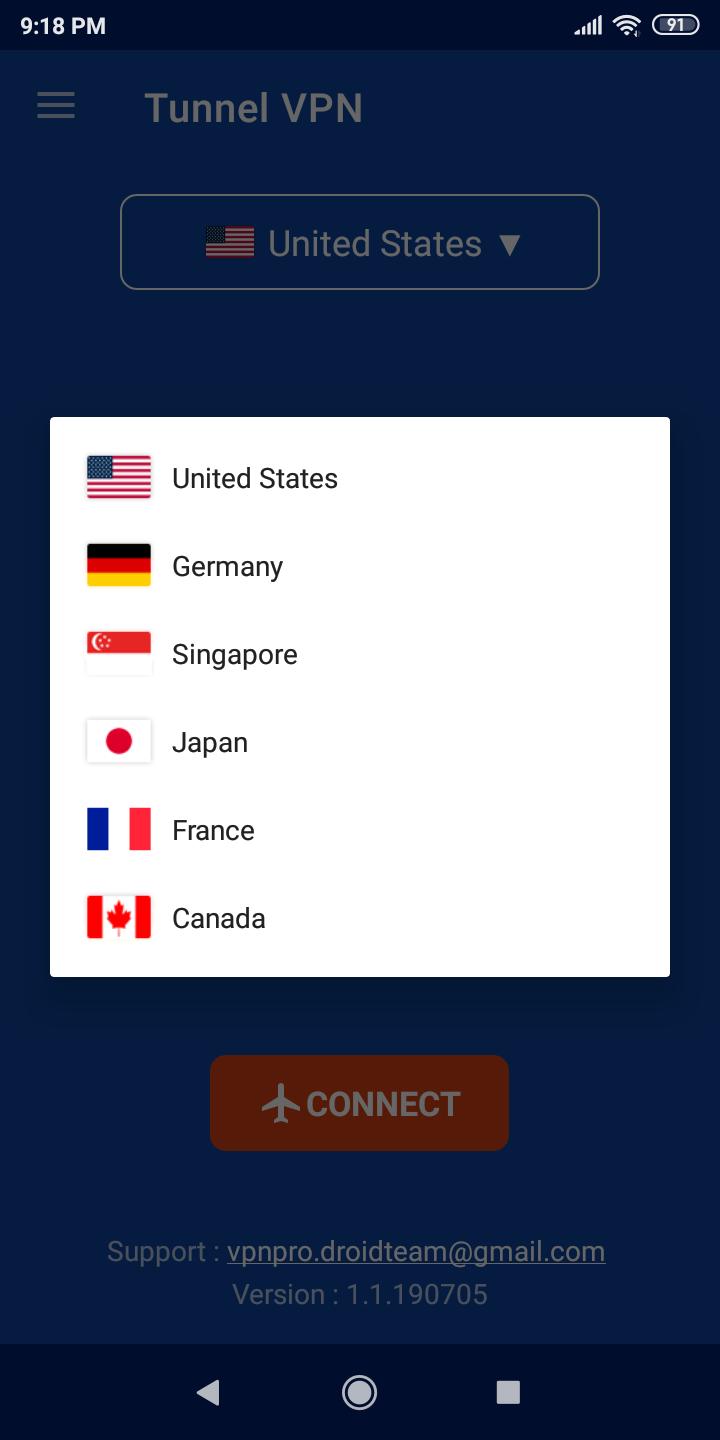
You can use Tunnel VPN to reach apps and websites that a local network blocks. This is useful at school, at work, or in a hotel where certain services are limited. By routing your traffic through a remote server, the app helps you load content that would otherwise fail to open. Choose a different location if a page still does not load.
Protection on public Wi Fi
Public hotspots can expose unencrypted traffic. Tunnel VPN encrypts your connection so others on the same network have a harder time seeing what you do. This is helpful for tasks like checking email or logging in to accounts at a cafe or airport. Remember to connect before you open other apps for consistent protection.
No account and no manual setup
Tunnel VPN requires no sign up and no configuration. You open the app and start the tunnel without creating an account. This reduces steps for new users and limits the personal data shared during use. It also makes it easier to get connected on a borrowed or secondary device.
No speed or data caps
The service is designed for steady use without speed or data limits in the app. You can browse, message, or load videos within the performance available on your network. If speed drops, switching to another location can improve stability. Results vary by time of day and local congestion.
IP masking for added privacy
Tunnel VPN changes your visible IP address to reduce tracking by network owners, advertisers, or other third parties. This helps separate your online activity from your personal connection. For best results, connect before starting sensitive tasks. You can also change location if a site still recognizes your session.
Service availability can vary by country due to local rules. In some regions, VPN use is limited or the app may not be accessible. Please follow local laws and the terms of any websites or apps you use through the connection. If the service does not appear in your area, check again later or try from a different network.
You can install through standard methods or use the Tunnel VPN APK if you prefer manual setup. An APK file lets you install the app directly on your device without an app store. After installation, check for updates regularly so you keep the Tunnel VPN latest version for bug fixes and connection improvements. If you switch devices, repeat the same steps and verify the tunnel connects normally.
Tunnel VPN fits several everyday needs. On public Wi Fi, you can reduce exposure by encrypting your traffic before logging in to accounts. While traveling, you can try a different location to access region locked apps you already use at home. At school or work, you can attempt to reach services that are blocked on the local network, as long as this follows local policies.
If the tunnel does not connect, first switch to another server location and try again. Next, toggle airplane mode or change from Wi Fi to mobile data and reconnect. You can also restart the app or your device to clear a stuck session. If a site will not load, clear the app or browser cache, then reconnect. As a final step, reinstall using the current Tunnel VPN APK and test again.
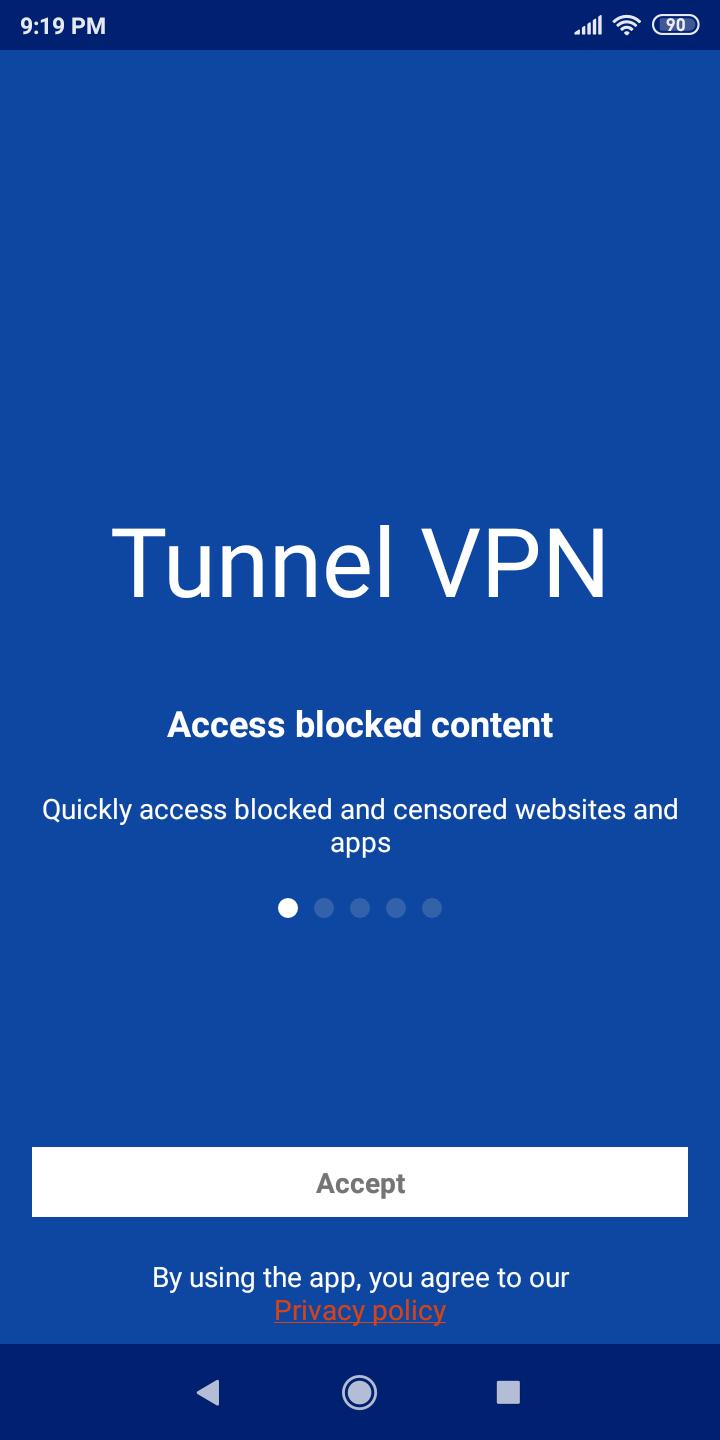
Use this short guide to begin a protected session after you download Tunnel VPN. The process is straightforward and takes only a moment on most Android devices.
Tunnel VPN offers quick connection, no registration, and encrypted traffic for everyday browsing on shared networks. It also helps you reach apps and websites that are blocked on a local connection. To keep performance and fixes, update to the Tunnel VPN latest version when available.
If you need help or have feedback, contact the developer using the details below.
Latest Version
3.4.240810_0920Uploaded by
Lana Kassar
Requires Android
Android 6.0+
Category
Free Communication AppContent Rating
Everyone
Report
Flag as inappropriateLast updated on Aug 16, 2024
- Migrate to Google Play Billing Library 7
- Fix some bugs and improve stability.





APKPure - A multi-platform app store primarily focused on Android, providing extensive app-related content. Discover the app you want easier, faster, and safer, with quick and efficient downloads and installations.