
There are so many great music websites that unfortunately still do not support casting to Chromecast audio. TubeCast Audio is created to fill this gap and allow you to browse and create a queue (playlist) of music & audio from different websites, and cast them to your favorite Chromecast Audio on repeat.
KEY FEATURES:
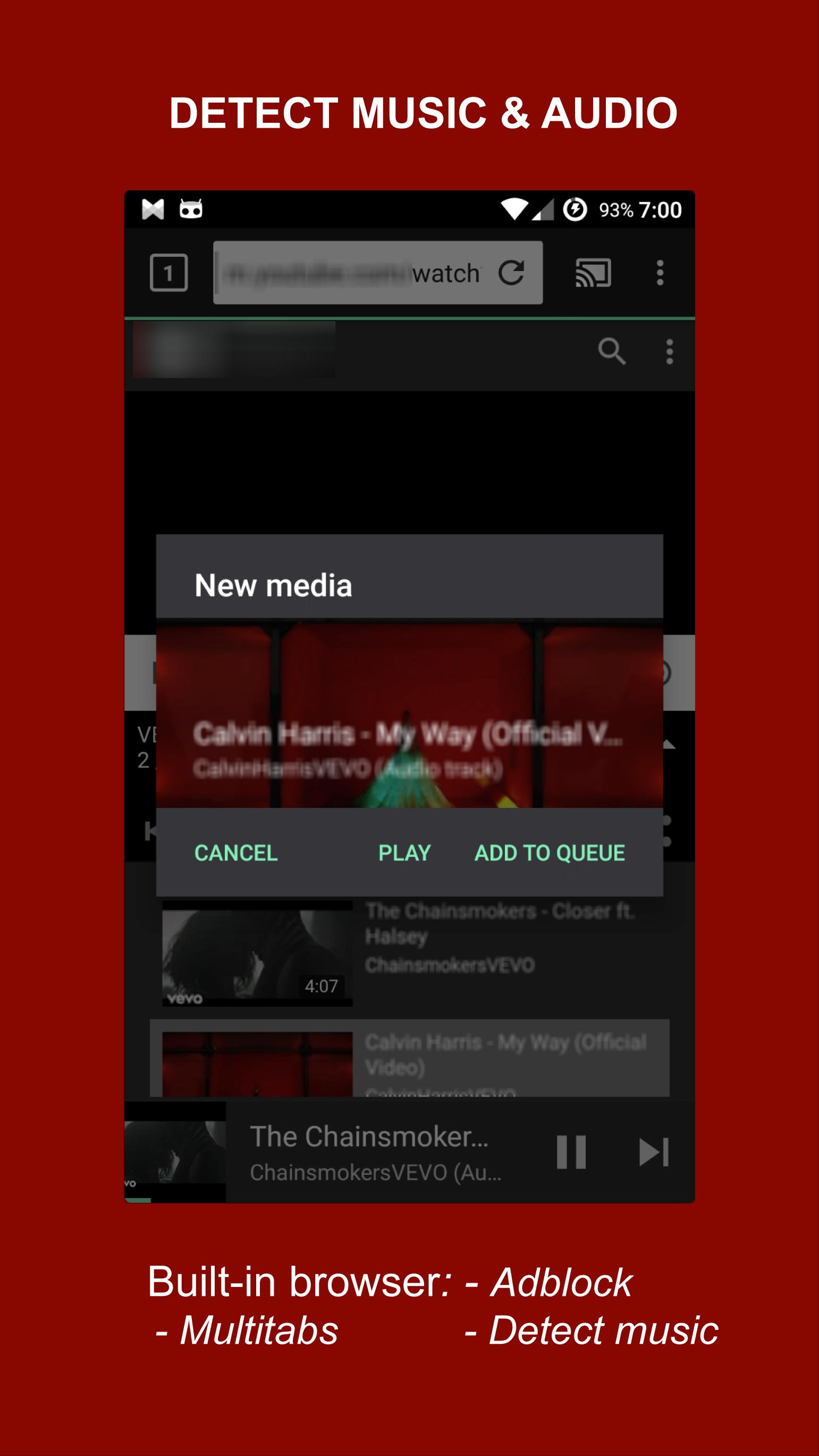
- Detect music audio tracks from the websites you visit and cast to Chromecast
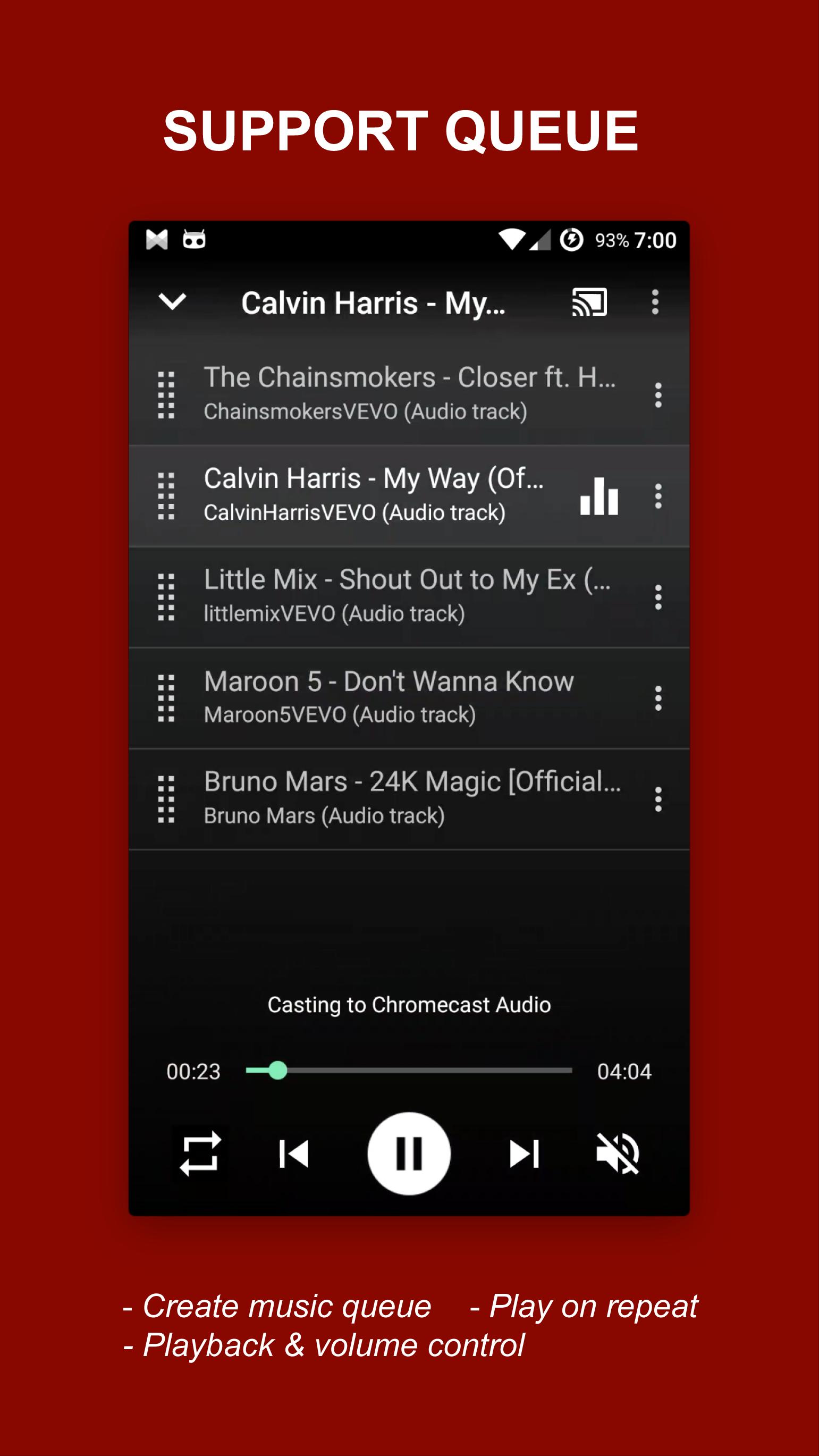
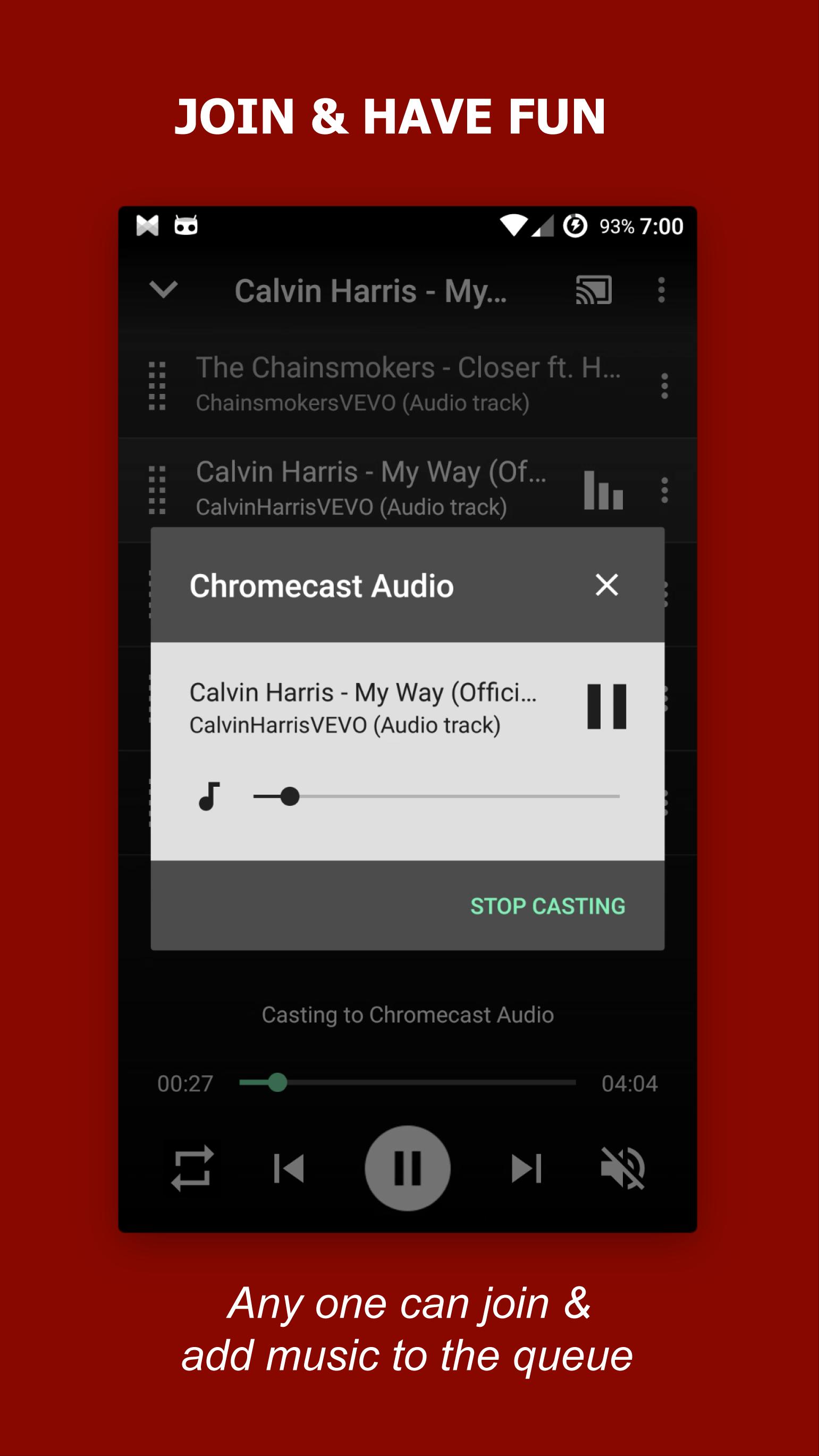
- Support queue, so you can add many items once and let Chromecast do the rest
- Support repeat playback, repeat all/one/none/shuffle
- Support playback and volume controls
- Built-in browser with multi-tabs
- If websites contain both video and audio, this app will select only audio track, so you do not need to worry about network traffic, as the audio track size is usually much smaller than the video size, which is very efficient for Chromecast Audio.
HOW TO USE:
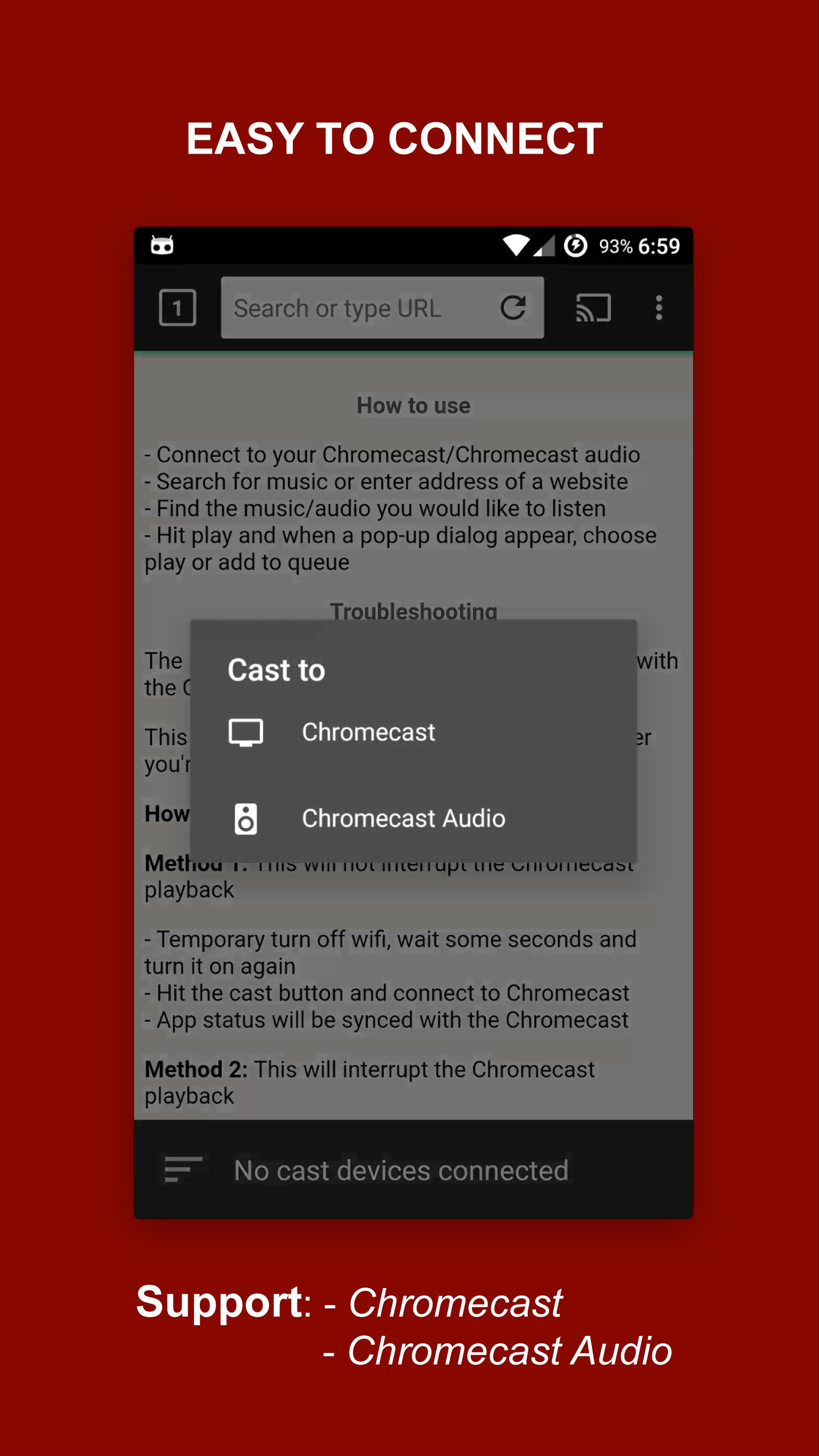
- Open app and connect to your Chromecast Audio
- Search for music or enter address of a website
- Find the music/audio you would like to listen
- Hit play and when a pop-up dialog appear, choose play or add to queue
PREMIUM VERSION:
- No ads
- No limit number of queue items
IMPORTANT NOTE:
- The built-in browser is based on system WebView, please install/update system WebView https://play.google.com/store/apps/details?id=com.google.android.webview to the latest version for a better compatibility.
- TubeCast does not support flash websites
- The app does not support tab casting, like the Chromecast extension for the PC web browser
- If the cast icon doesn't appear, open Google Home (previous known as Google Cast) and make sure you see the Chromecast Audio Device, if not, check for network connection.
Latest Version
1.0.5Uploaded by
Dalmar Ádmirę Çhelseă
Requires Android
Android 4.4+
Category
Free Entertainment AppContent Rating
Everyone
Report
Flag as inappropriateLast updated on Sep 29, 2017
Upgraded to new version of Google Cast API to fix various casting issues and improved stability




APKPure - A multi-platform app store primarily focused on Android, providing extensive app-related content. Discover the app you want easier, faster, and safer, with quick and efficient downloads and installations.