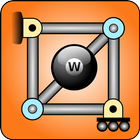
Designed by a true rocket scientist, Truss Me helps you learn to design truss structures while having fun! At each challenge, design trusses that are light and strong and you will earn precious golden nuts.
Truss Me utilizes state of the art simulation techniques used by aerospace, mechanical, and civil engineers to provide the most realistic behavior for your trusses. If well designed, your trusses will resist as they would in real life*. If your truss has flaws, the structure will fail realistically*!
Truss Me works well with dynamic problems as well, so you can build from bridges, roofs, and cranes to impact problems involving crash of spacecrafts into the ground!
As an instructor, you can teach your students how to design trusses using the freestyle mode. In this mode, you can design an arbitrary truss, e.g. a bridge, roof, crane, or even a spacecraft, and show visually the difference between tension and compression. You can also explain the difference between failure under tension and compression. Then, you can use the challenges to organize a truss design competition, in which students would compete to achieve the maximum score at each level. Truss design competitions utilizing Truss Me! have been carried out at top schools in the U.S and abroad!
Usage TIPS:
1) Joints are fundamental, as you can only build bars from one existing joint to another, and add supports and loads to existing joints only.
2) If you keep your finger down when adding a joint, you will see a grid. Without lifting the finger, you can drag the joint to be aligned with the grid.
3) You can also drag existing joints using the same procedure described above.
4) You can pinch and zoom your truss with 2 fingers to tune small-size structural details. Moving two fingers also allows you to pan the structure around.
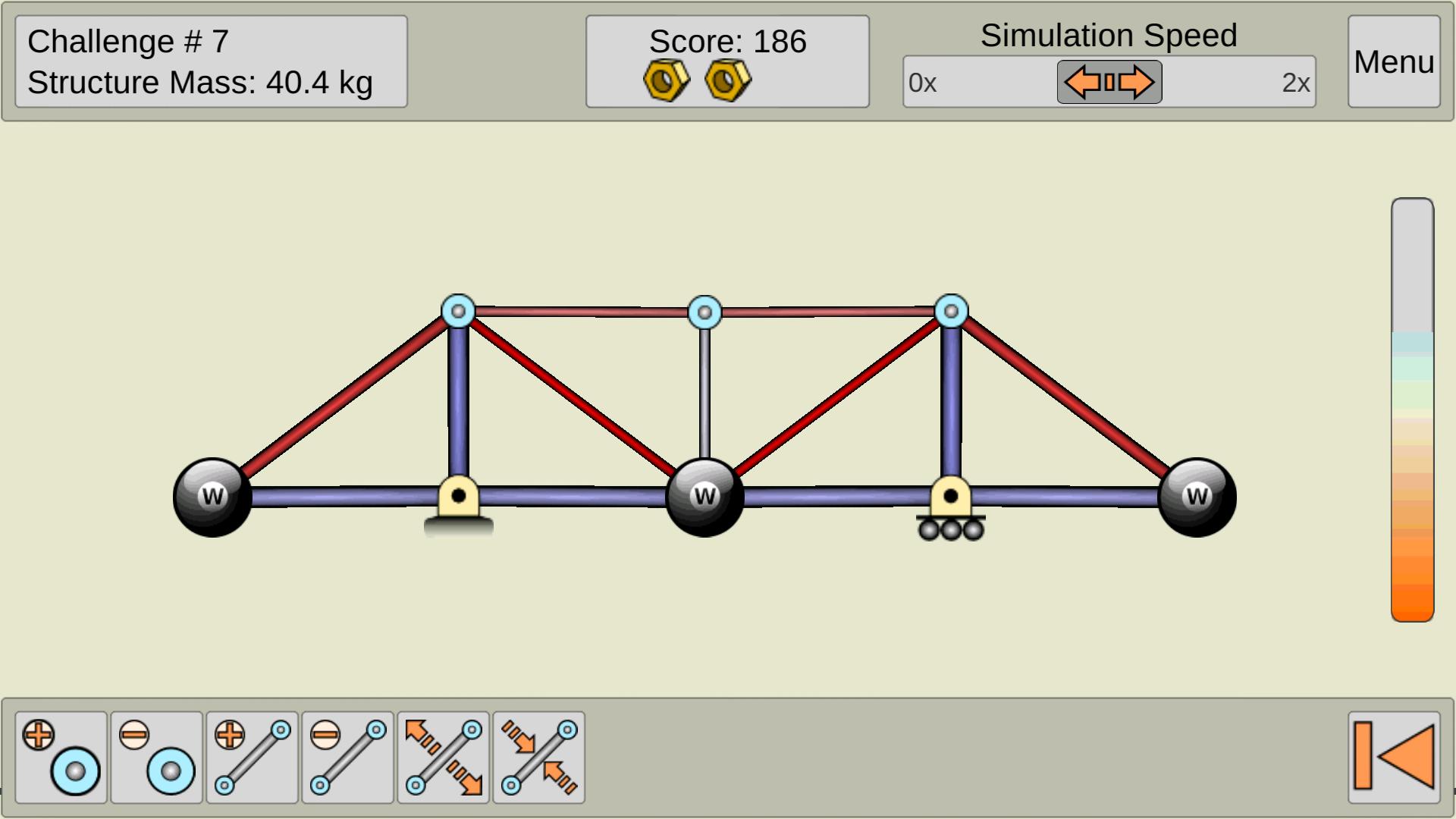
5) Red color means tension and blue compression. Blue bars will fail at much lower loads due to buckling!
6) Please refer to the educational section on our website for more details!
*Truss Me has been created for educational and recreational purposes only. It must not be used under any circumstances to design or compute real structures.
Latest Version
1.91Uploaded by
Dani Lopez
Requires Android
Android 2.3.2+
Category
Free Educational GameContent Rating
Everyone
Report
Flag as inappropriateLast updated on Jun 6, 2016
3 new challenges for everyone to enjoy!





APKPure - A multi-platform app store primarily focused on Android, providing extensive app-related content. Discover the app you want easier, faster, and safer, with quick and efficient downloads and installations.