Most people are familiar with text editors commonly available on desktops. These editors enable you to write a short (or long) note and save the file as a txt (text). The file can then be easily shared across several devices.
Similarly, this app enables you to read and write txt files (text files). Furthermore, you can easily share files between your computer and phone, since the files are saved in the common txt format. You can use this app for quick notes, reminders, or even lengthy text. This app is now capable of reading large text files.
Description:
Read txt (text)
Write txt
Manage txt
Take notes
Read notes
Write notes
Features:
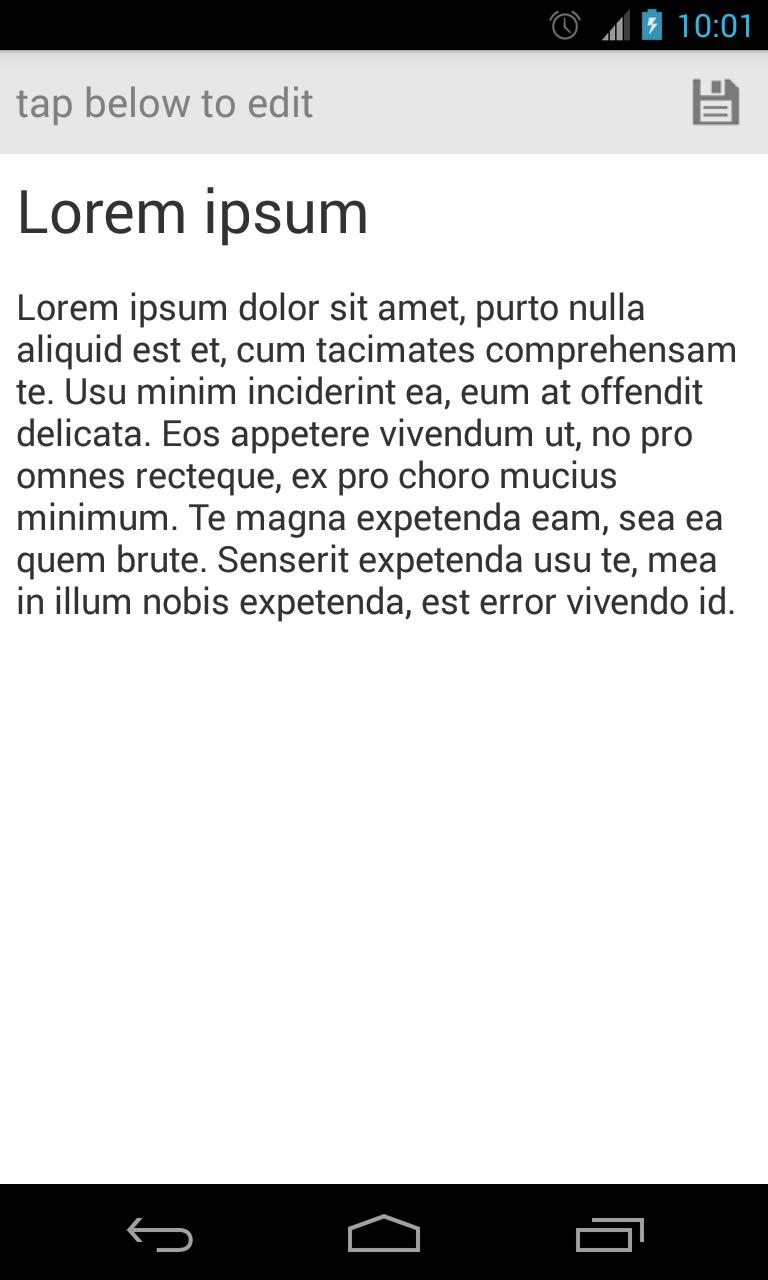
Can use as notepad / take notes / memo / todo list
Read txt files (text files) on your mobile device
Write txt files (text files) on your mobile device
Manage txt files (text files) on your mobile device
Customization options
Customize text size / font size
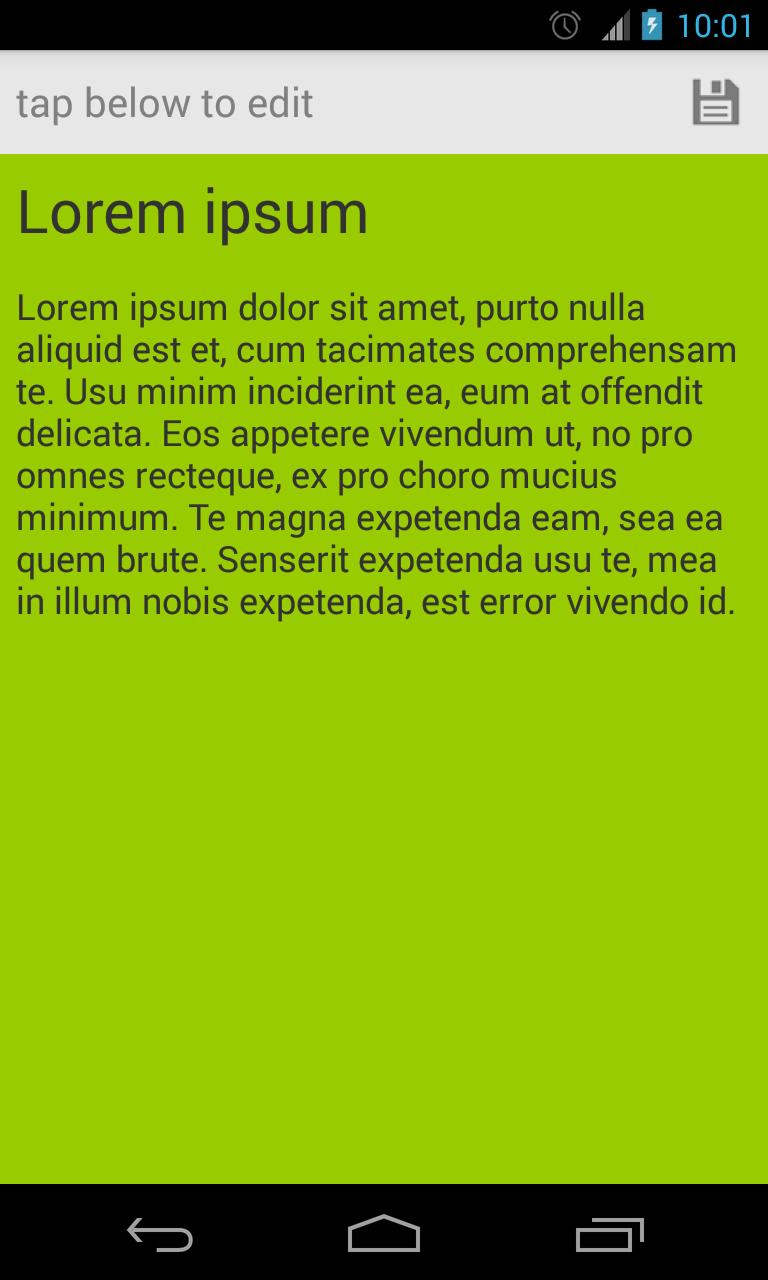
Customize color
To share .TXT files from your computer to your phone:
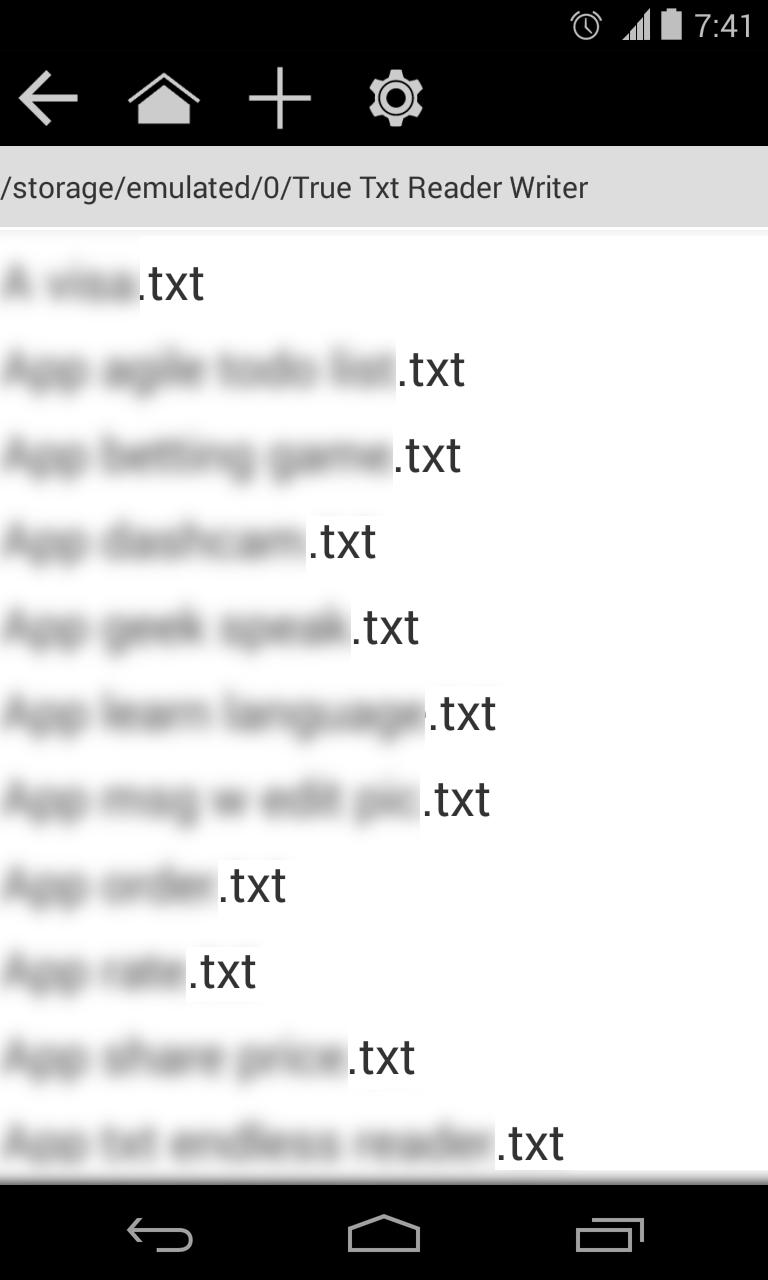
1. Place your .TXT files in the app directory on your phone. The app directory is named "True Txt Reader Writer".
2. Start the app and the file should now be listed.
To share .TXT files from your phone to your computer:
1. After you connect your phone to your computer, go to the folder named "True Txt Reader Writer". All your files are stored there.
Note: The developer and the developer’s related parties are not liable for anything that may result from the direct or indirect use of this app. By installing this app, you accept full liability.
Latest Version
1.9Uploaded by
Hafiz Uddin
Requires Android
Android 2.1+
Category
Free Lifestyle AppContent Rating
Everyone
Report
Flag as inappropriateLast updated on Aug 12, 2015
1.9
Better orientation handling
1.8
Browse folders
1.7
Tablet layout
Read large file fix
1.6
Improve save logic
Improve Chinese
1.5
Support Spanish, Italian, Korean, Portuguese, Russian and Chinese
1.4
Floating save bar in edit screen, always there to give you the option to quickly save
Improved handling for orientation changes
Improved logic for back button save prompt
Updated to modern icon
On main screen, re-position ad space to bottom




APKPure - A multi-platform app store primarily focused on Android, providing extensive app-related content. Discover the app you want easier, faster, and safer, with quick and efficient downloads and installations.