
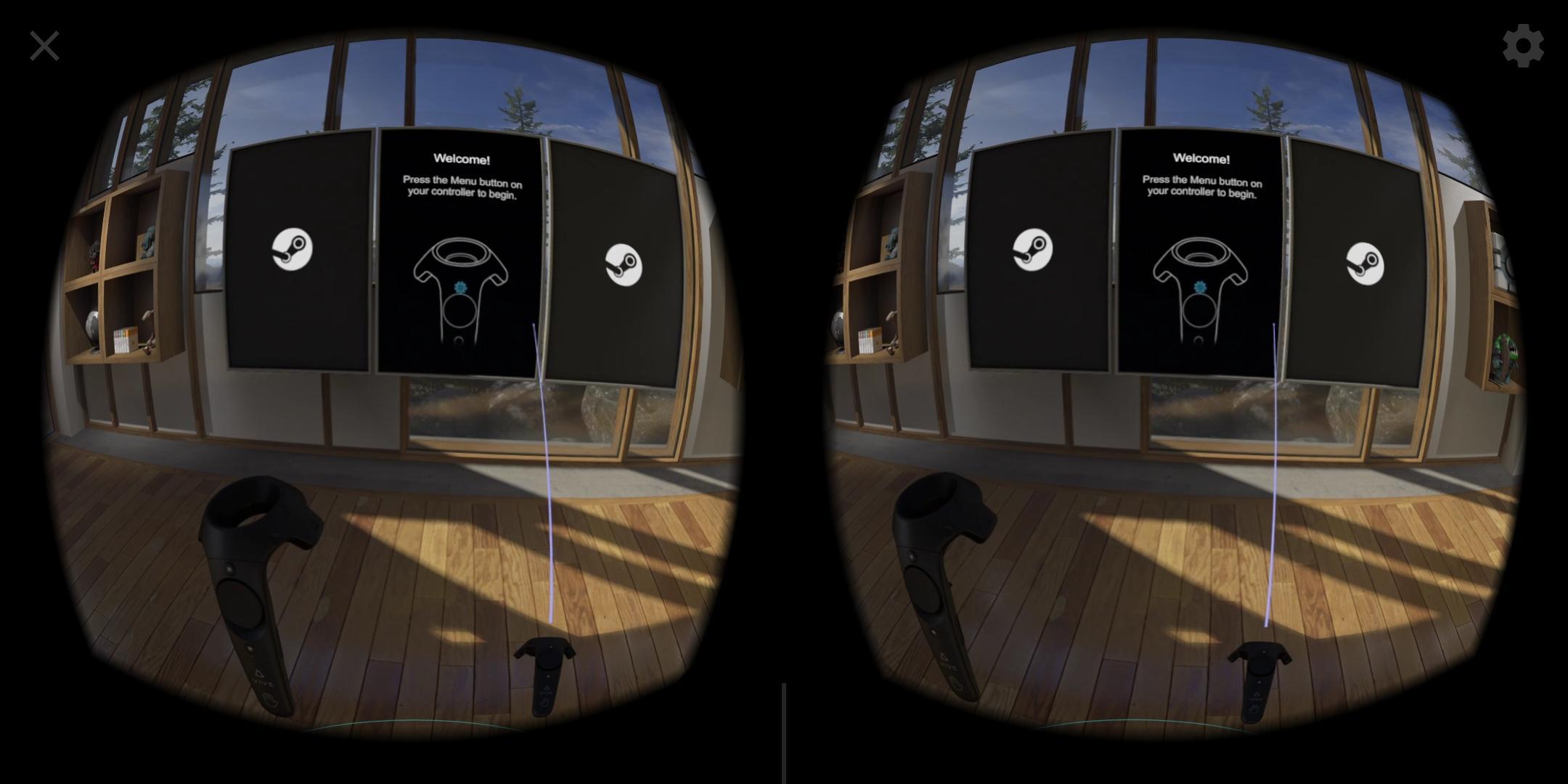
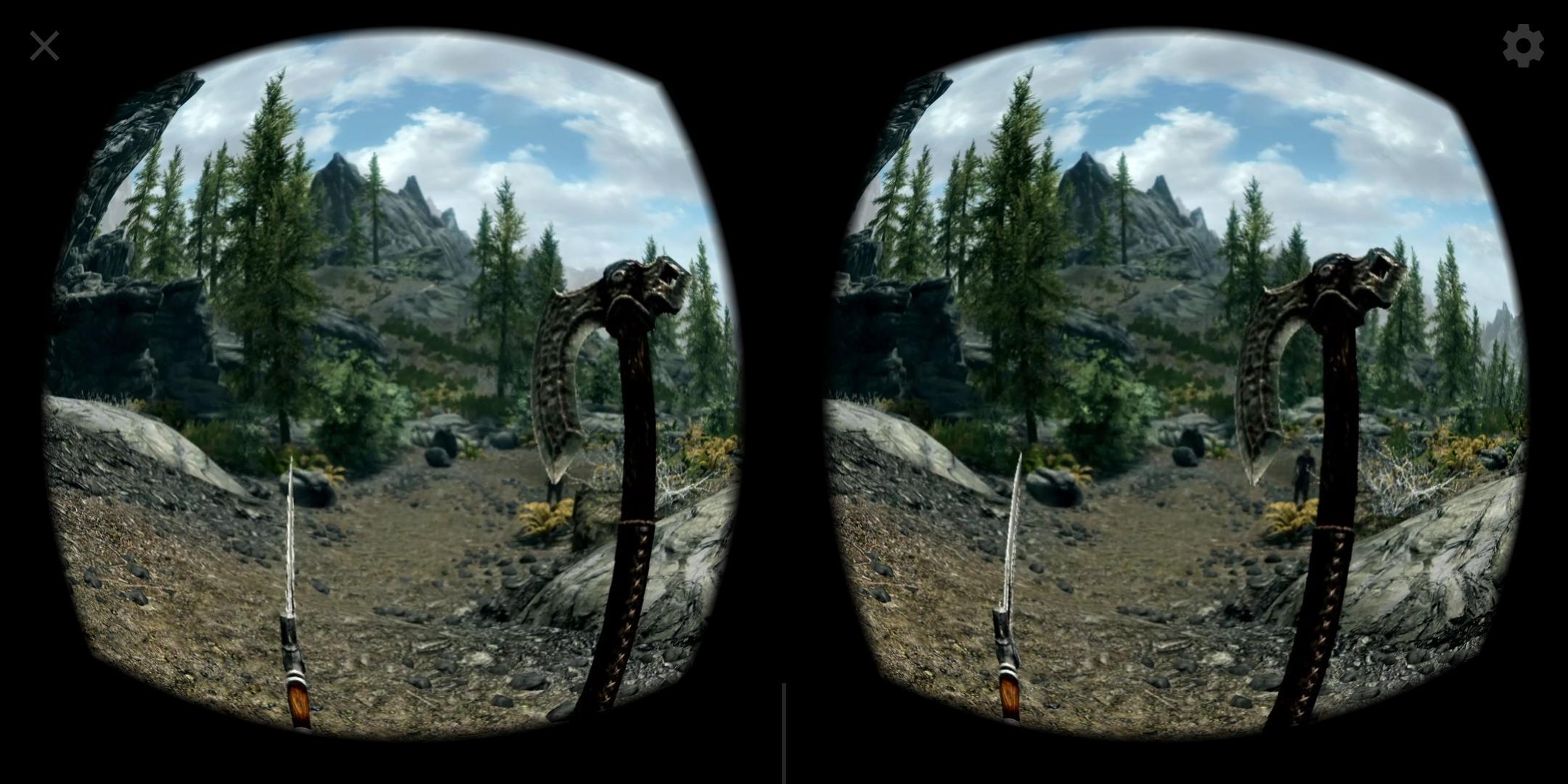
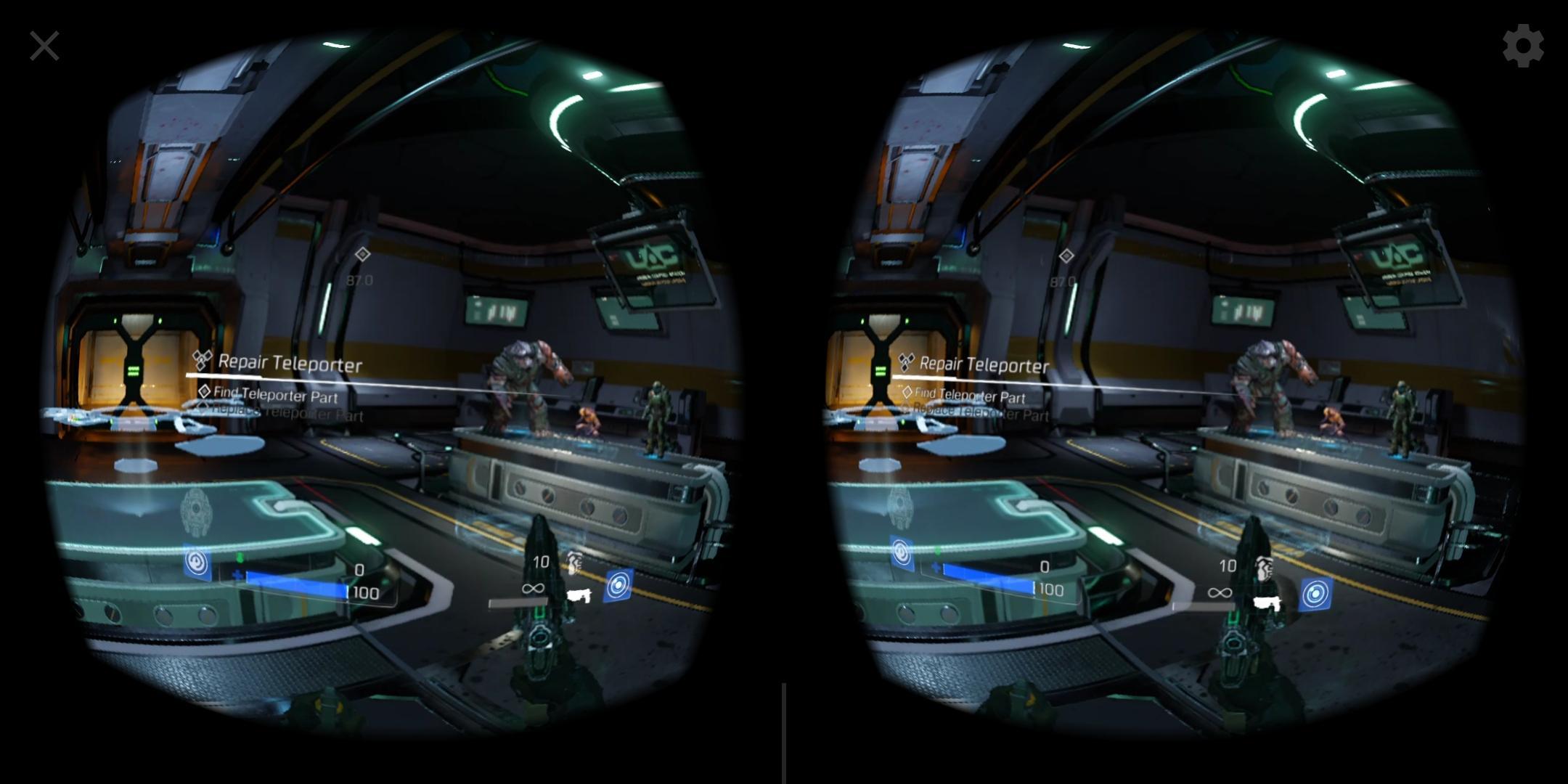
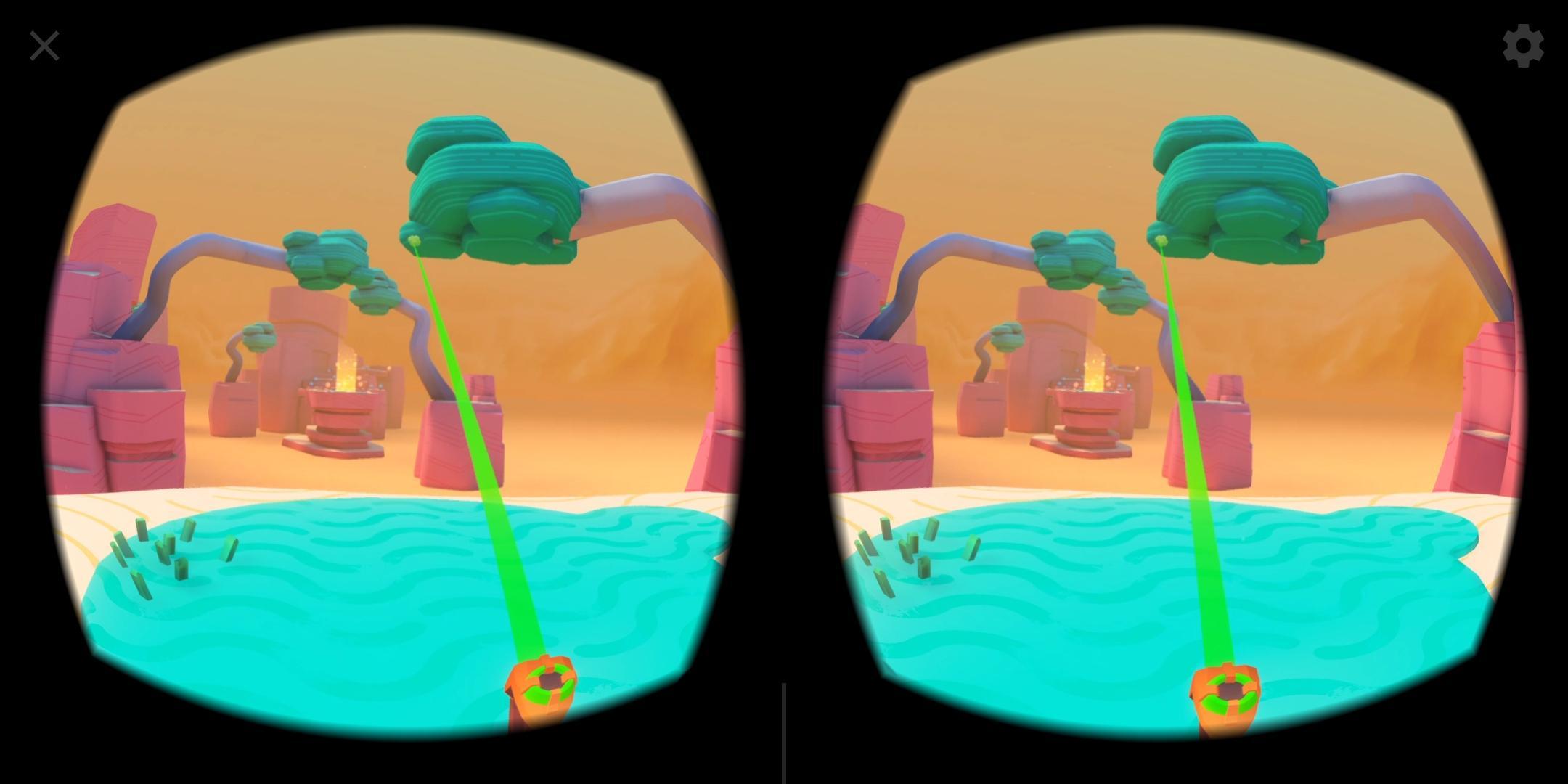
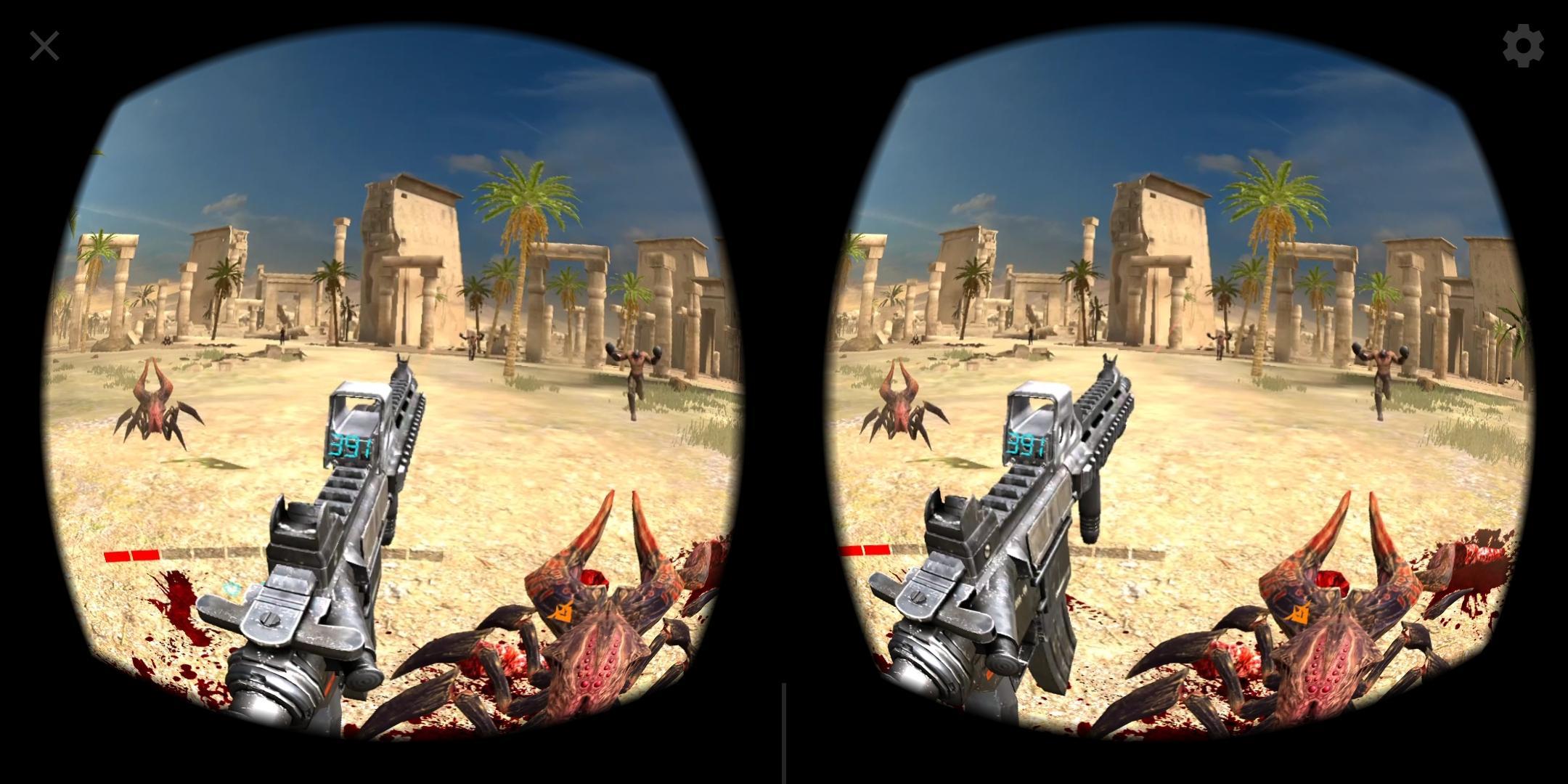
Trinus VR addresses the case where you have a Windows PC and a Daydream phone but no dedicated VR headset. It streams the PC’s VR view to your device and sends back head and controller input, so you can access SteamVR content at home. The app is in early access, which means setup may take a few tweaks, so check the instructions and common solutions or contact support@trinusvr.com if needed. To begin, install the required PC Server from the developer site and get the Trinus VR APK on your phone.
PC VR streaming to Daydream
Trinus VR links your Windows PC with a Daydream device to run SteamVR titles on the phone display. When you download Trinus VR on your device, also install the Trinus VR PC Server from https://www.trinusvirtualreality.com/trinus-dream to pair both sides.
Low latency pipeline
To keep motion responsive, Trinus VR relies on specific hardware and processing techniques.
Connection choices
After pairing, you can use a good quality WiFi router for wireless play, or connect with a USB data cable for a direct link. This helps you choose between untethered movement and lower interference based on your room and network.
Input, tracking, and display
For interaction and image quality, the app supports the following options.
Check the requirements, install the PC Server, and follow the setup tips to finish pairing. Test both wireless and USB modes to see what works best in your space. Updating to the Trinus VR latest version can improve stability and device support.
Latest Version
0.3.1Uploaded by
Uya Kuya Jilid Dua
Requires Android
Android 7.0+
Category
Free Entertainment AppContent Rating
Everyone
Report
Flag as inappropriateLast updated on Jan 25, 2019
Lenovo Mirage Solo compatibility fix



APKPure - A multi-platform app store primarily focused on Android, providing extensive app-related content. Discover the app you want easier, faster, and safer, with quick and efficient downloads and installations.