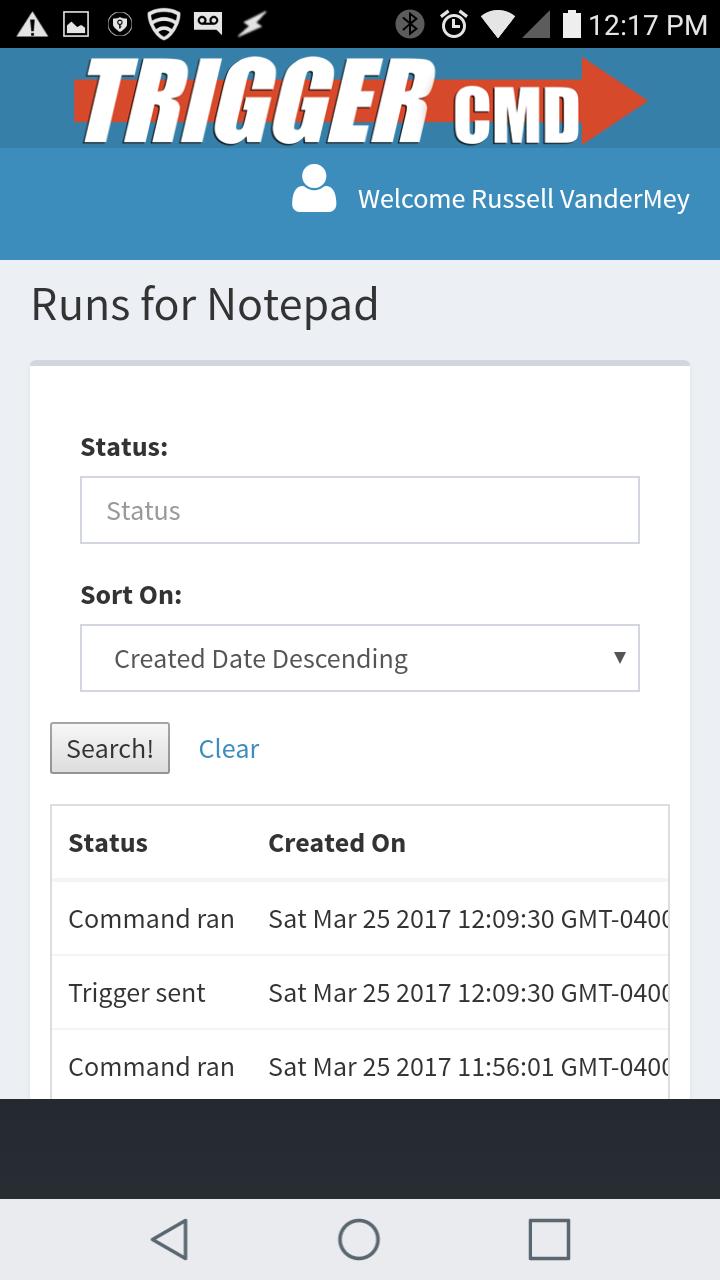
TRIGGERcmd is a cloud service that allows you to securely and remotely run commands on your computers.
Your commands could install updates, open your garage, run a script, or anything else you decide.
1. Go to triggercmd.com and created an account.
2. Install a TRIGGERcmd agent on your computer.
3. Setup commands you want to trigger remotely.
4. Log into this app and trigger your commands.
Each command gets a trigger. Only the triggers are stored in the cloud, not the actual commands.
Latest Version
1.0Uploaded by
Tùng Paul
Requires Android
Android 3.0+
Category
Free Tools AppContent Rating
Everyone
Report
Flag as inappropriateLast updated on Jun 22, 2019
Fixed a bug that caused it to crash on some devices.





APKPure - A multi-platform app store primarily focused on Android, providing extensive app-related content. Discover the app you want easier, faster, and safer, with quick and efficient downloads and installations.