Package Name:tq.tech.filemanager
SHA-256:d7c3b2aee89496083cf0a117040dafc195e66d0321a65883ca59a110cfa56e39
Show More

TQ File Manager is a fast, powerful and easy-to-use file manager and file explorer for Android. Manage storage, organize folders, search files, open documents, view photos and videos, install APK files, and handle archives from one clean app.
Designed for everyday speed and control, TQ File Manager helps you work with internal storage, Downloads, Documents, Images, Videos, Audio and APK files. Whether you want a simple file browser or an advanced storage manager, it gives you the tools to keep your device organized.
What you can do with TQ File Manager:
• Browse files and folders with a clean, modern interface
• Search inside the current folder or search across your device
• Copy, move, rename, delete and share files in seconds
• Use split view for two-pane browsing and faster file transfers
• Open photos, videos, PDFs, text files and common document formats
• View recent files and save favorite folders with bookmarks
• Sort by name, date or size and show hidden files when needed
• Explore quick categories like Images, Videos, Audio, Documents, Downloads and APKs
• Check storage details and category-based storage breakdowns
• Compress files and folders into archives
• Extract many archive types, including password-protected archives where supported
• Open APK files and continue installation with Android's package installer
• Connect to USB OTG storage and supported external volumes
Advanced access options:
TQ File Manager supports SAF and Shizuku-based workflows for users who need access to restricted folders such as Android/data and Android/obb on supported devices. This makes it useful for power users, gamers, testers and anyone who needs deeper file access.
Why choose TQ File Manager?
• Fast performance for daily file management
• Easy file organization for phones and tablets
• Helpful search, recent files and bookmarks
• Split-screen style file handling for productivity
• Useful archive, document and APK tools in one place
Pro features are also available for users who want an ad-free experience and extra editing features for supported PDF and text files.
If you need a reliable file manager, file explorer, folder organizer, storage manager, archive opener, APK manager or document browser for Android, TQ File Manager is built to help you manage everything in one app.
Latest Version
26Uploaded by
Ignas Zubovas
Requires Android
Category
Free Tools AppContent Rating
Everyone
Security Report
Check Now
Report
Flag as inappropriateLast updated on Jul 26, 2026
> Fixed Bugs.
> Added Batch rename feature.
> Copy file or Folder names directly from toolbar.
> Added classic copy,move and extract mode UI.
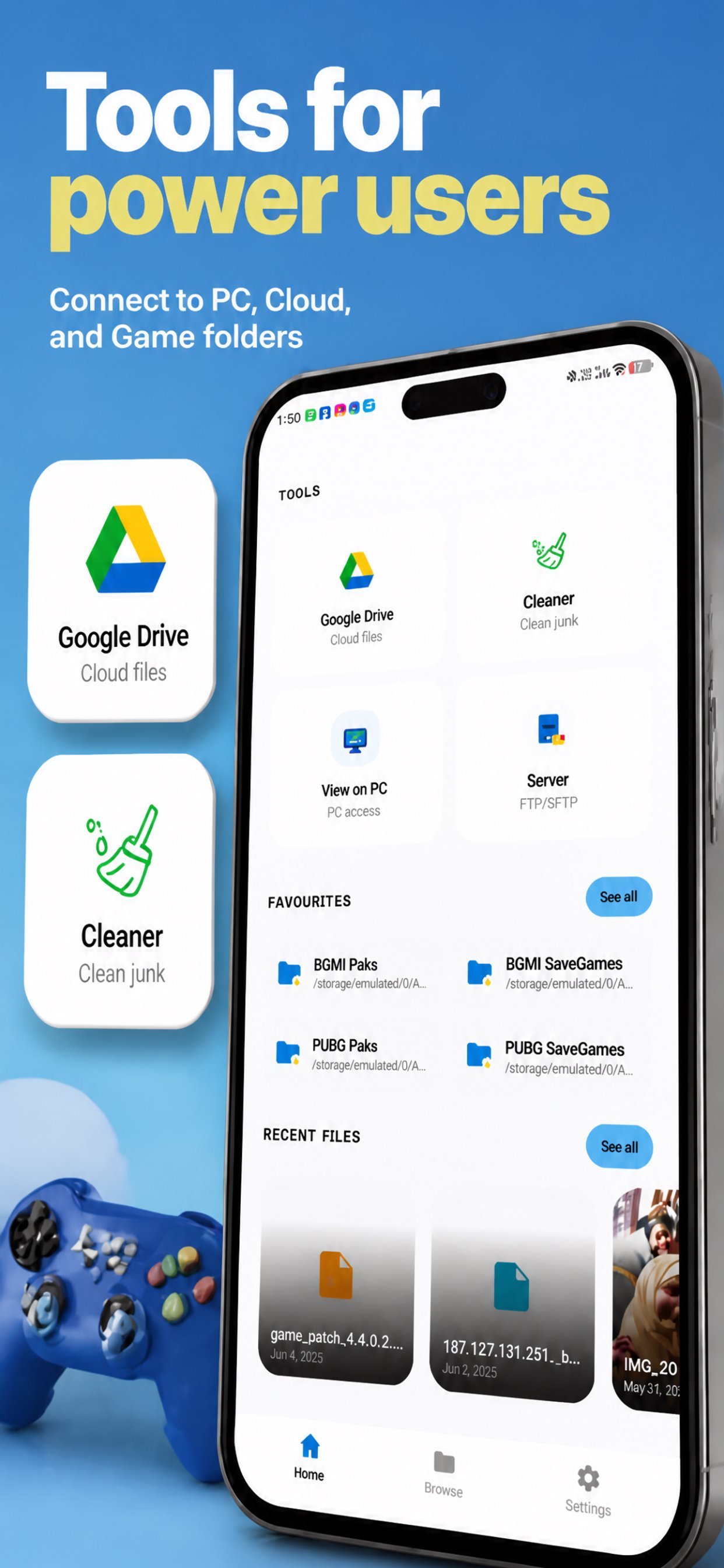
> Added Server Storage connect option.
> Added Cleaning Tools like Trash Cleaner, Installed Apk manager, Duplicate File cleaner and Big files cleaner.





APKPure - A multi-platform app store primarily focused on Android, providing extensive app-related content. Discover the app you want easier, faster, and safer, with quick and efficient downloads and installations.