
The fastest, power effective and simplest solution for any everyday tasks!
OPPORTUNITIES
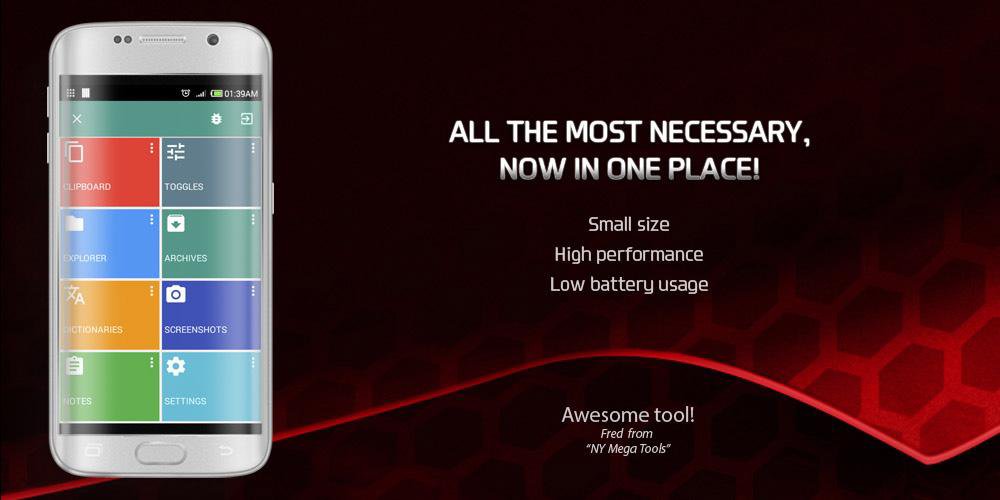
★ Clipboard: Clipboard Tool is able to remember a history of operations with a clipboard that you could copy and paste any text quickly and anywhere. With Clipboard Tool can help your to be a more productive.
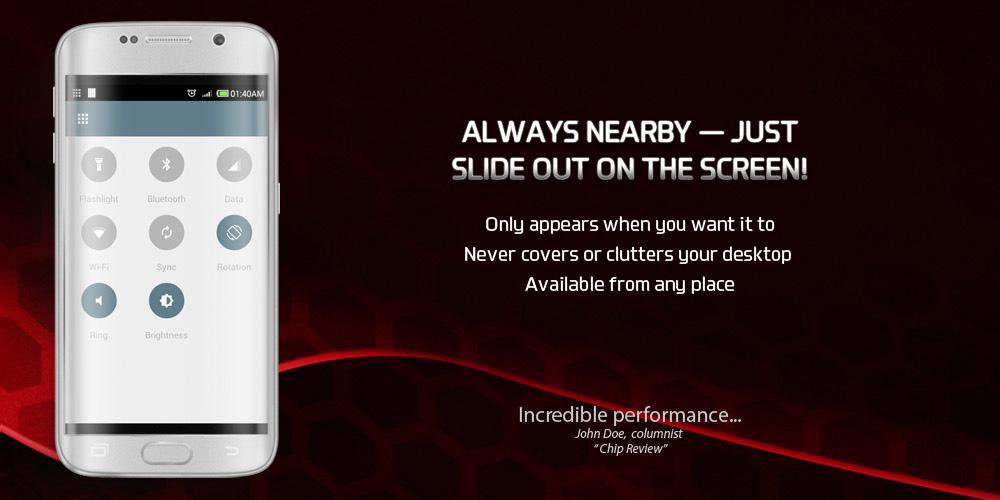
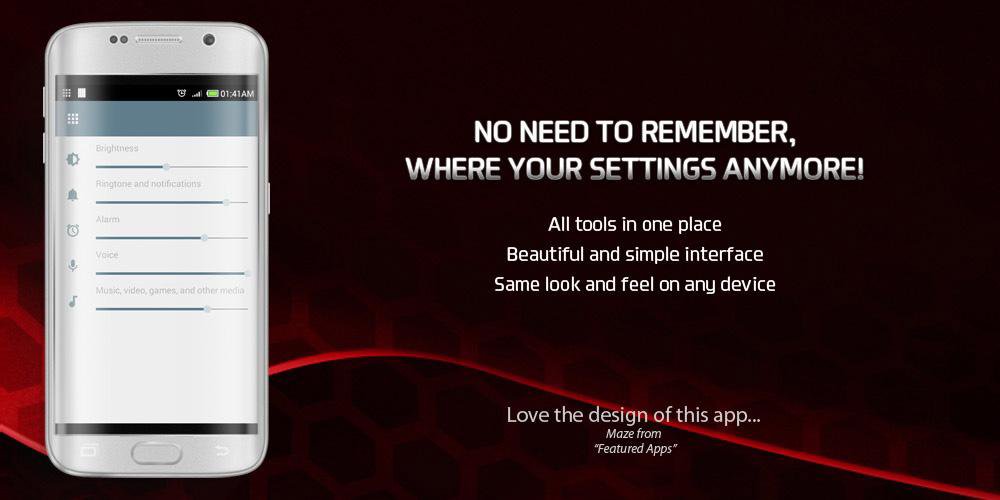
★ Toggles: Toggles Tool allows to operate the most frequent used toggles and sliders, such as the Flashlight, Volume, Brightness, Turn of the screen, WI-FI, 3G/GPRS, GPS, Bluetooth, Sync.
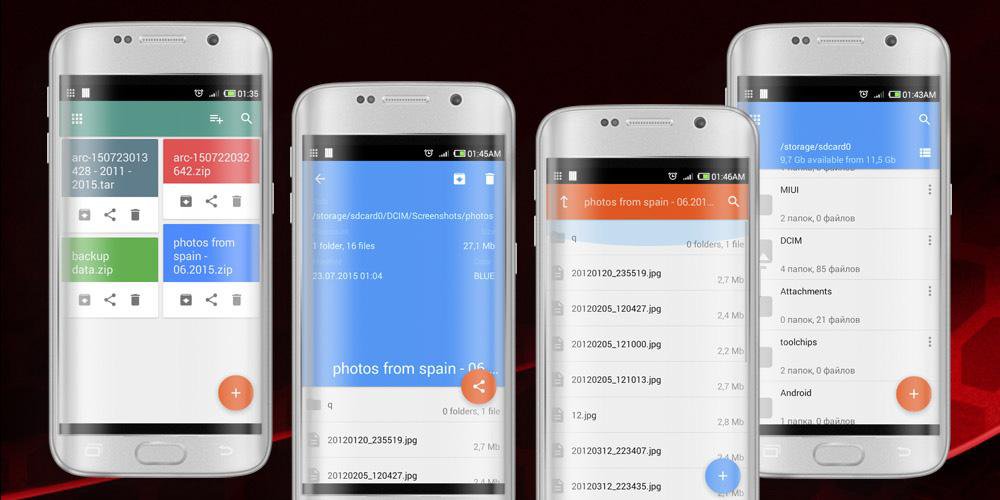
★ Explorer: Explorer Tool provides the fully-functional file manager with unique opportunities, such as: creation of screenshots of the screen, a preview of images, mass move/remove/archive files by way "add to basket", the fast panel of navigation and bookmarks.
★ Archives: Archives Tool can pack/unpack any data in all known formats (RAR, ZIP, TAR, GZ, BZ2, XZ, 7z, ISO, ARJ). Archives Tool can open archives(TAR, ZIP, GZIP, AR, XPIO, UNIX DUMP, WAR, EAR, XZ, PACK200, BZIP2, 7z, ARJ, LZMA, SNAPPY, DEFLATE, Z),
write archives(ZIP, TAR, JAR), extract archives(TAR, ZIP, GZIP, AR, XPIO, UNIX DUMP, WAR, EAR, XZ, PACK200, BZIP2, ARJ, LZMA, SNAPPY, DEFLATE, Z), modify archives(ZIP, TAR, JAR), add screenshots to archives(TAR, ZIP, JAR).
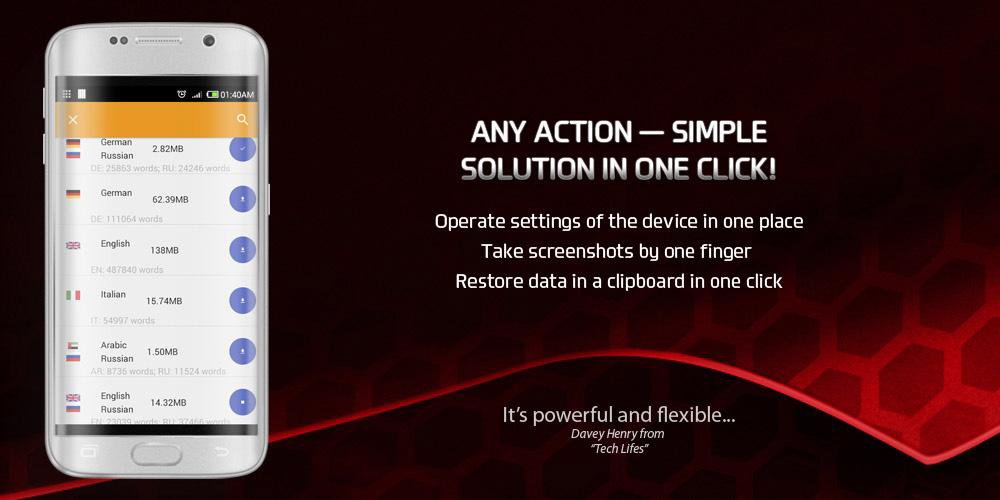
★ Dictionaries: Dictionaries Tool provides more than 140 offline dictionaries for the translation of words in any directions: Russian <-> English, Russian <-> German, English <-> German, Chinese <-> English, Russian <-> Spanish, French <-> Russian, English <-> French, English <-> Italian, Italian <-> Russian and more than one hundred others. Each dictionary can be downloaded offline.
★ Screenshots: Screenshots Tool allows to take screenshots of the screen and provides a convenient way of a preview and sending screnshots by one or by many.
★ Notes: Notes Tool allows to create simple notes with unique possibility of a binding to a context of the opened application.
★ Privacy: Store any your private data (contacts, cards, passwords, links...) in one protected and ciphered storage.
ADVANTAGES
★ High performance: it is one of the key qualitative characteristics of the application.
★ Low resource usage: occupies less than 10 Mb, consumes 15-30 Mb RAMS and covers more than 80% of functionality of all necessary tools on your device.
★ Always nearby: it is available from any application without the need for switching of a context of a window - just slide out on the screen.
★ Adaptive and user friendly design: only the best from Google Material Design.
★ Personalization: any tool is adjusted individually.
★ All in One: this approach allows Us to create uniform architecture where everything is interconnected and each tool with the new version will receive at once properties of all others, and to You - not to spend time for search of tens various highly specialized solutions with their opportunities and shortcomings.
NAME INTERPRETATION
Tool - any tool;
Chips - represent complex entities in small blocks - see http://www.google.com/design/spec/components/chips.html;
WE ARE IN SOCIAL
Support us in the social networks, we need new people and responses for improvement of a product:)
Twitter - https://twitter.com/xtoolchips
Facebook - https://www.facebook.com/toolchip
Google+ - https://plus.google.com/+ToolchipsPlus
Latest Version
1.2.6Uploaded by
Riski Mly
Requires Android
Android 4.0+
Category
Free Tools AppReport
Flag as inappropriateLast updated on Oct 2, 2015
the error of a repeated entrance in "Personal" after dumping of the password is corrected;
for "Screenshots" the toolbar of actions is added to each record;
for "Personal" possibility of installation of color of a card is added;
fixed issue with a collapsable toolbar in Explorer;
Privacy can edit item values via dialog;
fixed issue with Privacy filter;
fixed issue with Toolbar settings change;
Privacy values removed via swipe instead of individual 'delete' action for every record;



APKPure - A multi-platform app store primarily focused on Android, providing extensive app-related content. Discover the app you want easier, faster, and safer, with quick and efficient downloads and installations.