
Create a schedule for today using Pomodoro Technique to work efficiently!
The app creates a schedule, alternating intervals of work (so-called Pomodoros) and breaks according to the following algorithm:
Work, then break. Every fourth break is long, all other breaks are short.
Best suited to perform work that requires concentration, as well as monotonous and routine tasks.
The app will send a notification at the beginning and end of each "Pomodoro", in which you will see what is the current interval and when it will end.
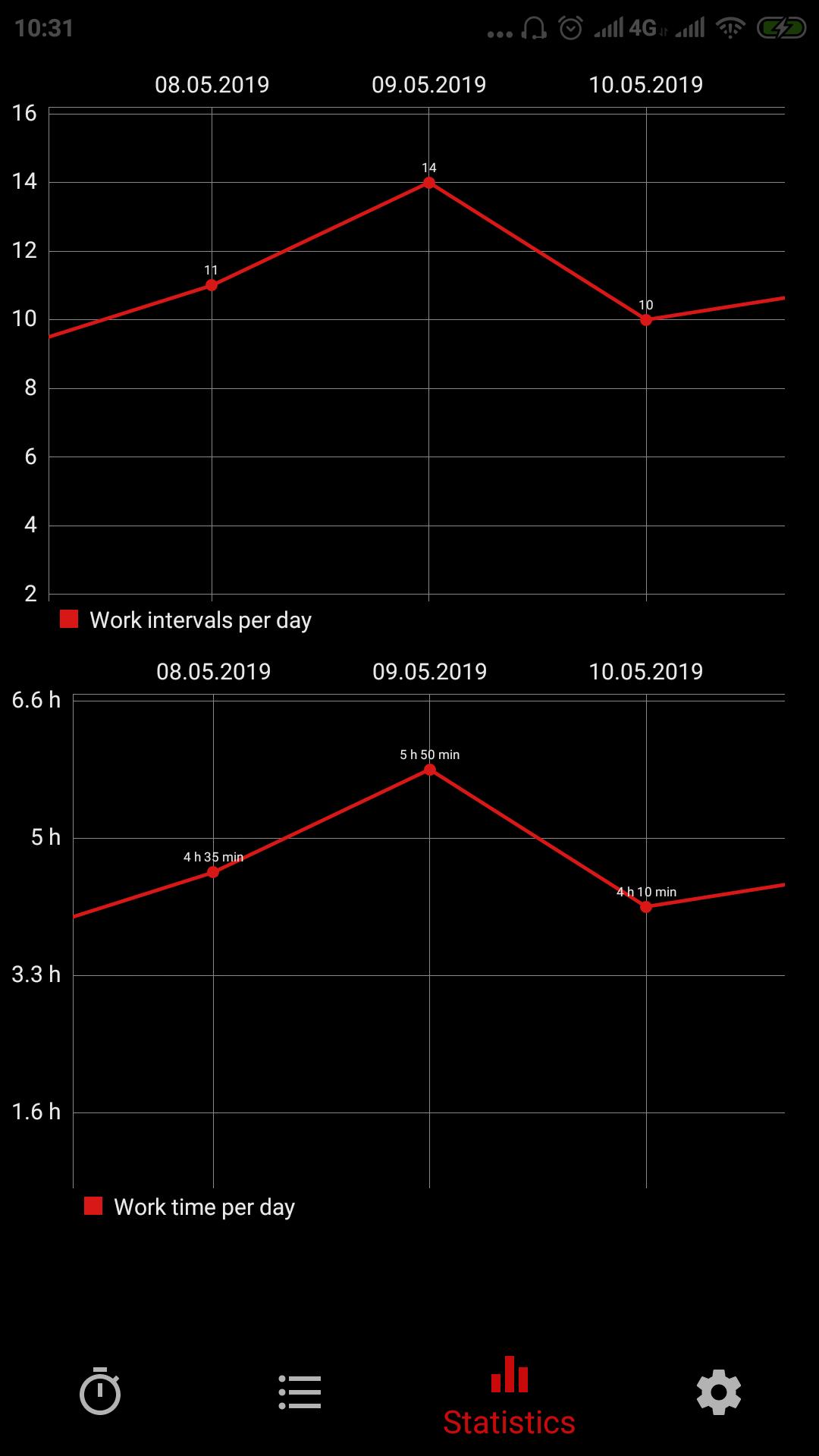
Statistics section allows you to track your activity by day: the number of work intervals, and work hours as graphs.
It's suggested to use these settings, however you can change them as you wish:
Work: 25 min.
Short break: 3 - 5 min.
Long break: 15 - 30 min.
Latest Version
0.0.1.2019-05-02-bUploaded by
Weslley Silva
Requires Android
Android 4.0+
Category
Free Tools AppContent Rating
Everyone
Report
Flag as inappropriateLast updated on May 2, 2019
Improved stability




APKPure - A multi-platform app store primarily focused on Android, providing extensive app-related content. Discover the app you want easier, faster, and safer, with quick and efficient downloads and installations.